

Seedance AI Video Generator
Seedance AI (seedance3.tools) · Video
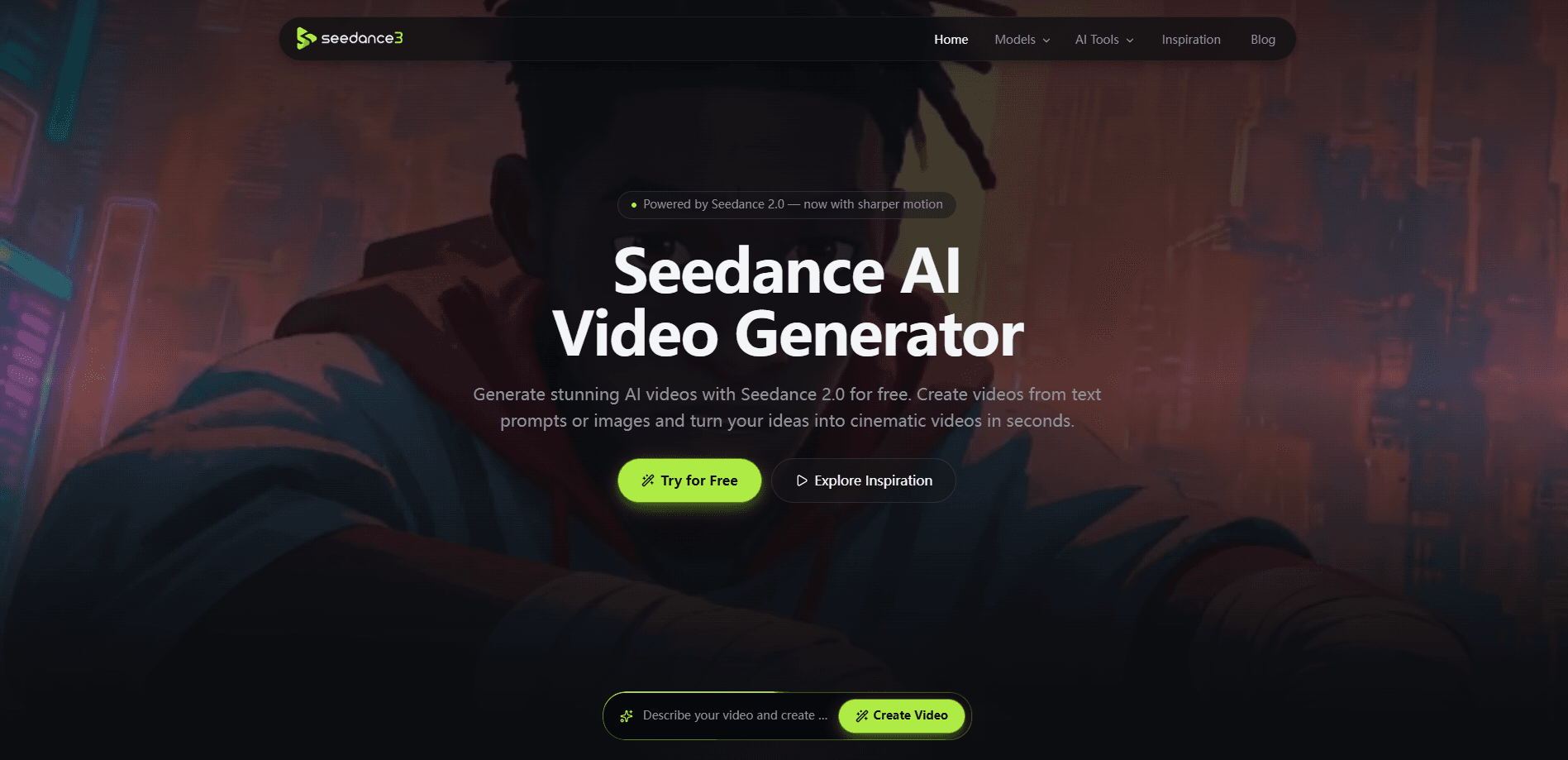
Seedance AI Video Generator is a browser-based AI video maker that turns text prompts, still images, video, or audio references into cinematic clips. You copy prompts from a public example gallery, pick a Seedance model, and generate short videos with synchronized sound. It runs entirely online, so there's nothing to install, and a daily generation allowance lets you test the whole workflow before you pay for a single credit.
About Seedance AI Video Generator
What Is Seedance AI Video Generator
Seedance AI Video Generator is an online AI video tool built around the Seedance family of video models. It covers text-to-video, image-to-video, and reference-to-video workflows in one place. It also publishes a gallery of example clips whose prompts you can copy. The idea is simple. Instead of staring at a blank prompt box, you start from something that already works. Why not build on a prompt that's proven?
The main problem it solves is access. Seedance models are strong at motion, character consistency, and audio sync. They're usually locked inside bigger production suites. Here you get a lighter front end that focuses on short clips for social media, product promos, and story beats.
Limits matter here. Video generation is credit-based. Long or high-resolution output burns through your allowance faster than quick drafts. Quality across models also varies. A detailed prompt beats a one-line idea every time.
Getting Started
- Open the site in a browser and sign in to claim your free daily generations.
- Browse the Seedance AI video examples gallery and copy a prompt that matches the style you want.
- Upload a reference (image, video, or audio) if you need a specific character, product, or motion.
- Adjust the model, aspect ratio, and duration, then hit generate.
- Preview the clip, download it, or tweak the prompt and run another take.
Product Information
A quick look at Seedance AI Video Generator's pricing, supported platforms, and performance.
Best for
The users, tasks, and scenarios where this tool fits best.
Users
- Social media creators
- Ecommerce sellers
- Hobbyist storytellers
Tasks
- Turning a written idea into a short cinematic scene
- Animating a still image
- Extending a finished clip
- Adding synced sound
Scenarios
- Daily content for social accounts
- Campaign concepting
- Style exploration
Key features
Text-to-Video and Image-to-Video Generation
You can describe a scene in words or upload a still and animate it. Image-to-video works well for photos, illustrations, characters, and product shots, and both paths let you steer action, visual style, and camera movement. It's the fastest way to go from an idea to a moving clip. No timeline. No keyframes.
Reference-to-Video with Character Consistency
Upload image, video, or audio references to guide the subject, movement, atmosphere, and sound, and the tool keeps that reference in view across the entire scene instead of letting the character drift shot by shot. This is what keeps a character's face, clothing, and style stable across a scene, which matters if you're building anything with a recurring character rather than a one-off shot.
Video Extension
Upload an existing clip and continue the scene beyond its original ending. You can add new action, camera movement, or story turns while keeping continuity with what came before. That makes it practical to build longer sequences out of short, cheap drafts.
Natural Motion and Synchronized Sound
The tool generates smooth subject movement, lively camera motion, and matching audio in one workflow. For character performances and cinematic scenes, this saves you from hunting down sound effects and lining them up to the picture.
Example Gallery with Copyable Prompts
A public gallery shows finished clips and the prompts behind them. Copy one you like and adapt the subject, camera work, or style to your own idea. Anyone who's ever sat in front of an empty prompt box knows the panic of not knowing where to start, and having a working example right there removes most of that friction. It's a solid way to learn what a good prompt looks like before you write your own.
Multiple Seedance Models
The generator offers several Seedance model options, from faster takes to higher-quality renders. You can move between them depending on whether you want a quick draft or a polished final clip. Fast first, polish later. That's the sensible order.
Social and Vertical Formats
Clips can be produced in vertical, square, or widescreen formats, which covers TikTok, Instagram Reels, YouTube Shorts, and X without extra cropping.
Pros and cons
Pros
- Runs in the browser with no install and no editing software to learn
- Free daily generations make it easy to test before paying anything
- Handles text, image, video, and audio inputs in one place
- Character consistency holds up across a scene when you use references
- Copyable prompt gallery shortens the learning curve for beginners
Cons
- Credit-based generation means long or high-resolution clips drain your allowance fast
- Output quality shifts noticeably depending on which model you pick
- The lack of a public API limits anyone who wants to automate or embed generation
Frequently asked questions
It's an online tool that creates short AI videos from text, images, video, or audio inputs, using the Seedance model family. You work entirely in the browser and download the finished clip.
Related content
Explore related tools, skills, and articles for Seedance AI Video Generator.
Seedance AI Video Generator Alternatives

Vadu AI
Vadu AI · Image · VideoVadu AI is a web-based AI video generator that turns written prompts or still images into short clips, and it can also generate images on its own. You type what you want, pick a model and style, and the platform renders the result in minutes. A free plan covers light testing, while paid tiers run from $9 to $77.40 per month based on how many credits you burn.

Mykaraoke Video
MyKaraoke Video · VideoMykaraoke Video is an online karaoke video maker and lyric video maker that turns any song into a finished, lyrics-synced video right in your browser. It handles the slow part for you. The AI pulls vocals out of the mix and locks the lyrics to the beat, then lets you customize background, fonts, and colors before exporting in 1080p MP4. If you make lyric videos for social media, party nights, or music promotion, it skips the software installs and manual timing work entirely. Want a karaoke video generator that doesn't eat your whole evening? That's the pitch here.

Finalframe
Finalframe · VideoFinalframe is a set of free, browser-based tools for grabbing exact frames out of a video clip. Its best-known feature, the Final Frame Extractor, lets you extract the last frame of any video so you can use it as the starting image for AI video tools like Luma Dream Machine, Runway, or Kling. Want to keep a clip going? That last frame is your starting point. The tool runs locally in your browser, needs no sign-up, and costs nothing. A separate paid AI video-generation app from the same team is currently offline while it's rebuilt.