

Seedance Video Generator
ByteDance · Video
Seedance is ByteDance's AI video generator family. It turns text prompts, images, and audio into multi-shot clips with cinematic motion, powering Dreamina, Jimeng AI, and developer APIs.
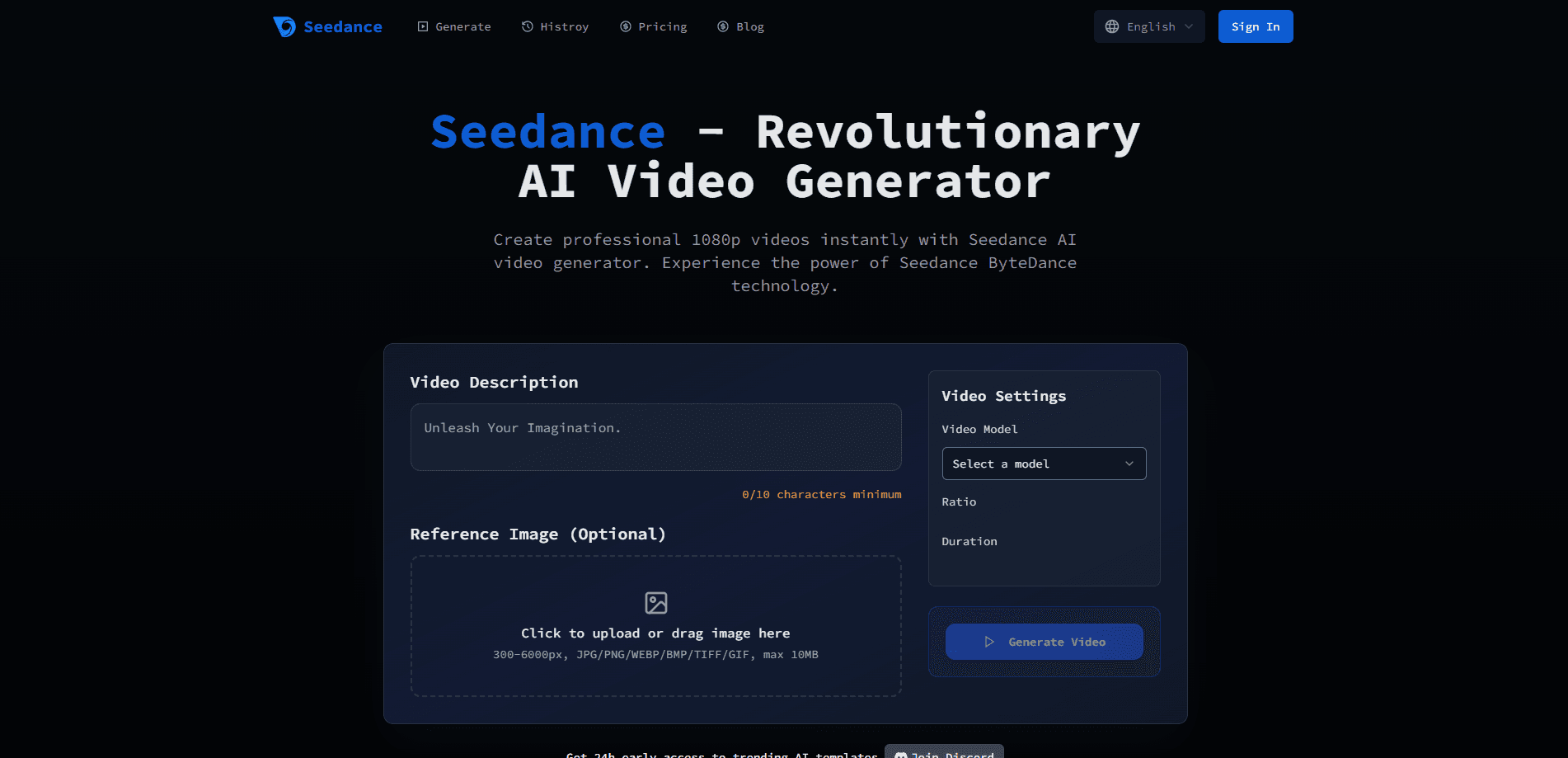
About Seedance Video Generator
What Is Seedance Video Generator
Seedance Video Generator is the AI video model family built by ByteDance Seed, the research group behind Doubao, Seedream, and the Dreamina and Jimeng creative apps. You give it a written scene, a starting image, or a set of reference clips, and it renders a short video. Newer versions also generate synchronized sound, so dialogue, ambience, and music arrive in the same clip instead of a separate editing pass.
The main problem it solves is production time. Instead of shooting footage or hand-animating every frame, creators describe what they want and get a usable clip in minutes. Advertisers use it for product shots, short-drama teams for scene coverage, and solo creators for social content.
The biggest limitation is access. The strongest models run in the cloud through Dreamina, Jimeng AI, or the Volcano Engine and BytePlus ModelArk APIs. There's no download, no local install, and the full-quality tiers can carry real cost. ByteDance also restricts uploading real-person footage in some markets, which rules out certain face-swap and likeness workflows.
Getting Started
- Sign up for a ByteDance creative account through Dreamina (outside China) or Jimeng AI (in China), or register with a cloud provider such as Volcano Engine or BytePlus if you plan to call the API.
- Pick a generation mode: text to video, image to video, or a reference mode that mixes images, clips, and audio.
- Write a prompt that describes the subject, the action, and the camera move, then add reference assets if your mode supports them.
- Choose resolution, duration, and aspect ratio, then start the render.
- Preview the output, adjust your prompt or references, and download the finished MP4.
Product Information
A quick look at Seedance Video Generator's pricing, supported platforms, and performance.
Best for
The users, tasks, and scenarios where this tool fits best.
Users
- Social media creators
- Short-drama and ad teams
- Marketers running product reveals
Tasks
- Turning a script line into a scene
- Animating a still product photo
- Adding sound to a silent render
Scenarios
- Daily social posting
- Early concept pitches
- Rapid A/B testing
Key features
Text and Image to Video
Seedance turns a written prompt or a starting frame into a moving clip, covering both text to video and image to video AI needs. You describe the subject, the action, and the camera move, and the model fills in the motion. This is the fastest way in, and it works for both cinematic scenes and casual social content.
Native Multi-Shot Storytelling
Earlier clip tools forced you to stitch separate generations, and multi-shot storytelling changes that. Seedance builds 2 to 3 shots into one output and holds the subject, lighting, and style steady across the cuts. For a short story or a product sequence, that continuity saves a lot of manual editing.
Synchronized Audio Generation
The 1.5 Pro and 2.0 versions generate picture and sound together rather than bolting audio on afterward. Dialogue, effects, and background music land on the beat with the visuals, and lip sync runs at a fine-grained level across several languages. You skip the usual audio post step.
Multimodal Reference Input
Seedance 2.0 accepts text, images, video, and audio as references in one request. You point at a clip for motion, an image for a character, and a track for rhythm, then write what happens next. This gives you director-level control without describing every detail in words.
Cinematic Camera Control
The model follows professional camera language. Orbital moves, zoom, pan, follow shots, aerial views, and handheld shake all work from the prompt. For creators who think in shots rather than single frames, this is what separates a flat clip from a scene that reads like film.
Cloud and API Access
Beyond the Dreamina and Jimeng apps, Seedance runs through the Volcano Engine and BytePlus ModelArk APIs. Developers can wire it into automated pipelines, and Adobe Firefly lists Seedance 2.0 as a partner model. That range makes it usable for a one-off clip or a batch production line.
Pros and cons
Pros
- Native multi-shot output keeps characters and style consistent across cuts, which cuts editing time.
- Newer versions generate audio and video together, so you skip a separate sound pass.
- Multimodal references in version 2.0 give fine control over motion, characters, and rhythm.
- API access through Volcano Engine and BytePlus supports automated and bulk workflows.
- The 1.0 tier reaches up to 1080p, which is enough for most social and web content.
Cons
- There's no local install, so you need a working internet connection and a cloud account for every render.
- The highest-quality tiers get expensive fast, which bites teams producing at volume.
- ByteDance restricts uploads of real-person images and video in some markets, so face-based workflows aren't always available.
- Newer versions run in limited regions at launch, so access depends on where you are.
Frequently asked questions
Seedance generates short videos from text, images, and audio. People use it for social clips, product reveals, short-drama scenes, and concept mockups where shooting footage would be slow or costly.
Related content
Explore related tools, skills, and articles for Seedance Video Generator.
Seedance Video Generator Alternatives
Griffin by Tavus
Tavus · Voice & Language · Video · ChatbotGriffin by Tavus is the first Human Interaction Model: a full-duplex, video-to-video system that watches, listens, and answers during a live video call in real time.

Syllaby AI Avatar 2.0
Syllaby · Video · MarketingSyllaby AI Avatar 2.0 turns a script into a presenter-led video with a reusable AI avatar, natural voice, B-roll and automatic subtitles, all in one browser workflow.

Vitra.ai
Vitra.ai · Voice & Language · Video · MarketingVitra.ai is an agentic content platform that creates, translates, reviews, and publishes video, images, documents, and app content in 120 languages from one shared brief.