

Seeddance
Seeddance · Video
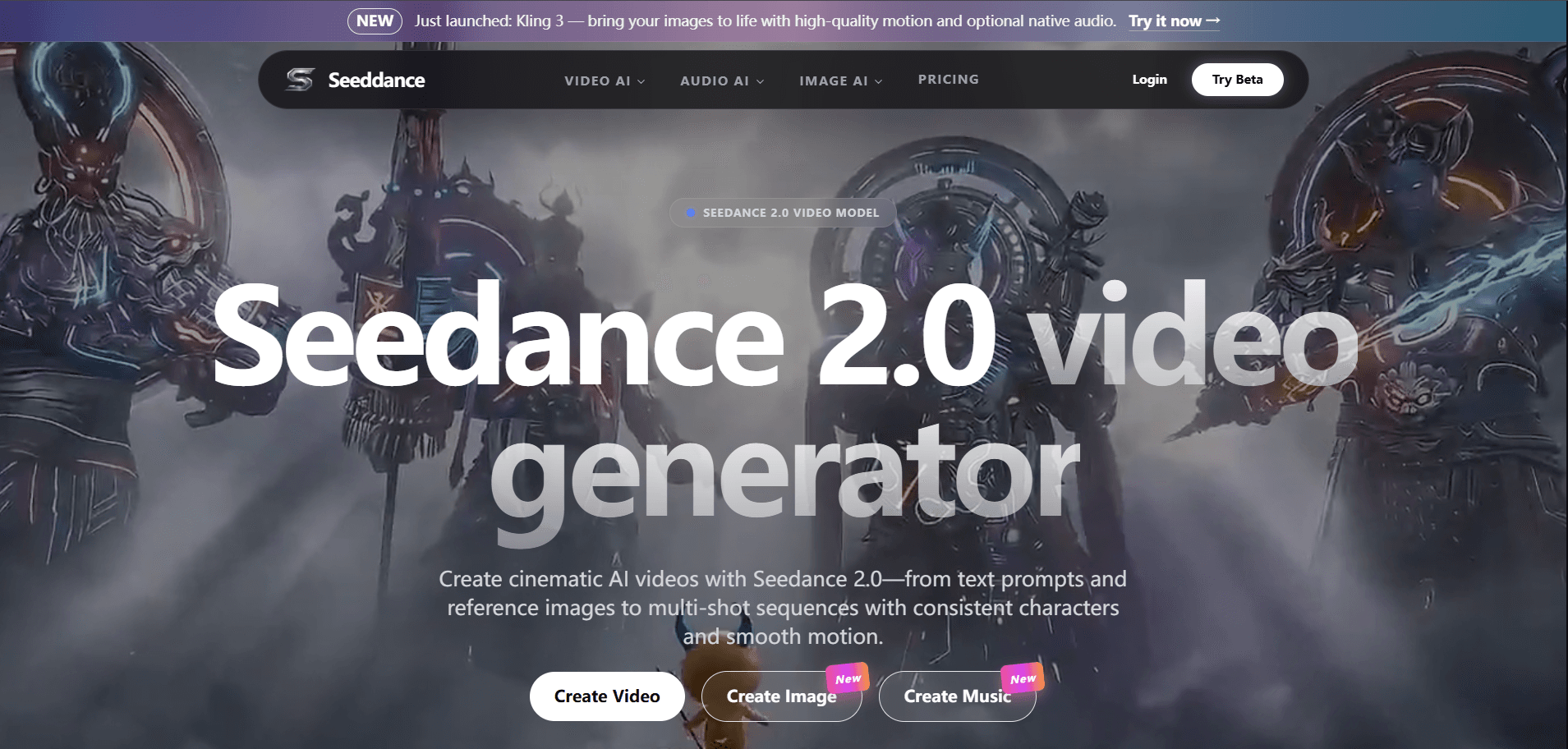
Seeddance is a web-based AI video generator built on ByteDance's Seedance 2.0 model. You type a prompt or drop in a reference image, and it returns short cinematic AI videos with smooth camera motion, steady characters, and native audio. It suits creators who want to sketch a scene, a product shot, or a multi-shot story without a camera rig or editing software.
About Seeddance
What Is Seeddance
Seeddance is a browser tool that wraps the Seedance 2.0 video model in a simple interface. Instead of learning a timeline editor, you describe the shot you want and pick a few options. The underlying model handles the hard parts: keeping a face consistent between frames, moving the camera the way a director would, and syncing sound to the picture.
The problem it solves is speed. A five-second effect shot that once needed a studio and thousands of dollars now takes a prompt and a short wait. That gap matters most for solo creators and small marketing teams who can't afford a production crew but still need footage that looks polished enough to publish.
The biggest limitation is control. Generated clips run short, often under 15 seconds, and the model won't always follow a complex instruction set on the first try. You'll spend time re-rolling and tweaking prompts. Content policy also blocks some real-person likenesses, so you can't just upload any photo and animate it. That rules out a lot of celebrity-style ad ideas.
Getting Started
- Open the Seeddance site and create a free account.
- Pick a mode, either text-to-video or image-to-video if you have a reference still.
- Write a prompt that names the subject, the camera move, and the mood you want.
- Choose your aspect ratio and clip length, then generate. Review the result and adjust the prompt if the motion drifts.
- Download the clip or export it into your editing app for the final cut.
Product Information
A quick look at Seeddance's pricing, supported platforms, and performance.
Best for
The users, tasks, and scenarios where this tool fits best.
Users
- Solo content creators
- Small marketing teams
- Storyboard artists
Tasks
- Text-to-video drafts
- Image-to-video
- Multi-shot sequences
Scenarios
- Social media teasers
- Ad and pitch concepts
- Creative experiments
Key features
Text and Image Inputs
You can start from a written prompt alone, or upload a reference image to lock in a character, a product, or a look. Reference-driven jobs hold style better than text alone, and that matters when brand consistency is the whole point of the job. Because the model treats the still as ground truth for the opening frame, you get a far more predictable result than a prompt that describes the scene only in words. Mixing both gives you the most control over the first frame.
Multi-Shot Storytelling
One prompt can produce several connected shots rather than a single continuous take. The point is narrative: a wide establishing shot, then a closer beat, then a detail, all sharing the same character and mood. That's a big time saver. For anyone cutting a short film or an ad, it removes the hop between separate tools.
Consistent Characters
Keeping a face or outfit stable across frames is where most AI video tools fall apart. Seeddance leans on the Seedance 2.0 model to hold those details, so a character doesn't morph halfway through a clip. It's not flawless, and fast motion can still introduce glitches, but the drift is far less than you'd expect from a text-only generator that has no visual anchor to work from.
Smooth Camera Motion
The model reads camera language in your prompt and moves the shot accordingly, panning, pushing in, or pulling back. Motion tends to look deliberate instead of jittery, which is the difference between a clip that reads as real footage and one that reads as a glitch. You still get the best results when you name one clear move rather than stacking several, because a prompt that asks for a pan and a push and a tilt at once usually produces something muddled.
Native Audio Sync
Seeddance generates sound alongside the picture instead of bolting it on afterward. That means lip movement and ambient sound line up more closely than in tools that stitch audio in a separate pass. It just works. It won't replace a real sound mix on a polished project, but it's enough for drafts and social clips. Most people won't notice the difference on a phone screen.
Browser-Based Workflow
Everything runs in the browser. No install. No GPU to buy. Nothing to maintain. You can start a project on a laptop and pick it up elsewhere, and that portability is the quiet reason the tool fits into a normal working day. The tradeoff is that generation happens on Seeddance's servers, and heavier jobs can queue during peak hours, so a long list of clips won't finish instantly.
Pros and cons
Pros
- Cinematic motion and steadier characters than many older AI video tools.
- Reference image support gives you a real grip on style and subject consistency.
- Native audio saves a separate syncing step for drafts and short clips.
- Runs in the browser with no download, so a modest machine is enough.
Cons
- Clips are short, generally under 15 seconds, which rules out long continuous takes.
- Complex prompts often need several re-rolls, so real projects take patience.
- Likeness restrictions block some real-person inputs, limiting certain ad ideas.
Frequently asked questions
Seeddance generates short AI videos from text prompts or reference images. People use it for social clips, product teasers, ad concepts, and storyboard drafts. It's aimed at creators who need moving footage fast and don't have a camera crew.
Related content
Explore related tools, skills, and articles for Seeddance.
Seeddance Alternatives

ngram 2.0
ngram · Video · Marketingngram 2.0 is an AI video generator for teams. It turns a prompt, a screen recording, or a product URL into a narrated explainer, product demo, or AI avatar video, and every scene stays editable.

OpenScreen 2
OpenScreen (open-source project) · Video · ProductivityOpenScreen 2 is a free, open-source screen recorder and demo video editor for Windows, macOS, and Linux, with automatic zooms, styled frames, local captions, and agent edits.

Skreno
Skreno · Video · ProductivitySkreno is a browser screen recorder that captures a tab, a window or your whole display, then attaches AI transcripts, summaries and console logs to one share link.