

Seedance 2.0
ByteDance Seed · Video
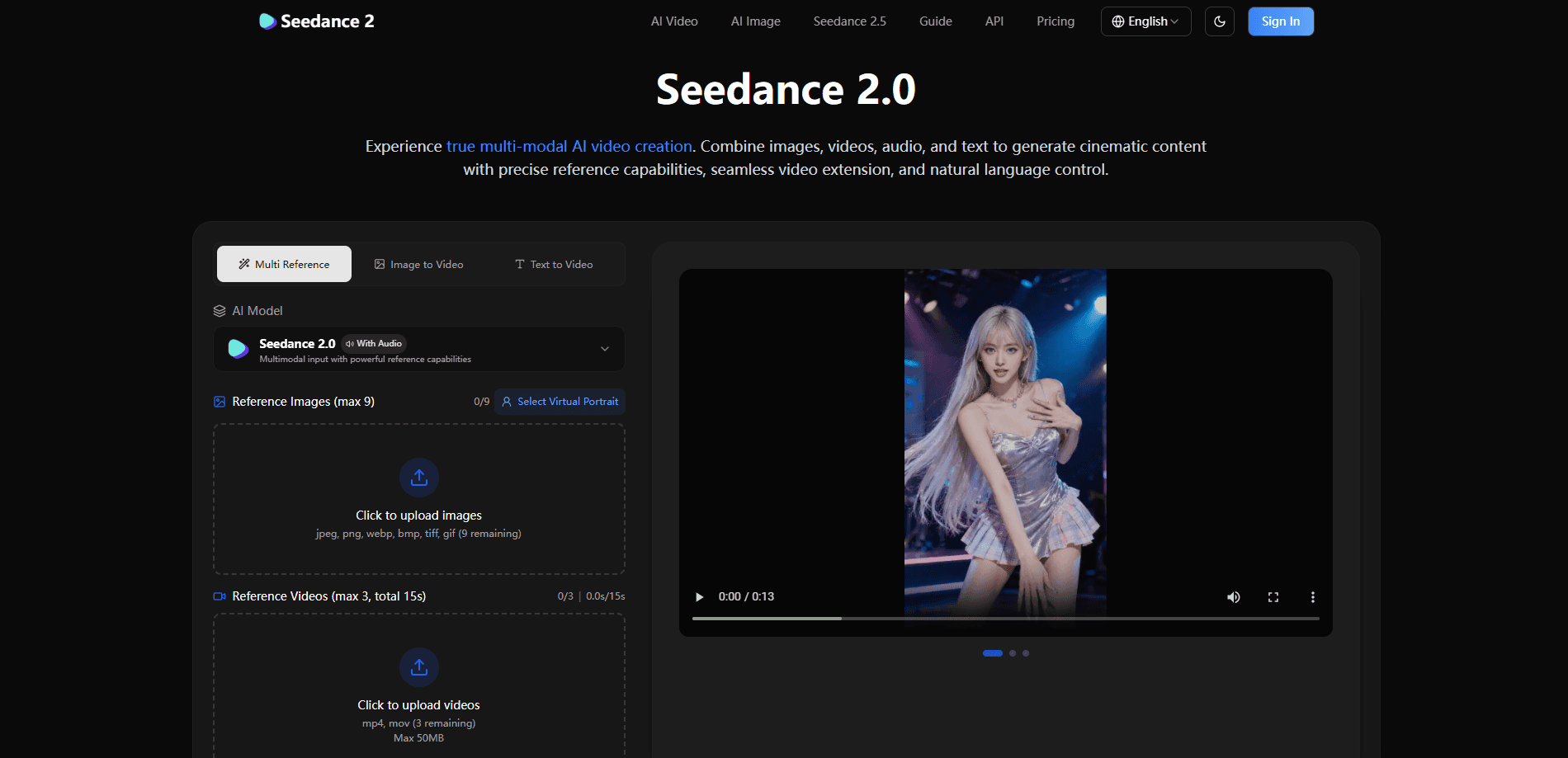
Seedance 2.0 is a multimodal AI video generator built by the Seed team at ByteDance. Instead of working from text alone, it takes a mix of images, reference clips, audio, and written prompts, then produces cinematic video that holds character details steady across shots. You can point it at a dance clip and apply the choreography to a new character, lift a camera move from a film scene, or extend footage you already shot. That covers both the image to video and text to video routes from one interface. Creators reach it through the Seevio.ai platform, which hosts it alongside newer versions and other models.
About Seedance 2.0
What Is Seedance 2.0
Seedance 2.0 is a generative video model, not an editing app you install. You feed it reference material and it returns 4 to 15 second clips. The trick is how it reads those references. Tag an image as a character, hand it a video for the camera work, add an audio track for the beat, and describe the rest in plain language. The model keeps faces, clothing, small text, and overall style consistent rather than drifting between frames, which is the failure most AI video tools still struggle with.
The thing it solves is control. Older AI video tools left you stuck writing long prompts and hoping. Seedance 2.0 lets you show examples instead of describing them. Big difference. Precision matters most when you need repeated shots of the same person, replicating a proven ad format, or matching motion to music.
The biggest limit is length. Clips top out at 15 seconds, so anything longer means stitching segments together. Resolution reaches 1080p, output stays watermark-free, and the model blocks NSFW prompts outright. It runs in the cloud only. You need a steady connection and a paid account to generate anything.
Getting Started
- Sign up at Seevio.ai and pick a subscription or buy a one-time credit pack so your account holds credits.
- Open the Seedance 2.0 generator and upload your references: up to 9 images, 3 videos totaling 15 seconds, 3 audio files, or a mix.
- Write a prompt that tags each asset, for example "use @image1 as the first frame with the camera movement from @video1."
- Set resolution, duration, and aspect ratio, then generate and review the clip.
- Extend the result, swap a character, or edit a segment, then download the final video without a watermark.
Product Information
A quick look at Seedance 2.0's pricing, supported platforms, and performance.
Best for
The users, tasks, and scenarios where this tool fits best.
Users
- Social media creators
- Filmmakers and animators
- Small marketing teams
Tasks
- Turning a still image into a moving clip while keeping the subject's face and clothing steady across the whole shot.
- Copying a specific choreography or camera move from one clip onto new characters or scenes.
- Extending or merging existing footage so a short clip grows into a longer sequence without a visible seam.
- Syncing video to a music track by uploading audio and letting the model line cuts up with the beat.
Scenarios
- Dance and music videos where visual timing has to match the audio exactly.
- Ad production that follows a proven creative template but swaps in a new product or brand identity.
- Storyboarding and concept proofing before committing budget to a full shoot.
Key features
Multi-Modal Input
Seedance 2.0 accepts four kinds of input at once: images, video clips, audio, and text. You can mix up to 12 files across those formats in a single generation. That means a still photo can set the opening frame, a clip can set the motion, and a track can set the rhythm, all feeding one output.
Reference Anything
You pick what to borrow from each asset. Motion, visual effects, camera angles, character looks, scene composition, even a sound. There's no long prompt to fight with. Tag the asset and describe what you want pulled from it, and the model works it out.
Superior Consistency
The model holds faces, clothing, on-screen text, scenes, and visual style steady across frames and shots. This directly addresses the character drift and style creep that plague most AI video output, which matters most when the same person has to appear in several cuts.
Precise Motion & Camera Replication
Hand it a reference video and it reproduces the choreography, cinematic camera movement, or action sequence on your own content. Filmmakers use this to test cinematography without a shoot, and dance creators use it to map movement onto new characters.
Video Extension & Editing
This is where the AI video editing side shows up. You can extend a clip, merge separate scenes, or edit one segment without rerunning the whole thing. Replace a character, change an action, or drop in a new element while the rest of the video stays untouched. This saves the time you'd lose to full regenerations.
Built-In Audio Generation
The model writes context-aware sound effects and background music on its own. You can also upload your own audio to lock the video to a specific beat or rhythm, which is what makes it useful for music videos and dance content rather than just silent clips.
Flexible Output Settings
Videos run from 4 to 15 seconds and support several aspect ratios, including 16:9, 9:16, 4:3, 3:4, 21:9, and 1:1. Resolution goes up to 1080p. Every download is watermark-free, and you keep full ownership of what you make.
Pros and cons
Pros
- Combines images, video, audio, and text in one generation, so you can direct the output rather than describe it blindly.
- Character and style consistency across shots solves the biggest complaint about AI video.
- Watermark-free downloads and a commercial-use license on paid plans.
- API access for teams that want to build it into their own tools.
Cons
- No free plan. You can't test it without paying, so casual users are shut out.
- The 15-second ceiling forces you to stitch longer projects from multiple clips.
- Everything runs in the cloud, so offline work isn't an option and you depend on upload limits.
Frequently asked questions
It generates short cinematic video from mixed references. Typical uses are social clips, music and dance videos, ad templates, and pre-visualization for film. It's a generation model. You bring the source material and it builds the moving footage.
Related content
Explore related tools, skills, and articles for Seedance 2.0.
Seedance 2.0 Alternatives

Vadu AI
Vadu AI · Image · VideoVadu AI is a web-based AI video generator that turns written prompts or still images into short clips, and it can also generate images on its own. You type what you want, pick a model and style, and the platform renders the result in minutes. A free plan covers light testing, while paid tiers run from $9 to $77.40 per month based on how many credits you burn.

Mykaraoke Video
MyKaraoke Video · VideoMykaraoke Video is an online karaoke video maker and lyric video maker that turns any song into a finished, lyrics-synced video right in your browser. It handles the slow part for you. The AI pulls vocals out of the mix and locks the lyrics to the beat, then lets you customize background, fonts, and colors before exporting in 1080p MP4. If you make lyric videos for social media, party nights, or music promotion, it skips the software installs and manual timing work entirely. Want a karaoke video generator that doesn't eat your whole evening? That's the pitch here.

Finalframe
Finalframe · VideoFinalframe is a set of free, browser-based tools for grabbing exact frames out of a video clip. Its best-known feature, the Final Frame Extractor, lets you extract the last frame of any video so you can use it as the starting image for AI video tools like Luma Dream Machine, Runway, or Kling. Want to keep a clip going? That last frame is your starting point. The tool runs locally in your browser, needs no sign-up, and costs nothing. A separate paid AI video-generation app from the same team is currently offline while it's rebuilt.