

Sequirly
Sequirly · Coding
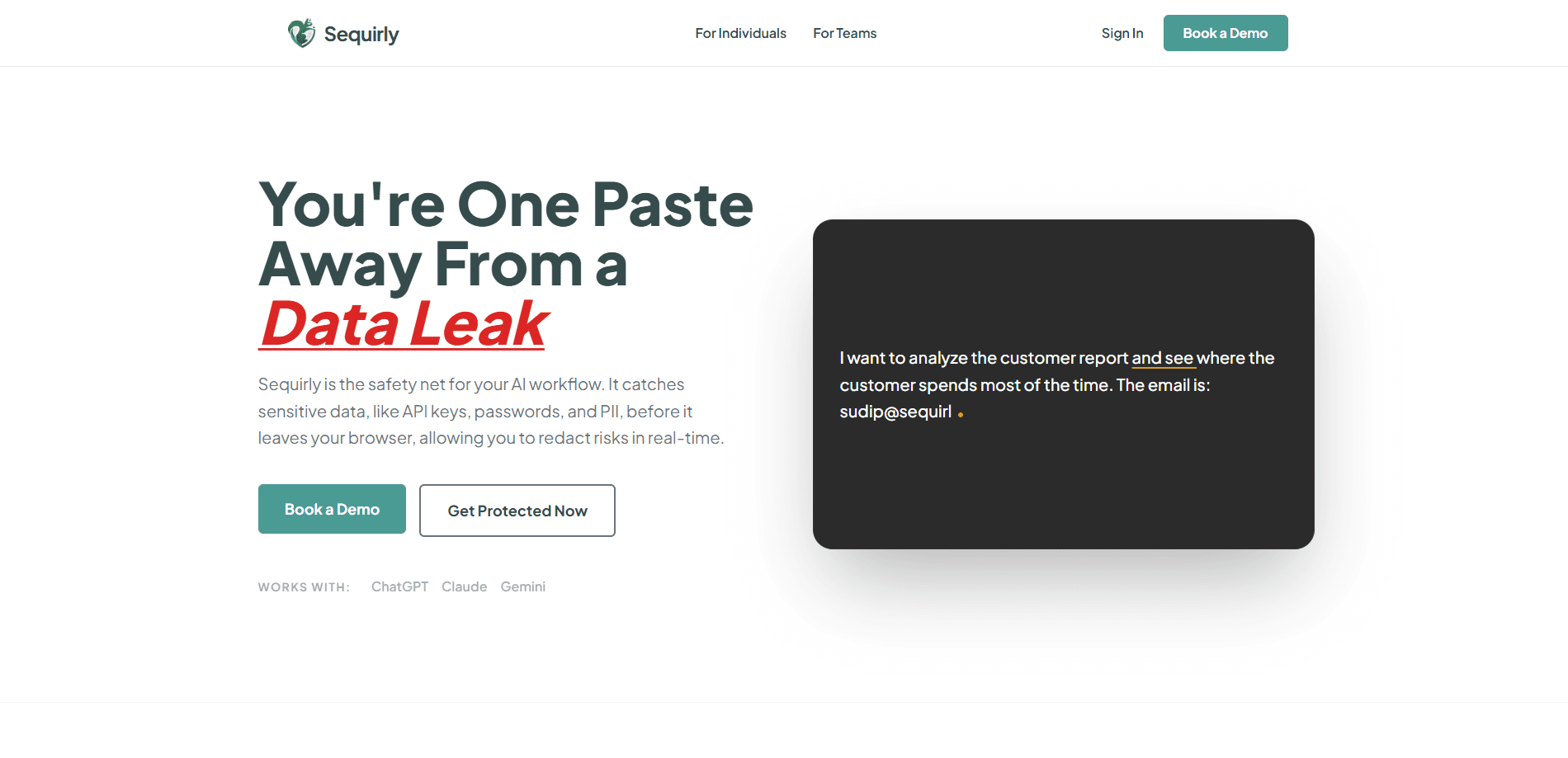
Sequirly is a sensitive data detection tool built for AI data leak prevention in teams that use chatbots at work. It runs as a browser extension for Chrome, Edge, and Brave, scanning what your team types or pastes into ChatGPT, Claude, or Gemini. Detection happens locally, so prompts never leave your machine and admins only see metadata about what category of data was caught.
About Sequirly
What Is Sequirly
Sequirly is the safety layer that sits between your team and the AI tools they already use. It catches client data, credentials, and personal information before anyone hits send, and it does this without changing how people work. You install it once, invite your team, and the extension quietly watches prompt fields and uploads in the background. Setup takes minutes, not weeks.
The problem it solves is simple and common. Teams paste contracts, customer lists, and API keys into chatbots every day, often without thinking about where that text ends up. Sequirly flags those moments in real time instead of writing a report after the leak already happened. ChatGPT privacy stops being a policy slide and becomes a check at the point of typing.
The main limit is scope. Sequirly only covers what runs inside the supported browsers, so AI usage through desktop apps or mobile keyboards falls outside it. Detection also depends on patterns, which means an unusual proprietary format may slip through unless you build a custom rule for it. That rule isn't free either, since custom patterns sit behind the paid plans.
Getting Started
- Add the Sequirly extension to Chrome, Edge, or Brave from the extension store.
- Create a team workspace in the admin dashboard and invite your team members.
- Have each person install the extension with your workspace link. No network setup or IT work is involved.
- Keep using ChatGPT, Claude, or Gemini as usual. Sequirly scans prompts and uploads locally.
- Review the audit log to see which categories of sensitive data were caught and when.
Product Information
A quick look at Sequirly's pricing, supported platforms, and performance.
Best for
The users, tasks, and scenarios where this tool fits best.
Users
- Small and mid-size teams that use AI at work
- Founders and solo operators handling client data
- HR and operations staff writing policies
Tasks
- Catching API keys before they hit a prompt
- Blocking customer PII from being pasted into chatbots
- Reviewing AI usage for compliance
- Setting rules for your own data formats
Scenarios
- Drafting client briefs in Claude
- Running campaign research in ChatGPT
- Preparing decks and contracts for a quick rewrite in Gemini
- Onboarding new hires who use AI tools daily
Key features
Local scanning before send
Sequirly reads text directly from the prompt field in your browser's memory and checks it before anything reaches the AI provider, which means the scan happens on your own machine rather than on a server somewhere else. Detection runs in under 50ms, so there's no noticeable lag. The company says the detection engine never sends your prompts anywhere. Nothing leaves the device.
Wide pattern coverage
The extension ships with 50+ detection patterns grouped into 18 detection types. These cover API keys and tokens, private keys and .env secrets, credit card numbers, customer PII, passwords, and high-entropy tokens that look like credentials without matching a named format. That's broad enough to catch most of what people paste by accident.
Real-time warnings, not after-the-fact reports
When something sensitive shows up, Sequirly shows a clear warning before the message is sent. That's the key difference from tools that log activity and leave you to clean up later. It works with two severity levels, so low-risk matches don't create noise. Ever had a report tell you about a leak a week too late?
Audit logs that protect employee privacy
Admins see the category of detected data, the AI tool involved, a timestamp, and the team member. They don't see the prompt text, the surrounding message, or what the person was working on. That split keeps the audit trail useful without turning the tool into surveillance. Your team still gets to think out loud.
Custom detection rules
On paid plans you can define your own patterns for proprietary formats and internal document structures. This matters for teams whose sensitive data doesn't look like a standard key or card number, because the built-in patterns simply won't match a format they've never seen. Rules can also be shared across a workspace.
Plan-based retention and access
Log retention scales by plan: 7 days on Free, 30 on Solo, 90 on Team, and a year or more on Enterprise. Team and Enterprise add role-based access, reports, and shared rule libraries for larger groups that need to coordinate on a single set of detection rules across many seats and regions.
Pros and cons
Pros
- Runs entirely in the browser, so there's no network setup, no IT ticket, and no agent to deploy on every machine.
- Detection stays on the device, which means prompts and documents aren't sent to Sequirly's servers.
- The Free plan is genuinely usable, covering all supported AI tools with real-time detection and 7-day logs.
- Audit metadata gives compliance teams something concrete without exposing employee messages.
- Fast enough to stay invisible, with detection reported in under 50ms.
Cons
- Only works inside Chrome, Edge, and Brave, so AI use through desktop apps or phone keyboards is outside coverage. If your team relies on a mobile assistant, Sequirly won't help there.
- Pattern-based detection can miss unusual proprietary formats until you write a custom rule, and that's a paid feature.
- Team pricing is per user billed annually, which adds up for large groups that only use AI occasionally.
Frequently asked questions
It catches sensitive data before it's sent to AI tools like ChatGPT, Claude, or Gemini. That includes API keys, credentials, credit card numbers, and customer PII, all of which are common things people paste into a chatbot without a second thought during a normal working day. The warning appears before the send button is pressed. Basics covered.
Related content
Explore related tools, skills, and articles for Sequirly.
Sequirly Alternatives
Forefront
Forefront · CodingForefront is a web platform for building with open-source AI. It lets you fine-tune leading open-source language models on your own data, evaluate how they perform, and run them through an API or export them to host yourself. Developers who want the convenience of a closed-source platform but insist on owning their models and data are the target audience here.

Startkit
StartKit.AI · CodingStartkit is a boilerplate for building AI SaaS and AI wrapper products. Think of it as an AI startup boilerplate with the boring parts already wired up: authentication, Stripe and Lemon Squeezy payments, usage limits, transactional email, and an AI API starter that talks to OpenAI, Anthropic, Groq, or Llama. You clone the repo, set your price, and start on the part of your product that people actually pay for. It's Next.js under React and Tailwind, so most of the boilerplate code already feels familiar.
Testim
Tricentis · CodingTestim is an AI-powered test automation platform for building and running end-to-end tests across web, mobile, and Salesforce applications. It leans on machine learning to keep tests stable when an interface changes, so teams spend less time fixing broken selectors. Not bad for an automated testing tool you can start using today. You create tests by recording actions in a browser, then optionally add JavaScript when you need more control. It's a solid pick for busy QA teams.