

serenities
Serenities · Coding
Serenities is an all-in-one AI business platform that turns plain-language prompts into live websites and web apps, then lets you run the business behind them from the same account. Think of it as an AI website builder, a no-code app builder and a workflow automation tool rolled into one dashboard. Four tools, one login. Instead of stitching together a website builder, a database, an automation tool and a storage drive, you get all four in one place: Vibe for building, Flow for automation, Base for data and Drive for files. The catch is that you bring your own AI subscription, so the platform charges for infrastructure and features rather than tokens.
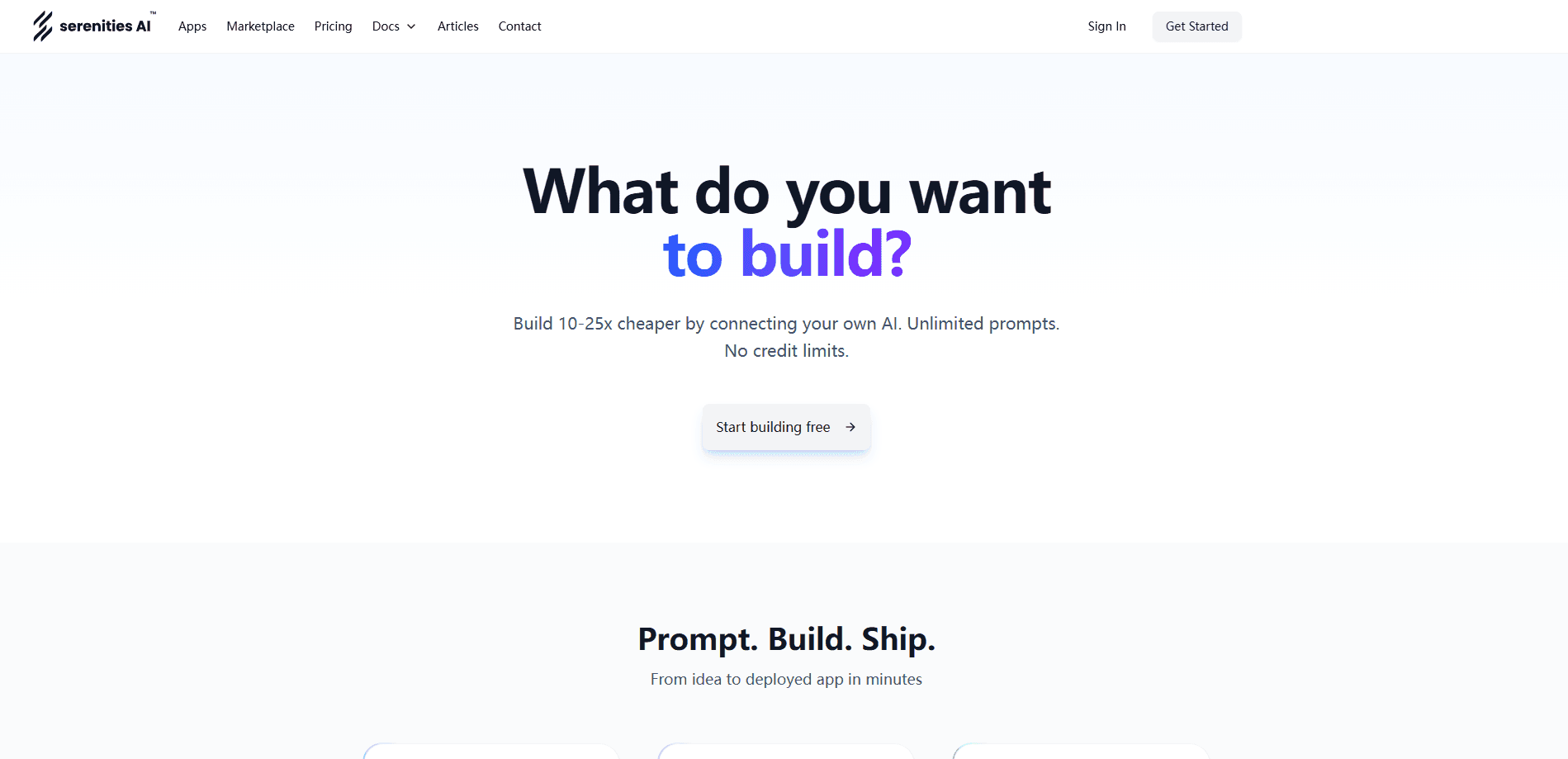
About serenities
What Is Serenities
Serenities is a web-based platform for people who want to launch a real product without assembling a dozen separate tools. You describe what you want in natural language, and Vibe generates pages, layouts and business logic, which you can then edit visually or in code. Once the site is live, the same account handles automation, customer records and file storage, so your data and your workflows stay connected instead of living in silos. That's the whole idea.
The target user is a solo founder or a small team that has an idea and limited time. Serenities pitches itself as an AI app development platform you can actually start with today. The pitch is straightforward: no stack decisions before you can start, no coding required to get something published, and no second subscription when you need to automate the boring parts.
The main limitation is that the AI muscle isn't included. Serenities uses a bring-your-own-AI model, so you connect your own AI subscription and pay separately for it. That keeps the platform bill predictable. It also means the quality of what you build depends on the model you plug in.
Getting Started
- Create an account at serenitiesai.com and pick a plan, or start on the free tier to explore.
- Connect your own AI subscription so Vibe can generate pages and logic from your prompts.
- Describe the site or app you want in plain language, then refine the result in the visual editor or code editor.
- Publish to a custom domain with SSL, since hosting is included on every plan.
- Open Flow, Base and Drive to automate repetitive work, store customer data and manage files for the live product.
Product Information
A quick look at serenities's pricing, supported platforms, and performance.
Best for
The users, tasks, and scenarios where this tool fits best.
Users
- Solo founders
- Small product teams
- Non-coders with a clear vision
Tasks
- Launching a marketing site or landing page
- Automating routine work
- Managing customer data
Scenarios
- Turning a side project into a live product on a tight budget
- Running a small business from one dashboard
- Prototyping an app idea before committing to a full stack
Key features
Prompt-to-App Building With Vibe
Vibe is the part that gets you from idea to something live. You describe pages, layouts and functionality in natural language, and the platform generates them, then lets you keep editing in a visual editor or a code editor. It also supports custom domains with SSL and hosting included, plus GitHub commits, branches and pull requests. That covers a lot. For a founder with no dev team, it covers the whole path from first draft to publish.
Connected Workflow Automation With Flow
Flow is automation built into the platform rather than bolted on, so you don't need a second subscription to connect your processes. It ships with 29 integrations, including Slack, Gmail, Calendar, Discord, WhatsApp and Telegram, along with 28+ utility nodes for HTTP requests, loops, parsing JSON and merging data. That's plenty for most small teams. Triggers cover webhooks, schedules, inbound email and table events, and your published app can fire flows directly through the SDK.
Spreadsheet-Style Data Management With Base
Base is a unified business data platform that shows your records as a spreadsheet instead of hiding them behind SQL. It has 18 field types, spanning text, select, date, file, status, currency and linked records, and 8 views that cover grid, kanban, calendar, gallery, form, timeline, list and gantt. Linked records handle one-to-one, one-to-many and many-to-many relationships. Access control runs at the row level, and the platform enforces it for you.
Integrated File Storage With Drive
Drive keeps your files on the same account as your data and workflows, so you're not paying for a separate storage provider or patching together fragmented file systems. You can set access rules on files and folders, and files are served straight to your published site. No more asset juggling. For a small team, that removes the usual dance of one tool for assets and another for everything else.
Bring Your Own AI
Every plan including the free tier lets you connect your own AI subscription, with unlimited prompts and no credit limits tied to a model Serenities controls. You pay your AI provider directly. The tradeoff is practical: that keeps the platform bill flat across all six tiers, and it also means you're not locked into one model, so you can swap providers if your needs change.
Authentication, Functions and Emails Built In
The platform handles the unglamorous parts of running a product: user signup, password resets, receipts, backend functions and environment variables. Site system emails scale by plan, from 200 a month on the free tier up to 50,000 on Elite, and you can send from your own mailbox with no quota. Functions run in a sandbox. Memory and timeout limits step up as you pay more.
Pros and cons
Pros
- Build, automate, store data and manage files from a single account, which cuts integrations and subscriptions.
- The free tier is genuinely usable, with a site, 300 flow runs and 5 GB of storage.
- Bring-your-own-AI keeps the platform price flat and lets you choose your model.
- GitHub integration and a code editor mean you're not stuck with only a visual builder.
Cons
- No AI is included, so you have to pay your provider on top of the platform fee.
- Flow runs, executions and storage are capped per plan, and heavy automation on the free tier will hit those limits fast.
- Upgrade pricing jumps from $24/mo to $49/mo for team features, which stings for a two-person project.
- Because everything is tied to one platform, leaving means migrating your sites, data and files together.
Frequently asked questions
Serenities is an AI business platform that builds websites and web apps from natural-language prompts, then gives you the tools to run the business behind them. It combines a builder, an automation engine, a database and file storage in one account.
Related content
Explore related tools, skills, and articles for serenities.
serenities Alternatives
Forefront
Forefront · CodingForefront is a web platform for building with open-source AI. It lets you fine-tune leading open-source language models on your own data, evaluate how they perform, and run them through an API or export them to host yourself. Developers who want the convenience of a closed-source platform but insist on owning their models and data are the target audience here.

Startkit
StartKit.AI · CodingStartkit is a boilerplate for building AI SaaS and AI wrapper products. Think of it as an AI startup boilerplate with the boring parts already wired up: authentication, Stripe and Lemon Squeezy payments, usage limits, transactional email, and an AI API starter that talks to OpenAI, Anthropic, Groq, or Llama. You clone the repo, set your price, and start on the part of your product that people actually pay for. It's Next.js under React and Tailwind, so most of the boilerplate code already feels familiar.
Testim
Tricentis · CodingTestim is an AI-powered test automation platform for building and running end-to-end tests across web, mobile, and Salesforce applications. It leans on machine learning to keep tests stable when an interface changes, so teams spend less time fixing broken selectors. Not bad for an automated testing tool you can start using today. You create tests by recording actions in a browser, then optionally add JavaScript when you need more control. It's a solid pick for busy QA teams.