

Serro (Early Access)
Serro AI · Productivity · Leaning
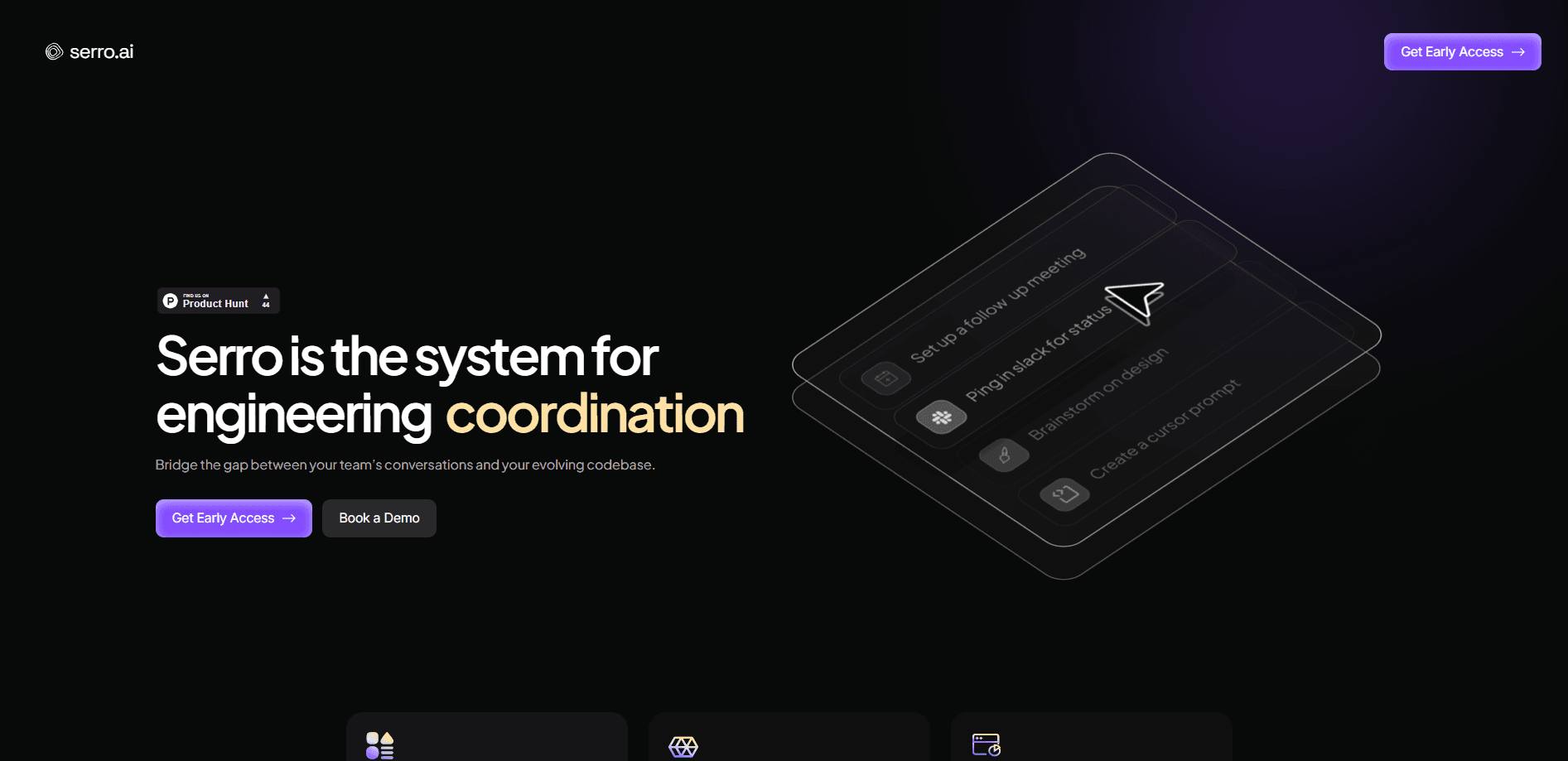
Serro (Early Access) is an agentic TPM platform built for AI-native engineering teams. It connects to the tools a team already runs, like Slack, Linear, GitHub, Jira, Zoom, and Notion, then keeps a live picture of every active program without anyone writing status updates by hand. As technical program management software, the pitch is a shared control plane for teams made of both humans and AI agents: TPM agents watch for coordination gaps, hold the state of each program, and turn meeting outcomes into tracked action. It's aimed at technical program managers, engineering managers, and product leads who are drowning in tool sprawl. Right now it's invite-only, so the only way in is booking a demo.
About Serro (Early Access)
What Is Serro
Serro is a platform for what it calls agentic technical program management. The idea is blunt: AI made code cheaper to write, so writing software stopped being the bottleneck. Coordination did. Decisions, risks, and owners now live in a dozen tools, and someone has to stitch them back together. Serro wants to do that stitching automatically, which is the whole promise of engineering program tracking.
You point it at your existing stack. It reads signals across Slack, Linear, GitHub, Jira, Zoom, Notion, email, and your codebase, then builds a catalog of the programs your team is running. From there, each program gets its own shared memory: decisions, risks, owners, history, and activity stay current as the work moves. A TPM agent resolves gaps in real time with a human still in the loop. That last part matters. You don't want an AI quietly reassigning your roadmap.
So who's it for, and what's the catch? The product is squarely aimed at technical managers and the organizations they sit in, not solo users. It's also early access. You can't just sign up and pay for a plan; you book a demo with the team, and pricing isn't published anywhere. That's normal for a young enterprise tool, but it means the cost question stays open until you talk to them.
Getting Started
- Ask for early access. The Serro site only offers a demo request, and there's no self-serve signup yet.
- Once approved, sign in and connect your tools, starting with the ones your team lives in, such as Slack, Jira, or GitHub.
- Let Serro ingest your history. It builds a catalog of the programs it finds across your connected sources.
- Name and claim the programs you own, then decide what gets shared with the wider team.
- Query a program, generate a status update on a schedule, or push a meeting outcome into tracked action.
Product Information
A quick look at Serro (Early Access)'s pricing, supported platforms, and performance.
Best for
The users, tasks, and scenarios where this tool fits best.
Users
- Technical program managers
- Engineering managers
- Product managers
Tasks
- Automating status updates
- Tracking decisions and risks
- Turning meeting outcomes into action
Scenarios
- Running engineering programs across fragmented tools
- Keeping distributed teams aligned
- Overseeing human-plus-agent execution
Key features
Program Memory
Every active program gets a live memory: decisions, risks, owners, history, and activity. It updates on its own as work moves across your tools, so nobody has to reconstruct context after the fact. This is the core of what Serro does, and it's the reason the rest of the platform can stay current.
Loops on Programs
Loops keep complex work moving by watching for gaps and triggering the next step. Query any program, generate an update on schedule, or turn a meeting outcome into action. The human stays in the loop, so automation handles the follow-through rather than the judgment calls.
Agent Governance
As teams add AI agents to their workflows, someone has to control them. Serro provides a control layer for programs and agents, keeping the automated parts aligned with the humans who set direction. It's built for the messy reality where execution is split between people and software.
Program Analytics
A system-level view across the organization shows momentum, blockers, coordination gaps, and operational risk, which is the kind of bird's-eye read that usually takes a TPM a full day of pulling threads from five different dashboards and a dozen chat threads. Instead of piecing together fragmented updates, leadership gets a live portrait of program health. It's aimed at faster decisions, not another dashboard to interpret.
Native Tool Connections
Serro hooks into Slack, Linear, GitHub, Jira, Zoom, Notion, email, and your codebase, and starts ingesting as soon as you connect them. Because it reads the tools you already use, there's no migration and no new place for your team to paste updates. The value scales with how much of your work already lives in those systems.
Program-Native Coordination
Serro surfaces threads across cross-functional tools so the team shares one program-native perspective. You name the programs, own them, and decide what's shared. That balance between automatic capture and human control is what keeps it from feeling like surveillance.
Pros and cons
Pros
- Built for the TPM role rather than retrofitted from a generic PM tool, which shows in how it models programs and ownership.
- Connects to the tools teams already run (Slack, Jira, GitHub, Linear, Notion, Zoom), so adoption doesn't require moving your work.
- Keeps program state current automatically, cutting the manual status-update grind that eats a TPM's week.
- Treats AI agents as first-class participants with a governance layer, which is rare among project management tools today.
Cons
- Early access only. There's no self-serve signup, so you have to book a demo and go through the vendor to get in.
- No published pricing, which makes budgeting hard until you're in a sales conversation.
- It leans on connected tools. If your team's work isn't already in Slack, Jira, GitHub, or similar, there's less for Serro to read.
Frequently asked questions
Serro keeps technical programs coordinated across the tools an engineering team uses. It captures decisions, risks, and activity into a shared program memory, then uses TPM agents to resolve coordination gaps and generate updates. Think of it as a control layer for teams where both people and AI agents are doing work.
Related content
Explore related tools, skills, and articles for Serro (Early Access).
Serro (Early Access) Alternatives

Swms
Swms AI · Writing · Productivity · BusinessSwms is an AI safety compliance tool that turns a plain description of a job into ready-to-use safety documents. Describe your project, trade, and known hazards, and it writes a safe work method statement, job hazard analysis, safe work procedure, RAMS, or safety data sheet in seconds. It also ships with Oscar, a chat assistant that answers workplace safety questions in any language. Teams in construction, mining, transport, and warehousing use it to cut the paperwork that usually eats into a workday.

Wordly AI Translation
Wordly · Voice & Language · ProductivityWordly AI Translation is a real-time AI translation and captioning platform built for meetings, conferences, and events. It delivers live translation, captions, transcripts, and summaries in more than 60 languages, and attendees join by scanning a QR code or opening a link instead of using dedicated headsets. The platform works with Zoom, Microsoft Teams, Google Meet, and Webex, and it's designed for organizations that want multilingual access without hiring human interpreters for every session. Simple as that.

Rows
Rows (Superhuman) · Productivity · BusinessRows is an AI spreadsheet and data analysis tool that imports live data from more than 50 sources, then lets you work with it using plain language instead of SQL queries or nested formulas. You can pull numbers out of PDFs, connect ad platforms, databases, and bank accounts, and ask the AI to build reports, merge datasets, or set up models that recalculate themselves. It runs in the browser, works like a spreadsheet, and now sits under the Superhuman umbrella.