

Shazi VideoGen Ai
Shazi · Video
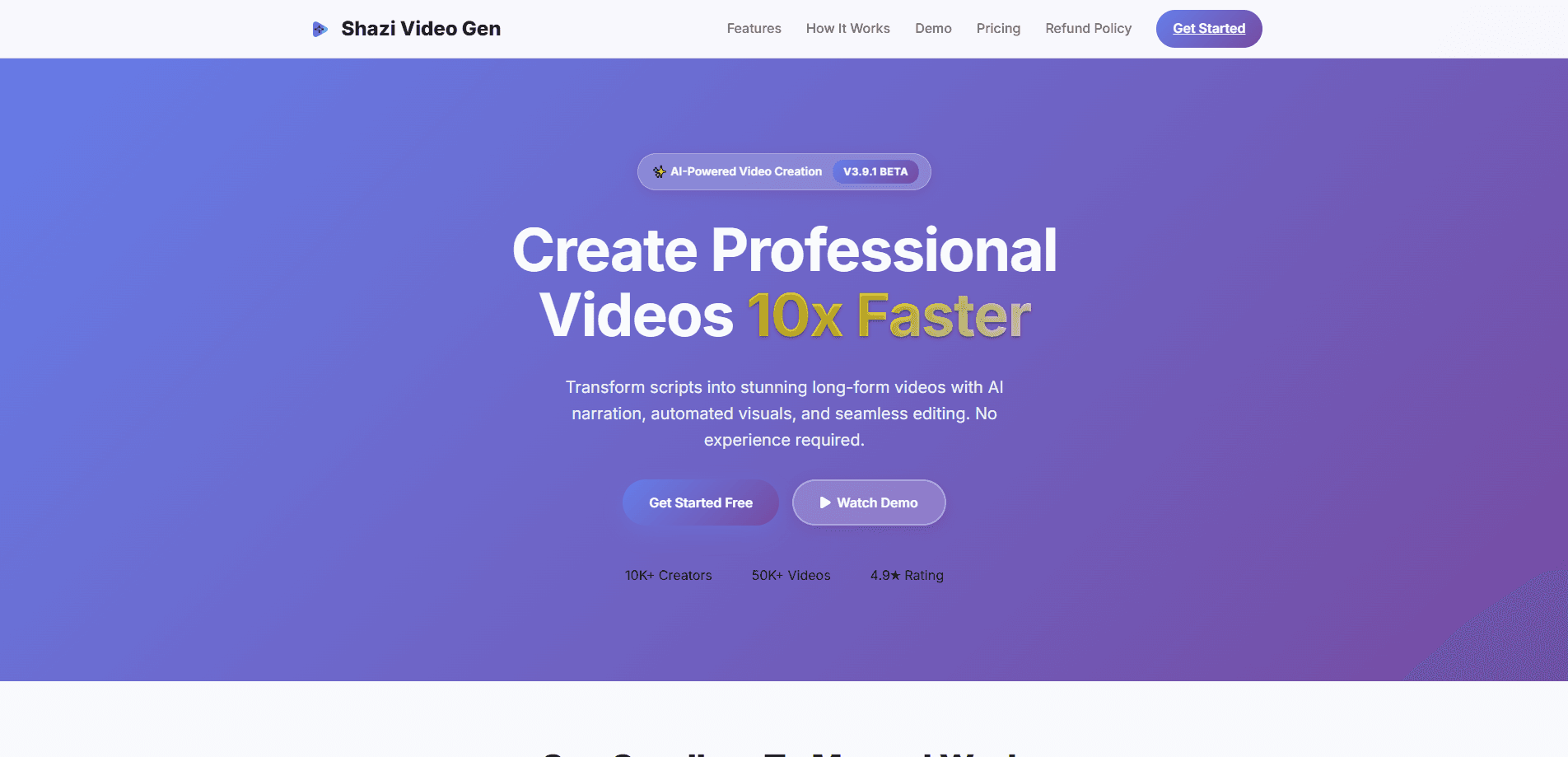
Shazi VideoGen AI is an AI video generator built for turning written scripts into finished long-form videos without a camera or editing timeline. It handles the whole chain in one place. That means AI narration, generated and stock visuals, image-to-video clips, subtitles, and export at up to 4K. Is it an AI video maker for beginners? Yes, mostly. The tool runs as a Windows desktop app and targets creators who publish faceless YouTube channels and other narrated content at volume.
About Shazi VideoGen Ai
What Is Shazi VideoGen AI
Shazi VideoGen AI, usually shortened to SHAZI, is a script-to-video tool that automates the boring part of video production. You paste a script, and the software assembles the narration, visuals, transitions, and captions on its own. The pitch is speed. The official site claims creators save 10+ hours per video, which is plausible once you drop manual sourcing and timeline editing from the workflow.
It's a desktop application for Windows, not a browser-based service, and the download page lists Windows 10 or later as the requirement. The free tier allows 5 videos a day with a watermark, so you can test the output quality before paying. SHAZI routes work across multiple outside models instead of one in-house engine. You get 8+ text-to-speech engines, 7+ image generators, and 100+ art styles, all fed from the same script. That's the main difference from a plain slideshow generator.
There are real limits worth knowing. The app is Windows-only right now, with Linux and macOS builds still marked coming soon. It also leans on internet access and third-party providers for the AI steps. So generation quality partly depends on those services staying online. No offline mode exists. If your machine has a dedicated GPU and 16 GB of RAM or more, 4K processing runs noticeably smoother.
Getting Started
- Download the Windows installer from the official site and run it (about 1.45 GB).
- Create an account or sign in, and pick a plan. The free tier works without a credit card.
- Paste your script, then choose a narration voice, art style, and visual source.
- Let the tool generate images, clips, voiceover, and subtitles, then review the media in the panel.
- Export at your target resolution and upload the finished file to YouTube or another platform.
Product Information
A quick look at Shazi VideoGen Ai's pricing, supported platforms, and performance.
Best for
The users, tasks, and scenarios where this tool fits best.
Users
- Faceless YouTube creators
- Solo content marketers
- Educators and course builders
Tasks
- Turning a blog post or script into a narrated video
- Producing image-to-video segments
- Batch publishing on a schedule
Scenarios
- Running a documentary-style channel with a consistent voice
- Localizing existing scripts into narrated videos
- Testing a channel idea before investing in gear
Key features
Script to Video Automation
You paste a script, and Shazi VideoGen AI maps it to narration, visuals, and captions in a single pass. The site says it accepts scripts up to 50,000 words. That covers full-length documentaries rather than just short clips. The value here is simple. You skip the step where you'd otherwise source B-roll and time every cut by hand.
AI Narration and Voiceover
The app ships with 8+ text-to-speech engines, so you can pick a voice that matches your channel instead of settling for one robotic default. Narration is generated from the script itself. So the audio stays in sync with the on-screen visuals. No lip-sync guesswork. For faceless channels, this is the feature that replaces a paid voice actor.
Image-to-Video AI
Image-to-video AI takes a still image and animates it into a moving clip. It's useful when you have a strong visual but no footage, and it adds motion to segments that would otherwise look like a slideshow. Combined with the built-in generators, it keeps the visual rhythm from going flat over a long video, which is exactly the failure mode that turns a promising script into something viewers click away from within the first two minutes.
Multiple Image Generators and Art Styles
Shazi pulls from 7+ image generators and offers 100+ art styles. Rather than locking you into one look, it lets you switch styles between projects or match a specific niche. That range matters for channels where visual identity changes from series to series, and it's the difference between a tool you outgrow in a month and one you keep using across very different uploads.
Stock and Mixed Media Support
Alongside AI-generated visuals, the tool taps stock video libraries, including free sources like Pexels and Pixabay. You get to blend generated and real footage in the same timeline. Real clips can ground a video that would look artificial if every single frame came from a generator, and mixing the two is a practical way to stretch a limited budget across more finished minutes.
Subtitles and Captions
Captions are generated automatically and tied to the narration. That saves the manual step of transcribing audio and timing every line, which is the kind of slow, error-prone work that quietly eats an afternoon when you're publishing several videos a week. Since captions also help with silent autoplay and accessibility, they're easy wins for reach.
Media Sync and Review Panel
A media sync tool keeps audio, visuals, and captions aligned, and an image review panel lets you swap or reject individual visuals before the final render. This is the part that keeps automation from producing an unwatchable result. You can catch a bad image early, before it's baked into a 20-minute upload.
4K Export
Finished videos export at up to 4K, which the official site presents as ready for YouTube. Higher resolution costs more processing power. So a dedicated GPU with 4 GB+ VRAM and 16 GB+ RAM is recommended. For anyone publishing long-form, 4K keeps you in line with platform quality expectations.
Pros and cons
Pros
- End-to-end automation from script to finished video, so no separate editing or voiceover tools are needed.
- 8+ TTS engines, 7+ image generators, and 100+ art styles give real variety across projects.
- Free tier runs 5 videos a day with no credit card needed to test quality.
- One-time lifetime option at $997 for people who don't want another subscription.
- Exports up to 4K with automatic subtitles included.
Cons
- Windows-only right now, so Mac and Linux users have to wait for the coming-soon builds.
- The free tier adds a watermark, which rules out direct publishing until you pay.
- It depends on internet access and third-party AI providers, so offline use isn't possible.
- Generous specs (16 GB+ RAM, dedicated GPU) are recommended for smooth 4K work.
Frequently asked questions
It turns a written script into a finished long-form video. The app generates narration, visuals, and subtitles automatically, then exports the result at up to 4K. You supply the script; it handles the assembly.
Related content
Explore related tools, skills, and articles for Shazi VideoGen Ai.
Shazi VideoGen Ai Alternatives

Vadu AI
Vadu AI · Image · VideoVadu AI is a web-based AI video generator that turns written prompts or still images into short clips, and it can also generate images on its own. You type what you want, pick a model and style, and the platform renders the result in minutes. A free plan covers light testing, while paid tiers run from $9 to $77.40 per month based on how many credits you burn.

Mykaraoke Video
MyKaraoke Video · VideoMykaraoke Video is an online karaoke video maker and lyric video maker that turns any song into a finished, lyrics-synced video right in your browser. It handles the slow part for you. The AI pulls vocals out of the mix and locks the lyrics to the beat, then lets you customize background, fonts, and colors before exporting in 1080p MP4. If you make lyric videos for social media, party nights, or music promotion, it skips the software installs and manual timing work entirely. Want a karaoke video generator that doesn't eat your whole evening? That's the pitch here.

Finalframe
Finalframe · VideoFinalframe is a set of free, browser-based tools for grabbing exact frames out of a video clip. Its best-known feature, the Final Frame Extractor, lets you extract the last frame of any video so you can use it as the starting image for AI video tools like Luma Dream Machine, Runway, or Kling. Want to keep a clip going? That last frame is your starting point. The tool runs locally in your browser, needs no sign-up, and costs nothing. A separate paid AI video-generation app from the same team is currently offline while it's rebuilt.