

Sheet Ninja
Alchemist Corp Ltd · Coding · Productivity
Sheet Ninja turns a plain Google Sheet into a live API backend in seconds, so you can ship web apps without provisioning a database or paying a monthly infrastructure bill. It targets vibe coders and solo builders who generate frontends with tools like Replit, Lovable, or Cursor and need somewhere to store data. Your rows stay in Google Sheets, and Sheet Ninja exposes them over HTTP so your app can read and write to them like any normal API.
About Sheet Ninja
What Is Sheet Ninja
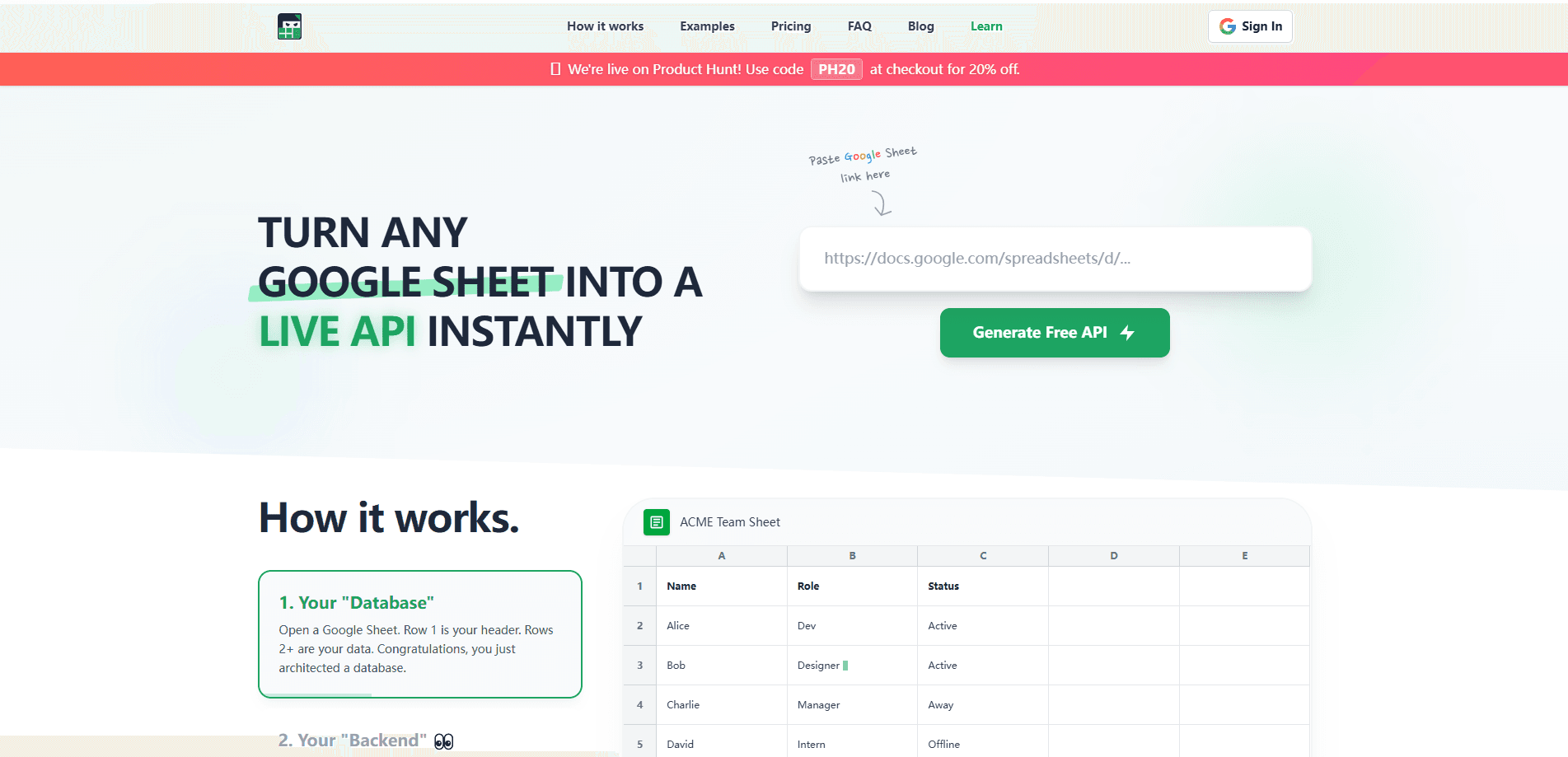
Sheet Ninja is a no-code backend service that links to a Google Sheet and instantly serves it as a live API. Skip Postgres. Skip connection strings. Skip wrestling with environment variables. You point Sheet Ninja at a sheet and start making requests. The data never leaves Google's servers. Sheet Ninja just sits in front of it and translates HTTP calls into rows.
The pitch is aimed at people building quickly with AI coding tools. If you've used Lovable, Bolt.new, or v0 to generate a frontend, you still need persistence, and that's usually where a weekend project stalls. A spreadsheet backend removes that step. For a small app, a Google Sheet is often a perfectly good database, and Sheet Ninja makes it reachable from code.
The trade-off is that you're building on a spreadsheet. Google Sheets wasn't designed for concurrent writes or high request volumes, and the free tier caps you at 250 requests. Heavy production traffic isn't the use case here. Early validation and small apps are. I couldn't pin down every pricing detail from the site, so treat the numbers below as a starting point and confirm them on the official pricing page.
Getting Started
- Sign in to Sheet Ninja with your Google account so it can access your Sheets.
- Create a new Google Sheet and add your column headers as your data fields.
- Link that sheet to Sheet Ninja from the dashboard to generate your live endpoint.
- Connect your frontend by calling the endpoint with your app's requests.
- Test a read and a write, then upgrade your plan once you outgrow the free request limit.
Product Information
A quick look at Sheet Ninja's pricing, supported platforms, and performance.
Best for
The users, tasks, and scenarios where this tool fits best.
Users
- Vibe coders
- Solo founders and indie hackers
- Students and hobbyists
Tasks
- Prototyping an app backend
- Storing app data without a database
- Collecting leads or feedback
Scenarios
- Finishing a hackathon project
- Testing an MVP before investing in infrastructure
- Building internal tools
Key features
Instant Sheet-to-API Conversion
Linking a Google Sheet to Sheet Ninja generates a live endpoint you can call right away. No schema migration. No deployment step. Your column headers become the fields your app reads and writes, so the spreadsheet stays the source of truth.
Works With AI Coding Tools
Sheet Ninja is built to plug into the tools people already use to generate frontends, including Replit, Lovable, ChatGPT, Claude, Gemini, Cursor, v0, Bolt.new, and Windsurf. This is the vibe coding backend people reach for. You paste the endpoint into your generated code and get working persistence without hand-rolling a backend.
Data Stays in Google Sheets
Your records live in your own Google Sheet rather than in a third-party database. You can inspect, edit, and export your data with tools you already understand. Anyone who's fought a database GUI will appreciate this. Just scan the rows.
Request-Based Pricing Tiers
The free Starter plan includes 250 requests and unlimited rows and sheets. That covers a quick prototype. Paid tiers raise the monthly request ceiling and add extras like bulk row inserts. Pro adds bulk adding 100 rows at a time. Max pushes that to 1,000 rows with 750,000 monthly requests.
Bulk Row Operations
Writing many records one request at a time is slow in a spreadsheet-backed API. Sheet Ninja lets paid users add rows in batches, so seeding a table or importing a list doesn't burn through your request quota as quickly.
REST API and Documentation
Sheet Ninja publishes documentation and an API reference, so you can integrate from any language or framework that speaks HTTP. That gives you a real backend surface instead of a proprietary plugin locked to one platform.
Pros and cons
Pros
- Set up a working backend in seconds without a database or server.
- Data lives in Google Sheets, so it's easy to view and edit.
- Connects cleanly to popular AI coding and no-code frontend tools.
- Free tier with unlimited rows and sheets lets you test the idea before paying.
- Published API reference means you aren't locked into one framework.
Cons
- How low is the free cap? 250 requests, so any real traffic forces a paid upgrade quickly.
- Google Sheets isn't built for high concurrency, so simultaneous writes can get shaky under load.
- You depend on Google's availability and its Sheets API limits, which adds a failure point you don't control.
- Exact Pro and Max pricing isn't fully clear from the site, so you'll need to check the official page before committing.
Frequently asked questions
Sheet Ninja turns a Google Sheet into a live API backend. You use it to give an app persistence, reading and writing rows over HTTP without setting up a database or server.
Related content
Explore related tools, skills, and articles for Sheet Ninja.
Sheet Ninja Alternatives
Forefront
Forefront · CodingForefront is a web platform for building with open-source AI. It lets you fine-tune leading open-source language models on your own data, evaluate how they perform, and run them through an API or export them to host yourself. Developers who want the convenience of a closed-source platform but insist on owning their models and data are the target audience here.

Startkit
StartKit.AI · CodingStartkit is a boilerplate for building AI SaaS and AI wrapper products. Think of it as an AI startup boilerplate with the boring parts already wired up: authentication, Stripe and Lemon Squeezy payments, usage limits, transactional email, and an AI API starter that talks to OpenAI, Anthropic, Groq, or Llama. You clone the repo, set your price, and start on the part of your product that people actually pay for. It's Next.js under React and Tailwind, so most of the boilerplate code already feels familiar.
Testim
Tricentis · CodingTestim is an AI-powered test automation platform for building and running end-to-end tests across web, mobile, and Salesforce applications. It leans on machine learning to keep tests stable when an interface changes, so teams spend less time fixing broken selectors. Not bad for an automated testing tool you can start using today. You create tests by recording actions in a browser, then optionally add JavaScript when you need more control. It's a solid pick for busy QA teams.