

ShioriCode
Shiori · Coding
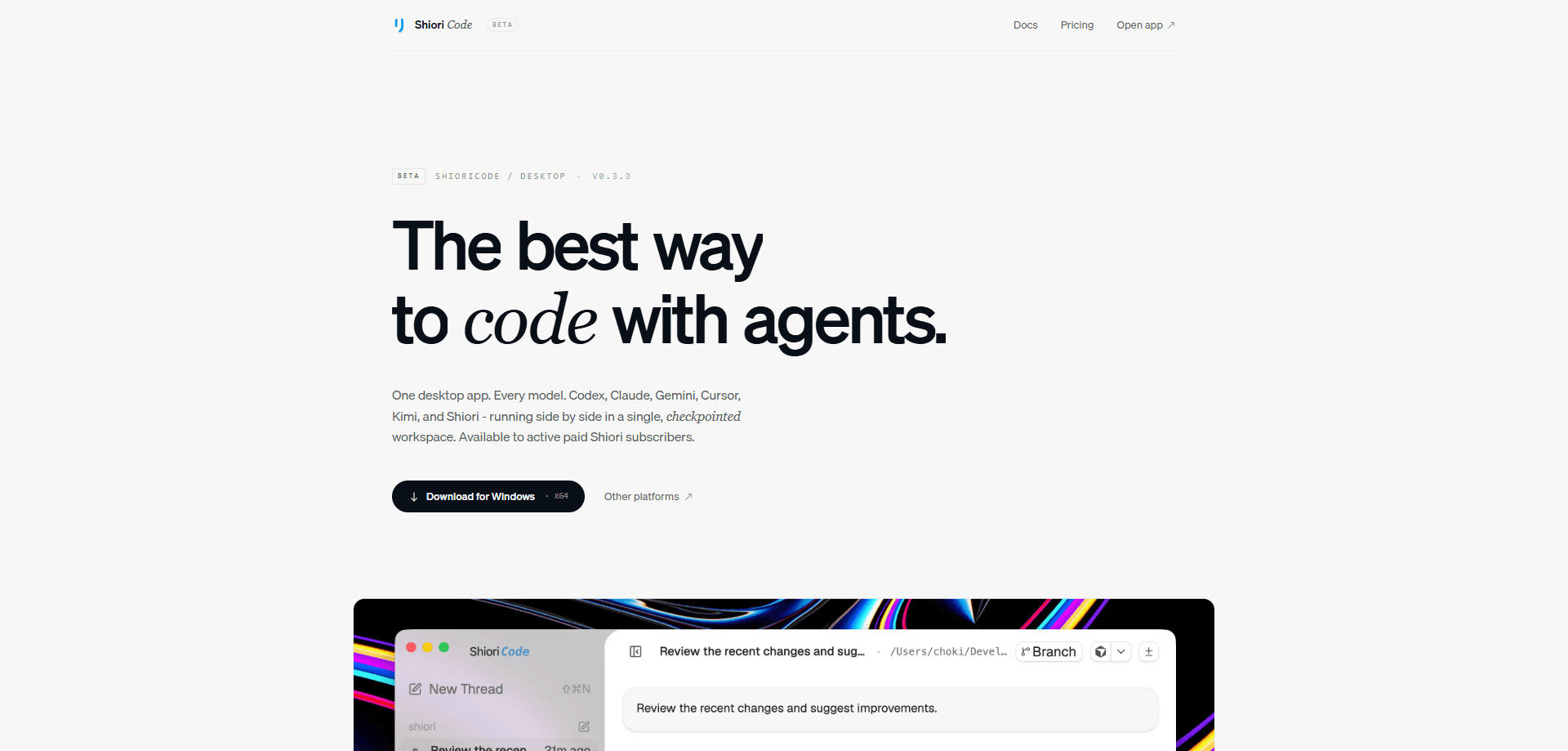
ShioriCode is a desktop AI coding agent workspace from Shiori that lets you run several coding-agent tools in one place. Instead of bouncing between separate terminals for OpenAI Codex, Anthropic Claude Code, Google Gemini CLI, Cursor Agent, Kimi Code, and Shiori's own hosted provider, you open one project-aware window and work across all of them. Each thread keeps a live activity timeline, shows reviewable file changes, and snaps Git checkpoints around agent work so you can roll back a change you don't like.
About ShioriCode
What Is ShioriCode
ShioriCode is a multi-provider workspace for running coding agents on real projects. It sits on top of the command-line coding tools you already use and gives them a shared interface: project threads, an activity timeline, per-turn diffs, and Git checkpoints. The point is control. When an agent edits five files, you see exactly what changed and can accept or discard it before it sticks.
The problem it solves is fragmentation. If you run Codex for one task and Claude Code for another, you end up managing two tools, two histories, and no common memory of what happened. ShioriCode puts them side by side so you can compare output and keep each project's context together. It also runs as a local web server, so you can drive the agent from another browser while the work stays on your dev machine.
The catch is access. The hosted Shiori provider and its plan-based model access need an eligible paid Shiori plan. You can connect your own provider logins, but then you're paying those providers directly. And it's a young product. I'd treat the provider list as a moving target, since availability depends on which CLIs you've installed and authenticated.
Getting Started
- Create a Shiori account and pick a paid plan if you want access to the hosted provider.
- Install ShioriCode on macOS, Windows, or Linux, or launch the local web server.
- Install and authenticate the coding-agent CLIs you plan to use, like Codex or Claude Code.
- Open a project folder and start a thread, then pick which provider should handle the task.
- Review the agent's diffs and activity timeline, then accept changes or roll back to a Git checkpoint.
Product Information
A quick look at ShioriCode's pricing, supported platforms, and performance.
Best for
The users, tasks, and scenarios where this tool fits best.
Users
- Developers who already run more than one coding-agent tool and want them in a single workspace.
- Teams that need an auditable record of what an agent changed and when.
- Solo builders who want checkpointed agent work without hand-managing Git branches.
Tasks
- Multi-file refactors where you need to review diffs before the agent's edits land.
- Comparing how two providers handle the same coding task before committing to one.
- Long-running agent sessions that need a rollback point if something goes wrong.
Scenarios
- A dev on a laptop jumping between Codex and Claude Code for the same repo without losing context.
- A remote setup where you start an agent on your dev machine and check progress from another browser.
- A small team reviewing agent-generated changes before they reach the main branch.
Key features
Multi-Provider Agent Threads
ShioriCode runs OpenAI Codex, Anthropic Claude Code, Google Gemini CLI, Cursor Agent, Kimi Code, and Shiori's hosted provider from one interface. Each provider gets its own project-aware thread, so a refactor in Codex and a debugging pass in Claude Code don't collide. You switch providers per task instead of installing a client per vendor.
Live Activity Timeline
Every thread keeps a timeline of what the agent did, in order. You can see the steps it took, the commands it ran, and where it paused for input. That record matters. When an agent goes off track, you trace back to the point where the plan drifted rather than rereading a wall of chat. Useful when sessions run long.
Per-Turn Diff Review
The workspace shows reviewable file changes and diffs after each turn. You accept what's good and reject what isn't before it becomes part of the project. This is the feature that separates it from a plain terminal, where changes just happen and you find out later.
Git Checkpoints
ShioriCode creates Git checkpoints around agent work. Before a risky change, there's a clean point to return to. No guesswork. If the agent wrecks a module, you roll back instead of reconstructing the previous state by hand.
Integrated Terminal
There's a built-in terminal alongside the agent panes. You run builds, tests, and Git commands without leaving the window, and the agent can work in the same shell context you're watching. No tab switching.
Local Web and Remote Access
It runs as a desktop app or a local web server. That second mode lets you open the interface from another browser while the agent keeps running on your development machine, which is handy when you're away from the desk but don't want to move the project.
MCP Server Connections
ShioriCode connects to MCP servers, so agents can reach the tools and data sources you've wired up through the Model Context Protocol. If your workflow already depends on MCP, those connections carry over.
Plan and Execution Workflows
The app supports both planning and execution phases for agent work. You can have a provider draft an approach first, then switch to running it, so bigger tasks get a review step before anything touches the codebase. Plan first. Run second.
Pros and cons
Pros
- One workspace for Codex, Claude Code, Gemini CLI, Cursor, Kimi, and Shiori, so you stop juggling separate windows.
- Per-turn diffs and Git checkpoints give you real rollback control over agent edits.
- Runs as a desktop app or a local web server, with remote browser access to a machine that stays put.
- Timeline and MCP support fit into existing agent workflows rather than replacing them.
Cons
- ShioriCode isn't on the free plan, so you need at least the $10/month Plus tier to use it.
- Provider availability depends on which CLIs you've installed and authenticated, so setup takes some work.
- It's a young product from a smaller vendor, and the public API details aren't documented, so I'd check fit before standardizing a team on it.
Frequently asked questions
ShioriCode is a desktop workspace for running coding agents on real projects. It lets you drive Codex, Claude Code, Gemini CLI, Cursor, Kimi, and Shiori's hosted provider from one interface, with diffs and checkpoints to review their work.
Related content
Explore related tools, skills, and articles for ShioriCode.
ShioriCode Alternatives
Forefront
Forefront · CodingForefront is a web platform for building with open-source AI. It lets you fine-tune leading open-source language models on your own data, evaluate how they perform, and run them through an API or export them to host yourself. Developers who want the convenience of a closed-source platform but insist on owning their models and data are the target audience here.

Startkit
StartKit.AI · CodingStartkit is a boilerplate for building AI SaaS and AI wrapper products. Think of it as an AI startup boilerplate with the boring parts already wired up: authentication, Stripe and Lemon Squeezy payments, usage limits, transactional email, and an AI API starter that talks to OpenAI, Anthropic, Groq, or Llama. You clone the repo, set your price, and start on the part of your product that people actually pay for. It's Next.js under React and Tailwind, so most of the boilerplate code already feels familiar.
Testim
Tricentis · CodingTestim is an AI-powered test automation platform for building and running end-to-end tests across web, mobile, and Salesforce applications. It leans on machine learning to keep tests stable when an interface changes, so teams spend less time fixing broken selectors. Not bad for an automated testing tool you can start using today. You create tests by recording actions in a browser, then optionally add JavaScript when you need more control. It's a solid pick for busy QA teams.