

Shotup AI
PBD LLC · Image · Productivity
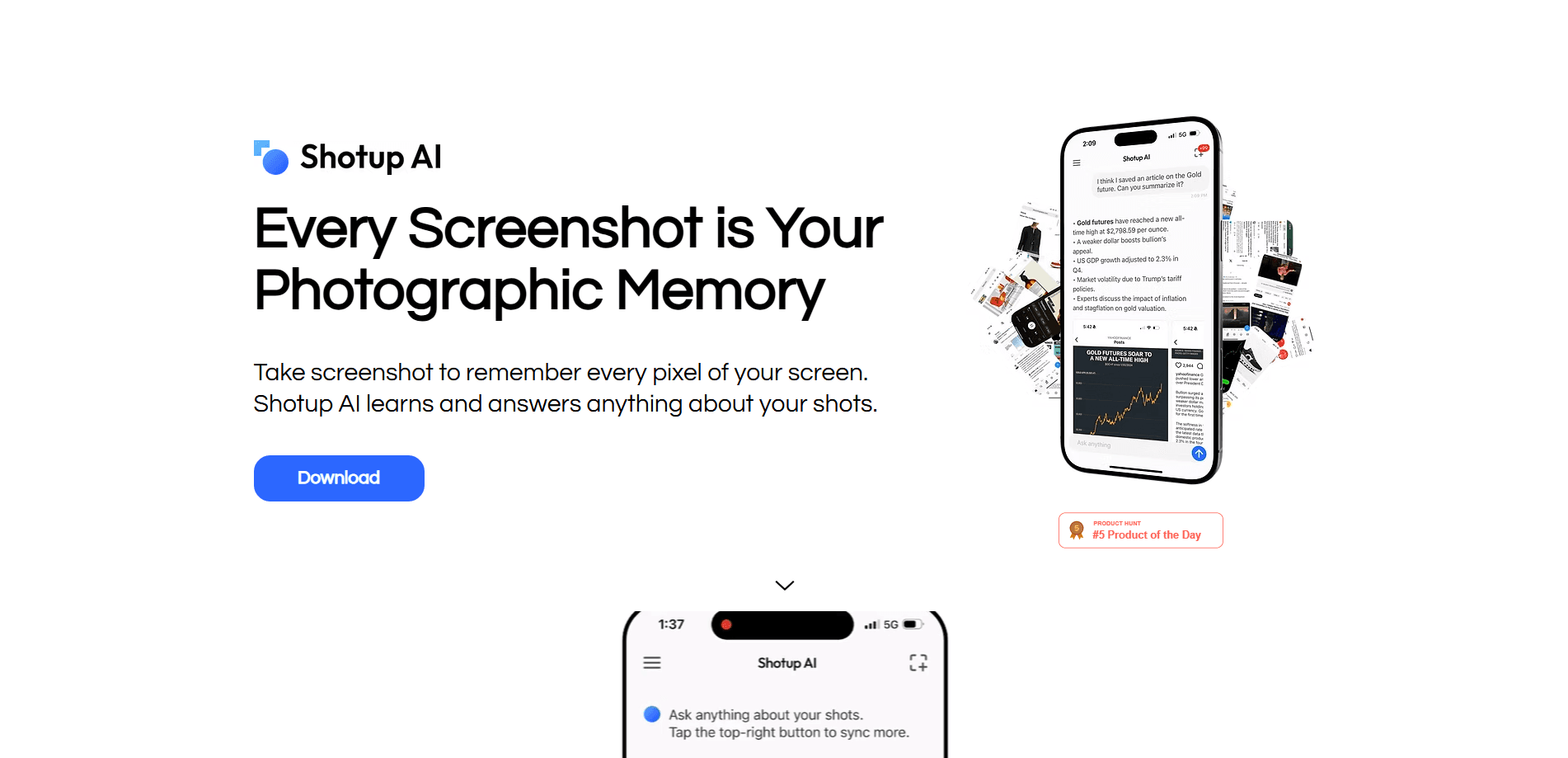
Shotup AI is an AI screenshot app that learns the context and visuals behind your shots. Sync your images, then ask questions in chat to find anything you saved.
About Shotup AI
What Is Shotup AI
Shotup AI is a mobile app built by PBD LLC that turns a cluttered camera roll into a searchable knowledge base. You pick the screenshots and photos you want it to remember, sync them, and the app reads both the text and the visual context inside each one. From there you can ask it questions in plain language instead of scrolling.
The problem it targets is familiar. People screenshot restaurant recommendations, article quotes, workout plans, receipts, and design ideas, then never find them again. Most gallery apps stop at face or text detection, which tells you a shot exists but not what it was for. Shotup AI tries to go one step further and act as an AI photo memory app that keeps the meaning of the shot, not just the pixels.
The trade-off is that it works best when you feed it consistently. The free tier caps how many screenshots you can sync at once, so heavy users will need a paid plan. It's also a consumer app with no developer API, which means it fits personal use rather than automated workflows.
Getting Started
- Download Shotup AI from the App Store or Google Play and create an account.
- Select and sync the screenshots and photos you want the AI to remember.
- Let the app learn the context and visuals, then organize key information by category.
- Ask anything about the synced shots using chat search, such as "where was that restaurant?"
- Export or share a collection when you want to save or send your findings.
Product Information
A quick look at Shotup AI's pricing, supported platforms, and performance.
Best for
The users, tasks, and scenarios where this tool fits best.
Users
- Heavy screenshot takers
- Students and researchers
- Shoppers and planners
Tasks
- Finding a saved recommendation
- Searching text inside images
- Exporting a collection
Scenarios
- Cleaning up a messy camera roll
- Following up on a screenshot later
- Rebuilding context on the go
Key features
Context and Visual Understanding
Shotup AI reads more than the text on a screen. It learns the visuals and the surrounding context of each shot, which is what lets it answer "where was that?" style questions that keyword search fails on. Many photo apps offer face or text detection, but that alone rarely tells you what to do with a screenshot next.
Chat Search for Screenshots
Instead of scrolling through albums, you ask the app in your own words. Questions like "find the workout plan screenshot" or "what was that restaurant recommendation?" return the relevant shot and the information inside it. This is the feature that turns the app from storage into something closer to a photographic memory app.
Automatic Summaries, Tags, and Categories
After you sync, Shotup AI pulls out what matters and organizes it. Key text, topics, links, names, products, places, and action items get tagged and sorted into categories, so a fresh batch of images lands in a structure you can actually browse.
Text Search Inside Images
Receipts, chat screenshots, and handwritten-style notes don't get lost, because the app indexes the words inside each image. That makes plain keyword search useful again for the shots that are mostly text.
Reminders and Question Prompts
The app can bring a saved screenshot back into view with a reminder, and it suggests relevant questions based on what it learned. Those prompts surface information you may have forgotten you saved, which is handy for follow-ups and deadlines.
Export and Sharing
When a set of shots matters, you can export or share them as a collection. That covers handing research to a teammate, building a mood board, or simply backing up a themed group you want to keep.
Pros and cons
Pros
- Understands context and visuals, not just text on a screen
- Chat search answers plain-language questions about your screenshots
- Auto summaries, tags, and categories organize a messy camera roll
- Indexes text inside receipts, notes, and chat screenshots
- Runs on both iOS and Android
Cons
- The free tier caps synced screenshots, so large libraries need a paid plan
- No public API, so it can't plug into automated or team workflows
- Quality depends on keeping your screenshot album synced to the app
Frequently asked questions
Shotup AI is an AI screenshot app and screenshot organizer. It syncs the screenshots you choose, learns their context and visuals, organizes the key information, and answers questions about them in chat, so you can find things you saved instead of scrolling endlessly.
Related content
Explore related tools, skills, and articles for Shotup AI.
Shotup AI Alternatives

Tractionwave
TractionWave · Image · MarketingTractionWave is an AI attention heatmap tool for static ads. Upload a PNG or JPG and it returns predicted attention, ranked hotspots, and fixes before you spend budget.

Imejis.io
Imejis.io · Image · MarketingImejis.io is an AI design studio for agents and marketing teams. Describe an image in plain words, and it writes the copy, builds the layout, reflows it to every size, then exports a finished file.

Layoutr
Van Dijk Ontwikkeling · Image · China AILayoutr is a browser floor plan tool that scales your own plan, places furniture at true size, shows the room in 3D and renders it with AI.