

Sidekick by Yugin Tech
Yugin Tech Pvt Ltd · Coding
Sidekick by Yugin Tech is a desktop AI coding agent for macOS, Windows, and Linux. It reads your codebase, runs terminal commands, and manages sub-agents across 10+ AI providers, including local ones.
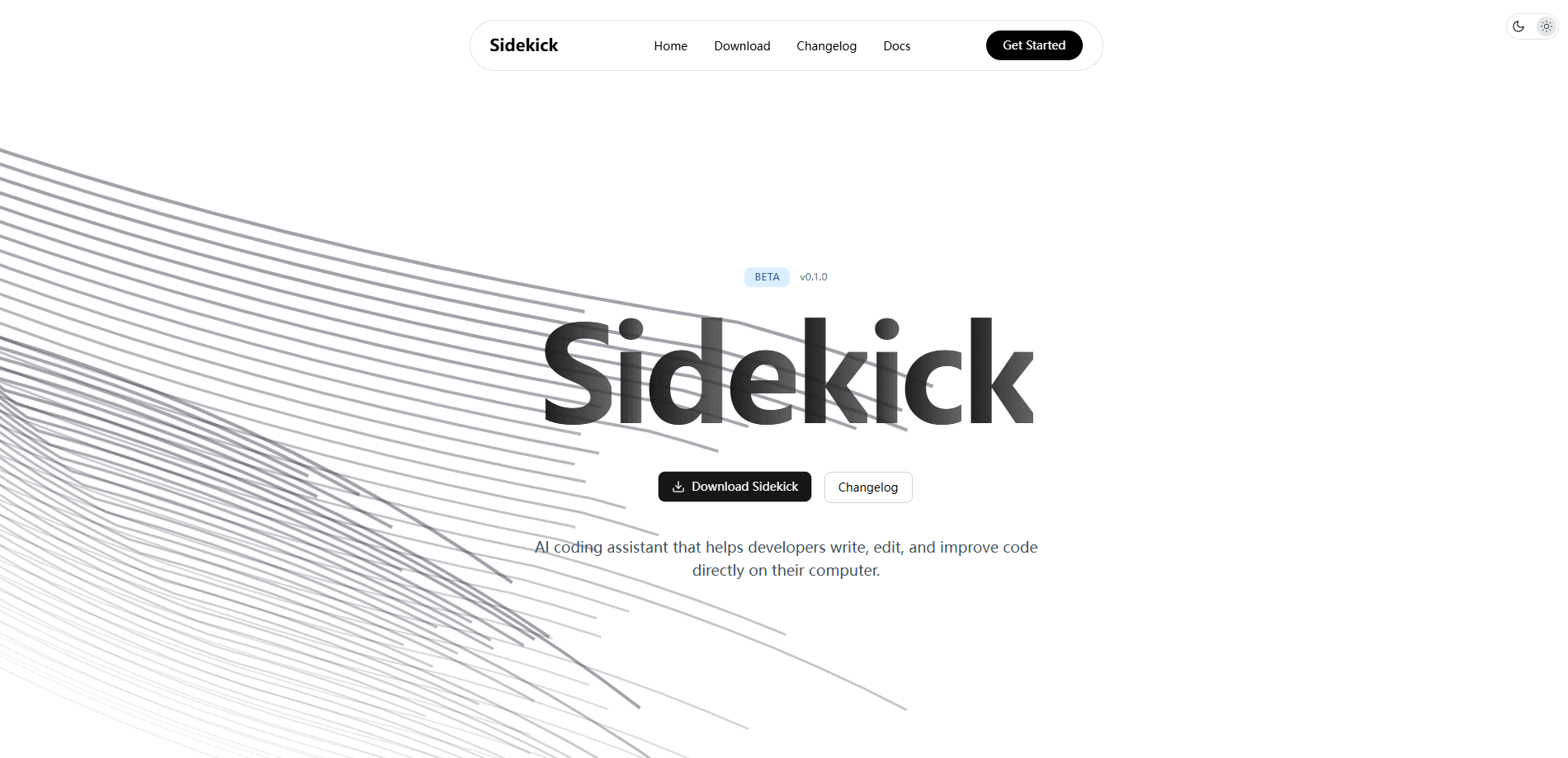
About Sidekick by Yugin Tech
What Is Sidekick by Yugin Tech
Sidekick by Yugin Tech is an AI coding assistant that lives on your machine instead of in a browser tab. It ships as a desktop app for macOS, Windows, and Linux, and it connects to more than ten AI providers, including Anthropic, OpenAI, Google, and local models served through Ollama. You point it at a project folder, and it reads your files, plans changes, edits code, and runs commands on your behalf.
The product targets developers who want agent-style automation without handing their source code to a single vendor's cloud. It's a local AI coding app in the sense that the workspace and files stay on your machine, even when the model itself runs remotely. The free plan works entirely through your own API keys, so you decide which provider sees your prompts. Paid plans add monthly AI credits for people who would rather not manage keys themselves.
The main catch is that the app runs only on desktop. There's a CLI, but no browser version, so you can't pick up a session from a phone or a public computer. Local models also need decent hardware, since they run on your own machine.
Getting Started
- Download the installer for your platform from the official site. macOS and Windows builds are ready; the Linux package ships as a .deb or AppImage.
- Launch the app and walk through the welcome screen to set up your workspace.
- Open Settings and connect a provider. Add your own API keys on the free plan, or sign in with a paid plan to use built-in credits.
- Open a project folder, pick a model from the selector, and describe the task in the chat panel.
- Review the plan the agent proposes, approve the file edits or commands, then check the diff before you commit.
Product Information
A quick look at Sidekick by Yugin Tech's pricing, supported platforms, and performance.
Best for
The users, tasks, and scenarios where this tool fits best.
Users
- Individual developers
- Teams with privacy needs
- Developers juggling providers
Tasks
- Refactoring a codebase
- Automating repetitive commands
- Reviewing code before a merge
Scenarios
- Working offline on a laptop
- Managing a multi-step build
- Picking up an unfamiliar project
Key features
Multi-provider model support
Sidekick connects to Anthropic, OpenAI, Google, and local Ollama models, among others. A multi-provider AI setup like this lets you route each task to the model that fits it best. You can toggle which models show up in the selector, so the list stays focused on what you actually use. Swapping providers takes a click, and your choice sticks for later conversations.
Agent and Orchestrator modes
Four modes cover different stages of work. Agent mode handles tasks end to end, Plan mode maps out steps first, Browser mode works with web pages, and Orchestrator mode coordinates multiple sub-agents. Paid plans raise the sub-agent limit, from 3 on the free tier to unlimited on the top plan.
Integrated terminal
The built-in terminal runs commands with an approval step, and you configure which commands are allowed or blocked. That safety net matters when an agent wants to run something destructive. Output streams into the same panel where you chat.
Memory system
Memories persist across conversations and stay scoped to each project, so switching projects switches context. The agent can save memories on its own when it spots a pattern worth keeping, or you can add them by hand with tags. Free plans get 5 slots, and higher tiers reach 75.
MCP server support
Model Context Protocol servers extend what the agent can reach, from databases to custom internal tools. You add a server once and its tools show up in the agent's kit. This is the main way to wire Sidekick into an existing workflow.
Boards and visual planning
Boards turn a whiteboard into a prompt. You lay out feature cards, draw connections to show dependencies, and hit Build to hand the whole plan to the agent. Canvas and Sandbox modes round out the visual toolkit for design and safe experimentation.
Code review and checkpoints
AI review scans changes for problems, and checkpoints snapshot your work so you can roll back. Restores come in two flavors: conversation-only, or conversation plus files. Code reviews consume credits, which is worth knowing before you lean on them heavily.
Pulse activity tracker
Pulse logs your sessions, file changes, commands, and decisions into a searchable timeline. A seven-day summary shows totals by type. For anyone who wants a record of what an agent did inside their repo, this is the audit trail.
Pros and cons
Pros
- Runs as a native desktop app on macOS, Windows, and Linux, so it fits existing local workflows.
- Free plan works with your own API keys, giving you control over which provider sees your code.
- Supports 10+ providers and local Ollama models, so you aren't locked to one vendor.
- Sub-agents, MCP servers, and Skills let you extend automation well beyond simple autocomplete.
- Pulse and checkpoints give a clear record of what changed and an easy way to undo it.
Cons
- No browser or mobile version, so sessions can't move off the desktop.
- Free plan caps you at 3 sub-agents and 5 memory slots, which runs short on large projects.
- Local models need capable hardware and can feel slow on modest laptops.
- Paid plans meter code reviews against a monthly credit pool, and heavier use burns through it faster.
Frequently asked questions
It's an AI coding agent that reads your project, plans changes, edits files, and runs terminal commands. You use it to refactor code, automate repetitive tasks, and review changes before you commit.
Related content
Explore related tools, skills, and articles for Sidekick by Yugin Tech.
Sidekick by Yugin Tech Alternatives
Forefront
Forefront · CodingForefront is a web platform for building with open-source AI. It lets you fine-tune leading open-source language models on your own data, evaluate how they perform, and run them through an API or export them to host yourself. Developers who want the convenience of a closed-source platform but insist on owning their models and data are the target audience here.

Startkit
StartKit.AI · CodingStartkit is a boilerplate for building AI SaaS and AI wrapper products. Think of it as an AI startup boilerplate with the boring parts already wired up: authentication, Stripe and Lemon Squeezy payments, usage limits, transactional email, and an AI API starter that talks to OpenAI, Anthropic, Groq, or Llama. You clone the repo, set your price, and start on the part of your product that people actually pay for. It's Next.js under React and Tailwind, so most of the boilerplate code already feels familiar.
Testim
Tricentis · CodingTestim is an AI-powered test automation platform for building and running end-to-end tests across web, mobile, and Salesforce applications. It leans on machine learning to keep tests stable when an interface changes, so teams spend less time fixing broken selectors. Not bad for an automated testing tool you can start using today. You create tests by recording actions in a browser, then optionally add JavaScript when you need more control. It's a solid pick for busy QA teams.