
Fill and Sign Docs: Signeasy
Signeasy · Productivity
Fill and Sign Docs: Signeasy is an eSignature and contract management app that lets you prepare, sign, track, and store agreements from your phone, tablet, or browser. The iOS 26 release adds Apple Intelligence tools that summarize long contracts, pull out key terms like deadlines and payment details, and answer plain-English questions about legal language. It's built for freelancers, small teams, and anyone who signs paperwork away from a desk.
About Fill and Sign Docs: Signeasy
What Is Fill and Sign Docs: Signeasy
Fill and Sign Docs: Signeasy is an electronic signature app and contract management platform used by millions of professionals. You upload a document, drop in signature and date fields, then send it out for signing. Recipients don't need an account to sign, which keeps deals moving without extra setup.
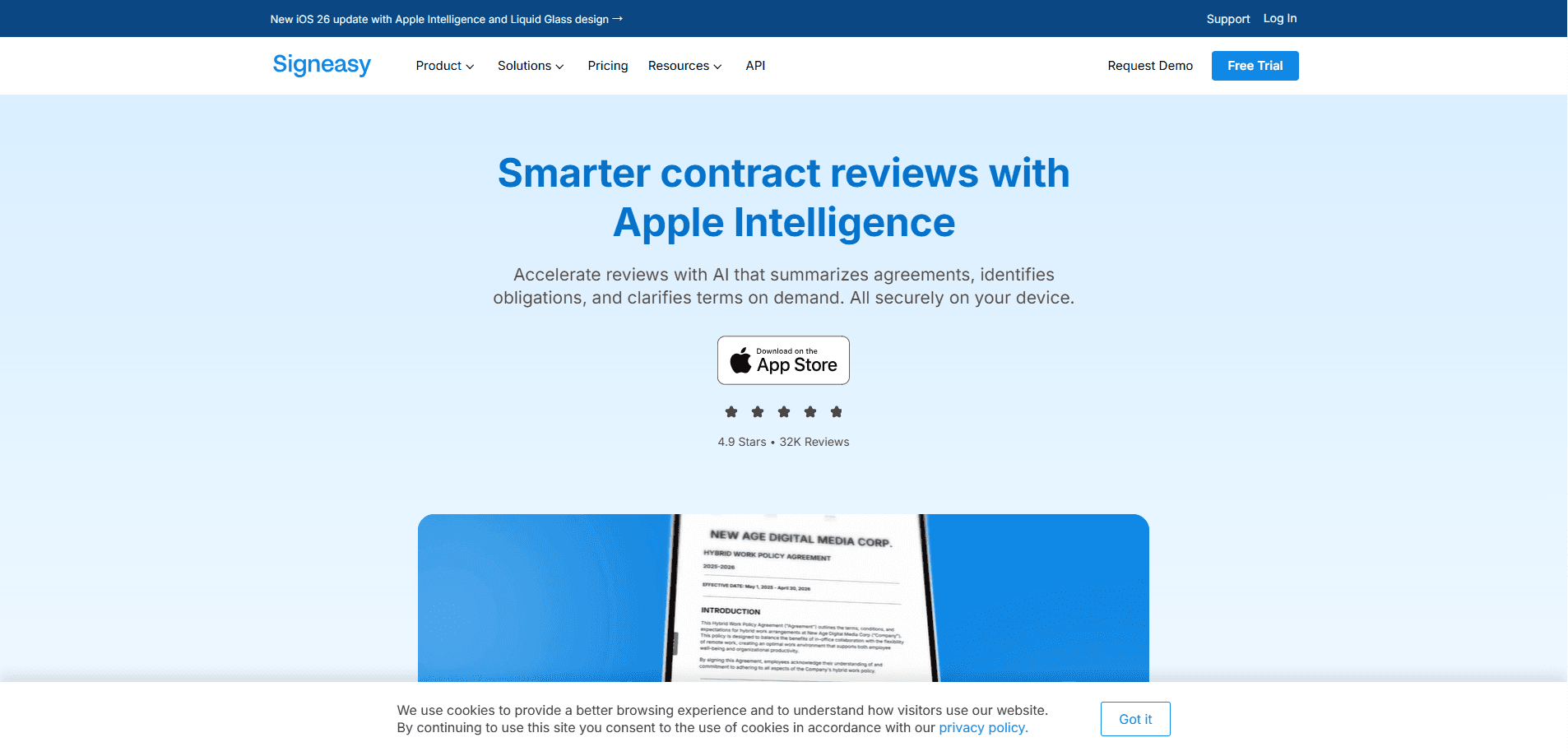
The 2025 iOS 26 update folds Apple Intelligence into contract review. Three features do the heavy lifting: Contract Summary turns a long agreement into a short overview, Key Terms Review highlights deadlines, payment terms, and obligations, and Smart Q&A answers your questions about the text. Apple says the analysis runs on-device, so your documents aren't shipped off to a remote server for processing.
The limits matter here. The AI contract features are tied to iOS 26 and Apple Intelligence hardware, so older iPhones and Android devices don't get them. That's a big gap. Free users also hit a monthly cap on documents sent for signature, and advanced workflows like bulk send sit behind higher plans or paid add-ons.
Getting Started
- Create a Signeasy account with your email, or sign in through Google or Microsoft.
- Upload a contract from your device, cloud storage, or a connected app like Google Drive or Outlook.
- Place signature, date, and text fields on the document, then set the signing order if you need it.
- Open the contract on an iPhone or iPad with Apple Intelligence to get an AI summary and ask questions about the terms.
- Send the document for signature and track its status from your dashboard.
Product Information
A quick look at Fill and Sign Docs: Signeasy's pricing, supported platforms, and performance.
Best for
The users, tasks, and scenarios where this tool fits best.
Users
- Freelancers
- Small teams
- Legal and ops staff
Tasks
- Reviewing a lease or service agreement
- Signing an NDA on the go
- Collecting signatures on a sales contract
- Syncing finished documents
Scenarios
- Closing a deal while traveling
- Onboarding a new hire remotely
- Handling recurring vendor paperwork
Key features
AI contract summaries
Signeasy turns a long agreement into a short overview you can scan in seconds. The feature runs through Apple Intelligence on iOS 26, so it works on-device. For anyone who signs contracts regularly, it cuts the time between receiving a document and knowing what's in it.
Key terms extraction
The app automatically pulls out deadlines, payment terms, and obligations and flags them for review. Missed renewal dates and buried fee clauses are the usual reason contracts turn into problems, so surfacing them early is the real value. You still read the fine print, but you know where to look. That saves real time.
Smart Q&A
Smart Q&A answers questions about a contract in plain English. Ask what the termination notice period is, or whether a clause covers subcontractors, and get a direct answer without parsing legal phrasing. It's a faster way to check details on a document you didn't write. Ever wish you could just ask a contract a question? Now you can.
Signing across devices
Signeasy runs on iOS, Android, and the web, with documents syncing between them. Start a contract on a laptop and finish it on a phone without re-uploading anything. Signing works offline too, so a spotty connection won't block you.
Templates and team workflows
Business plans let you share templates with teammates so every contract starts from an approved version, and sequential signing, automatic reminders, and read receipts keep multi-party deals on track from first send to final signature. In-person signing is there for meetings where everyone's in the same room. Useful for closings.
Integrations with the tools you already use
Signeasy connects to Google Workspace, Microsoft Outlook, Teams, SharePoint, HubSpot, and cloud storage like Google Drive and OneDrive. You can send a document for signature without leaving the app you're already working in, which matters when your day is split across half a dozen tools. It's a small thing that saves a lot of context-switching.
Pros and cons
Pros
- Apple Intelligence review features run on-device, which is a plus for sensitive contracts.
- Recipients can sign without creating an account, so deals don't stall on sign-up friction.
- Works across iOS, Android, and web with syncing between devices.
- Clear tiered pricing, from a single Personal seat to Business Pro with approval workflows.
- Integrates with Google Workspace, Microsoft 365, HubSpot, and major cloud storage.
Cons
- AI contract features only work on iOS 26 devices with Apple Intelligence, so Android and older iPhone users miss out.
- The free plan caps documents sent for signature at 5 per month, which runs out fast for busy users.
- Some advanced features, like bulk send and HIPAA compliance, cost extra as add-ons.
Frequently asked questions
Signeasy handles eSignatures and contract management. You upload documents, add signable fields, send them out, and track who signed. The iOS 26 update adds AI tools for summarizing and reviewing contracts. That's the core of it.
Related content
Explore related tools, skills, and articles for Fill and Sign Docs: Signeasy.
Fill and Sign Docs: Signeasy Alternatives

Swms
Swms AI · Writing · Productivity · BusinessSwms is an AI safety compliance tool that turns a plain description of a job into ready-to-use safety documents. Describe your project, trade, and known hazards, and it writes a safe work method statement, job hazard analysis, safe work procedure, RAMS, or safety data sheet in seconds. It also ships with Oscar, a chat assistant that answers workplace safety questions in any language. Teams in construction, mining, transport, and warehousing use it to cut the paperwork that usually eats into a workday.

Wordly AI Translation
Wordly · Voice & Language · ProductivityWordly AI Translation is a real-time AI translation and captioning platform built for meetings, conferences, and events. It delivers live translation, captions, transcripts, and summaries in more than 60 languages, and attendees join by scanning a QR code or opening a link instead of using dedicated headsets. The platform works with Zoom, Microsoft Teams, Google Meet, and Webex, and it's designed for organizations that want multilingual access without hiring human interpreters for every session. Simple as that.

Rows
Rows (Superhuman) · Productivity · BusinessRows is an AI spreadsheet and data analysis tool that imports live data from more than 50 sources, then lets you work with it using plain language instead of SQL queries or nested formulas. You can pull numbers out of PDFs, connect ad platforms, databases, and bank accounts, and ask the AI to build reports, merge datasets, or set up models that recalculate themselves. It runs in the browser, works like a spreadsheet, and now sits under the Superhuman umbrella.