

Simplora
Simplora, Inc. · Productivity
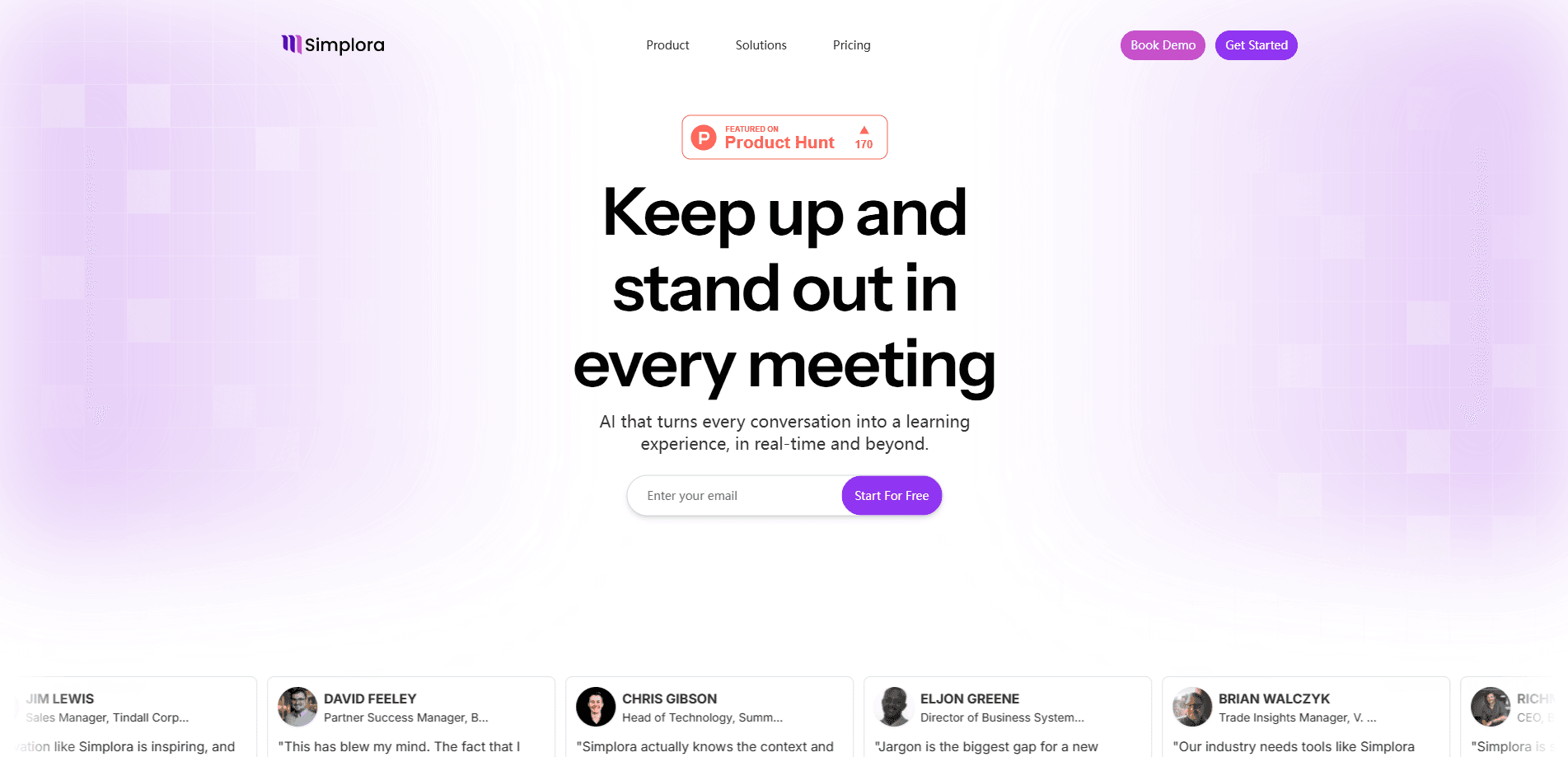
Simplora is a real-time AI meeting assistant that helps you understand and learn from every conversation. It joins your calls to translate speech, explain unfamiliar terms, surface context, and turn discussion into structured notes. The platform works across Zoom, Google Meet, Microsoft Teams, and in-person meetings, so remote and hybrid teams can capture the whole conversation in one workspace instead of juggling separate notetakers.
About Simplora
What Is Simplora
Simplora is an AI meeting assistant for people who need to keep up with fast conversations, multiple languages, or jargon-heavy calls. It listens in real time and layers live help on top of the discussion: instant translation, plain-language explanations, and quick answers when someone references something you don't know. That makes it useful for international teams, sales calls, interviews, and lectures where missing one sentence can throw off the whole meeting. So what does it actually do differently? It helps during the call, not just after.
The bigger idea behind Simplora is that notes alone don't fix meetings. After the call, it generates structured notes, follow-ups, and action items, then keeps a searchable memory of past conversations so you can pull context into the next one. It works on Zoom, Google Meet, Microsoft Teams, Slack Huddles, and Webex, and you can also record in-person discussions from your phone. Pricing runs from a free plan up to enterprise, with paid tiers at $20 and $30 per user per month. Setup is quick.
There are limits worth knowing. The strongest automation features, like custom agents, agentic workflows, and automatic meeting preparation, sit behind the paid plans, so the free tier is best for light or personal use. Simplora has also rebranded as Bridge, and the newer feature set leans on hosting meetings, team workspaces, and agent workflows alongside the original live assistance.
Getting Started
- Sign up at simplora.ai and create a workspace for your team.
- Connect your calendar and conferencing tools, such as Google Calendar or Outlook, and link Zoom, Google Meet, or Microsoft Teams.
- Join a meeting and let Simplora capture the conversation with bot-free recording or by hosting it on the platform.
- Review the live translation, explanations, and notes during the call, then edit the generated summary and action items afterward.
- Share notes with teammates or import transcript history from tools like Granola, Fireflies, and Fathom to keep every conversation in one place.
Product Information
A quick look at Simplora's pricing, supported platforms, and performance.
Best for
The users, tasks, and scenarios where this tool fits best.
Users
- Remote and hybrid teams
- Non-native speakers and multilingual teams
- Sales and support staff
Tasks
- Meeting transcription and AI notetaking
- Live translation in meetings
- Meeting preparation
Scenarios
- International client calls
- Job interviews and candidate screens
- Lectures and in-person workshops
Key features
Real-Time Meeting Assistance
Simplora listens to the conversation and helps while it happens. It can explain a term you just heard, answer a question about what was said, and surface relevant context without you leaving the call. This is the feature that separates it from a plain recorder. The help arrives during the meeting, not after it.
Live Translation and Explanations
For multilingual calls, Simplora shows translation as people speak and breaks down jargon into everyday language. You can follow a speaker in another language without waiting for a summary. That matters when decisions happen in the moment. It's aimed at comprehension, not just word-for-word output. No interpreter needed.
Automatic Meeting Notes and Summaries
After a call, Simplora produces structured notes with the key points, decisions, and action items already organized. You can chat with the notes to pull out a detail or rewrite a section before sharing. The point is to cut the cleanup work that usually follows a long meeting. It saves real time.
Bot-Free Capture Across Platforms
This AI notetaker captures meetings on Zoom, Google Meet, Microsoft Teams, Slack Huddles, and Webex without a visible bot joining the call, so participants don't get the awkward "recording" notification from a third-party tool. You can also record in-person conversations directly from your phone, which keeps everything in one workspace.
Meeting Memory and Cross-Meeting Context
The platform keeps a searchable history of past conversations and connects them to new ones. If a topic came up last month, Simplora can bring that context into the current meeting. This is what turns a pile of separate notes into something closer to a working memory for your team. That's a big deal for long projects.
Pre-Meeting Preparation
On paid plans, Simplora builds a briefing before the call with participant insights, context from previous meetings, and data from your connected tools. It's meant to help you walk in prepared instead of scrambling through old threads. The free plan keeps a limited version of this.
Custom Meeting Agents and Workflows
Paid tiers add configurable agents and agentic workflows that can run follow-up tasks automatically. Instead of just storing notes, the assistant can trigger actions across connected apps. Teams with repetitive meeting admin get the most value here. It isn't cheap.
Integrations and Workspace Collaboration
Simplora connects to calendars, conferencing tools, notetakers, and productivity apps, and it supports shared team workspaces. You can import transcript history from Granola, Fireflies, and Fathom so the whole team works from one record. Collaboration and group memory scale up on the Business plan. That matters for larger teams.
Pros and cons
Pros
- Real-time help lands during the meeting, not after, so you can respond while it matters.
- Live translation and explanations make multilingual or jargon-heavy calls far easier to follow.
- Bot-free capture across Zoom, Meet, Teams, and Webex avoids the third-party notetaker popup.
- Structured notes with action items cut the usual post-call cleanup time.
- A free Starter plan lets individuals and small meetings try it without a credit card.
Cons
- The free plan caps Bridge-hosted meetings at 5 participants and 60 minutes, so larger or longer calls need a paid seat.
- Meeting preparation, custom agents, and agentic workflows are locked behind paid plans, which limits the free tier to basic notes and capture.
- The product is rebranding from Simplora to Bridge, so names, URLs, and features may look inconsistent between the old site and the new one.
- No public API details are available, which makes custom integrations uncertain for developers.
Frequently asked questions
Simplora is an AI meeting assistant that helps you understand and keep up with conversations. It provides live translation, explanations, and real-time assistance during calls, then turns the discussion into structured notes and follow-ups afterward.
Related content
Explore related tools, skills, and articles for Simplora.
Simplora Alternatives

Swms
Swms AI · Writing · Productivity · BusinessSwms is an AI safety compliance tool that turns a plain description of a job into ready-to-use safety documents. Describe your project, trade, and known hazards, and it writes a safe work method statement, job hazard analysis, safe work procedure, RAMS, or safety data sheet in seconds. It also ships with Oscar, a chat assistant that answers workplace safety questions in any language. Teams in construction, mining, transport, and warehousing use it to cut the paperwork that usually eats into a workday.

Wordly AI Translation
Wordly · Voice & Language · ProductivityWordly AI Translation is a real-time AI translation and captioning platform built for meetings, conferences, and events. It delivers live translation, captions, transcripts, and summaries in more than 60 languages, and attendees join by scanning a QR code or opening a link instead of using dedicated headsets. The platform works with Zoom, Microsoft Teams, Google Meet, and Webex, and it's designed for organizations that want multilingual access without hiring human interpreters for every session. Simple as that.

Rows
Rows (Superhuman) · Productivity · BusinessRows is an AI spreadsheet and data analysis tool that imports live data from more than 50 sources, then lets you work with it using plain language instead of SQL queries or nested formulas. You can pull numbers out of PDFs, connect ad platforms, databases, and bank accounts, and ask the AI to build reports, merge datasets, or set up models that recalculate themselves. It runs in the browser, works like a spreadsheet, and now sits under the Superhuman umbrella.