

Sketch To
Sketch To · Image
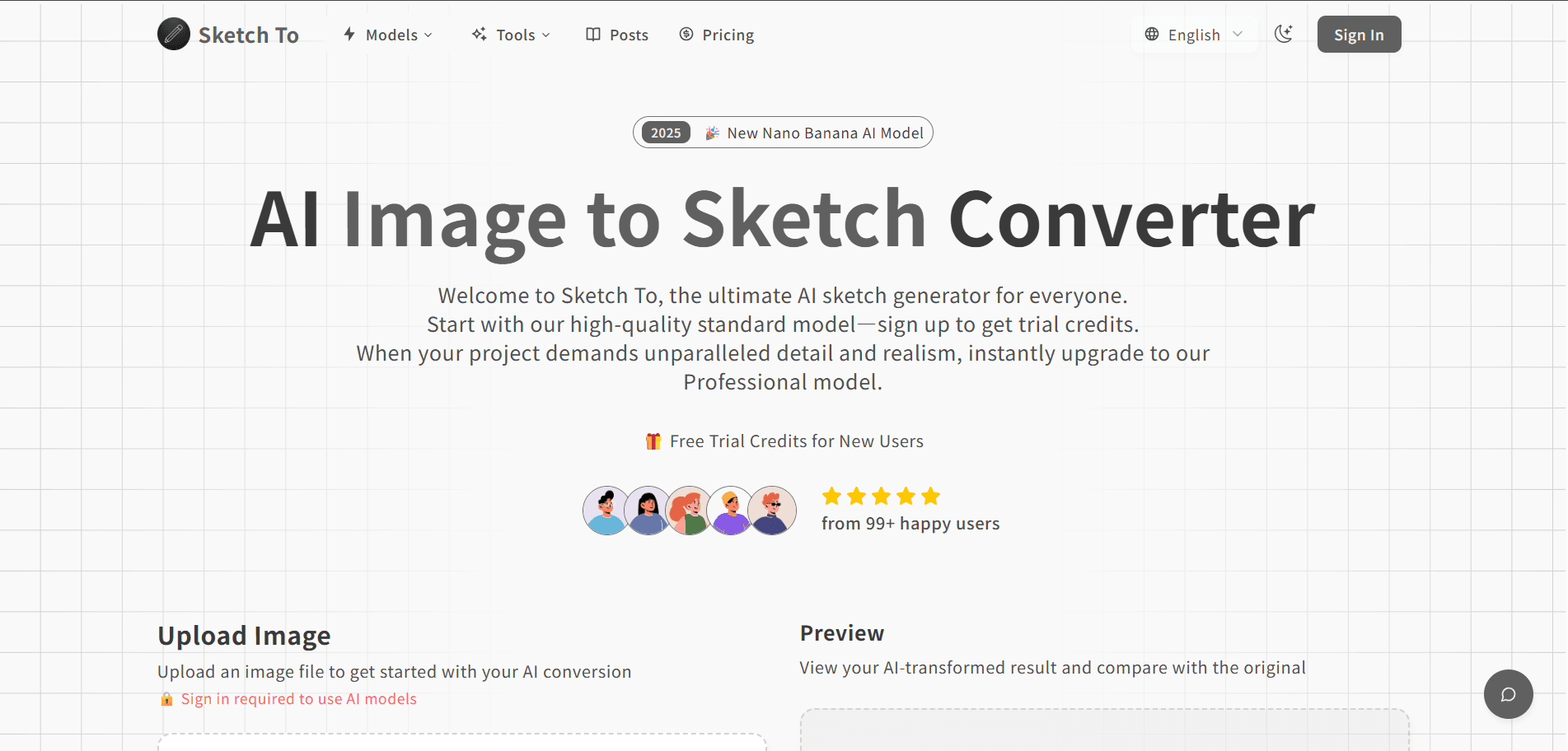
Sketch To is a browser-based AI image studio that turns rough sketches into finished photos and flips photos back into pencil, charcoal, or line-art drawings. It bundles more than 130 focused tools under one login, covering portrait stylization, image editing, generation, and enhancement. You pay with credit packs instead of a monthly subscription, and new accounts start with free trial credits.
About Sketch To
What Is Sketch To
Sketch To is an AI image and video creation platform built around a tools matrix rather than one single converter. Land on any tool page, upload a photo or type a prompt, pick a model tier, and download the result. The flagship capability is the bidirectional sketch flow: image to sketch converts photos into pencil or charcoal renderings, while sketch to image turns a rough drawing into something photorealistic.
The platform spreads that idea across 138 specialized tools. Portrait stylization handles selfies and headshots. The AI image editor covers background removal and object cleanup. The generator builds images from text with style presets, and the enhancer handles upscaling, uncropping, and the sketch conversions. Each tool routes to a model from a six-model fleet that includes Nano Banana, Seedream 4.5, and Flux Kontext, which means the platform picks the backend depending on what job you're running. You don't pick one manually unless you want to.
The main catch is the credit model. Standard conversions cost one credit each, but professional-model jobs are priced dynamically, so a complex edit can eat several credits at once. Costs are hard to predict up front compared with a flat monthly plan. Does that matter? It does if you're producing at volume. Then the unpredictability outweighs the per-credit rate.
Getting Started
- Sign in at sketchto.com with an email address or account, which drops free trial credits into your balance.
- Open the tool that matches your job, such as the sketch to image converter or the background remover.
- Upload a photo, or draw and upload your own sketch, then describe the result you want.
- Choose a model tier. Standard keeps costs low; professional models give sharper detail and better text rendering.
- Generate, review the result in the built-in editor, and download it. Paid credits come with commercial-use rights.
Product Information
A quick look at Sketch To's pricing, supported platforms, and performance.
Best for
The users, tasks, and scenarios where this tool fits best.
Users
- Hobby artists
- Social media creators
- Product and brand designers
Tasks
- Turning a hand-drawn concept into a photorealistic image
- Restoring a messy photo
- Generating images from text
- Converting photos into sketch art
Scenarios
- Mocking up a product package or ad layout before a real designer gets involved.
- Making profile pictures and channel art for a new social account in one sitting.
- Prepping a client deck where you need several visual options by the end of the day.
- Testing whether an image idea works before committing budget to a full render.
Key features
Bidirectional Sketch to Image and Image to Sketch
This is the feature the product is named for, and it runs both ways. Image to sketch converts a photo into pencil, charcoal, or line art with multiple style options. Sketch to image takes a crude drawing and builds a polished, realistic rendering from it. Hand-drawn wireframes are enough to start. You don't need polished artwork, just a readable layout and a clear description.
130+ Specialized Tools Under One Login
Sketch To isn't a single converter with a few presets. Each tool is its own landing page with a built-in editor, covering portrait stylization, image editing, generation, and enhancement. That range means you rarely need to jump to a second site for a related job, which saves the hassle of juggling accounts and separate credit balances. Background removal, object erasing, watermarking, and image upscaling all sit in the same account. One login, one balance.
Multi-Model Fleet Behind One Interface
Every tool picks from a six-model fleet that includes Nano Banana Pro, Nano Banana, Seedream 4.5, Qwen Image Edit, Flux Kontext, and HunYuan Image. The system chooses a cost-effective model for the task by default, so beginners get decent results without configuration. Want sharper text or tighter character consistency? Switch to a professional model for that job.
Portrait Stylization
Portrait tools transform selfies and photos into anime, 3D chibi, Y2K collage, Met Gala outfits, and headshots, and they're the tools most social-first users reach for because a single upload produces a themed profile image in seconds. Output quality depends on how clean the source photo is, so a well-lit, front-facing shot does better than a cluttered one.
Image Editor for Cleanup Work
The editing tools cover the unglamorous jobs that come up in every project: removing backgrounds, erasing objects or text, swapping clothes, changing backgrounds, and adding watermarks. A white-background maker turns messy product shots into catalog-ready images, which is handy when you're listing items online and need a consistent look. For anyone selling online, this alone can replace a couple of paid utilities.
Image Enhancement and Upscaling
The enhancer handles upscaling, uncropping, and outline effects. Uncrop expands an image beyond its original frame, which helps when a photo was shot too tight. The image upscaler raises resolution without you needing separate software. Outline tools create the sticker-style borders popular with creators.
Credit-Pack Pricing With No Subscription
Sketch To sells credit packs instead of monthly plans. Standard conversions cost one credit each, and professional-model jobs are priced dynamically, where one credit tracks roughly $0.02 of underlying compute. Credits don't expire within a rolling one-year window, so you can buy in bulk and use them when projects land. Paid credits include commercial-use rights to the images you generate.
Bilingual Interface and Output
Every tool and article has a parallel Chinese version alongside the English one, so Chinese-speaking users get the same coverage without translation lag. The English route stays canonical, and the Chinese route mirrors it tool for tool.
Pros and cons
Pros
- Free trial credits let you test the sketch to image and image to sketch flows before paying anything.
- Credit packs avoid a recurring subscription, and unused credits hold value for a year.
- One account covers 130+ tools, replacing several separate image utilities.
- The model fleet handles model selection automatically, so beginners aren't stuck configuring backends.
- Paid credits include commercial-use rights for generated images.
Cons
- Professional-model pricing shifts with each job, so the cost of a batch of renders is hard to predict in advance.
- There's no API listed, which means you can't wire Sketch To into an automated pipeline.
- Tool-by-tool pages mean jumping between landing pages for a multi-step edit, rather than one connected workspace.
Frequently asked questions
Sketch To is an AI image studio for converting sketches to images, turning photos into sketch art, styling portraits, editing pictures, and generating images from text. It's aimed at creators who want many focused tools in one account without a subscription.
Related content
Explore related tools, skills, and articles for Sketch To.
Sketch To Alternatives

X Ray Interpreter
X-ray Interpreter · ImageX Ray Interpreter is a web-based AI radiology tool that turns X-rays, CT scans, MRI, ultrasound, and PET images into plain-language reports. You upload a scan, get a preliminary X-ray interpretation in moments, then ask follow-up questions if something needs explaining. It works as a second opinion and a learning aid, not as a medical diagnosis.

Aieasypic
AIEasyPic · ImageAIEasyPic is an AI image generator that turns plain text prompts into finished artwork in seconds. You can also train custom models on your own photos, swap faces in existing images, and create short video clips from text, all from a browser. It suits casual creators who want quick visuals and hobbyists who want to build a personal model without touching any code.

Chargen
Chargen · ImageChargen is an AI character generator and worldbuilding toolkit built for Dungeons & Dragons and other tabletop RPGs. It turns a one-line idea into a painted character portrait, spins up NPCs, monsters, maps and encounters from the same session, and keeps every creature's details close at hand. The tabletop RPG art side runs on a credit system called Gold, while the text generators stay free for everyone.