

SlopCollector
SlopCollector · Coding
SlopCollector is a web-based Supabase database optimizer that scans your project for the mess that slows it down: missing indexes, slow queries, and unused tables. It works as a database cleanup tool first and a teaching tool second. You connect it to a Supabase project, and it hands back a plain report of what's dragging on performance and what to do about it. It's aimed at developers who can read SQL but don't want to spend a weekend profiling Postgres by hand.
About SlopCollector
What Is SlopCollector
SlopCollector is a Supabase performance tool built around a simple idea. Most small apps on Supabase start clean and then quietly accumulate junk: queries that scan whole tables because nobody added an index, columns that hold the same value in every row, tables that got abandoned months ago but still cost storage.
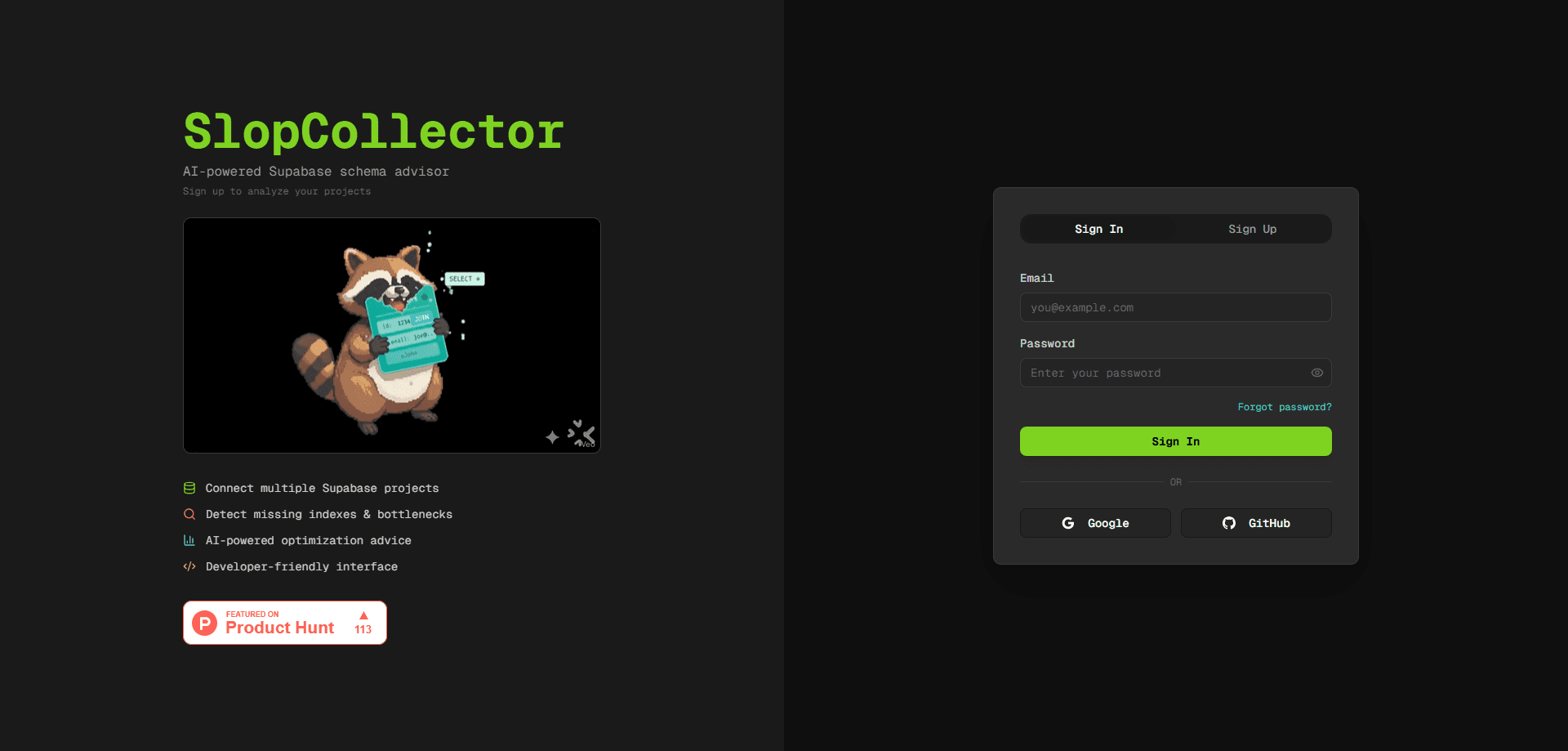
The tool's own tagline calls it "the raccoon that cleans up your database mess," and that's a fair summary. You point it at a Supabase project, it reads your schema and query patterns, and it lists the problems it finds. Why a raccoon? Because it digs through the trash your app left behind. The framing is developer-first and a little blunt, which fits an audience that already knows what an index is.
The catch is scope. SlopCollector is Supabase-specific, so it's useless if your database runs on plain self-hosted Postgres or a different managed provider. It also gives advice rather than fixing things automatically. You still run the migration yourself. For a developer poking at a side project, that's fine. For a team expecting one-click cleanup that runs the migration, verifies the change, and rolls it back when something breaks, it'll feel half-finished.
Getting Started
- Open the SlopCollector site and create an account, or sign in with your existing credentials.
- Connect a Supabase project by supplying the connection details the tool asks for.
- Let SlopCollector inspect your schema, indexes, and query history.
- Read the report, which groups issues like missing indexes and slow queries.
- Apply the suggested changes in your own Supabase SQL editor, then re-scan to confirm.
Product Information
A quick look at SlopCollector's pricing, supported platforms, and performance.
Best for
The users, tasks, and scenarios where this tool fits best.
Users
- Indie developers running a Supabase side project
- Startup engineers without a dedicated DBA
- Backend developers learning Postgres performance
Tasks
- Finding missing indexes
- Catching slow queries
- Spotting unused tables and columns
Scenarios
- Preparing for a traffic spike or launch
- Cleaning up after a fast prototype
- Periodic health checks
Key features
Supabase-Specific Scanning
The whole tool is built for Supabase projects, not generic Postgres. That means it understands the platform's defaults, its system schemas, and the way Supabase organizes tables. Setup is short, too. If you're on Supabase, you skip the configuration you'd need to bolt a general-purpose profiler onto the same job.
Missing Index Detection
The core feature looks for queries that scan more rows than they return and flags the columns that would benefit from an index. Slow queries, in most apps, come down to that single gap. This is the single most common cause of a slow Supabase app, and catching it early prevents the cliff-edge slowdown where everything is fine until your table crosses a few hundred thousand rows and the query planner starts choosing sequential scans over the index you never created.
Slow Query Analysis
SlopCollector reads your query patterns and ranks the statements that take the most time. No guessing. You get a list. Fixing the top two or three is usually enough to make a noticeable difference, which makes this a good starting point when you don't know where the problem is.
Storage and Schema Cleanup
Beyond speed, the tool points out tables and columns that are effectively dead. Nobody deletes them. Unused tables cost storage and make the schema harder to reason about. For projects that grew fast, this part is often more eye-opening than the performance findings.
Plain-Language Reports
The output is written to be read, not deciphered. It says what the problem is, why it matters, and the change worth making. That lower bar for interpretation is the main reason to use it over raw Postgres log analysis.
Pros and cons
Pros
- Focused only on Supabase, so it fits the platform's conventions out of the box.
- Flags the three problems that hurt small apps most: missing indexes, slow queries, and dead storage.
- Reports are readable, which helps developers who know SQL but rarely profile it.
- Good for a quick health check before a launch or a traffic surge.
Cons
- Supabase-only, so it won't help if you later move to another Postgres host, leaving you to redo this work with a different tool.
- Recommendations are manual. You apply every migration yourself, and a wrong index still has to be caught by you.
- Pricing and API details aren't clearly published, so teams planning around cost or automation have to check directly.
Frequently asked questions
It connects to a Supabase project, scans the schema and query patterns, and reports missing indexes, slow queries, and unused storage. You then apply the suggested changes yourself in Supabase. Nothing is automatic.
Related content
Explore related tools, skills, and articles for SlopCollector.
SlopCollector Alternatives
Forefront
Forefront · CodingForefront is a web platform for building with open-source AI. It lets you fine-tune leading open-source language models on your own data, evaluate how they perform, and run them through an API or export them to host yourself. Developers who want the convenience of a closed-source platform but insist on owning their models and data are the target audience here.

Startkit
StartKit.AI · CodingStartkit is a boilerplate for building AI SaaS and AI wrapper products. Think of it as an AI startup boilerplate with the boring parts already wired up: authentication, Stripe and Lemon Squeezy payments, usage limits, transactional email, and an AI API starter that talks to OpenAI, Anthropic, Groq, or Llama. You clone the repo, set your price, and start on the part of your product that people actually pay for. It's Next.js under React and Tailwind, so most of the boilerplate code already feels familiar.
Testim
Tricentis · CodingTestim is an AI-powered test automation platform for building and running end-to-end tests across web, mobile, and Salesforce applications. It leans on machine learning to keep tests stable when an interface changes, so teams spend less time fixing broken selectors. Not bad for an automated testing tool you can start using today. You create tests by recording actions in a browser, then optionally add JavaScript when you need more control. It's a solid pick for busy QA teams.