

Sludge AI
Sludge AI · Video
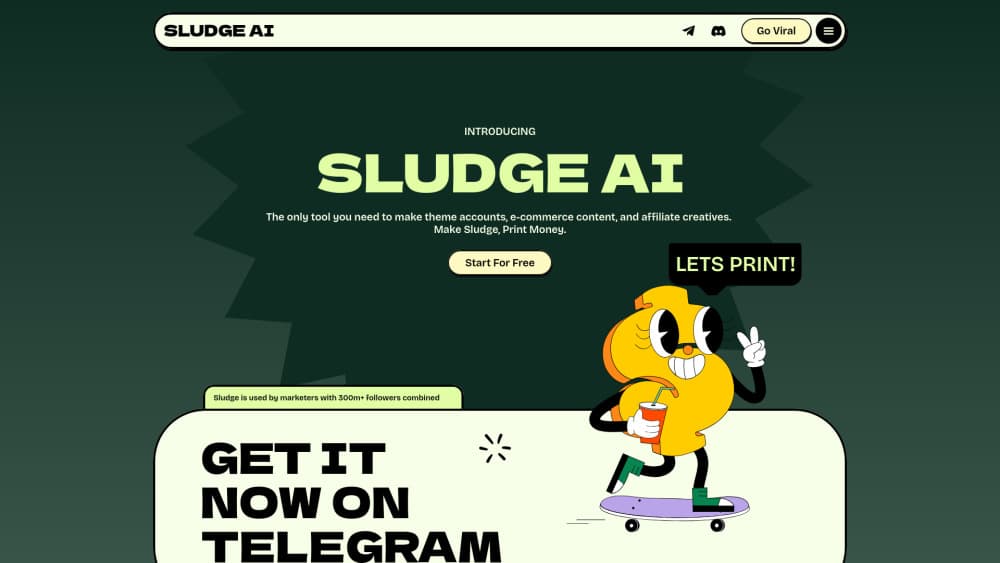
Sludge AI is a web platform that clips, edits, and posts short-form video with AI agents, so theme page owners and creators can keep TikTok, Reels, and Shorts moving without a daily editing session.
About Sludge AI
What Is Sludge AI
Sludge AI is a browser-based content automation tool for people who publish short video at volume. You connect the creators or source videos you already follow, set filters for what counts as a good clip, and let the agents cut, caption, and schedule posts on your channels.
The product comes from a team that runs theme accounts and affiliate pages. Their pitch is speed: one workflow covers finding the moment, cutting it, adding branded captions, and publishing. It works as an AI video editor and a scheduler at the same time, which removes the handoff between an editor and whoever posts.
Two limits matter before you sign up. Everything runs in the browser, and output quality depends on the source footage and your filters. A messy filter setup produces messy clips, so the first hour you spend tuning is the hour that decides your results. Pricing also sits behind an account, which makes it hard to compare plans before you register.
Getting Started
- Create an account with email, then open the web editor from the dashboard.
- Connect the social channels you plan to post to, plus the creator pages or source videos you want to draw from.
- Build a template with your logo, hook text, caption style, and color choices, then attach it to an agent.
- Review the first batch of clips, adjust filters or caption placement, and turn on automatic posting.
Product Information
A quick look at Sludge AI's pricing, supported platforms, and performance.
Best for
The users, tasks, and scenarios where this tool fits best.
Users
- Theme page owners
- Affiliate marketers
- Solo creators with a day job
Tasks
- Sourcing clips from long videos
- Captioning short-form video
- Posting to several channels
- Keeping a look consistent
Scenarios
- Running three or more niche accounts
- Repurposing podcasts or interviews
- Testing hooks before a launch
Key features
AI agents that find and cut clips
You connect the source accounts, set filters for length or topic, and the agent picks moments it expects to perform. It then cuts and frames the clip without you opening a timeline. The practical gain is throughput: ten clips that used to take an afternoon show up as a review queue.
Automated posting across channels
Approved clips go out to the accounts you connected, including scheduled slots overnight. Automated video posting like this means one approval instead of three upload flows for an operator juggling TikTok, Instagram Reels, and YouTube Shorts. The tradeoff is trust: once posting is on, a bad clip reaches every channel.
Browser editor with transcript control
The editor treats the transcript as the timeline. Click a line to jump, double-click a word to fix it, and the cut follows. Framing is drag-to-position, so vertical reframing for a talking-head clip takes seconds instead of a keyframe pass.
Caption and hook styling
Caption presets cover the styles that dominate feeds, from bold word-by-word punch to cleaner lower-thirds. You control font, size, highlight color, position, and animation, which matters because captions carry most of the retention in silent viewing.
Template editor for repeatable branding
Design a layout once, save the hook zone, caption zone, and logo position, then apply it to an agent. Every future clip inherits the design. This is the feature that separates a template-driven workflow from editing each video by hand.
Text-to-video and long-form repurposing
Beyond clipping, Sludge AI accepts prompts to generate original short videos, and it converts long recordings into a set of clips. Both paths feed the same template and posting pipeline, so the output stays on brand.
Pros and cons
Pros
- One workflow covers clipping, captioning, and publishing, which cuts the number of tools a theme page needs.
- Templates make a batch of clips look like one account, even when several people touch the queue.
- The transcript-first editor is quick to learn for anyone who has used CapCut or Descript.
- Automatic posting keeps channels active during hours you are offline.
- A free trial lets you test output quality against your own source footage before paying.
Cons
- Pricing sits behind an account, so you cannot budget from the public site alone.
- Output depends on your filters. Loose settings produce clips that miss the point of the source video.
- Reposted footage can still run into platform rules on reused content, which puts the account at risk.
- Fine control stops short of a full desktop editor, so frame-level finishing work happens elsewhere.
Frequently asked questions
It finds strong moments in source videos, cuts them into vertical clips, adds styled captions from a template, and posts them to your connected channels. It also generates short videos from text prompts.
Related content
Explore related tools, skills, and articles for Sludge AI.
Sludge AI Alternatives
Griffin by Tavus
Tavus · Voice & Language · Video · ChatbotGriffin by Tavus is the first Human Interaction Model: a full-duplex, video-to-video system that watches, listens, and answers during a live video call in real time.

Syllaby AI Avatar 2.0
Syllaby · Video · MarketingSyllaby AI Avatar 2.0 turns a script into a presenter-led video with a reusable AI avatar, natural voice, B-roll and automatic subtitles, all in one browser workflow.

Vitra.ai
Vitra.ai · Voice & Language · Video · MarketingVitra.ai is an agentic content platform that creates, translates, reviews, and publishes video, images, documents, and app content in 120 languages from one shared brief.