

SmartPlate AI Meal Planning Toolkit
SmartPlate · Leaning
SmartPlate is an AI meal planning toolkit for nutritionists and dietitians. Add a client, let the AI build a plan from their preferences and dietary restrictions, then save and share it.
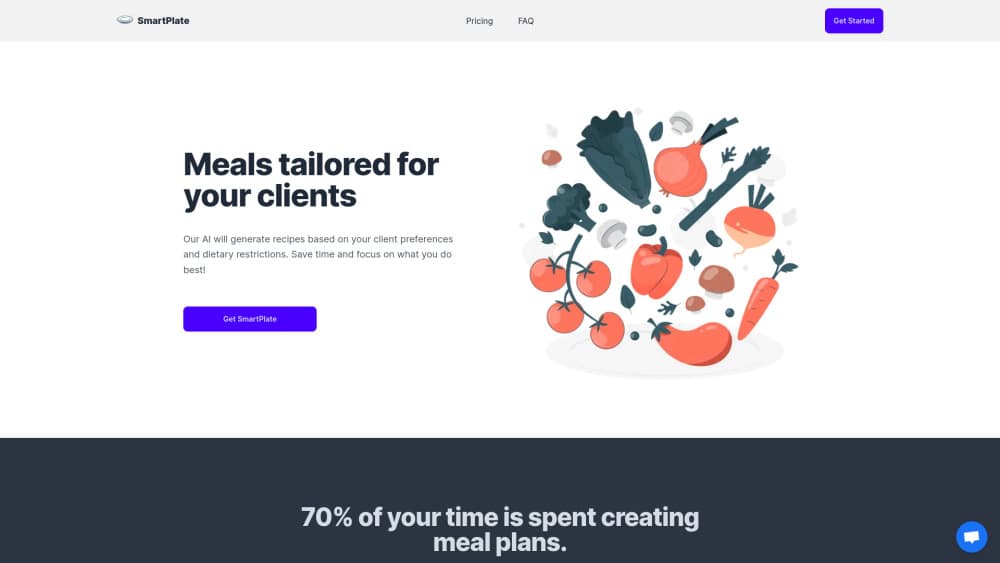
About SmartPlate AI Meal Planning Toolkit
What Is SmartPlate
SmartPlate is meal planning software built for practitioners rather than for people cooking at home. A nutritionist adds a client profile, and the app produces a full meal plan around that person's goals, allergies and food preferences. Macro and micronutrient totals come out with the plan, so you don't rebuild a spreadsheet afterwards.
The product is aimed at solo practitioners and small clinics. You run your whole roster from one dashboard: client records, generated plans, saved plans and shared plans all sit in the same place. The vendor claims the AI cuts about three hours of planning work per client, which is the pitch that matters if your week disappears into plan building.
The limits are worth knowing before you buy. SmartPlate is sold in Canadian dollars at practice level prices, so a single home user is paying for a client management system they won't use. There's no documented public API, and nothing suggests you can pipe plans into another clinical system. The AI chat assistant sits on the higher plan only.
Getting Started
- Start the 14 day free trial on smartplate.ca and pick a plan. No separate setup call is described, so you can generate a plan the same day.
- Add your client with their goals, dietary restrictions, allergies and food likes or dislikes. The more detail you enter here, the closer the first draft lands.
- Run the AI meal plan generator, then read through what it returns. Edit dishes, swap meals and adjust portions until the plan fits how you actually counsel.
- Save the plan, then share it with the client from the dashboard. Reuse it later as a starting point for a similar case.
Product Information
A quick look at SmartPlate AI Meal Planning Toolkit's pricing, supported platforms, and performance.
Best for
The users, tasks, and scenarios where this tool fits best.
Users
- Registered dietitians
- Nutritionists in private practice
- Naturopaths and health coaches
- Small clinic teams
Tasks
- Building a weekly meal plan for a new client
- Handling allergies and dietary rules
- Getting macro and micronutrient figures
- Repeating a plan for a similar client
Scenarios
- A practice with a full client week
- A client asking for changes after the first plan
- A practitioner testing AI before committing
Key features
AI Meal Plan Generation
This is the core of the product. You feed in a client's goals, preferences and restrictions, and the app returns a meal plan built around them. The output is a draft for a practitioner to edit, not a finished clinical document, and the editing step is where your judgment goes in.
Nutritional Analysis
Plans arrive with macro and micronutrient calculations attached, so you see what a day of eating actually delivers instead of estimating it. That saves the second pass most practitioners do in a spreadsheet, and it gives you numbers to discuss with the client.
Dietary Restriction and Allergy Handling
Allergies and dietary rules are stored on the client profile and applied when the plan is generated. It's the difference between an AI meal plan generator you can use in a clinic and one that keeps suggesting dishes a client has to refuse.
Client Management
Client records, saved plans and shared plans sit in one dashboard. For a solo practice that replaces a folder of documents and a separate notes app, and it means you can pull up a client's history during a call without hunting for the file.
Save, Share and Reuse Plans
Plans can be saved and sent to clients from the app, and an old client meal plan can serve as a starting point for a new one. Reuse matters more than it sounds: most practices see the same handful of goals over and over.
NutritionGPT Chat
The Advanced plan adds an AI chat assistant for nutrition questions. It's handy for working through a tricky case or drafting client-facing explanations. It adds to the bill rather than replacing the plan generator.
Pros and cons
Pros
- Client records, plan generation and nutrition totals live in one place, so the workflow doesn't jump between three tools.
- Restrictions and allergies entered once carry into every generated plan, which lowers the chance of an unusable draft.
- Plans can be saved and shared inside the app, and older plans work as templates for new clients.
- The 14 day trial is long enough to run real client cases before you pay.
Cons
- Pricing starts at $99 CAD per month even with the launch discount, and list price is $249 to $299. That's a hard sell for a practitioner with a handful of clients.
- No public API is documented, so plans can't be pushed into an EHR or another clinical tool. Expect manual exports.
- The AI chat assistant is locked to the Advanced plan, which puts the most conversational feature behind the higher price.
- Nothing on the site states how many client records or seats a plan includes, so you have to ask before scaling a team onto it.
Frequently asked questions
It generates meal plans for nutrition clients. You enter a client's goals, preferences and dietary restrictions, the AI drafts a plan, and you edit, save and share it from the same dashboard.
Related content
Explore related tools, skills, and articles for SmartPlate AI Meal Planning Toolkit.
SmartPlate AI Meal Planning Toolkit Alternatives
Coddy
Coddy · Coding · LeaningCoddy is a gamified platform to learn to code through short interactive lessons in 20+ languages, with a browser editor, an AI tutor and free certificates.

Marv
Cameron (independent developer) · Coding · Productivity · LeaningMarv is an AI cursor companion for Windows and Mac. It sees your screen, answers out loud, and draws arrows and highlights that show you the next click.

Teachoo
iAsk AI · Leaning · ChatbotTeachoo is a free AI homework helper that walks students through math, science, writing and coding problems one step at a time, with photo input, hints and flashcards.