

SnapVee Localization Marketing Solution
NeonBit · Video
SnapVee is an AI content workspace that downloads public videos, transcribes and translates subtitles, summarizes footage, and generates images under one account and allowance system.
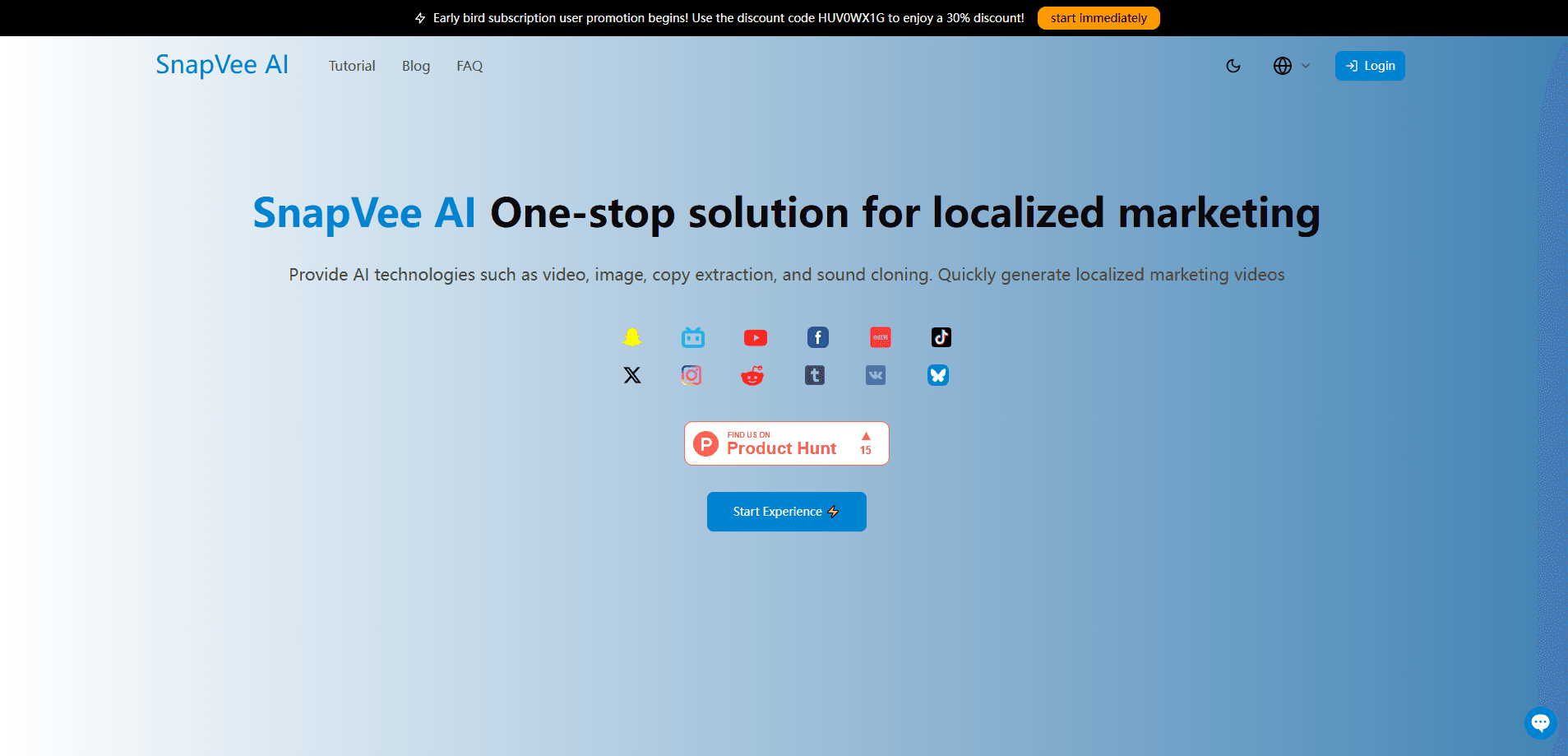
About SnapVee Localization Marketing Solution
What Is SnapVee
SnapVee is an AI content workspace from NeonBit. It gathers the steps creators repeat every day, such as pulling public source footage, understanding it, and turning it into publishable assets, into a single account. Instead of jumping between a downloader, a subtitle editor, a summarizer, and an image generator, you handle all of it from one dashboard.
The product fits people who need a video localization tool for different audiences and platforms, not just a single-purpose downloader. You paste a public link or upload a file, and SnapVee returns text, subtitles, or images you can edit and ship. Web and desktop apps share the same login, so progress carries over between the two.
The biggest limit is scope. SnapVee only touches public content you are allowed to save, so private or paid material stays out of reach. AI processing accepts a narrower platform list than downloads do, and a free account caps video length and daily runs.
Getting Started
- Create a free account on the SnapVee website. A trial includes 30 media minutes and 20 AI credits, and you can run subtitles, summaries, and one image per day without signing in.
- Paste a public video link from YouTube, TikTok, or Instagram, or upload a local file.
- Pick a task such as subtitle transcription, video summary, or AI image. Choose a target language when you want bilingual subtitles or a translation review.
- Review the output in the editor, adjust timing or wording, and export subtitles as SRT or VTT.
- Upgrade to Lite, Pro, or Studio when you need more media minutes, more AI credits, and unlimited watermark-free downloads.
Product Information
A quick look at SnapVee Localization Marketing Solution's pricing, supported platforms, and performance.
Best for
The users, tasks, and scenarios where this tool fits best.
Users
- Content creators
- Social media marketers
- Video editors
- Educators and students
Tasks
- Subtitle transcription and translation
- Video summarizing
- Watermark-free downloading
- Social post formatting
Scenarios
- Preparing overseas short-form video
- Researching a trending topic
- Turning a long interview into quotes
- Generating platform covers
Key features
Watermark-free video downloader
SnapVee pulls public video from YouTube, TikTok, Instagram, X, Facebook, Threads, Pinterest, and Vimeo. Paid plans deliver 1080p or higher with no watermark, and desktop tools also convert, compress, clip, merge, and clean up footage. Download points refresh monthly, and a free account gets one download per day.
Subtitle transcription and bilingual translation
Feed it a link or a local file and SnapVee returns editable, timestamped subtitles and transcripts. You can export SRT or VTT, view source and translated lines side by side, and review wording before publishing. Transcriptions on the free tier stop at 10 minutes per video, so long files need a subscription.
Video summary with mind maps
Long recordings collapse into structured notes, chapters, key points, and mind maps. This suits people who need the gist before deciding what to edit or repost. Summaries spend media minutes by actual video length, checked against YouTube, TikTok, and Apple Podcasts links plus local uploads.
AI image generation
SnapVee generates covers, post visuals, and other creative assets from text prompts. You can switch between models such as GPT Image 2, Nano Banana, and Seedream per task, and each spends AI credits based on the model you pick. It is a practical way to keep a single image style across a campaign.
Social post formatting
Write once and SnapVee reformats the copy for WeChat Official Accounts, X threads, Zhihu, LinkedIn, Threads, and Xiaohongshu, with a one-click cover image. Teams juggling several channels save the repeated copy-paste and re-layout work. Output stays editable, so you finalize tone before posting.
Viral content breakdown
The breakdown tool dissects a hit video's structure and hooks, then analyzes social sentiment and reviews. Use it to see why a clip travels before you build something similar. This feature spends credits, and results depend on the data a platform exposes.
Pros and cons
Pros
- Consolidates downloads, transcription, summaries, and image generation under one account and allowance system.
- Bilingual subtitles with SRT and VTT export simplify localization for creators working in more than one language.
- Unlimited watermark-free downloads and 1080p+ output on every paid tier.
- Separate media-minute and credit pools mean heavy transcription doesn't drain your image quota.
- Web and desktop share one login, so work follows you between devices.
Cons
- AI processing covers fewer platforms than the downloader. YouTube, TikTok, Apple Podcasts, and local files only, which leaves Instagram and X clips needing a manual workflow.
- Free plan tops out at 10 minutes per video and one download a day, so testing longer projects requires a subscription.
- No public API is documented, so teams that want to automate SnapVee inside their own pipeline can't wire it up today.
Frequently asked questions
SnapVee handles public-link downloads, video summaries, subtitle transcription and translation, AI image generation, and desktop watermark removal in one workspace. Web and desktop share the same account and allowances, so you can start a task in one place and finish it in another.
Related content
Explore related tools, skills, and articles for SnapVee Localization Marketing Solution.
SnapVee Localization Marketing Solution Alternatives

Vadu AI
Vadu AI · Image · VideoVadu AI is a web-based AI video generator that turns written prompts or still images into short clips, and it can also generate images on its own. You type what you want, pick a model and style, and the platform renders the result in minutes. A free plan covers light testing, while paid tiers run from $9 to $77.40 per month based on how many credits you burn.

Mykaraoke Video
MyKaraoke Video · VideoMykaraoke Video is an online karaoke video maker and lyric video maker that turns any song into a finished, lyrics-synced video right in your browser. It handles the slow part for you. The AI pulls vocals out of the mix and locks the lyrics to the beat, then lets you customize background, fonts, and colors before exporting in 1080p MP4. If you make lyric videos for social media, party nights, or music promotion, it skips the software installs and manual timing work entirely. Want a karaoke video generator that doesn't eat your whole evening? That's the pitch here.

Finalframe
Finalframe · VideoFinalframe is a set of free, browser-based tools for grabbing exact frames out of a video clip. Its best-known feature, the Final Frame Extractor, lets you extract the last frame of any video so you can use it as the starting image for AI video tools like Luma Dream Machine, Runway, or Kling. Want to keep a clip going? That last frame is your starting point. The tool runs locally in your browser, needs no sign-up, and costs nothing. A separate paid AI video-generation app from the same team is currently offline while it's rebuilt.