

Snippets AI
Snippets AI · Productivity
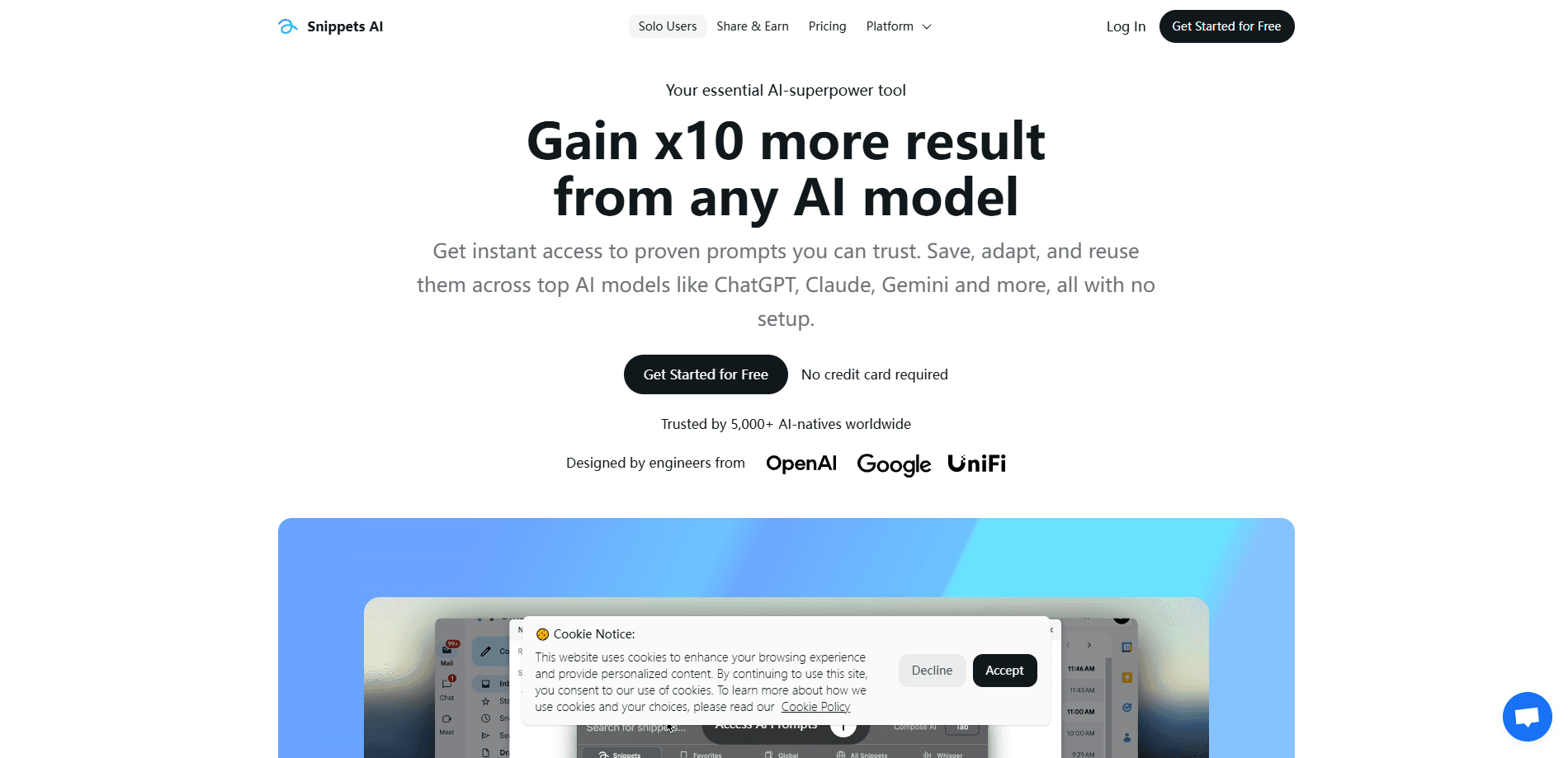
Snippets AI is an AI prompt management platform that lets teams save, organize, and reuse their best prompts across ChatGPT, Claude, Gemini, and other models. Instead of digging through old chats or scattered notes, you keep every prompt in one searchable library and drop it into any supported AI tool with a couple of clicks. Think of it as a prompt manager and AI prompt organizer rolled into one workspace. It runs in the browser with no setup, so a solo writer and a small support team can both get value from it on day one.
About Snippets AI
What Is Snippets AI
Snippets AI is a workspace for the prompts your team writes again and again. The pitch is simple: every good instruction you craft for ChatGPT, Claude, or Gemini deserves a home, not a one-off paste into a chat box you'll never find again. You store those prompts, tag them, and share them so anyone on the team can reuse a proven formula instead of rewriting it.
The problem it solves is messy prompt sprawl. Most people keep their best prompts in a notes app, a Slack thread, or their own memory, then lose them the moment a chat gets buried. Snippets AI pulls all of that into one library you can search. For anyone who relies on AI daily, that alone saves a chunk of time each week. Sound familiar? Most people have lost a good prompt this way.
The main limit is scope. This is a prompt organizer, not a model. It won't write prompts for you or run the AI itself, and its value depends on you actually feeding it prompts worth keeping. If you rarely reuse prompts, a plain text file does the same job for free. Knowing that upfront saves you from expecting it to be something it isn't. That's the honest tradeoff.
Getting Started
- Sign up at the Snippets AI website with your email or Google account and open your first workspace.
- Create a snippet by pasting in a prompt you use often, then give it a clear title and a category or tag.
- Install the browser extension so the library follows you into ChatGPT, Claude, and Gemini.
- Open any supported AI tool, click the Snippets panel, and insert the prompt you need.
- Invite coworkers, share the snippets that matter, and keep the collection trimmed as you go.
Product Information
A quick look at Snippets AI's pricing, supported platforms, and performance.
Best for
The users, tasks, and scenarios where this tool fits best.
Users
- Marketing and content teams
- Customer support reps
- Solo creators and freelancers
Tasks
- Reusing a proven prompt
- Organizing prompts by project
- Onboarding a teammate
Scenarios
- Editing a long piece in stages
- Weekly reporting
- Trying a prompt across models
Key features
Central Prompt Library
The core of Snippets AI is a single place where every prompt lives. You save snippets with titles and categories, then search or filter to find the right one in seconds. For teams that have accumulated hundreds of prompts, the search is what keeps the library usable rather than a wall of entries. No more scrolling. You type a keyword and the prompt appears.
Cross-Model Use
Prompts aren't locked to one AI. You can insert a saved snippet into ChatGPT, Claude, Gemini, and other supported models, which matters when different tasks suit different tools. If you regularly test a prompt on more than one model, the same snippet works everywhere without copy-paste gymnastics. One library, every model. That's the point.
Team Sharing
Workspace members can share snippets so a whole team draws from the same set of approved prompts. Team prompt sharing cuts down on the quiet drift where everyone writes their own version of the same instruction. Access controls let you decide which prompts stay private and which go to the shared pool.
Browser Extension
The extension puts the library inside the AI tools you already use. A side panel opens next to the chat, so you never have to leave the tab to grab a prompt. On Chrome and Edge the flow is quick enough that it becomes muscle memory after a few days. Click once. Paste once. That's the whole routine.
Tags and Organization
You group prompts with tags and categories instead of dumping them into one long list. Someone running a content calendar can keep social prompts, long-form prompts, and email prompts neatly separated. When a project wraps, its tags can be archived without touching the rest of the library. Simple enough. It keeps a growing library from turning into clutter.
Prompt Variables
Some snippets support placeholders so you can reuse a single prompt for different inputs. A template with a variable for the product name or audience lets one saved prompt cover many situations. It's a small feature that pays off most for teams running repetitive work at volume. Why rebuild the same prompt ten times?
Pros and cons
Pros
- Keeps prompts in one searchable library instead of scattered notes and old chats.
- Works across ChatGPT, Claude, and Gemini from a single account.
- Shared workspaces cut duplicate work for teams that write prompts together.
- Browser extension makes saving and inserting prompts fast inside the tools you already use.
- Low setup cost, since it runs in the browser with nothing to install beyond the extension.
Cons
- It organizes prompts but doesn't generate or improve them, so the quality still depends on you.
- Value drops off for people who rarely reuse prompts, where a simple notes file is enough.
- Team features only pay off if everyone actually maintains the shared library.
Frequently asked questions
Snippets AI is used to store, organize, and reuse prompts for AI tools like ChatGPT, Claude, and Gemini. It gives you one library where saved prompts live, so you can insert a proven instruction into a chat instead of rewriting it or hunting through old conversations.
Related content
Explore related tools, skills, and articles for Snippets AI.
Snippets AI Alternatives

Swms
Swms AI · Writing · Productivity · BusinessSwms is an AI safety compliance tool that turns a plain description of a job into ready-to-use safety documents. Describe your project, trade, and known hazards, and it writes a safe work method statement, job hazard analysis, safe work procedure, RAMS, or safety data sheet in seconds. It also ships with Oscar, a chat assistant that answers workplace safety questions in any language. Teams in construction, mining, transport, and warehousing use it to cut the paperwork that usually eats into a workday.

Wordly AI Translation
Wordly · Voice & Language · ProductivityWordly AI Translation is a real-time AI translation and captioning platform built for meetings, conferences, and events. It delivers live translation, captions, transcripts, and summaries in more than 60 languages, and attendees join by scanning a QR code or opening a link instead of using dedicated headsets. The platform works with Zoom, Microsoft Teams, Google Meet, and Webex, and it's designed for organizations that want multilingual access without hiring human interpreters for every session. Simple as that.

Rows
Rows (Superhuman) · Productivity · BusinessRows is an AI spreadsheet and data analysis tool that imports live data from more than 50 sources, then lets you work with it using plain language instead of SQL queries or nested formulas. You can pull numbers out of PDFs, connect ad platforms, databases, and bank accounts, and ask the AI to build reports, merge datasets, or set up models that recalculate themselves. It runs in the browser, works like a spreadsheet, and now sits under the Superhuman umbrella.