
Snyk
Snyk · Coding
Snyk is a developer security platform that scans the code your team writes, the open source packages it pulls in, and the containers and cloud setup it ships to production. Instead of handing developers a long list of alerts nobody reads, it points at the specific line that's broken and offers a fix you can approve in a pull request. Security and platform teams use it to catch problems early, when they're cheap to repair.
About Snyk
What Is Snyk
Snyk is an application security platform built around a simple idea: the people writing code should be the ones fixing security problems, and the tools should meet them where they already work. Founded in London and Tel Aviv in 2015, the company now serves thousands of customers. Solo developers use it. So do some of the largest engineering organizations.
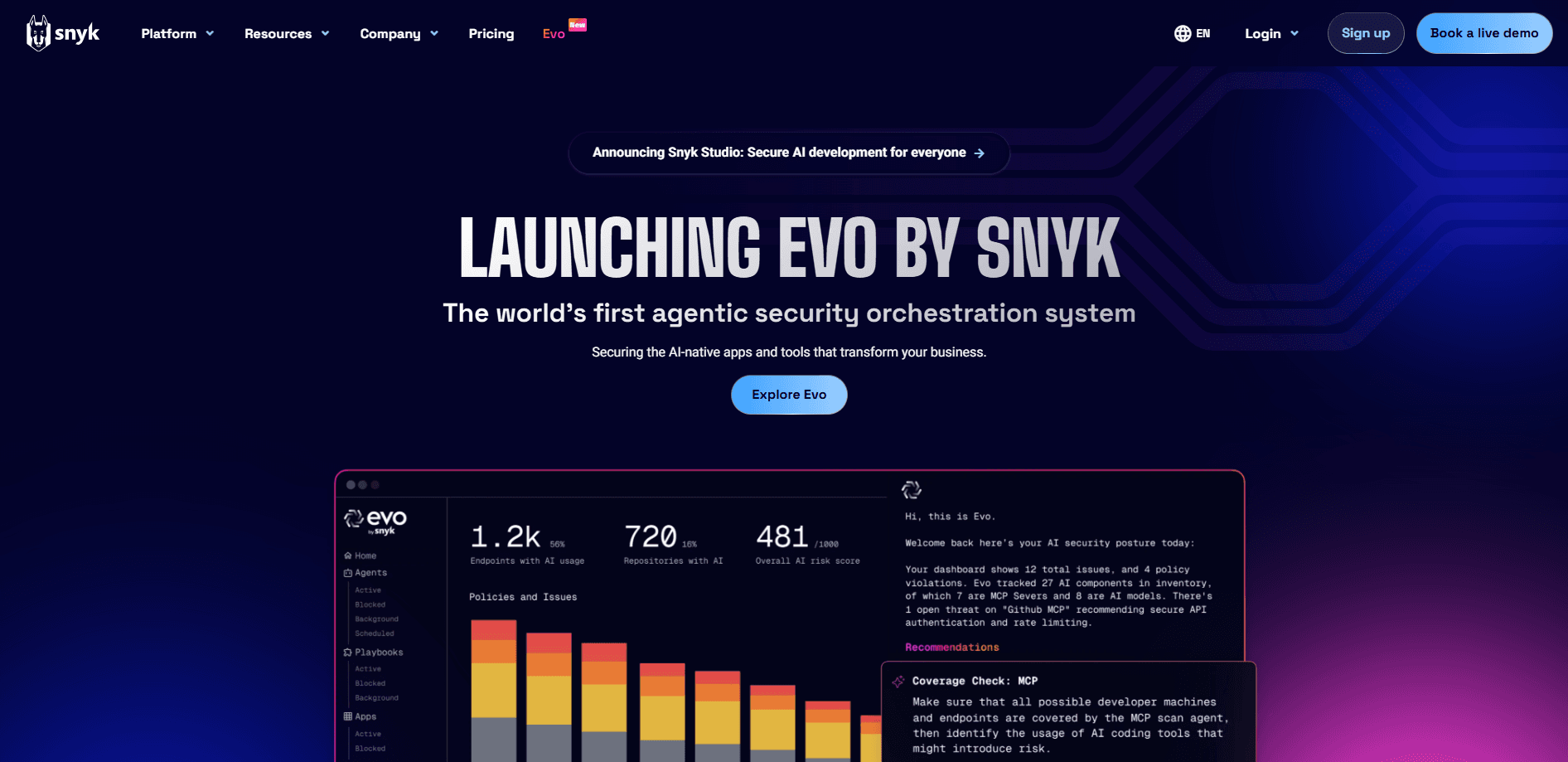
The product covers several kinds of scanning in one place. It checks open source dependencies for known vulnerabilities (software composition analysis, or SCA), looks for flaws in your own code (static application security testing, or SAST), and inspects container images, infrastructure-as-code files, and cloud configurations. So what does that mean day to day? A developer pushes a commit, and within minutes gets a list of the specific lines worth fixing. Recent versions lean heavily into AI security, checking AI-generated code and governing the agents that write it.
The biggest limitation is scope. Snyk is built for teams that write and ship software. If you don't have a codebase, dependency files, or containers to scan, most of the platform won't apply to you. It also works best when wired into your repositories and CI pipeline, so a one-off manual upload gives you a much thinner experience than a full integration.
Getting Started
- Create a free account at snyk.io using your email or an existing GitHub, Google, or Bitbucket login.
- Connect a source code manager (GitHub, GitLab, Bitbucket, or Azure Repos) so Snyk can read your repositories.
- Import a project, or run the Snyk CLI in your terminal to test a local codebase, container, or manifest file.
- Review the findings list, then either fix issues directly or open a pull request with Snyk's suggested patch.
- Add the Snyk step to your CI/CD workflow so every new commit gets scanned automatically.
Product Information
A quick look at Snyk's pricing, supported platforms, and performance.
Best for
The users, tasks, and scenarios where this tool fits best.
Users
- Solo developers and small teams
- Security engineers at growing companies
- Platform and DevSecOps leads
Tasks
- Fixing vulnerable open source dependencies
- Reviewing AI-generated code
- Scanning container images and Dockerfiles
Scenarios
- Adding security scanning to a CI pipeline for a team that has never done it before.
- Auditing a large dependency tree after a widely publicized open source vulnerability.
- Giving a distributed development team a shared view of risk across many repositories.
Key features
Open Source Dependency Scanning
Snyk's software composition analysis reads your manifest files (npm, Maven, pip, Go modules, and more) and matches every package against a vulnerability database. Detection is the easy part. Reachability is the hard part. Snyk tells you which of hundreds of alerts actually reach your code through a real import path, so you fix the ones that matter first.
Code Scanning for First-Party Bugs
Static analysis inspects the code your team writes for issues like injection flaws and insecure data handling. Snyk's dataflow engine traces how untrusted input moves through functions, which cuts down on false positives that make developers ignore scanner output.
Container and Infrastructure Scanning
It scans container images, base images, and infrastructure-as-code files such as Kubernetes manifests and Terraform. That means misconfigurations and vulnerable layers get caught before a deploy, not after something breaks in production.
Fix Pull Requests
Rather than only describing a problem, Snyk can generate a pull request with the version bump or code change that closes the issue. Developers review and merge it like any other change. No context switch. No separate tool. That keeps the fix inside their normal workflow.
IDE and CLI Integrations
Plugins for VS Code, JetBrains, and Eclipse surface findings while you're typing, and a command-line tool lets you test locally or script scans into a build. Sync, then ship. The point is to shorten the gap between writing code and finding out it's risky.
AI and Agent Security
Newer plans cover AI security specifically: validating AI-written code, governing development agents, and inventorying AI applications running in production. Teams adopting AI coding tools use this layer to keep that speed from turning into unmanaged risk.
Reporting, Policies and API
Custom security rules, risk-based prioritization, and a REST API let larger organizations fit Snyk into existing reporting and ticketing systems. The API availability matters if you want to feed findings into a dashboard or block a build automatically.
Pros and cons
Pros
- Free tier is genuinely usable, covering the main scan types without a trial clock.
- Fix suggestions come as pull requests, so remediation stays where developers already work.
- Broad coverage across dependencies, code, containers, and cloud in one platform.
- Strong integration list for source control, IDEs, and CI/CD pipelines.
Cons
- Pricing scales per contributing developer, so cost grows quickly for large engineering teams.
- Enterprise-tier pricing isn't published, which means a sales conversation before you can budget.
- The platform assumes you have code and pipelines; it does nothing for people without a codebase.
Frequently asked questions
Snyk scans software for security vulnerabilities across four main areas: open source dependencies, your own code, container images, and infrastructure configuration. It then helps you prioritize and fix the ones that matter.
Related content
Explore related tools, skills, and articles for Snyk.
Snyk Alternatives
Forefront
Forefront · CodingForefront is a web platform for building with open-source AI. It lets you fine-tune leading open-source language models on your own data, evaluate how they perform, and run them through an API or export them to host yourself. Developers who want the convenience of a closed-source platform but insist on owning their models and data are the target audience here.

Startkit
StartKit.AI · CodingStartkit is a boilerplate for building AI SaaS and AI wrapper products. Think of it as an AI startup boilerplate with the boring parts already wired up: authentication, Stripe and Lemon Squeezy payments, usage limits, transactional email, and an AI API starter that talks to OpenAI, Anthropic, Groq, or Llama. You clone the repo, set your price, and start on the part of your product that people actually pay for. It's Next.js under React and Tailwind, so most of the boilerplate code already feels familiar.
Testim
Tricentis · CodingTestim is an AI-powered test automation platform for building and running end-to-end tests across web, mobile, and Salesforce applications. It leans on machine learning to keep tests stable when an interface changes, so teams spend less time fixing broken selectors. Not bad for an automated testing tool you can start using today. You create tests by recording actions in a browser, then optionally add JavaScript when you need more control. It's a solid pick for busy QA teams.