

Solvea
Solvea · Coding · Marketing
Solvea is a business phone and AI receptionist built for small teams that lose calls when nobody is at the desk. It gives you a dedicated business number, an AI that answers when your team can't, and a shared inbox that keeps calls, texts, and chat in one place. The helpdesk is free for a single person, and extra seats run $19.90 per month.
About Solvea
What Is Solvea
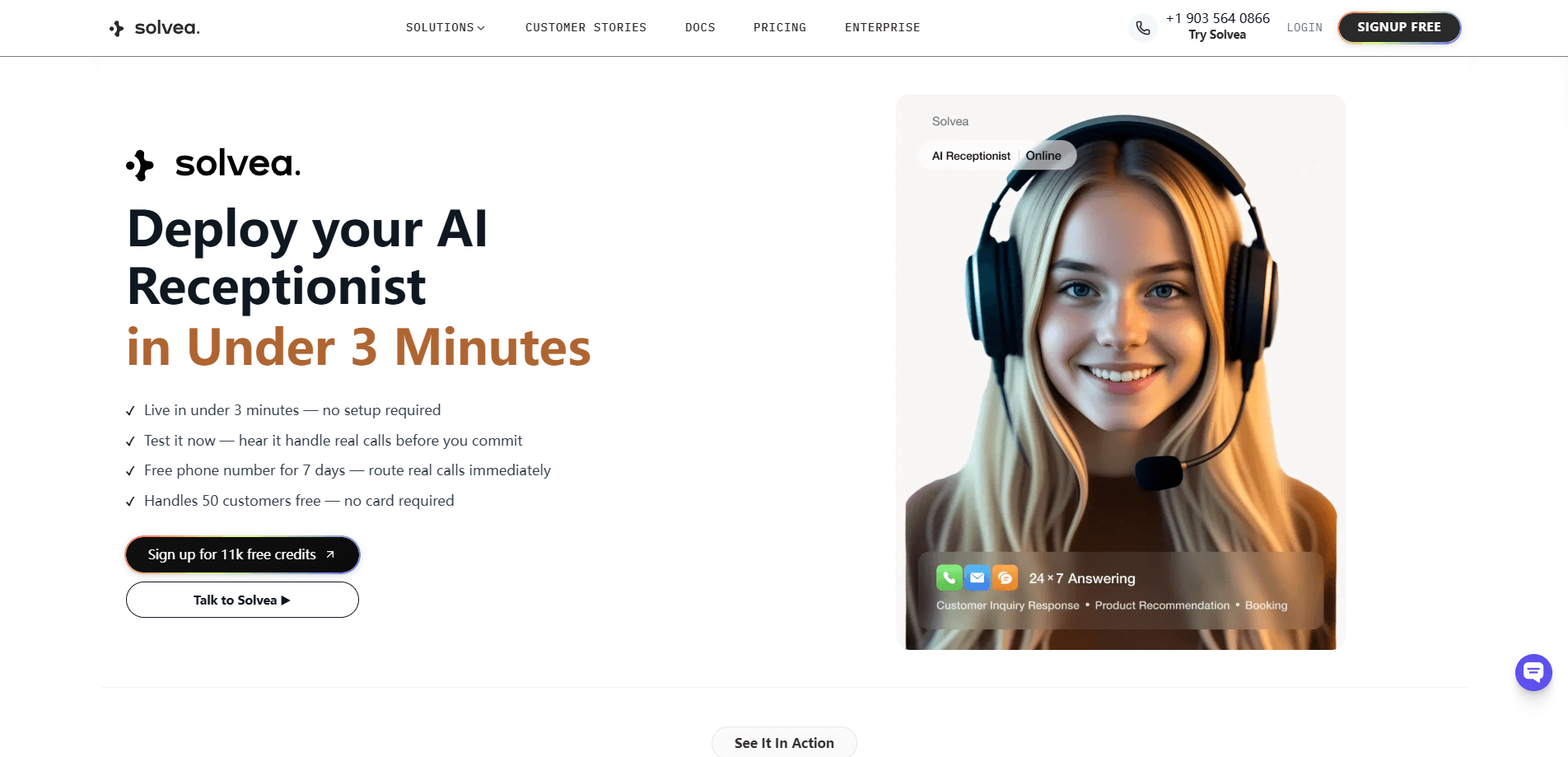
Solvea is what you get when a virtual phone number and a lightweight helpdesk share the same system. The AI receptionist picks up calls your team misses, asks the caller what they need, and logs a summary, transcript, and next step. That record lands in a shared inbox on the web, so a teammate can follow up later without asking the customer to repeat themselves. One number, one record.
The people Solvea fits best run appointment-based or service businesses, where a missed call is a missed job. Think HVAC crews, dental clinics, and solo operators who answer the phone on the way between jobs. The appeal is that one number does the work of a receptionist without hiring one. So who pays $19.90 when a voicemail is free? Anyone who has watched a lead call twice and then give up.
The catch is scope. Solvea is built around phone-first conversation, so if you need deep ticketing, complex automation flows, or a full CRM, you'll bump into the edges quickly. It's a focused tool, not a platform you bend into anything.
Getting Started
- Register for the free helpdesk and pick your business number (US, UK, or Japan/global lines are available).
- Set your AI answering rules: how it greets callers, what it should ask, and when a human takes over.
- Connect email and live chat so every channel lands in the same ticket inbox.
- Let the AI answer, then review summaries and transcripts in the shared inbox.
- Assign an owner, set a status, and follow up from the customer thread.
Product Information
A quick look at Solvea's pricing, supported platforms, and performance.
Best for
The users, tasks, and scenarios where this tool fits best.
Users
- Solo service owners
- Small teams of 2-10 people
- Appointment-based businesses
Tasks
- Catching missed calls
- Multilingual customer calls
- Turning calls into follow-up work
Scenarios
- After-hours and weekend coverage
- A teammate is out sick
- Front desk overload at peak hours
Key features
AI Receptionist That Answers First
The core of Solvea is an AI that picks up inbound calls your team can't reach in time. Missed calls get answered. It greets the caller, asks what they need, and captures a next step before the call ends. According to Solvea, the AI runs around the clock, so evenings and weekends are covered by the same setup you configure once. That's the whole point of an AI answering service.
Shared Inbox for Calls, Texts, and Chat
Calls, SMS, email, and live chat all land in one customer timeline rather than scattered across devices. You can filter by channel, status, or owner, which is what makes the inbox usable once volume picks up. For a team that used to juggle a personal phone and a separate email account, that single view is the real change. No more guessing.
AI Summaries and Transcripts After Every Call
Every call keeps its recording, summary, transcript, and urgency rating attached to the customer record. Reading the summary first and dropping into the transcript only when needed saves time on long calls. It also means a callback starts with the full story instead of a blank sheet. Simple, and it adds up.
Live Translation for Multilingual Callers
Solvea's live translation supports 70+ languages, so a caller in Japanese or Spanish can be understood and summarized for a team that speaks another language. It doesn't replace a fluent human on sensitive calls, but it keeps the conversation from stalling at hello.
Business Number That Stays With the Company
The business number belongs to the business, not to whoever happens to answer. That matters when staff turnover is high or when the owner wants customer calls off their personal phone. Contact details, tags, notes, and history stay with the account. Not on one phone. That's the difference.
Mobile App for Calls on the Move
The iOS app gives owners a work line for day-to-day call handling, separate from their personal number. It beats handing out your cell. You can review summaries and call back from the phone, then let the web Desk handle the heavier shared work. It's aimed at people who run the business from a truck, a clinic floor, or the road.
Pros and cons
Pros
- Free helpdesk for one person, with the full ticket inbox and AI replies included, so a solo operator can test the whole workflow before paying.
- Credit usage is metered and only spent when work happens, like AI answering at 10 credits a minute in the US, so light months cost less.
- The shared inbox keeps calls, texts, and chat on one customer timeline, which fixes the "who talked to this person last" problem.
- Live translation across 70+ languages widens who you can serve without hiring multilingual staff.
- Numbers, transcripts, and history stay with the business, so customer context survives staff changes.
Cons
- Pro pricing is per seat, so the bill grows with headcount; a 6-person team pays roughly $119 a month before extra credit packs.
- Concurrent call capacity follows your paid seats, which can cap how many calls land at the same time during a rush.
- Platform support is iOS and web only, so Android users have to run the mobile side through the browser.
- Credits are consumed by usage such as AI answering and live translation, so heavy call volume can push you into buying extra packs.
Frequently asked questions
It combines a business phone number with an AI receptionist and a shared inbox. The AI answers calls your team misses, and every call becomes a summary and next step in one place.
Related content
Explore related tools, skills, and articles for Solvea.
Solvea Alternatives
Forefront
Forefront · CodingForefront is a web platform for building with open-source AI. It lets you fine-tune leading open-source language models on your own data, evaluate how they perform, and run them through an API or export them to host yourself. Developers who want the convenience of a closed-source platform but insist on owning their models and data are the target audience here.

Startkit
StartKit.AI · CodingStartkit is a boilerplate for building AI SaaS and AI wrapper products. Think of it as an AI startup boilerplate with the boring parts already wired up: authentication, Stripe and Lemon Squeezy payments, usage limits, transactional email, and an AI API starter that talks to OpenAI, Anthropic, Groq, or Llama. You clone the repo, set your price, and start on the part of your product that people actually pay for. It's Next.js under React and Tailwind, so most of the boilerplate code already feels familiar.
Testim
Tricentis · CodingTestim is an AI-powered test automation platform for building and running end-to-end tests across web, mobile, and Salesforce applications. It leans on machine learning to keep tests stable when an interface changes, so teams spend less time fixing broken selectors. Not bad for an automated testing tool you can start using today. You create tests by recording actions in a browser, then optionally add JavaScript when you need more control. It's a solid pick for busy QA teams.