

Sourclip
Sourclip · Productivity · Business
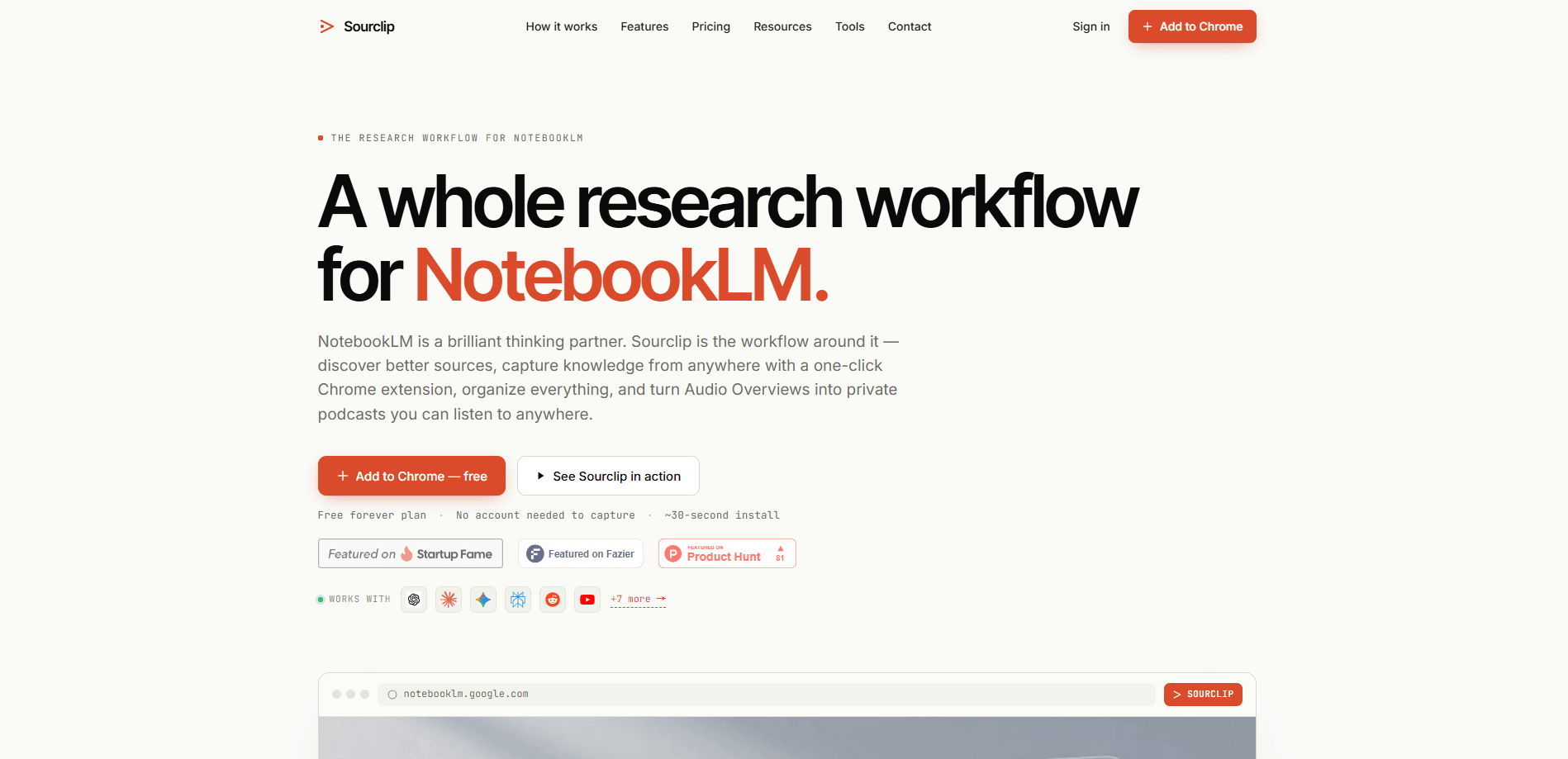
Sourclip is a Chrome extension that adds a workflow layer on top of Google NotebookLM. It handles the boring parts Google left out: pulling web pages, YouTube videos, PDFs, and AI chats into notebooks with one click, sorting notebooks into folders, saving prompts you reuse, and exporting artifacts like Audio Overviews and study guides as Markdown, HTML, PDF, mp3, or mp4. Bulk YouTube to NotebookLM import is the part people notice first. This NotebookLM workflow tool is for anyone who already feeds sources into NotebookLM by hand.
About Sourclip
What Is Sourclip
Sourclip is a browser tool that sits between you and NotebookLM. NotebookLM itself is good at reading and answering questions about sources, but getting those sources in, and getting the generated results back out, is manual work. Sourclip fills that gap. It's a Chrome extension, so it runs inside the browser you already use, and it works with your existing Google account.
The core idea is capture speed. Copying a URL, switching tabs, opening a notebook, and pasting is slow. Sourclip shrinks that to one click, and you pick the destination notebook as you go. The same logic covers YouTube videos, PDFs in a tab, Reddit posts, and whole conversations from ChatGPT, Claude, Gemini, and other AI chats. Everything gets formatted before it lands in a notebook, so a Reddit thread arrives as clean structured text rather than raw HTML.
The biggest limitation is scope. Sourclip only works with NotebookLM, and it only runs in Chrome and Chromium-based browsers. That's narrow. If you research across several note apps, or you're on Firefox or Safari, this won't fit. It also needs a NotebookLM account to do anything useful, and the free plan caps you at 10 captures and 10 exports per day. Pro lifts those caps for $24 a year, and a $49 one-time Lifetime tier covers future updates.
Getting Started
- Install the Sourclip extension from the Chrome Web Store. Setup takes about 30 seconds, and you don't need an account just to capture.
- Sign in to your existing Google NotebookLM account in the same browser so Sourclip can see your notebooks.
- Open any page, video, or PDF and click the extension icon, then pick the notebook that should receive the source.
- Organize captures into folders and save the prompts you reuse so they're one keystroke away.
- Export finished artifacts, like Audio Overviews or study guides, as Markdown, HTML, PDF, mp3, or mp4.
Product Information
A quick look at Sourclip's pricing, supported platforms, and performance.
Best for
The users, tasks, and scenarios where this tool fits best.
Users
- Students and researchers
- Content writers
- Analysts digesting reports
Tasks
- Bulk-importing a reading list
- Turning a video series into study material
- Archiving research output
Scenarios
- Following a long-running topic across many channels and articles, where folders and global search keep the notebooks from piling up.
- Pulling a specific paragraph out of a page
- Publishing a private podcast from Audio Overviews
Key features
One-Click Source Capture
The extension's main job is getting sources into NotebookLM fast. Web pages, YouTube videos and playlists, PDFs from a web URL or a local tab, Reddit posts, X posts, and full AI chat conversations from ChatGPT, Claude, Gemini, Perplexity, Grok, and DeepSeek all import through the same popup. You pick the destination notebook at the moment of capture, so nothing gets filed in the wrong place. It's quick. That's the whole point.
Reusable Prompt Library
Most researchers retype the same instructions, like "summarize this in three bullets" or "pull out every statistic." Sourclip saves those prompts and gives them shortcuts, so a repeated query becomes a keypress. The free plan holds three saved prompts, while Pro removes the limit.
Notebook Folders and Bulk Management
NotebookLM has no folder system, which becomes a problem once you pass a dozen notebooks. Sourclip adds folders and bulk actions, and caps free users at five folders. Combined with cross-notebook search on Ctrl+K, it turns a flat list into something you can actually navigate. Five folders sounds tight. In practice it's enough for a few active projects.
Artifact Export
Google lets you create Audio Overviews, flashcards, quizzes, study guides, and slide decks inside NotebookLM, but doesn't give you a clean download for all of them. Sourclip exports them. Notes and timelines come out as Markdown, flashcards and quizzes as interactive HTML, audio as mp3 or m4a, videos as mp4, and slides as PDF. That last part matters if you want a local backup.
Private Podcast Publishing
Audio Overviews are one of NotebookLM's most talked-about outputs, and Sourclip turns them into a personal podcast feed via RSS. Subscribe in your own podcast app and listen away from the browser. No Google link to share. No one else needs access.
Local-First Privacy
All capture processing happens in your browser. According to Sourclip, its servers never receive or store your research content. Free users keep workspace data locally, and Pro adds cloud sync for folders, prompts, and settings only, not for the sources themselves. That distinction matters.
Pros and cons
Pros
- Captures web, YouTube, PDF, Reddit, and AI chat sources from one popup, which cuts switching between tabs.
- Exports artifacts Google doesn't offer as native downloads. Audio Overviews are included.
- Free plan is genuinely usable, with no account required just to capture.
- Local-first processing means your research content stays off Sourclip's servers.
- Lifetime option at $49 one-time avoids a recurring subscription.
Cons
- Chrome-only and NotebookLM-only, so multi-app researchers and Firefox users are left out.
- Free plan caps captures and exports at 10 per day, which a heavy reading day will hit fast.
- Cloud sync across devices is locked behind Pro, so free users are stuck on one machine.
- No public API, which rules out scripted or programmatic capture.
Frequently asked questions
It adds the workflow pieces Google didn't build in: one-click source capture from many content types, notebook folders, a reusable prompt library, artifact exports, and a podcast feed for Audio Overviews. Think of it as the input and output layer around NotebookLM's reading and answering engine. Want the short version? It's the missing plumbing.
Related content
Explore related tools, skills, and articles for Sourclip.
Sourclip Alternatives

Swms
Swms AI · Writing · Productivity · BusinessSwms is an AI safety compliance tool that turns a plain description of a job into ready-to-use safety documents. Describe your project, trade, and known hazards, and it writes a safe work method statement, job hazard analysis, safe work procedure, RAMS, or safety data sheet in seconds. It also ships with Oscar, a chat assistant that answers workplace safety questions in any language. Teams in construction, mining, transport, and warehousing use it to cut the paperwork that usually eats into a workday.

Wordly AI Translation
Wordly · Voice & Language · ProductivityWordly AI Translation is a real-time AI translation and captioning platform built for meetings, conferences, and events. It delivers live translation, captions, transcripts, and summaries in more than 60 languages, and attendees join by scanning a QR code or opening a link instead of using dedicated headsets. The platform works with Zoom, Microsoft Teams, Google Meet, and Webex, and it's designed for organizations that want multilingual access without hiring human interpreters for every session. Simple as that.

Rows
Rows (Superhuman) · Productivity · BusinessRows is an AI spreadsheet and data analysis tool that imports live data from more than 50 sources, then lets you work with it using plain language instead of SQL queries or nested formulas. You can pull numbers out of PDFs, connect ad platforms, databases, and bank accounts, and ask the AI to build reports, merge datasets, or set up models that recalculate themselves. It runs in the browser, works like a spreadsheet, and now sits under the Superhuman umbrella.