

Spaces
Human+Machine · Productivity · Business
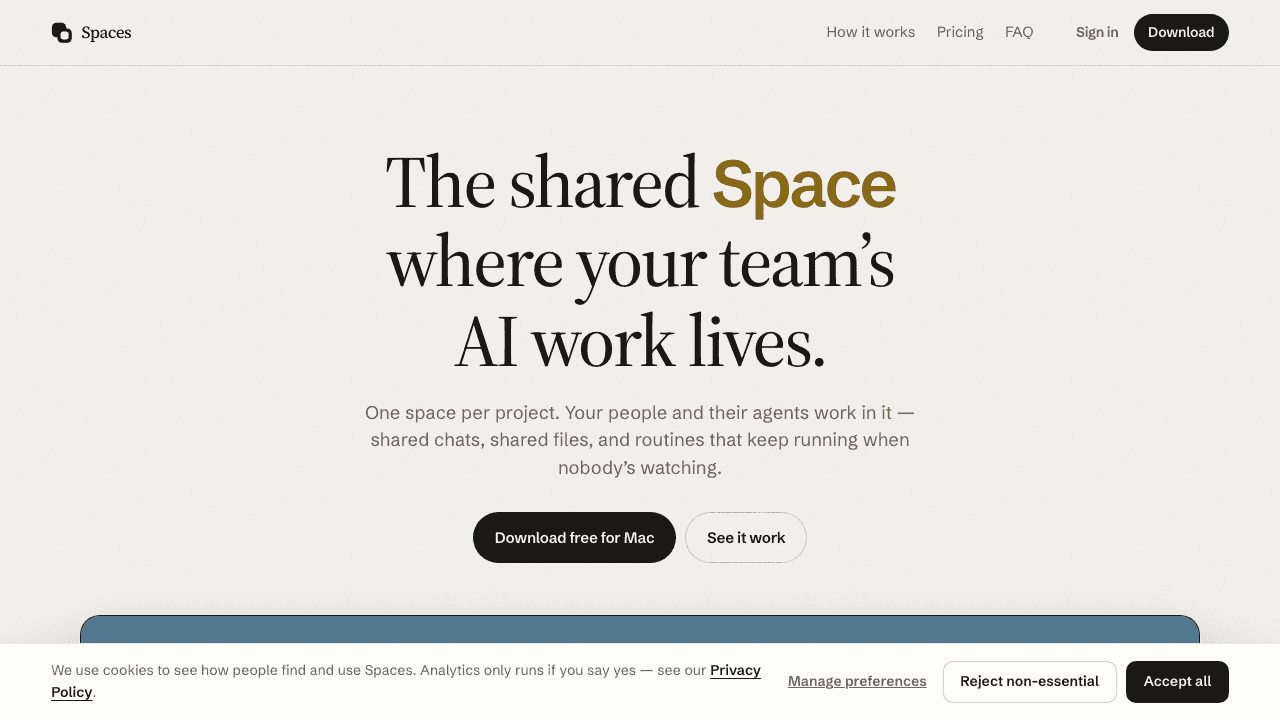
Spaces is a desktop AI workspace from Human+Machine that gives your team one shared space per project, where people and their AI agents work side by side. Instead of each teammate running a private chat thread on a separate laptop, everyone sees the same chats, files, and scheduled routines, and each person keeps using the ChatGPT, Claude, or Gemini account they already pay for. It's team collaboration with the agents included.
About Spaces
What Is Spaces
Spaces is a shared AI workspace built for small teams, and it runs as a desktop app on Apple silicon Macs and Windows PCs. The core idea is simple: a project lives in one space, not in whoever happened to ask the question. Chats, files, and the AI agents working in them sit in the same place, so Monday's decision is still visible on Thursday for everyone.
The problem it targets is context drift. When five people each keep a private AI thread, the project's context scatters across browser tabs and separate machines, and every new question restarts with a fresh explanation of the job. Spaces pulls that context into a room. Add a specialist (or several), and each one keeps its own notes and tools while the space holds the shared record.
The main limit is that Spaces isn't an AI model itself, and it won't sell you tokens. You bring your own provider key, and everyone who works in a shared space needs a paid seat. The free tier is a single person on their own computer, so a team's first real cost is roughly ten dollars a person a year.
Getting Started
- Download the Spaces desktop app for Mac or Windows. The free version needs no account.
- Connect an AI provider by pasting a ChatGPT, Claude, or Gemini key you already have. One is enough to begin.
- Open a space, name the project, and put a specialist to work inside it.
- Add files and invite teammates when you want the space shared instead of personal.
- Set up a routine if you want standing work to run on a schedule.
Product Information
A quick look at Spaces's pricing, supported platforms, and performance.
Best for
The users, tasks, and scenarios where this tool fits best.
Users
- Small product and marketing teams
- Solo founders and freelancers
- Remote teams on Telegram
Tasks
- Recurring project work
- Research with live sources
- Drafting and review
Scenarios
- A product launch that runs for weeks
- Handoffs between time zones
- Keeping AI spend flat
Key features
Shared project spaces
Each project gets one space where chats and files live together, instead of sitting inside one person's private thread. Anyone with a seat sees the same conversation and the same documents, so the team stops rebuilding context from scratch. This is the feature that separates Spaces from a plain AI assistant. For most teams, this is the whole point.
Specialist agents with separate memory
You don't hire one general assistant, you hire several. A researcher, a copywriter, a launch lead, each with its own instructions, notes, and tools, and anyone in the space can put them to work. Separate memory means the researcher's findings don't get buried under the copywriter's drafts.
Scheduled routines
Routines run standing work unattended. Set a morning brief, a follow-up, or a weekly recap and the space keeps going when nobody's watching, pinging someone only when a decision is needed. It turns the workspace into something that produces output on its own schedule. Set it and forget it.
Bring your own provider
Connect the ChatGPT, Claude, or Gemini account your team already pays for, or run a model on the machine itself. Spaces is the app those models work in, so you're buying the space rather than another subscription for tokens. You can bring more than one provider and switch per agent.
Built-in browser
Agents use the real web from inside the app. They research, click through pages, and stay signed in, and because the browser lives beside the chat, the agent sees the same page you do. That keeps web-heavy work like pricing checks or competitor reading inside the space. No copy-paste required.
Telegram access
So what happens when you leave the desk? Link Telegram once and the same chats keep going on your phone, including photos, files, and voice notes. There's no separate plan for mobile, which matters for teams that aren't always at a desk.
Pros and cons
Pros
- Keeps project context in one shared place instead of scattered private threads.
- Works with the ChatGPT, Claude, or Gemini account you already pay for, so no new AI subscription.
- Free desktop version with no account, which makes trying it low-risk.
- Cloud seats cost little, so even a five-person team pays $55 a year.
- Agents and API keys stay on each person's machine rather than in the cloud.
Cons
- Every person who works in a shared space needs a paid seat, so costs scale with team size.
- It only runs on Apple silicon Macs and Windows, so Intel Macs and Linux are left out.
- It isn't a model or token provider, so you still manage your own AI provider keys and limits.
Frequently asked questions
The desktop app is free on your own computer with no account, and you only pay when other people need to work in the same space. A seat costs $1.49 a month or $10.99 a year per person.
Related content
Explore related tools, skills, and articles for Spaces.
Spaces Alternatives

Swms
Swms AI · Writing · Productivity · BusinessSwms is an AI safety compliance tool that turns a plain description of a job into ready-to-use safety documents. Describe your project, trade, and known hazards, and it writes a safe work method statement, job hazard analysis, safe work procedure, RAMS, or safety data sheet in seconds. It also ships with Oscar, a chat assistant that answers workplace safety questions in any language. Teams in construction, mining, transport, and warehousing use it to cut the paperwork that usually eats into a workday.

Wordly AI Translation
Wordly · Voice & Language · ProductivityWordly AI Translation is a real-time AI translation and captioning platform built for meetings, conferences, and events. It delivers live translation, captions, transcripts, and summaries in more than 60 languages, and attendees join by scanning a QR code or opening a link instead of using dedicated headsets. The platform works with Zoom, Microsoft Teams, Google Meet, and Webex, and it's designed for organizations that want multilingual access without hiring human interpreters for every session. Simple as that.

Rows
Rows (Superhuman) · Productivity · BusinessRows is an AI spreadsheet and data analysis tool that imports live data from more than 50 sources, then lets you work with it using plain language instead of SQL queries or nested formulas. You can pull numbers out of PDFs, connect ad platforms, databases, and bank accounts, and ask the AI to build reports, merge datasets, or set up models that recalculate themselves. It runs in the browser, works like a spreadsheet, and now sits under the Superhuman umbrella.