

SpatialChat
SpatialChat · Video · Productivity
SpatialChat is a virtual events and meeting platform where attendees move freely between spaces and conversations, with proximity audio, breakout rooms and AI matchmaking built in.
About SpatialChat
What Is SpatialChat
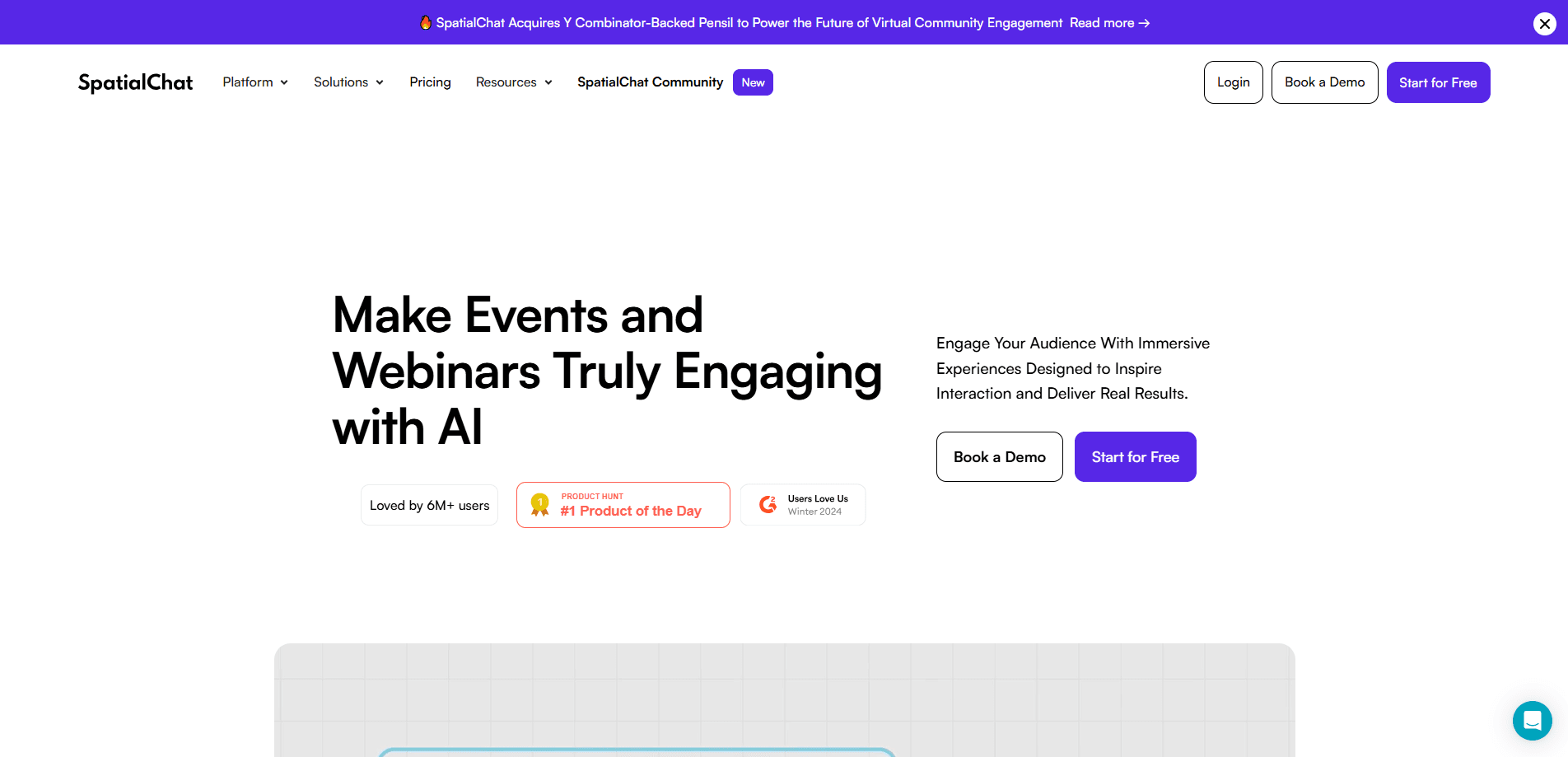
SpatialChat is a browser-based platform for hosting virtual events, meetings and online offices. It works as spatial video chat: instead of a grid of faces, people sit inside a shared space and walk toward the groups they want to join. Sound fades in as you get closer, so side conversations happen the way they do at a real gathering. The company says the tool covers conferences, webinars, networking sessions, career fairs and everyday team standups in one place.
The product serves events, education and remote work at the same time. Organizers design a floor plan from ready-made templates or a blank canvas, drop in stage rooms, breakout areas and expo booths, then brand the whole space. It ships with live polls, Q&A, screen sharing, file pinning and a set of embeds for tools like Google Docs, Miro and YouTube. The company reports 10,000+ events and more than six million attendees hosted on the platform.
Two limits matter when you plan. First, the free plan is a trial, not a working tier: it caps meetings at two hours a day and twelve people. Second, cost scales with attendees and speakers, so a large conference sits on the Business or Enterprise plan while small meetings can use a Day Pass. SpatialChat says it is SOC 2 Type II certified and encrypts data end to end, which suits organizations that need a clear security story before rolling it out.
The audience is broad, but the pitch is narrow. It is built for people who found webinar tools flat and want networking that feels less scripted. Teams that mostly need a plain video call may find more than they need here.
Getting Started
- Sign up on the web with a work email, or start a 14-day free trial, no download required
- Build a space from a template, set the theme, add rooms and place the stage and networking zones
- Invite attendees by email, password or public link, and set registration if you want a list
- Run the event, switching between networking and stage mode in one click, then capture recordings and reports
Product Information
A quick look at SpatialChat's pricing, supported platforms, and performance.
Best for
The users, tasks, and scenarios where this tool fits best.
Users
- Event organizers and agencies
- Community and HR teams
- Universities and educators
- Remote and hybrid companies
Tasks
- Design event spaces
- Run live sessions
- Enable networking
- Embed tools
- Collect input
- Review the event
Scenarios
- A multi-track conference
- A company town hall
- A virtual career fair
- A university poster session
- A daily standup
Key features
Spatial Interaction and Proximity Audio
The core idea is that movement replaces the invite list. Attendees appear as avatars in a shared space and walk toward whoever they want to talk with, and the proximity chat audio fades in as they get close. Side conversations run in parallel with the main room, so a dozen small talks can happen at once instead of one crowded channel. It is the closest thing to the unplanned hallway moments of a physical event.
Customizable Event Spaces
Organizers build the venue rather than accept a fixed layout. Ready-to-use templates cover common formats, and a blank canvas lets you draw your own floor plan with stage rooms, breakout areas and expo booths. Brand colors, backgrounds and space URLs can be customized so the event matches the host's identity. The company says well-designed custom layouts keep attendees exploring and moving between zones longer.
Breakout Rooms and Multi-Session Events
A single space holds many rooms at once, so a conference can run several sessions in parallel. The Business plan opens fifty rooms per space, and the Enterprise plan scales higher. Hosts can pre-design rooms for icebreakers, group discussions or networking, and set room permissions so some areas stay private. Switching between the networking view and a stage session takes a click rather than a new meeting link.
Live Engagement Tools
SpatialChat keeps the interaction inside the room. Hosts run live polls and Q&A, share multiple screens at the same time, and pin images, files and videos for everyone to see. Direct messages and room chat cover the quiet questions. A megaphone feature lets a host broadcast to the whole space when it is time to gather. Animated emoji reactions give a fast read on how a room is responding.
AI Attendee Matchmaking
Beyond the manual mingling, the platform adds a layer of intelligence. AI-powered attendee matchmaking suggests who an attendee should meet, based on their profile and interests, which helps at larger events where walking the whole floor is not realistic. The company markets the platform as a digital space supported by built-in intelligence, and matchmaking is the clearest example of it in the event flow.
Integrations and Embeds
SpatialChat pulls outside tools into the venue instead of making people juggle tabs. Google Docs, Sheets and Slides, Miro whiteboards, and YouTube, Twitch and Vimeo embeds all run inside the space, and an iFrame API lets teams place a space on their own site. A Google Calendar link and a HubSpot CRM connection round out the workflow ties. Keeping the tools in one window matters most when the audience is not technical.
Pros and cons
Pros
- Movement-based networking gives events a natural, unhurried feel that grid-based tools struggle to match
- Custom spaces and branding make the venue feel like a real place rather than a generic meeting room
- Core features such as polls, screen sharing and breakout rooms are included across plans, so the free trial is a fair test
- SOC 2 Type II certification and end-to-end encryption give compliance teams something concrete to point to
- AI matchmaking and in-room embeds reduce the busywork of pairing people and switching apps
Cons
- The free plan caps meetings at two hours a day and twelve people, so it cannot run a real event
- Pricing climbs with attendee and speaker counts, and a large conference lands on the four-figure Business tier
- Learning the space designer takes time, and a rushed build can leave attendees unsure where to go
- Several features are still marked coming soon, so registration and analytics depend on your plan and timing
Frequently asked questions
It hosts virtual events, meetings and online offices. People use it as virtual conference software for conferences, webinars, career fairs, town halls, university sessions and remote team collaboration. The distinguishing feature is spatial interaction: attendees move between conversations instead of sitting in a fixed grid.
Related content
Explore related tools, skills, and articles for SpatialChat.
SpatialChat Alternatives

ngram 2.0
ngram · Video · Marketingngram 2.0 is an AI video generator for teams. It turns a prompt, a screen recording, or a product URL into a narrated explainer, product demo, or AI avatar video, and every scene stays editable.

OpenScreen 2
OpenScreen (open-source project) · Video · ProductivityOpenScreen 2 is a free, open-source screen recorder and demo video editor for Windows, macOS, and Linux, with automatic zooms, styled frames, local captions, and agent edits.

Skreno
Skreno · Video · ProductivitySkreno is a browser screen recorder that captures a tab, a window or your whole display, then attaches AI transcripts, summaries and console logs to one share link.