

Splitsense
Splitsense · Coding · Productivity
Splitsense is an AI conversion optimization platform that connects to your analytics, scans your whole site, and runs A/B tests on autopilot. Most teams treat it as their agentic CRO layer. Instead of hiring a CRO agency or waiting weeks for manual audits, you let its AI agents review session data, flag pages that leak revenue, draft variants, and keep monitoring after launch. It suits SaaS founders, ecommerce stores, and CRO teams that already get traffic but want more signups and revenue from the visitors they have.
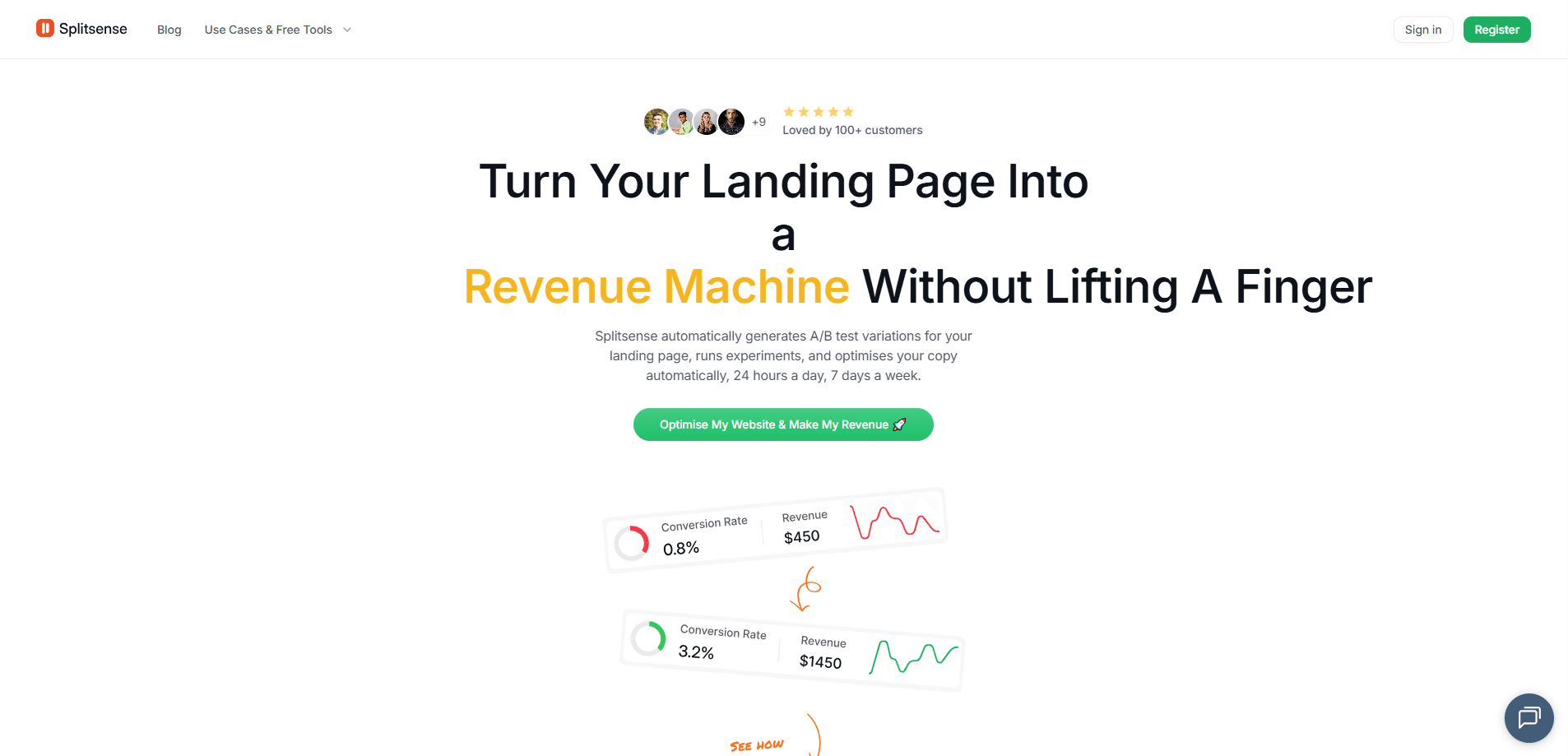
About Splitsense
What Is Splitsense
Splitsense is a web-based conversion rate optimization tool built around AI agents. It reads how people move through your site, spots the spots where they drop off, then writes and runs experiments to fix them. The pitch is simple. Most sites already pull in traffic, and they just lose money at the checkout, the pricing page, or the signup form where a hesitant visitor finally gives up.
Getting there without help means paying a CRO specialist or grinding through spreadsheets, and that work never keeps pace with how fast a product changes. Splitsense takes the repetitive part off your plate. You focus on the decisions, not the audits. It works alongside Google Analytics, Shopify, and Plausible rather than replacing them.
The main limits are worth knowing upfront. There's no public pricing page, so you have to talk to sales about cost. It's also built for teams running real websites with meaningful traffic, not side projects with a few hundred visits a month.
Getting Started
- Create an account on the Splitsense site and connect your analytics, such as Google Analytics, Shopify, or Plausible.
- Let the analysis agents scan your site and pull in session data, funnels, forms, and on-site behavior.
- Review the flagged pages and the experiments the tool drafts for headlines, CTAs, and flows.
- Edit any variant copy you want to change in the variant editor before you launch.
- Launch the tests and let the experiment agent split traffic, pick the winner, and watch for regressions.
Product Information
A quick look at Splitsense's pricing, supported platforms, and performance.
Best for
The users, tasks, and scenarios where this tool fits best.
Users
- SaaS founders
- Ecommerce stores
- CRO teams
Tasks
- Finding leaking pages
- Drafting A/B tests
- Ongoing monitoring
Scenarios
- A pricing page with strong traffic but weak signups
- A growing checkout flow
- A site that changes fast
Key features
Agentic Conversion Optimization
Still relying on a spreadsheet and a quarterly audit to run website conversion testing? Splitsense replaces that with an A/B testing tool that never stops. Its agents scan pages continuously, so tests keep up with a product that ships every week. You get a running list of opportunities instead of a static report.
Analysis Agent
This agent reviews session data, heatmaps, and recordings across your site. It builds a picture of where visitors hesitate, where they get stuck, and where they quietly leave for a competitor, then hands that context to the experiment side. The output is plain enough to act on without a data analyst in the room.
Page Analysis Agent
The page analysis agent flags specific URLs that are costing you revenue, with an estimated dollar figure attached. Seeing "/pricing losing about $600 a month" is far easier to prioritize than a generic list of underperforming pages. Real dollars, real page. That's the difference between a vague to-do list and a decision you can make in five minutes.
Experiment Agent
Once ideas are ready, the experiment agent drafts variants, runs the traffic split, and surfaces the winner. It keeps monitoring after launch, so you find out if a winning variant quietly stops working. You can still edit copy in the variant editor before anything goes live.
Integrations With Your Stack
The tool connects to Google Analytics, Shopify, and Plausible to pull sessions, storefront data, and traffic into one place, so you don't have to stitch reports together by hand before you can test anything. Setup is meant to take minutes, not a migration project. That keeps your existing analytics the source of truth.
Variant Editor
Every generated experiment is editable before launch. If the AI copy doesn't match your voice, you rewrite it in the editor and still get the automatic testing and monitoring. That balance matters when brand tone is non-negotiable.
Pros and cons
Pros
- Automates the repetitive parts of conversion testing, including audits and post-launch monitoring.
- Generates variants from real session data, so tests start from evidence rather than opinion.
- Flags specific leaking pages with estimated revenue impact, which makes prioritization fast.
- Connects to common analytics tools, so it works with your existing setup.
- Lets you edit AI-drafted copy before launch, keeping control over brand voice.
Cons
- No published pricing, so you can't compare cost without contacting sales.
- No free plan, which makes it hard to try before committing.
- Geared toward sites with real traffic; small sites may struggle to reach test significance.
- It's a web-only platform, so there's no mobile app for checking tests on the go.
Frequently asked questions
Splitsense scans your website, finds pages that lose visitors or revenue, and runs A/B tests to fix them. It handles the analysis, the test creation, and the monitoring, so you don't need a dedicated CRO specialist to keep experiments running.
Related content
Explore related tools, skills, and articles for Splitsense.
Splitsense Alternatives
Forefront
Forefront · CodingForefront is a web platform for building with open-source AI. It lets you fine-tune leading open-source language models on your own data, evaluate how they perform, and run them through an API or export them to host yourself. Developers who want the convenience of a closed-source platform but insist on owning their models and data are the target audience here.

Startkit
StartKit.AI · CodingStartkit is a boilerplate for building AI SaaS and AI wrapper products. Think of it as an AI startup boilerplate with the boring parts already wired up: authentication, Stripe and Lemon Squeezy payments, usage limits, transactional email, and an AI API starter that talks to OpenAI, Anthropic, Groq, or Llama. You clone the repo, set your price, and start on the part of your product that people actually pay for. It's Next.js under React and Tailwind, so most of the boilerplate code already feels familiar.
Testim
Tricentis · CodingTestim is an AI-powered test automation platform for building and running end-to-end tests across web, mobile, and Salesforce applications. It leans on machine learning to keep tests stable when an interface changes, so teams spend less time fixing broken selectors. Not bad for an automated testing tool you can start using today. You create tests by recording actions in a browser, then optionally add JavaScript when you need more control. It's a solid pick for busy QA teams.