

Staff.rip
Staff.rip · Coding
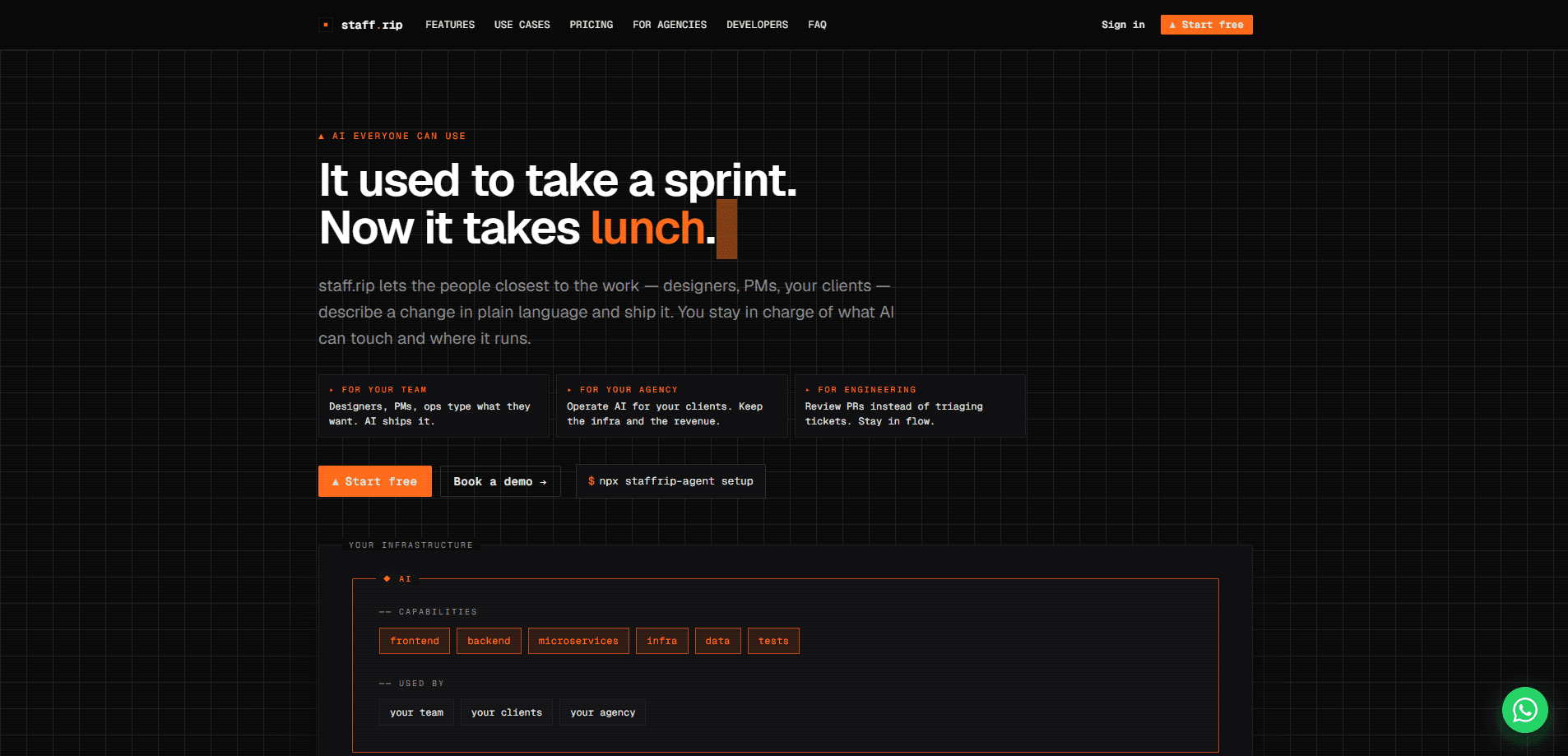
Staff.rip is a chat-first AI worker platform that turns plain-language requests into working software. Instead of asking a designer or PM to file a ticket and wait, you describe the change in a chat and a named AI worker edits the code, updates a live preview, and asks before anything consequential happens. Think of it as an AI shipping tool for people who don't write code. The pitch is simple: non-engineers ship small changes themselves, engineers spend their time reviewing pull requests instead of triaging a backlog.
About Staff.rip
What Is Staff.rip
Staff.rip is an AI worker platform for teams that want to move work forward without a long engineering queue. You hire a worker from a catalogue, give it a name, and connect the tools it needs, such as GitHub, Notion, HubSpot, Stripe, or Linear. From then on it acts like a teammate with a job, its own memory, and a set of permissions you choose.
The core idea is that the person requesting a change and the person approving it no longer have to be the same kind of engineer. A designer can describe a layout tweak in words, watch the page update in a live preview, and hand the result to an engineer for review as a pull request. Code stays local to your setup rather than living inside someone else's cloud notebook. That single shift is what makes it work as chat-first coding, where the conversation is the build tool. No ticket. No handoff.
The biggest limitation is scope. This is a young product built around a metered pay-as-you-go model, so cost depends on how long your machines run and how many tokens your workers burn. It also isn't a fit for teams that want a fully managed, seat-based SaaS with a fixed monthly bill.
Getting Started
- Create an account and add a card to claim the €5 welcome credit.
- Pick a job from the catalogue (web developer, sales assistant, content writer, QA engineer, and others), give the worker a name, and describe what it should do in plain words.
- Sign in to the tools you want it to use, like GitHub, Notion, or Linear, or paste an API key. Grant only what that worker needs.
- Start a chat, describe the change you want, and watch the live preview update as the worker saves.
- Review anything consequential in the decisions inbox, then share the preview link or hand the change off for review.
Product Information
A quick look at Staff.rip's pricing, supported platforms, and performance.
Best for
The users, tasks, and scenarios where this tool fits best.
Users
- Designers and PMs who want to ship small changes without waiting on an engineering queue.
- Solo founders and small teams who need an extra pair of hands across several jobs at once.
- Engineers who'd rather review pull requests than triage a backlog of vague tickets.
Tasks
- Shipping small front-end or content changes described in plain language.
- Connecting an AI worker to business tools like Stripe, HubSpot, or Linear so it can act on real data.
- Drafting and iterating on pages or copy with a live preview next to the chat.
- Pulling recurring operations work, such as QA checks or support replies, into a scheduled worker.
Scenarios
- A designer adjusting a page layout during a client call and sharing the preview link immediately.
- A founder running a first worker overnight on a small machine, capped so the bill can't surprise them.
- An agency running several workers across client projects from one workspace.
Key features
Chat-First Building With a Live Preview
You describe the change you want and the worker writes the code, with the page refreshing in a preview pane right next to the conversation. There's no build step to trigger and no deploy to wait on, so the loop from idea to visible result stays short. Every project also gets a public preview link you can send to a client or colleague, and you can check it at phone, tablet, and desktop widths without leaving the chat.
Named Workers With Their Own Memory and Docs
Each AI worker has a job, the tools you grant it, and its own memory. It writes what it learns into shared docs that both people and workers can read, organized in folders with a full history of who changed what. In practice this means a worker gets better at your project over time instead of starting cold every session. It's genuinely useful. AI agents for teams usually forget everything between runs, and this one doesn't. Big difference.
Tool Access Through Sign-In or API Keys
You connect your stack once, then decide per worker what it can touch. Supported integrations include GitHub, Notion, HubSpot, Stripe, Linear, Slack, Google Analytics, and any MCP server, and you can paste an API key for anything else. A worker only ever gets the tools you explicitly grant, which keeps the blast radius of a mistake small. You decide what it can touch.
A Decisions Inbox Where You Stay In Charge
Anything consequential doesn't just happen. It lands in one inbox with its options laid out, and you can answer in the app or over Telegram. The worker picks up from your answer. That single inbox is the main reason the autonomy feels safe enough to actually use, since you keep a human veto on the calls that matter. Consequential stuff still waits for you.
Your Data on Your Own Machine
Each project runs either on a machine Staff.rip runs for you or on hardware you control. Credentials are encrypted and never shown again after you enter them. For teams with stricter rules, an Enterprise agreement deploys the full platform on your own AWS, GCP, or on-prem cluster with SSO and role-based access.
Predictable, Metered Pricing With a Hard Cap
There's one plan and it's pay-as-you-go. People and preview links are free; you pay for the workers you keep, the machines they run on, and the tokens they use, with unit prices listed up front. You set a monthly ceiling, and when spend hits it, machines pause and AI calls stop until you raise it. That's a real safeguard for anyone wary of runaway agent bills. No surprises. You keep the ceiling.
Pros and cons
Pros
- Non-engineers can ship real changes in plain language, which shortens the gap between a request and a working result.
- The decisions inbox plus a monthly spend cap make it easy to grant autonomy without losing oversight.
- Bring-your-own Claude account means token costs can drop to zero on your Staff.rip invoice.
- Local-first code and optional self-hosting on your own infrastructure suit teams with strict data rules.
- Transparent unit pricing, with machines, sleep time, and tokens itemized rather than hidden in a tier.
Cons
- Pricing is metered, so a worker that runs long or burns tokens can cost more than a flat monthly tool, and you have to watch the counter.
- There's no free plan beyond the one-time €5 credit, which expires after 30 days.
- It's a young product, so the integration list and the catalogue of worker jobs are still growing.
Frequently asked questions
It's an AI worker platform that takes plain-language requests and turns them into working software changes. You hire a worker, connect your tools, and describe what you want; it edits the code and updates a live preview while you review the results. You run AI workers the same way you'd brief a junior teammate.
Related content
Explore related tools, skills, and articles for Staff.rip.
Staff.rip Alternatives
Forefront
Forefront · CodingForefront is a web platform for building with open-source AI. It lets you fine-tune leading open-source language models on your own data, evaluate how they perform, and run them through an API or export them to host yourself. Developers who want the convenience of a closed-source platform but insist on owning their models and data are the target audience here.

Startkit
StartKit.AI · CodingStartkit is a boilerplate for building AI SaaS and AI wrapper products. Think of it as an AI startup boilerplate with the boring parts already wired up: authentication, Stripe and Lemon Squeezy payments, usage limits, transactional email, and an AI API starter that talks to OpenAI, Anthropic, Groq, or Llama. You clone the repo, set your price, and start on the part of your product that people actually pay for. It's Next.js under React and Tailwind, so most of the boilerplate code already feels familiar.
Testim
Tricentis · CodingTestim is an AI-powered test automation platform for building and running end-to-end tests across web, mobile, and Salesforce applications. It leans on machine learning to keep tests stable when an interface changes, so teams spend less time fixing broken selectors. Not bad for an automated testing tool you can start using today. You create tests by recording actions in a browser, then optionally add JavaScript when you need more control. It's a solid pick for busy QA teams.