

StarryAI
StarryAI Inc. · Video
StarryAI is an AI art app that turns text prompts and reference photos into images across 1,000+ styles, with free daily generations and paid tiers on iOS, Android, and web.
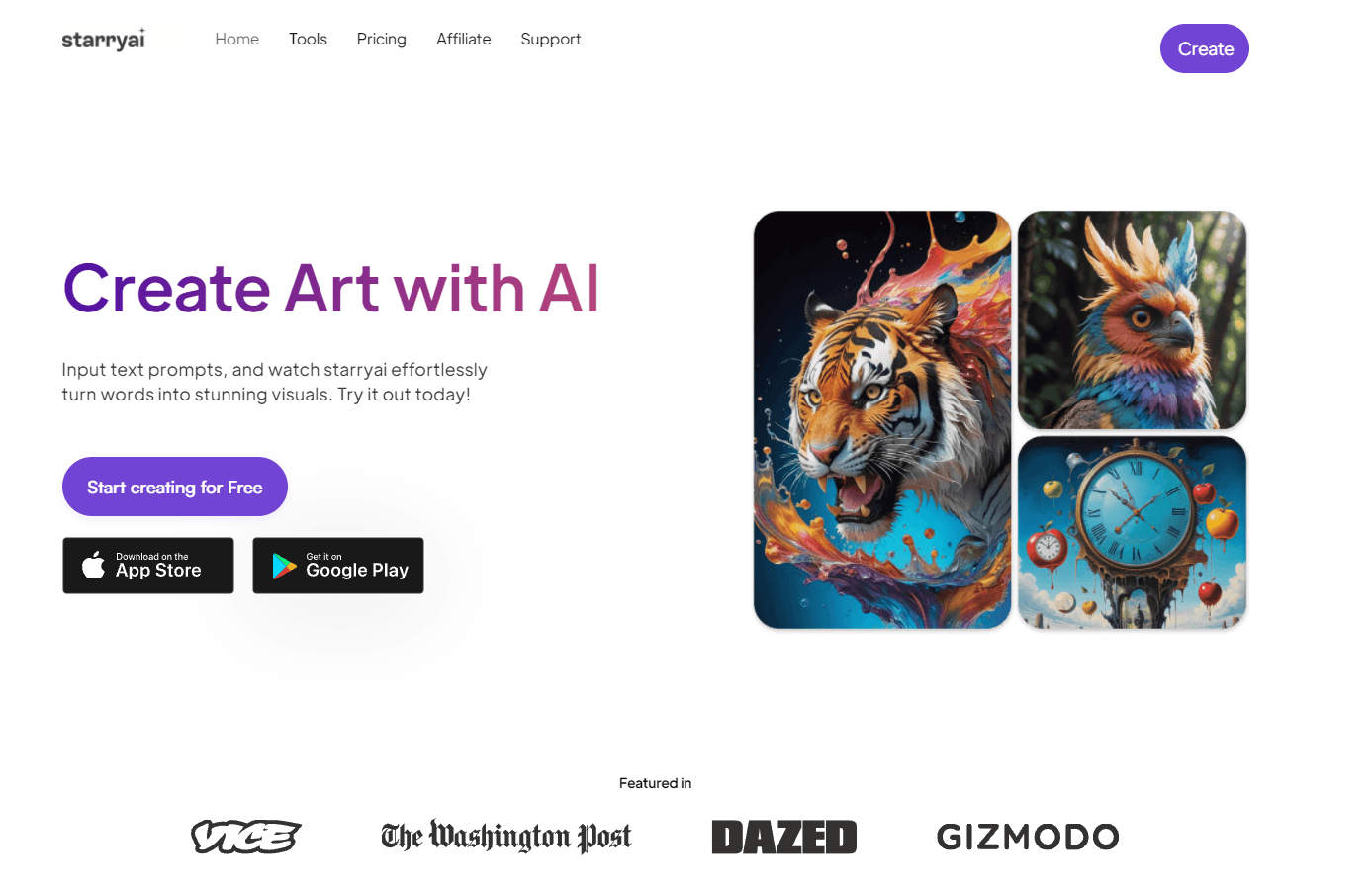
About StarryAI
What Is StarryAI
StarryAI is an AI art generator built around a simple loop: type what you want, pick a style, and wait for the image. It launched in 2021 and runs on iOS, Android, and the web, with creations syncing across devices. Two core models do the work. Altair leans abstract and dreamlike, while Orion aims for more realistic, detailed output. Both accept written prompts and can be guided by an uploaded reference image.
It fits people who want finished-looking art without touching a design app. Common uses are portraits, character concepts, book illustrations, and social posts. The library of more than 1,000 style presets carries a lot of that weight, so beginners can get a decent result without learning prompt craft first.
The catch is cost. StarryAI advertises free daily images, and new accounts start with 5 lumens, which is 25 images. Beyond that, heavy use runs into a paid plan, and the higher-quality slow generations pull from a separate currency called lumens that drains faster than the monthly image quota. Free images also carry fewer of the advanced tools, so the real ceiling shows up quickly for anyone generating all day.
Getting Started
- Install the StarryAI app on iOS or Android, or open the website, and sign up in under a minute.
- Type a prompt in plain language, or upload a photo to use as a starting point.
- Pick a style from the preset library and set the aspect ratio or canvas size for your output.
- Run the generation, then refine it with retouch, upscale, or background removal if the first pass needs work.
- Save, download, or share the result, and reuse the prompt on the community feed for variations.
Product Information
A quick look at StarryAI's pricing, supported platforms, and performance.
Best for
The users, tasks, and scenarios where this tool fits best.
Users
- Beginners who want AI art without a learning curve
- Hobbyists who post regularly
- Illustrators and writers exploring concepts
- Anyone who works from their phone
Tasks
- Generating character and portrait art
- Turning a photo into a new style
- Cleaning up a rough result
- Producing social or thumbnail visuals
Scenarios
- A writer who needs cover art on a deadline
- An artist testing a direction before committing
- A small creator with no design budget
- A casual user who just wants to see an idea
Key features
Text to image with preset styles
The core of StarryAI is text-to-image generation, and the style library is what makes it approachable. Instead of writing a long prompt to describe a look, you pick from more than 1,000 presets that already encode cyberpunk, watercolor, anime, oil painting, and fantasy results. Type a sentence, choose a style, and the model handles the rest. For anyone who's bounced off prompt-heavy tools, this is the part that keeps the workflow short.
Two generation models for different looks
StarryAI runs two models with distinct personalities. Altair uses VQGAN-CLIP and tends toward abstract, dreamlike, and deconstructed images. Orion uses CLIP-guided diffusion and pushes for more realistic, detailed scenes. Being able to switch means the same prompt can turn out dreamy or sharp depending on what you need, and it gives you a way out when one model's output misses.
Image variations and image-to-image
You're not stuck starting from text every time. Image variations produce alternate takes on a result you already like, which is how most people land on the one they keep. Uploading a reference photo pushes the model toward your own composition or subject, useful when a written description can't capture the thing you have in mind. Both modes cut down the number of swings it takes to get there.
Retouch, upscaling, and background removal
Generations rarely arrive perfect, so StarryAI bundles the fixes. The retouch tool lets you draw over a section, describe what you want changed, and regenerate just that part instead of tossing the whole image. Upscaling pushes the resolution up to 4x for printing or sharper display, and background removal isolates the subject. Together they turn a near-miss into something usable without leaving the app.
Anime, portrait, and avatar tools
Beyond the general generator, StarryAI ships targeted tools for the looks people ask for most. Anime AI handles the stylized look common in that community, the portrait generator turns a photo into a styled likeness, and the avatar creator builds a digital persona image. These matter because a general model often needs a lot of coaxing to nail a specific genre, and a tuned tool skips that fight.
Cross-device sync and community feed
An account carries your creations across iOS, Android, and the web, so a prompt started on a phone shows up on a laptop. The community feed lets you share results and pull prompts from what other people made, which doubles as a way to learn what works. For casual users, browsing the feed is often faster than writing anything from scratch.
Pros and cons
Pros
- Free to start: new accounts get 5 lumens, which is 25 images, and a steady drip of free daily images after that.
- Style library does the heavy lifting: 1,000+ presets mean beginners get a decent result without writing long prompts.
- Two models to choose from: Altair and Orion cover both dreamlike and realistic looks from the same prompt.
- Fix-up tools built in: retouch, 4x upscaling, and background removal save a near-miss without a second app.
Cons
- Free images run out fast: for anyone generating regularly, the daily allowance and starter lumens disappear quickly and push you toward a paid plan.
- Lumens are confusing: they're a separate currency from the monthly image quota and drain faster on high-quality slow generations, which makes real cost hard to predict.
- Ads on the free tier interrupt the flow, and the app has drawn complaints about glitches in user reviews.
- No documented public API, so there's no official way to wire StarryAI into an external workflow.
Frequently asked questions
StarryAI generates images from text prompts and reference photos. People use it for portraits, character art, book illustrations, social posts, and quick concept tests, picking from a library of more than 1,000 preset styles on iOS, Android, or the web.
Related content
Explore related tools, skills, and articles for StarryAI.
StarryAI Alternatives
Griffin by Tavus
Tavus · Voice & Language · Video · ChatbotGriffin by Tavus is the first Human Interaction Model: a full-duplex, video-to-video system that watches, listens, and answers during a live video call in real time.

Syllaby AI Avatar 2.0
Syllaby · Video · MarketingSyllaby AI Avatar 2.0 turns a script into a presenter-led video with a reusable AI avatar, natural voice, B-roll and automatic subtitles, all in one browser workflow.

Vitra.ai
Vitra.ai · Voice & Language · Video · MarketingVitra.ai is an agentic content platform that creates, translates, reviews, and publishes video, images, documents, and app content in 120 languages from one shared brief.