

Stash
Jeffrey Asante · Productivity
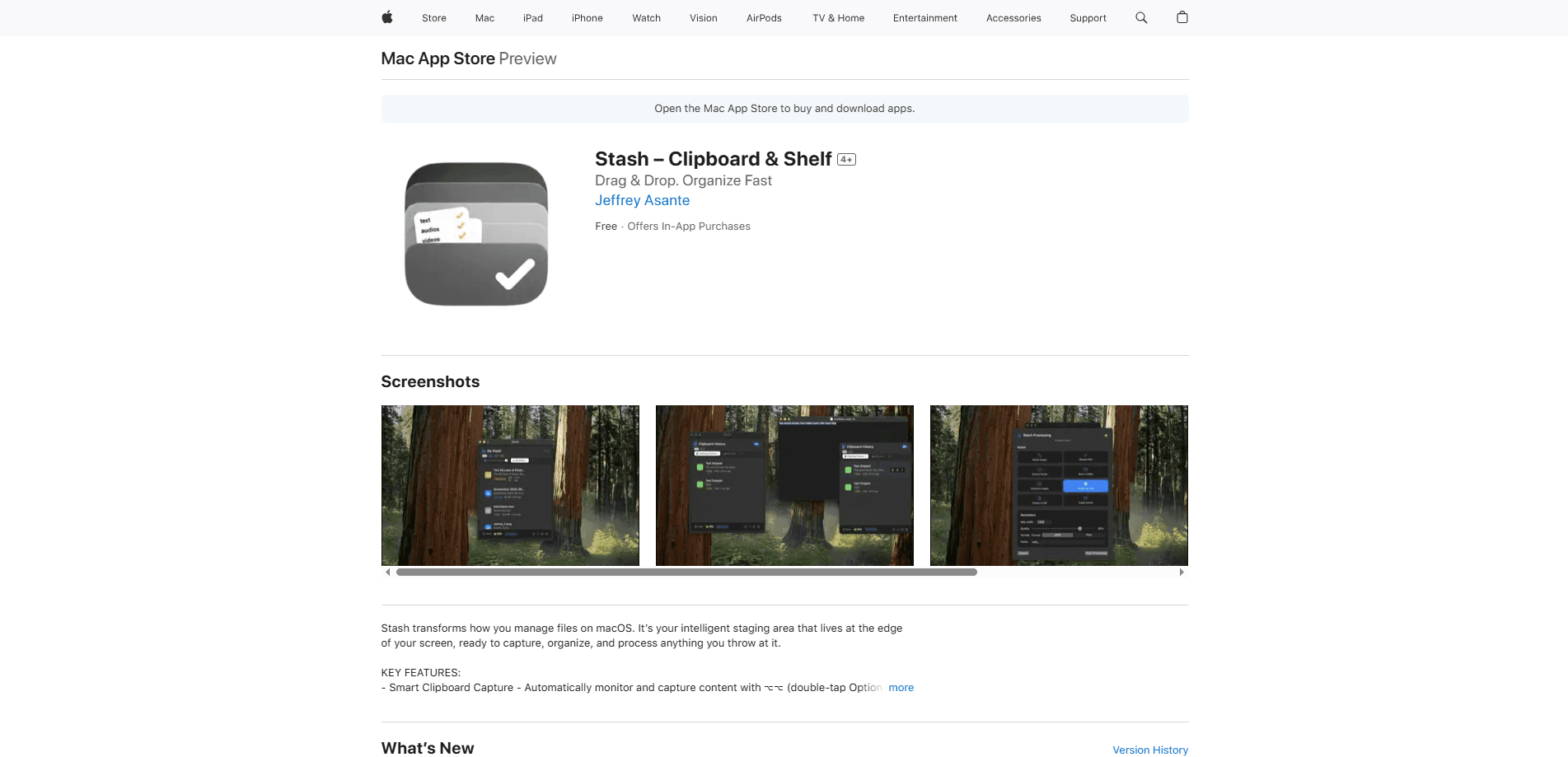
Stash is a clipboard and shelf app for macOS that acts as a staging area at the edge of your screen. It captures files, text, images, and links as you copy or drag them, then helps you organize, search, and process that content with OCR, background removal, and batch image tools. It's built for people who move a lot of material between apps and want a fast, privacy-first place to park it before it disappears. It's a small macOS tool. But it earns its space fast.
About Stash
What Is Stash
Stash is a lightweight productivity app for Mac that combines a clipboard manager with a drag-and-drop shelf. The idea is simple: instead of losing what you copied the moment you copy something new, you drop it onto a panel that stays out of the way until you need it. Ever lost a link you copied two minutes ago? That's the problem Stash fixes. The shelf holds everything in one place, so a screenshot, a URL, and a paragraph of text can sit side by side while you work.
It solves a real annoyance for anyone juggling several apps at once. Copy a phone number, then copy a file path, and the first item is gone. That's it. One slot, no mercy. Stash keeps a history of what you copied and lets you pull it back with a search, which turns the Mac clipboard from a single slot into something closer to a personal inbox.
The catch is that it's Mac-only and fairly new. You need macOS 15.2 or later, and the developer is a solo builder, so the feature set is still growing. No Windows. No iPhone. Just your Mac. The free tier is also tight: ten items, one shelf, and a capped number of advanced actions per hour.
Getting Started
- Install Stash from the App Store and open it. It runs quietly in the background, so there's no big dashboard to learn.
- Hover at the edge of your screen or double-tap the Option key to reveal the shelf panel.
- Drag files, text, images, or links into the panel, or just copy them and let Stash record the clipboard history automatically.
- Run a quick action on any item, like extracting text from a screenshot or removing an image background.
- Upgrade to Pro if you hit the free limits on items, shelves, or advanced actions.
Product Information
A quick look at Stash's pricing, supported platforms, and performance.
Best for
The users, tasks, and scenarios where this tool fits best.
Users
- Designers who collect screenshots, mockups, and reference images from across the web and need them organized in a shelf before a project starts.
- Developers who copy code snippets, file paths, and error messages constantly and want clipboard history they can search instead of retyping.
- Writers and researchers juggling quotes, links, and notes from several browser tabs at once, with a place to drop each piece as they find it.
- Anyone on a Mac who works with files all day and wants a faster bridge between Finder, the browser, and their editing apps.
Tasks
- Pulling text out of a screenshot or a photo
- Cutting a subject out of an image
- Resizing and converting images in a batch rather than one at a time, which saves minutes on repetitive prep work.
- Keeping a running list of links and bits of text you'll need later, without opening a notes app and breaking your flow.
Scenarios
- Assembling a mood board or asset set from ten different sites before you open your design tool.
- Recovering a paragraph or link you copied five minutes ago after overwriting it with something else.
- Turning a pile of screenshots into usable text when you're building documentation or a support reply.
Key features
Edge Shelf Workflow
The shelf lives at the edge of your screen and stays hidden until you call it. Hover over the edge or double-tap the Option (⌥⌥) key, and the panel slides out ready to receive whatever you're dragging. It keeps your desktop clean while still being one gesture away from anything you've stashed. No clutter. No digging.
Smart Clipboard History
Stash records what you copy and lets you search back through it, so an item you copied earlier doesn't vanish when you copy something new. Quick paste puts a recent item back on the clipboard in a couple of clicks, which is the everyday win for anyone who copies and pastes all day. Miss it once and you'll never go back.
OCR Text Extraction
Drop in a screenshot or a photo and Stash reads the text inside it. That screenshot OCR means you can turn a captured error message, a slide, or a scanned receipt into editable text without retyping it. It's one of the more practical AI features here, since it saves real time on work you'd otherwise do by hand. No retyping. No typos.
AI Quick Actions
Single-click actions handle common jobs on text and media, like removing an image background or transforming content you've dropped in. These are the operations that eat into your day when done manually, and Stash runs them without making you leave the file you're working on. One click, done.
Batch File Processing
You can resize images and convert documents in batches instead of opening each one. For anyone preparing assets for a site, a listing, or a deck, this is the difference between a few clicks and an afternoon of repetitive work. Big difference.
Drag and Drop From Any App
Stash accepts drags from any Mac app, so you can lift a file out of Finder, a link out of Safari, or an image out of a chat window and drop it straight onto the shelf. There's no import step and no format juggling. You just drag.
Voice Transcription and Notes
Recent versions added voice transcription with live captions and note-taking, along with an inline translation flow that runs in the side panel. These push Stash beyond a plain clipboard tool into a small workspace for capturing spoken ideas and quick notes. It's growing. That's a good sign.
Privacy-First Design
The app is built to keep your content on your Mac, and the developer positions it as a privacy-first tool rather than a cloud service. For people who handle sensitive text, that matters more than any single feature. Your files stay put.
Pros and cons
Pros
- Combines a clipboard manager and a drag-and-drop shelf in one app, so you're not running two separate utilities. Fewer moving parts.
- OCR and background removal handle real tasks without a trip to another program.
- Generous paid options, including a one-time lifetime purchase for people who avoid subscriptions.
- Drag and drop works from any app, which keeps the capture step fast.
- Privacy-first approach keeps your files and text on your own machine.
Cons
- Mac only, and it needs macOS 15.2 or later, so older Macs and every other platform are out.
- The free tier is limited to ten items, one shelf, and a capped number of advanced actions per hour, so most regular users will hit the wall quickly.
- It's a young app from a solo developer, so polish and feature depth may lag behind longer-standing clipboard tools.
Frequently asked questions
Stash is a clipboard and shelf app for macOS. It captures files, text, images, and links as you copy or drag them, keeps a searchable history, and runs quick actions like OCR and background removal on what you've collected.
Related content
Explore related tools, skills, and articles for Stash.
Stash Alternatives

Swms
Swms AI · Writing · Productivity · BusinessSwms is an AI safety compliance tool that turns a plain description of a job into ready-to-use safety documents. Describe your project, trade, and known hazards, and it writes a safe work method statement, job hazard analysis, safe work procedure, RAMS, or safety data sheet in seconds. It also ships with Oscar, a chat assistant that answers workplace safety questions in any language. Teams in construction, mining, transport, and warehousing use it to cut the paperwork that usually eats into a workday.

Wordly AI Translation
Wordly · Voice & Language · ProductivityWordly AI Translation is a real-time AI translation and captioning platform built for meetings, conferences, and events. It delivers live translation, captions, transcripts, and summaries in more than 60 languages, and attendees join by scanning a QR code or opening a link instead of using dedicated headsets. The platform works with Zoom, Microsoft Teams, Google Meet, and Webex, and it's designed for organizations that want multilingual access without hiring human interpreters for every session. Simple as that.

Rows
Rows (Superhuman) · Productivity · BusinessRows is an AI spreadsheet and data analysis tool that imports live data from more than 50 sources, then lets you work with it using plain language instead of SQL queries or nested formulas. You can pull numbers out of PDFs, connect ad platforms, databases, and bank accounts, and ask the AI to build reports, merge datasets, or set up models that recalculate themselves. It runs in the browser, works like a spreadsheet, and now sits under the Superhuman umbrella.