

Stitch 2.0 by Google
Google · Image · Coding
Stitch 2.0 by Google is a free, browser-based AI UI design tool that turns natural language, voice commands, and reference images into high-fidelity interface designs and working front-end code. It runs on an infinite canvas where you can drop inspiration shots, React snippets, and notes, then let a design agent build screens from all of it. Google bills it as a vibe design platform: you describe the feeling you want, not the pixel grid. If you've been sketching wireframes before you can start, this tool skips that whole step.
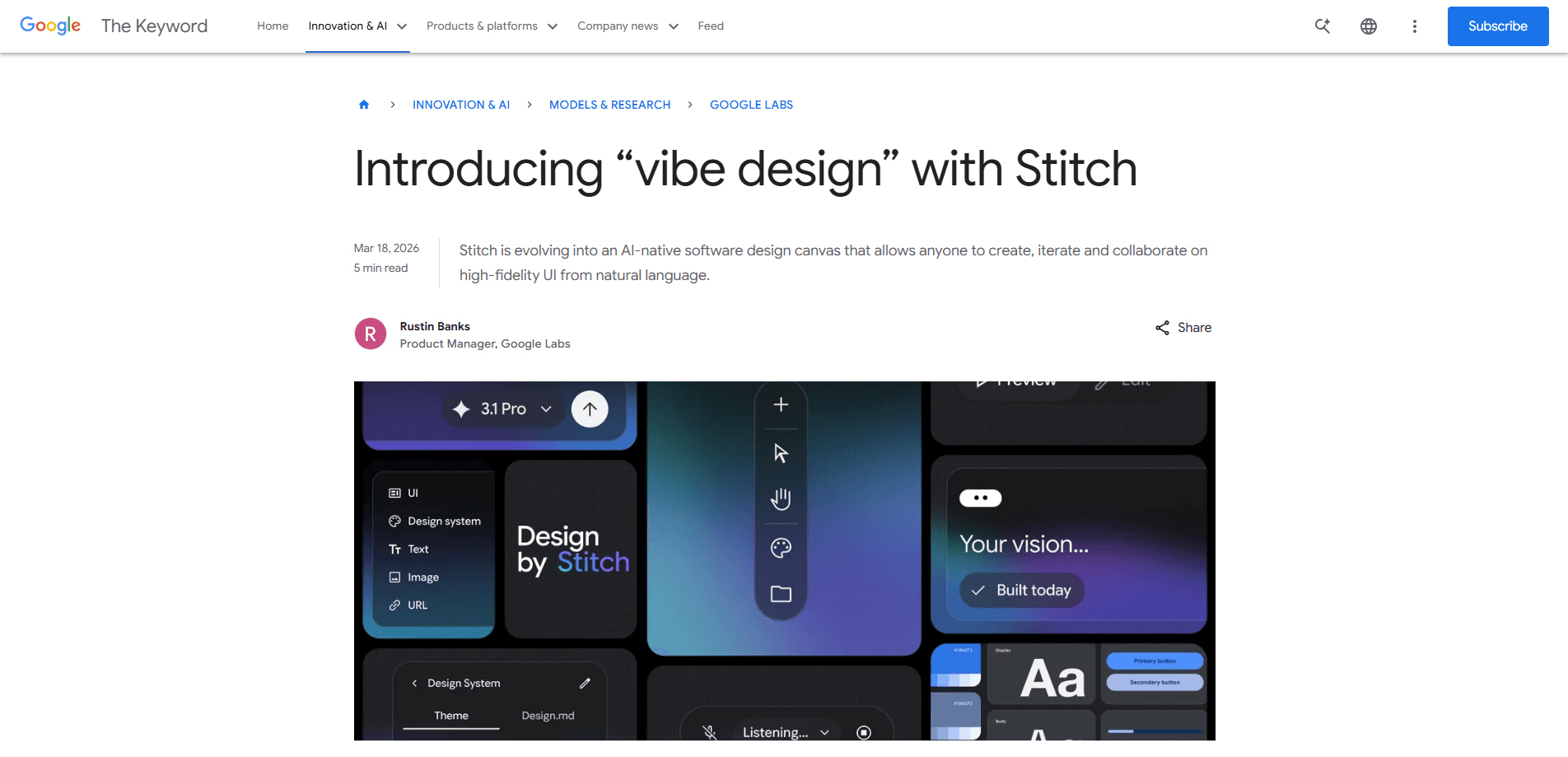
About Stitch 2.0 by Google
What Is Stitch 2.0 by Google
Stitch 2.0 by Google is Google Labs' AI-native design environment for mobile and web interfaces. The first version, shown at Google I/O 2025, was a one-way text-to-UI generator: you typed a description, it gave you a screen, and you exported the code or pushed to Figma. The 2.0 release rebuilt it around an infinite canvas and a design agent that keeps context across a whole project.
The shift matters. Instead of generating one screen at a time, Stitch 2.0 reasons about your whole project, tracks several design directions in parallel, and offers feedback on layouts that might confuse users. You can pull a design system straight from any URL, walk through interactions with a play button, and hear suggestions the way a design partner would give them. That's a long way from a prompt box with a spinner.
The catch: it works best when you can describe what you want. Vague prompts produce vague results. The tool also leans heavily on Google's own component style, so output can feel a bit Google-flavored, and it's still a Google Labs experiment, so features and limits move around. Even so, for a free AI UI design tool the ceiling is high.
Getting Started
- Go to stitch.withgoogle.com and sign in with a Google account. You need to be 18 or older.
- Pick a mode: Standard for fast drafts or Experimental for higher-fidelity work with image references.
- Describe the screen in plain words, upload a sketch or screenshot, or speak the direction out loud.
- Let the AI generate several options, then refine with follow-up prompts, an edit-theme panel, or a click.
- Export the result as front-end code, push it to Figma, or save the design system as a DESIGN.md file.
Product Information
A quick look at Stitch 2.0 by Google's pricing, supported platforms, and performance.
Best for
The users, tasks, and scenarios where this tool fits best.
Users
- Product designers
- Front-end developers
- Founders and solo builders
- Students and beginners
Tasks
- Turning a rough idea into multiple UI options
- Lifting a design system from a live site
- Making a static design clickable
- Moving AI output into a real design file
Scenarios
- A Saturday-morning MVP sprint
- Teaching a class about interface structure
- Exploring a rebrand
- Pitching an idea to a client
Key features
Infinite Canvas With Full Project Context
The canvas is the core change in 2.0. Pin reference images, paste code, and add text notes anywhere. The AI treats all of it as context rather than just your latest prompt. Drop a competitor's dashboard screenshot and your component code next to a note about the industry, and Stitch builds something that respects all three. It's closer to how a designer's desk actually looks.
Design Agent and Agent Manager
Stitch 2.0 adds a design agent that understands a project's structure, the relationships between pages, and the logic of a user flow. It doesn't just respond to commands. It reviews what you've made and flags layouts that break best practice or colors that drift off brand. The Agent Manager runs several of these in parallel, so different screens or directions move forward at once instead of one at a time.
Vibe Design From Voice and Images
The pitch behind vibe design is that you shouldn't have to start with a wireframe. Describe the feeling, not the layout: a warm and trustworthy finance app, or a clean project tracker with more character than Notion. Sound familiar? That's the goal. You can also speak the direction and watch the canvas update in real time, or upload a sketch and let the tool interpret it. It's a looser starting point, and sometimes that's exactly what unblocks a project.
Code and Figma Export
Every design comes with front-end code you can copy out or drop into an app. Push to Figma and the layer structure, auto-layout, and components carry over, which means AI can do the first pass and a human can do the detail work. The code lands as a reasonable HTML and Tailwind starting point. It isn't a finished build. Expect to tidy it.
Design Systems From Any URL and DESIGN.md
Point Stitch at a live URL and it extracts a usable design system, including palette, type, and components. From there the tool can apply that system to new screens so everything stays consistent. It also exports an agent-friendly DESIGN.md file, which lets you move design rules between Stitch projects or sync them with outside tools. That's a real time-saver.
Interactive Prototypes and External Tool Connections
A play button turns a static design into something you can click through, with Stitch generating the next logical screen after each tap. For teams that live in a code editor, there's a Stitch MCP server and SDK so outside agents like Cursor, Antigravity, or Gemini CLI can connect into a project and extend what it does.
Pros and cons
Pros
- Free to use with a Google account, which removes the usual pricing friction for trying an AI design tool.
- The infinite canvas and design agent keep context across a whole project, not just one screen.
- Exports real front-end code and hands off to Figma with layers and auto-layout intact.
- Voice and image input lower the barrier for people who can't sketch or write detailed prompts.
- MCP server support means it plays nicely with external coding agents.
Cons
- Output leans toward Google's component style, so designs can feel similar to each other unless you push hard on the theme.
- It's still a Google Labs experiment, so features, limits, and availability can change without much warning.
- Vague prompts produce vague results. If you can't describe what you want, the tool won't guess well.
- Generated code is a starting point, not production-ready, so developers still need to review and fix it.
Frequently asked questions
Yes. Stitch is free to use, and all you need is a Google account and to be 18 or older. There's no paid tier for the tool itself.
Related content
Explore related tools, skills, and articles for Stitch 2.0 by Google.
Stitch 2.0 by Google Alternatives

X Ray Interpreter
X-ray Interpreter · ImageX Ray Interpreter is a web-based AI radiology tool that turns X-rays, CT scans, MRI, ultrasound, and PET images into plain-language reports. You upload a scan, get a preliminary X-ray interpretation in moments, then ask follow-up questions if something needs explaining. It works as a second opinion and a learning aid, not as a medical diagnosis.

Aieasypic
AIEasyPic · ImageAIEasyPic is an AI image generator that turns plain text prompts into finished artwork in seconds. You can also train custom models on your own photos, swap faces in existing images, and create short video clips from text, all from a browser. It suits casual creators who want quick visuals and hobbyists who want to build a personal model without touching any code.

Chargen
Chargen · ImageChargen is an AI character generator and worldbuilding toolkit built for Dungeons & Dragons and other tabletop RPGs. It turns a one-line idea into a painted character portrait, spins up NPCs, monsters, maps and encounters from the same session, and keeps every creature's details close at hand. The tabletop RPG art side runs on a credit system called Gold, while the text generators stay free for everyone.