

theORQL
theORQL · Coding
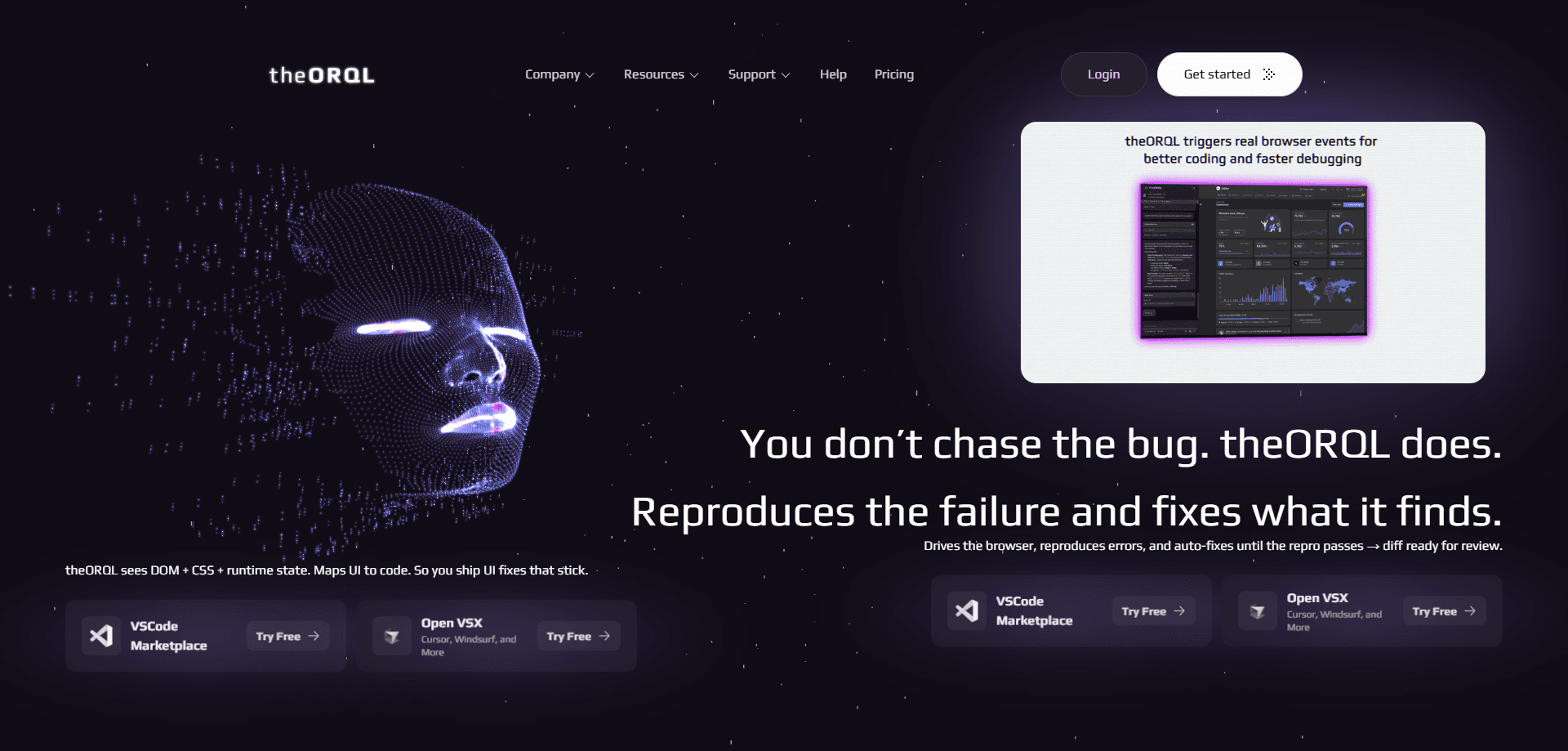
theORQL is a runtime debugging tool that watches what happens while your app is actually running, not just what looks wrong in the source file. It captures JavaScript errors inside Chrome, explains what caused them, and then offers a fix you can apply straight from VS Code. So you can debug runtime errors while the page is still live. The idea is simple. You stop juggling a browser, a console log, and three guesses. Instead you get a concrete answer about why the code broke.
About theORQL
What Is theORQL
theORQL is a frontend AI built for runtime coding. Instead of reading your files and guessing, it hooks into the browser where your app lives, records the errors that show up during real use, and traces each failure back to the line and condition that triggered it.
The problem it targets is familiar to anyone who has spent an afternoon in a console. AI coding assistants write code fast, but they don't see your running page. They miss the bugs that only appear after a click, a slow network response, or a weird piece of state. theORQL adds that missing view.
One limit worth knowing up front: it focuses on browser-based frontend work. It connects to Chrome and your editor, so teams living entirely in native mobile or backend code won't get much use out of it. There's also a learning curve while you wire up the extension.
Getting Started
- Create a theORQL account on the official site and confirm the free trial, which includes prompt credits to test it on your own bugs.
- Install the theORQL extension from the VS Code Marketplace, or add it to Cursor, Windsurf, or a similar editor that supports the same extension format.
- Open your project in the editor and launch the app in Chrome so theORQL can attach to the running session.
- Reproduce a bug in the browser, then open the theORQL panel to read the captured error and the cause it identified.
- Review the suggested fix, apply it in your file, and re-run the app to confirm the runtime error is gone.
Product Information
A quick look at theORQL's pricing, supported platforms, and performance.
Best for
The users, tasks, and scenarios where this tool fits best.
Users
- Frontend developers
- Solo builders and small teams
- Developers already using AI coding assistants
Tasks
- Catching runtime errors
- Generating verified fixes
- Cutting context switching
Scenarios
- Frontend debugging on an app that works on your machine but fails for some users, where the failure only shows up under a specific click path.
- Onboarding onto an unfamiliar codebase and running into errors you've never seen before, with no internal docs to explain them.
- Wrapping up a feature late at night and needing a fast, reliable answer about why a runtime error keeps reappearing.
Key features
Runtime error capture in Chrome
theORQL records errors while your frontend app runs inside Chrome, which is where the interesting failures happen. Chrome debugging usually means staring at a console. This feels different. The tool links each error to the code and state that produced it, so you get more than a message and a line number. That context is what turns a vague crash into something you can act on.
Cause analysis instead of guesswork
Once an error is captured, theORQL explains why it happened, not just where. It looks at the conditions around the failure, like a null value or an unexpected response. Then it points to the underlying cause. For frontend work, that's the part most debuggers leave to you. No more guessing.
Verified fixes inside VS Code
The fixes land inside your editor. No separate window. No copy-paste from a chat. This is the VS Code debugger angle done differently: the AI code fix arrives tied to the error the tool actually observed on your machine. You review the change, apply it, and move on. Because the fix comes from a real runtime failure, it tends to be closer to what you actually need.
Editor-wide support
theORQL runs as an extension, with a listing on the VS Code Marketplace and support for editors that adopt the same format, including Cursor and Windsurf. If your team already lives in one of those, you don't have to change your whole setup to try it.
Cross-platform install
The tool covers Windows, macOS, and Linux, so it fits mixed dev teams. Setup is the same story on each platform: install the extension, connect it to Chrome, and start running your app.
Free trial on your own bugs
A free trial gives you prompt credits to run theORQL against your actual code, rather than a demo. That matters. A debugging tool is only worth judging on the bugs you really have.
Pros and cons
Pros
- Catches errors that only appear at runtime. Static analysis and chat-based assistants tend to miss them.
- Explains the cause behind an error, saving the manual work of reading stack traces.
- Generates fixes directly in VS Code, so you stay in your editor instead of copying from a browser tab.
- Works across Windows, macOS, and Linux, and fits editors beyond VS Code, including Cursor and Windsurf.
- A free trial lets you test it on real bugs before paying.
Cons
- It's built around Chrome and frontend work. Teams focused on native mobile or backend code won't get much from it.
- The free plan uses prompt credits, so heavy debugging sessions can run out before you're done.
- You need to install and connect an extension, which adds setup time before the first fix.
Frequently asked questions
It catches runtime errors in your browser-based app, explains what caused them, and suggests fixes inside your editor. Call it a JavaScript error fixer that reads your running page instead of only your source files.
Related content
Explore related tools, skills, and articles for theORQL.
theORQL Alternatives
Forefront
Forefront · CodingForefront is a web platform for building with open-source AI. It lets you fine-tune leading open-source language models on your own data, evaluate how they perform, and run them through an API or export them to host yourself. Developers who want the convenience of a closed-source platform but insist on owning their models and data are the target audience here.

Startkit
StartKit.AI · CodingStartkit is a boilerplate for building AI SaaS and AI wrapper products. Think of it as an AI startup boilerplate with the boring parts already wired up: authentication, Stripe and Lemon Squeezy payments, usage limits, transactional email, and an AI API starter that talks to OpenAI, Anthropic, Groq, or Llama. You clone the repo, set your price, and start on the part of your product that people actually pay for. It's Next.js under React and Tailwind, so most of the boilerplate code already feels familiar.
Testim
Tricentis · CodingTestim is an AI-powered test automation platform for building and running end-to-end tests across web, mobile, and Salesforce applications. It leans on machine learning to keep tests stable when an interface changes, so teams spend less time fixing broken selectors. Not bad for an automated testing tool you can start using today. You create tests by recording actions in a browser, then optionally add JavaScript when you need more control. It's a solid pick for busy QA teams.