

Strix
OmniSecure, Inc. · Coding
Strix is an open-source AI penetration testing agent built by OmniSecure that acts like a real hacker against your apps. It runs your code in a sandbox, hunts for security vulnerabilities, and only reports the ones it can actually exploit with a working proof of concept. You point it at a local folder, a Git repository, or a live web app, and it returns a list of validated findings plus fixes you can apply. Think of it as an AI penetration testing tool that earns its findings.
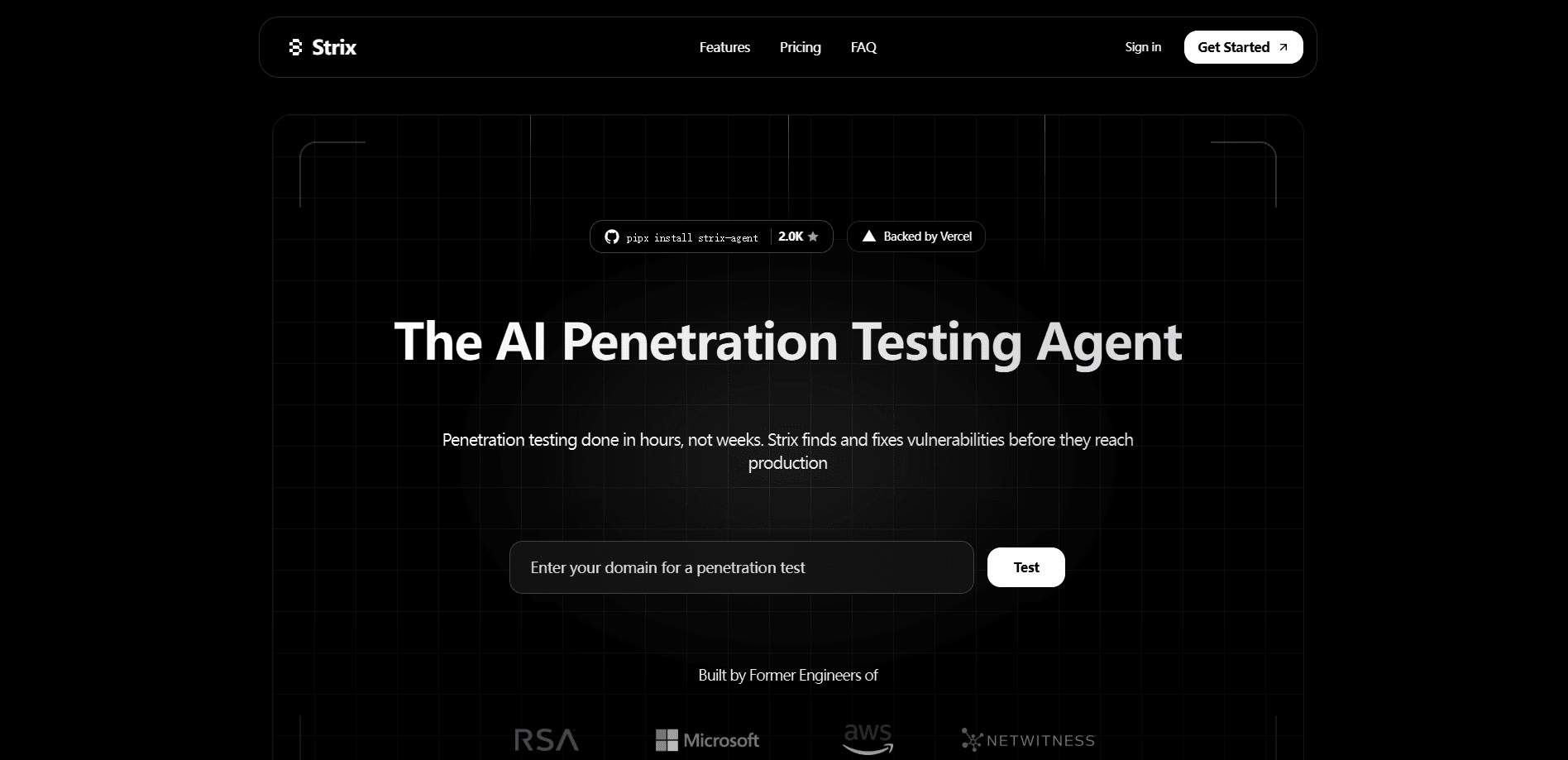
About Strix
What Is Strix
Strix is an autonomous AI agent for penetration testing, the kind of security check where someone plays attacker to see what breaks. Instead of flagging "possible" issues the way static analysis tools do, it executes code, sends real requests, and confirms each vulnerability by exploiting it. What does that actually mean for you? When Strix says something is broken, it usually is. You get a reproduction path, not a guess. That's the whole point of an open-source pentesting agent you can trust.
The toolkit inside each agent covers the full attack chain: reconnaissance, an HTTP proxy for request rewriting, a multi-tab browser for testing XSS and authentication flows, a terminal for running commands, and a Python runtime for writing custom exploits. Several agents work in parallel and share what they find, so a recon agent can hand off a suspected flaw to an exploitation agent that proves it. Everything runs in one place.
The main catch is the setup. Strix runs locally through Docker, and it needs an LLM API key from OpenAI, Anthropic, Google, or another supported provider. You pay for those model calls yourself, so heavy scans can add up. Not cheap on big repos. The hosted Strix Cloud and Enterprise tiers remove that overhead, but they cost money and move your scan off your own machine.
Getting Started
- Make sure Docker is running on your machine and you have an API key from a supported LLM provider.
- Install the CLI with
curl -sSL https://strix.ai/install | bashorpipx install strix-agent. - Set your model and key, for example
export STRIX_LLM="openai/gpt-5.4"andexport LLM_API_KEY="your-api-key". - Point it at a target such as
strix --target ./your-appor a live URL, and choose a scan mode. - Read the findings in the
strix_runs/<run-name>folder, or let it open pull requests with suggested fixes.
Product Information
A quick look at Strix's pricing, supported platforms, and performance.
Best for
The users, tasks, and scenarios where this tool fits best.
Users
- Developers without a security team
- Security engineers
- Bug bounty hunters
Tasks
- Scanning a codebase for real vulnerabilities
- Reviewing pull requests
- Testing live apps and APIs
Scenarios
- Pre-release security checks
- Continuous monitoring
- Compliance reporting
Key features
Autonomous Agents That Attack Like Hackers
Strix doesn't just scan; it reasons about a target and decides what to try next. Each agent runs code, sends payloads, and adapts based on what comes back, much like a human tester working through an attack path. The payoff for you is findings that hold up, because nothing lands in the report until the agent has actually broken in. No guessing required.
Real Exploit Validation
Every finding ships with a working proof of concept and reproduction steps. That kills the false-positive problem that plagues most vulnerability scanners, where you spend hours sorting real issues from noise. If Strix flags a bug, you can watch the exploit run and see the exact request or code path that triggered it. This is what separates a real AI pentest CLI from a glorified linter. Proof beats promises.
Multi-Agent Orchestration
A single scan splits into specialist agents for reconnaissance, exploitation, and post-exploitation. They run in parallel and share discoveries, chaining small issues into a full attack path. On large targets, that division of labor gives you coverage a single agent would miss. It adds up.
Full Pentesting Toolkit Built In
Each agent carries the gear a real tester reaches for: a full HTTP proxy for reading and rewriting requests, a multi-tab browser for XSS and CSRF testing, an interactive terminal, and a Python runtime for custom exploit code. You don't wire up a separate toolchain before you start. It's all there on day one.
Scan Modes for Every Need
Three depth settings let you match the effort to the moment. quick finishes in minutes and suits every pull request. standard runs around 30 to 60 minutes for routine reviews. deep, the default, spends one to four hours exploring chained exploits and edge cases. Pick based on how much time you have.
CI/CD and DevSecOps Integration
Strix plugs into GitHub Actions and other pipelines, so security testing runs on every merge request. It returns a non-zero exit code when it finds something, which you can use as a merge gate. That's a hands-off PR security review on every commit. It also connects to GitLab, Bitbucket, Slack, Jira, and Linear.
Auto-Fix and Reporting
For supported setups, Strix generates security patches as ready-to-merge pull requests and produces compliance-ready pentest reports. Each finding carries a CVSS severity score, an OWASP category, and remediation guidance. Fix fast, move on.
Open Source Core
The core agent is open source under the Apache 2.0 license. You run it locally, inspect the code, and self-host for free, paying only for your own LLM usage. That transparency matters when you're handing security tooling access to your codebase. No black boxes.
Pros and cons
Pros
- Validated findings with working proofs of concept cut down on false positives.
- Open-source core runs locally, so your code never leaves your machine.
- Multi-agent design covers reconnaissance, exploitation, and chained attacks in one run.
- Built-in toolkit means no separate setup for proxy, browser, or exploit development.
- CI/CD integration and auto-fix turn findings into patches you can merge.
Cons
- Local use requires Docker and your own LLM API key, so scan costs scale with model usage.
- You need some command-line comfort to get it running; it isn't a click-and-go tool.
- Deep scans can take hours and burn tokens, which adds up on large codebases.
Frequently asked questions
It runs autonomous AI agents that test your applications for security vulnerabilities the way a human pentester would. The agents execute your code, attempt exploits, and only report issues they can prove are real, each with a working proof of concept. Short version: it finds what's broken and shows you how.
Related content
Explore related tools, skills, and articles for Strix.
Strix Alternatives
Forefront
Forefront · CodingForefront is a web platform for building with open-source AI. It lets you fine-tune leading open-source language models on your own data, evaluate how they perform, and run them through an API or export them to host yourself. Developers who want the convenience of a closed-source platform but insist on owning their models and data are the target audience here.

Startkit
StartKit.AI · CodingStartkit is a boilerplate for building AI SaaS and AI wrapper products. Think of it as an AI startup boilerplate with the boring parts already wired up: authentication, Stripe and Lemon Squeezy payments, usage limits, transactional email, and an AI API starter that talks to OpenAI, Anthropic, Groq, or Llama. You clone the repo, set your price, and start on the part of your product that people actually pay for. It's Next.js under React and Tailwind, so most of the boilerplate code already feels familiar.
Testim
Tricentis · CodingTestim is an AI-powered test automation platform for building and running end-to-end tests across web, mobile, and Salesforce applications. It leans on machine learning to keep tests stable when an interface changes, so teams spend less time fixing broken selectors. Not bad for an automated testing tool you can start using today. You create tests by recording actions in a browser, then optionally add JavaScript when you need more control. It's a solid pick for busy QA teams.