

SUB/WAVE: Internet Radio
Perminder Singh Klair · Chatbot
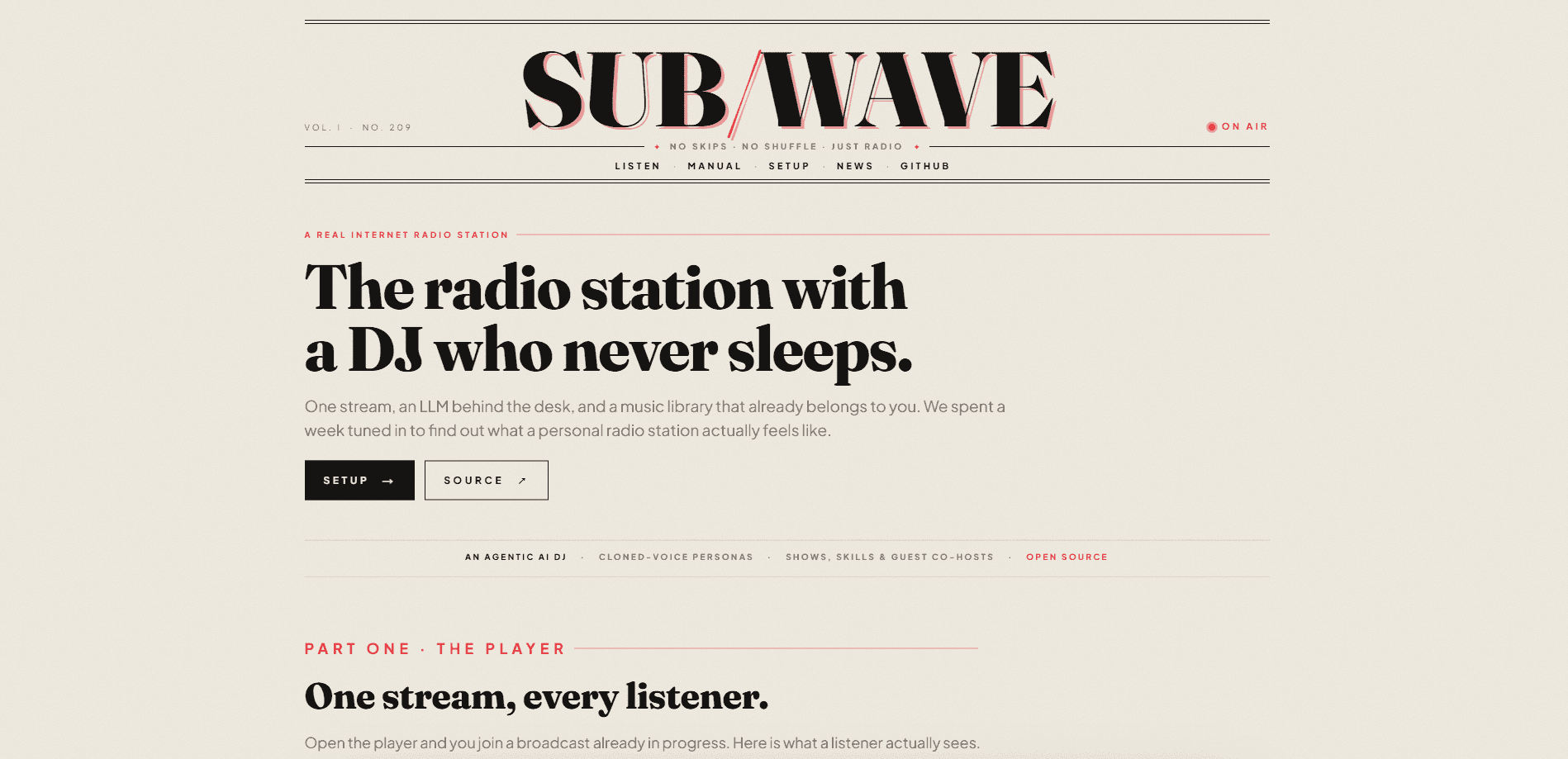
SUB/WAVE: Internet Radio is a self-hosted, open-source radio station that turns your own Navidrome or Subsonic music library into a single live broadcast. Everyone tuned in hears the same song at the same moment, and an AI DJ picks the next track, reads the station ident, checks the weather, and talks you into whatever's playing next. You can ask for music in plain language and the DJ works out what you meant. There's no skip button and no per-listener shuffle. It's radio, not a playlist.
About SUB/WAVE: Internet Radio
What Is SUB/WAVE: Internet Radio
SUB/WAVE is what happens when you point a language model at your music collection and let it run a station. You already have the files; SUB/WAVE tags them, builds a queue, and streams the result as one Icecast broadcast. The AI DJ sits in the booth between tracks and does what a good host does: picks the next record, announces the set, brings in time checks and weather, and takes a listener's request without a human in the loop.
The appeal is simple. Streaming services hand you an algorithmic feed built for one person at a time. SUB/WAVE hands you a shared signal, so two people listening at 9pm are hearing the same thing. That's the whole point, and it changes how the station feels. You tune in to find out what's on rather than to control what's next.
The catch is that it expects you to run things. SUB/WAVE is software you install, not a service you sign into. You need a music library on a Navidrome or Subsonic server and a machine that stays on. If you don't want to manage a language model yourself, the project offers a metered hosted DJ brain and a fully hosted station, both paid, while the self-hosted software stays free.
Getting Started
- Make sure your music library lives on a Navidrome or Subsonic server that SUB/WAVE can reach.
- Install SUB/WAVE with the provided setup wizard and point it at that library.
- Connect a language model and a text-to-speech voice, or paste a key for the hosted DJ brain if you'd rather not run your own.
- Set up your DJ personas and schedule the week from the admin console.
- Tune in through the web player or a native app and start taking requests.
Product Information
A quick look at SUB/WAVE: Internet Radio's pricing, supported platforms, and performance.
Best for
The users, tasks, and scenarios where this tool fits best.
Users
- Music collectors
- Hobbyist self-hosters
- Small communities
Tasks
- Turning a private library into a live station
- Broadcasting with an AI host
- Taking spoken requests
- Programming a weekly schedule
Scenarios
- Evening listening where everyone hears the same thing
- Background music for a small venue or workspace
- Testing what an LLM DJ can do with your own collection
Key features
AI DJ That Speaks Between Tracks
The DJ doesn't just queue songs. It picks the next track, reads the station ident, delivers a time check and the weather, and gives a short intro on the way into whatever's playing next. It never cuts between tracks in silence. Each station can hold several personas, and each persona has its own voice, so a late-night show can sound different from the afternoon one. Voices are swappable, and the project supports cloned voices if you want a specific sound.
Natural-Language Song Requests
Listeners type or say what they want and the DJ figures out the intent. Ask for "something slower" or name a track directly and it gets slotted into the broadcast. There's no per-listener queue to manage because there's only one stream. Requests land in the booth log so the operator can see what came in and how the DJ answered.
One Shared Icecast Broadcast
SUB/WAVE runs a single Icecast stream, so every listener hears the same broadcast at the same time. No shuffle, no skip button, no "up next for you." That design choice is the product. It makes the station feel live and gives the AI DJ a reason to exist, since a person can't talk over 300 separate playlists.
Admin Console for Running the Station
The admin side covers the operational basics. Dash shows live status, the current queue, and the booth log. Personas manages the DJ roster and their voices. Schedule lets you programme the week an hour at a time. Skills controls what the DJ does between tracks. Stats surfaces LLM and text-to-speech usage at a glance, and Debug shows health, logs, and recent model calls.
Library Observatory
The Observatory is a data-art map of every track the DJ has tagged, laid out by genre and lit by energy. Click a point and you get a full dossier on that track: BPM, key, mood, embeddings, and nearest neighbours. It's more than a gimmick. It's how you see whether your tagging is landing where you expect.
Native Apps and Desktop Players
The listener player ships as web, iOS, and Android apps plus a native macOS, Windows, and Linux desktop build. The apps include now-playing art and a live visualiser, the booth view, a scrollable timeline of what's played, requests, the upcoming schedule, and themes that recolour the app to match the station. The mobile app supports AirPlay, Google Cast, and a sleep timer.
Hosted Options Without Leaving Self-Hosting
If running a language model is the part you'd rather skip, SUB/WAVE DJ Brain is a metered brain and optional cloud voice for a station you still self-host: one key, pasted once, from £5 a month. SUB/WAVE Hosted runs the whole station for you at yourname.getsubwave.com. Both fund the project, and the self-hosted software stays complete and free either way.
Pros and cons
Pros
- Open-source and free to self-host, so there's no subscription to keep your own library on the air.
- The AI DJ adds real value rather than novelty, filling the gaps between songs with idents, time checks, and weather.
- One shared stream keeps the radio feel intact; nobody gets a private queue to fiddle with.
- Strong operator tooling, with personas, scheduling, skills, usage stats, and a debug view in one console.
- Native apps on iOS, Android, and desktop, plus AirPlay, Cast, and a sleep timer for long listens.
Cons
- There's no skip button by design, which will frustrate anyone who wants to control the next track.
- You need a Navidrome or Subsonic library and a machine that stays online, so it's not a drop-in for casual listeners.
- Running your own DJ means managing a language model and a voice, and that's the steepest part of setup.
- Pricing for the hosted brain and hosted station is quoted in pounds and metered, so costs scale with use.
Frequently asked questions
The self-hosted software is free and open-source. Paid parts exist for people who'd rather not run a language model: SUB/WAVE DJ Brain is a metered hosted brain from £5 a month, and SUB/WAVE Hosted runs the whole station for you. You can use the software without paying for either.
Related content
Explore related tools, skills, and articles for SUB/WAVE: Internet Radio.
SUB/WAVE: Internet Radio Alternatives

Knocket
Knocket (Tencent RTC team) · Productivity · Business · ChatbotKnocket is a free live chat and contact page tool that lets visitors message you from your website, app, or a shareable link, with every reply handled from Telegram or one inbox.
Agibot
Agibot · Productivity · AI Assistant · ChatbotAgibot is a personal AI agent for Mac that keeps running after you close the window, runs routines on a schedule, and works from Telegram or Slack with your own API keys.

Melete
Melete · Productivity · AI Assistant · ChatbotMelete is an AI workspace for teams where agents research, draft, and act in Slack, Notion, Linear, and GitHub. Shared memory and approval gates keep people in control.