

Super Intern
SuperIntern · Productivity
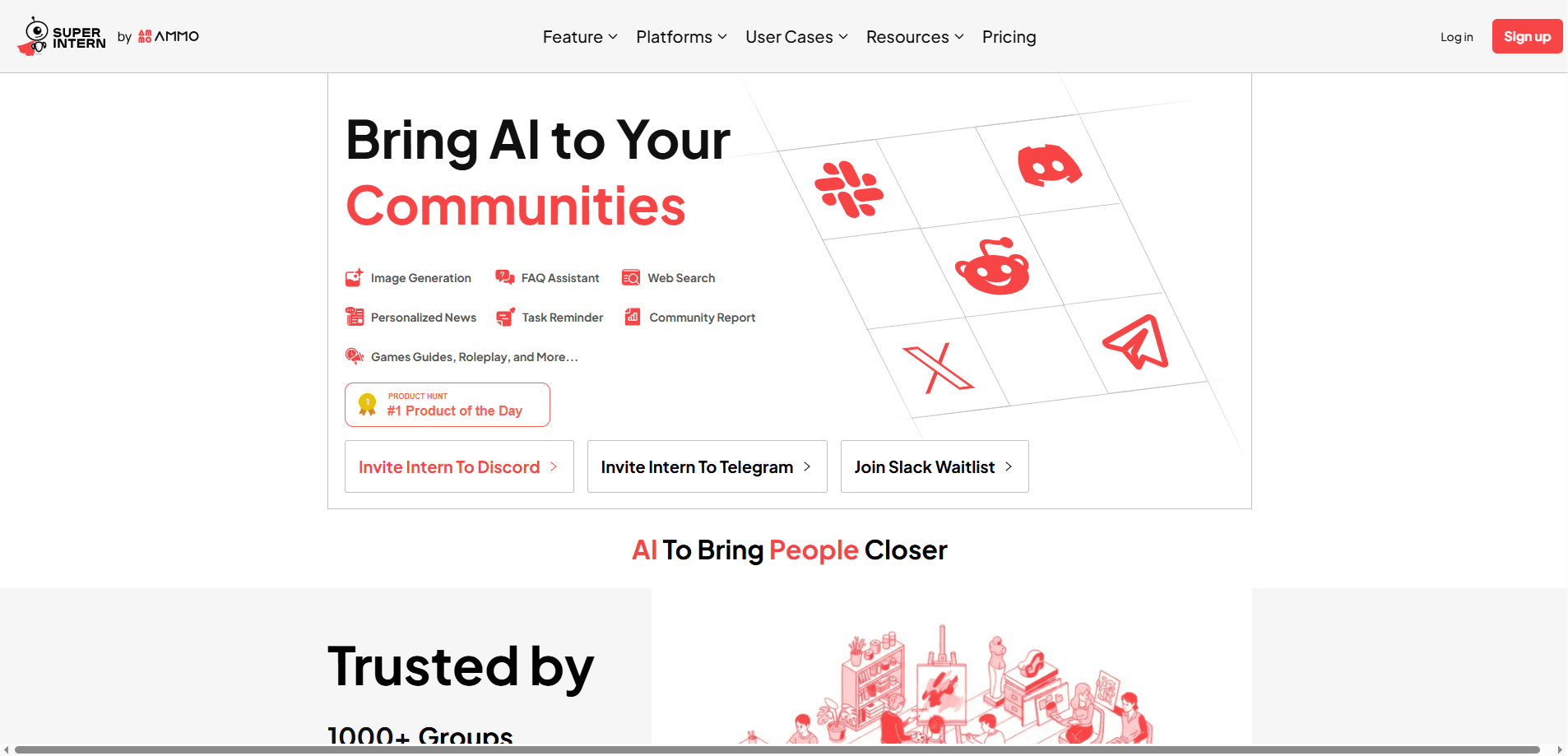
Super Intern is an AI teammate that plugs into the messaging apps you already use, like Telegram, WhatsApp, Discord, Slack, and WeChat. It drafts email replies in your tone, schedules meetings, records notes, and turns scattered messages into to-dos. Think of it as a second set of hands for the busywork that piles up around client emails and team coordination.
About Super Intern
What Is Super Intern
Super Intern is an always-on AI assistant built for people who run their work through chat apps. Instead of adding another dashboard to your day, it sits inside Telegram, WhatsApp, Discord, Slack, or WeChat and handles the small tasks that eat up hours: drafting replies, capturing reminders, and keeping a searchable record of conversations.
The core pitch is simple. You connect your email, teach it your tone, and it drafts replies before you even open the inbox. Nothing goes out without your approval, so the assistant handles the writing while you keep the final say.
The big limitation is scope. Super Intern leans hard into email and messaging workflows, so if you need deep project management, spreadsheets, or code review, it won't replace those tools. It's a communication assistant, not a full workspace.
Getting Started
- Connect your email account. Setup works with Gmail or Outlook in one click.
- Add your rules and voice preferences. Every edit you make teaches it to match your style more closely.
- Let it draft replies. Pre-written responses land in your inbox, ready for a quick review and send.
- Bring it into your chat apps. Run reminders, voice-to-email, and meeting scheduling from Telegram, WhatsApp, Discord, Slack, or WeChat.
- Point it at your docs. Link Notion, Google Drive, or GitHub so answers come back grounded in your own material.
Product Information
A quick look at Super Intern's pricing, supported platforms, and performance.
Best for
The users, tasks, and scenarios where this tool fits best.
Users
- Freelancers juggling client email
- Community managers running chat servers
- Small teams without an admin hire
Tasks
- Drafting client email replies
- Recording meetings and writing follow-ups
- Turning voice notes and screenshots into to-dos
- Answering questions from your own docs
Scenarios
- Clearing a packed inbox on a train commute
- Keeping client conversations on record
- Running recurring weekly tasks
Key features
Email Drafting in Your Voice
Super Intern watches your inbox and prepares replies before you get to them. It learns from your preferences and every edit you make, so the drafts sound less like a template and more like you wrote them. Nothing sends without your approval, which keeps you in control of the final message.
Lives Inside Your Chat Apps
This is the feature that separates it from most AI assistants. You don't need a separate app or browser tab, since Super Intern runs through Telegram, WhatsApp, Discord, Slack, and WeChat as a chat app assistant that meets you where you already are. That matters when you're away from your desk and still need to keep work moving, because switching tools is often the thing that kills momentum.
Meeting Notes and Follow-Ups
The assistant joins meetings, records up to 60 hours a month on the base plan and 100 hours on the higher tier, and drafts the follow-up for you. That makes it a genuine meeting notes AI rather than just a recorder, and you get a record you can search later, so questions like "what did we agree on?" stop turning into a scroll through old messages.
Answers Grounded in Your Docs
Connect Notion, Google Drive, GitHub, or plain links, and Super Intern answers questions using your own material. It's the difference between a generic chatbot and one that knows how your business actually works.
Message-to-Action Capture
Voice notes, screenshots, and emails all get turned into to-dos. Say a reminder out loud while it's still fresh and the assistant files it, which is handy for the thoughts that vanish if you don't write them down within a minute.
Recurring Task Automation
Set a schedule once and Super Intern keeps it running, handling the repeat jobs that quietly eat your week. It's a small feature until you realize how much time those tasks add up to.
Conversation Archive
Every client chat stays on record and searchable. For anyone who has ever needed to prove what was promised, having that history in one place is worth more than it sounds.
Pros and cons
Pros
- Works inside chat apps you already have, so there's no new tool to learn.
- Drafts email replies in your tone and improves with each edit you make.
- Combines email, meetings, reminders, and doc search in one assistant.
- Keeps a searchable record of client conversations.
- Enterprise-grade security with SOC 2 Type I certification and GDPR compliance.
Cons
- Pricing isn't published up front, so you have to contact the team to compare plans against your budget.
- It's built around communication, not project tracking or spreadsheets, so it won't replace your main work tools.
- Heavy meeting records (100 hours a month) sit behind the higher tier, which may not fit light users.
Frequently asked questions
It's an AI assistant for email and chat work. It drafts replies in your tone, records meetings, captures reminders from voice or screenshots, and answers questions using your own documents. You review and send every email yourself.
Related content
Explore related tools, skills, and articles for Super Intern.
Super Intern Alternatives

Swms
Swms AI · Writing · Productivity · BusinessSwms is an AI safety compliance tool that turns a plain description of a job into ready-to-use safety documents. Describe your project, trade, and known hazards, and it writes a safe work method statement, job hazard analysis, safe work procedure, RAMS, or safety data sheet in seconds. It also ships with Oscar, a chat assistant that answers workplace safety questions in any language. Teams in construction, mining, transport, and warehousing use it to cut the paperwork that usually eats into a workday.

Wordly AI Translation
Wordly · Voice & Language · ProductivityWordly AI Translation is a real-time AI translation and captioning platform built for meetings, conferences, and events. It delivers live translation, captions, transcripts, and summaries in more than 60 languages, and attendees join by scanning a QR code or opening a link instead of using dedicated headsets. The platform works with Zoom, Microsoft Teams, Google Meet, and Webex, and it's designed for organizations that want multilingual access without hiring human interpreters for every session. Simple as that.

Rows
Rows (Superhuman) · Productivity · BusinessRows is an AI spreadsheet and data analysis tool that imports live data from more than 50 sources, then lets you work with it using plain language instead of SQL queries or nested formulas. You can pull numbers out of PDFs, connect ad platforms, databases, and bank accounts, and ask the AI to build reports, merge datasets, or set up models that recalculate themselves. It runs in the browser, works like a spreadsheet, and now sits under the Superhuman umbrella.