

Superchat
SuperX GmbH · Marketing
Superchat is an AI-powered customer messaging platform that unifies WhatsApp, live chat, and social channels in one inbox for sales, support, and marketing teams.
About Superchat
What Is Superchat
Superchat is a customer communication software platform built by SuperX GmbH, a German company that keeps its servers in Germany and runs the whole service under GDPR rules. The thinking behind the product is simple enough. Most businesses now talk to customers on WhatsApp, Instagram, email, and a website widget at the same time. Doing that from five browser tabs is a mess. Superchat pulls every one of those conversations into a single inbox. A team of two or a team of fifty sees the same thread history. No message gets dropped.
The product has moved well past being a chat inbox. Recent versions bundle an AI agent that answers in chat, email, and on the phone, plus automations that handle follow-ups without a human touching them. Think of it as an AI chatbot that never sleeps. For shops that live on WhatsApp, that combination is the reason they switch.
The main limits are worth knowing up front. Every plan caps how many contacts or employee seats you get, and the cheaper tiers hold back AI agents and integrations, so growing teams that want automation end up paying for add-ons that the headline price never mentions. It's also priced in euros with a 12-month minimum contract on paid plans. That won't suit anyone who wants to try a month and walk away.
Getting Started
- Sign up for the free plan using a business email and pick the channels you want to connect, starting with your WhatsApp Business number.
- Connect the rest of your channels, like the website widget, Instagram, or email, so everything lands in the universal inbox.
- Invite team members, then set up assignments and labels so incoming messages reach the right person automatically.
- Turn on an AI agent or build a few automations to handle follow-ups, FAQs, and after-hours replies.
- Send your first WhatsApp newsletter or go live with the inbox, then check analytics to see how fast your team is responding.
Product Information
A quick look at Superchat's pricing, supported platforms, and performance.
Best for
The users, tasks, and scenarios where this tool fits best.
Users
- Small business owners
- Support teams
- Sales and marketing teams
Tasks
- Answering customer questions on WhatsApp
- Running a WhatsApp newsletter
- Delegating follow-ups
Scenarios
- A pharmacy that can't get customers to install another app
- An agency juggling chat, email, and Instagram DMs
- Holiday or peak-season spikes
Key features
Universal Inbox
Every channel you connect feeds into one shared inbox, so WhatsApp messages, website chat, and social DMs sit side by side. Each customer gets a single thread with full history. No one asks a customer to repeat themselves. This is the core of the whole product and the reason most teams pick it. One inbox. Zero missed messages.
AI Agent Across Channels
Superchat's AI agent answers questions in chat, email, and on the phone, and you keep control over what it says and when it hands off to a person. It works around the clock, so a message that arrives at 11 p.m. gets an answer instead of waiting until morning. No missed nights. Higher tiers give you more agents if one isn't enough for your volume.
WhatsApp Business Tools
The platform is built tightly around WhatsApp Business, with interactive templates, quick replies, and message flows that guide a customer toward a decision. For businesses whose customers already live in WhatsApp, this beats nudging them toward a separate app. It's the channel Superchat clearly invested the most in.
Automations and Follow-ups
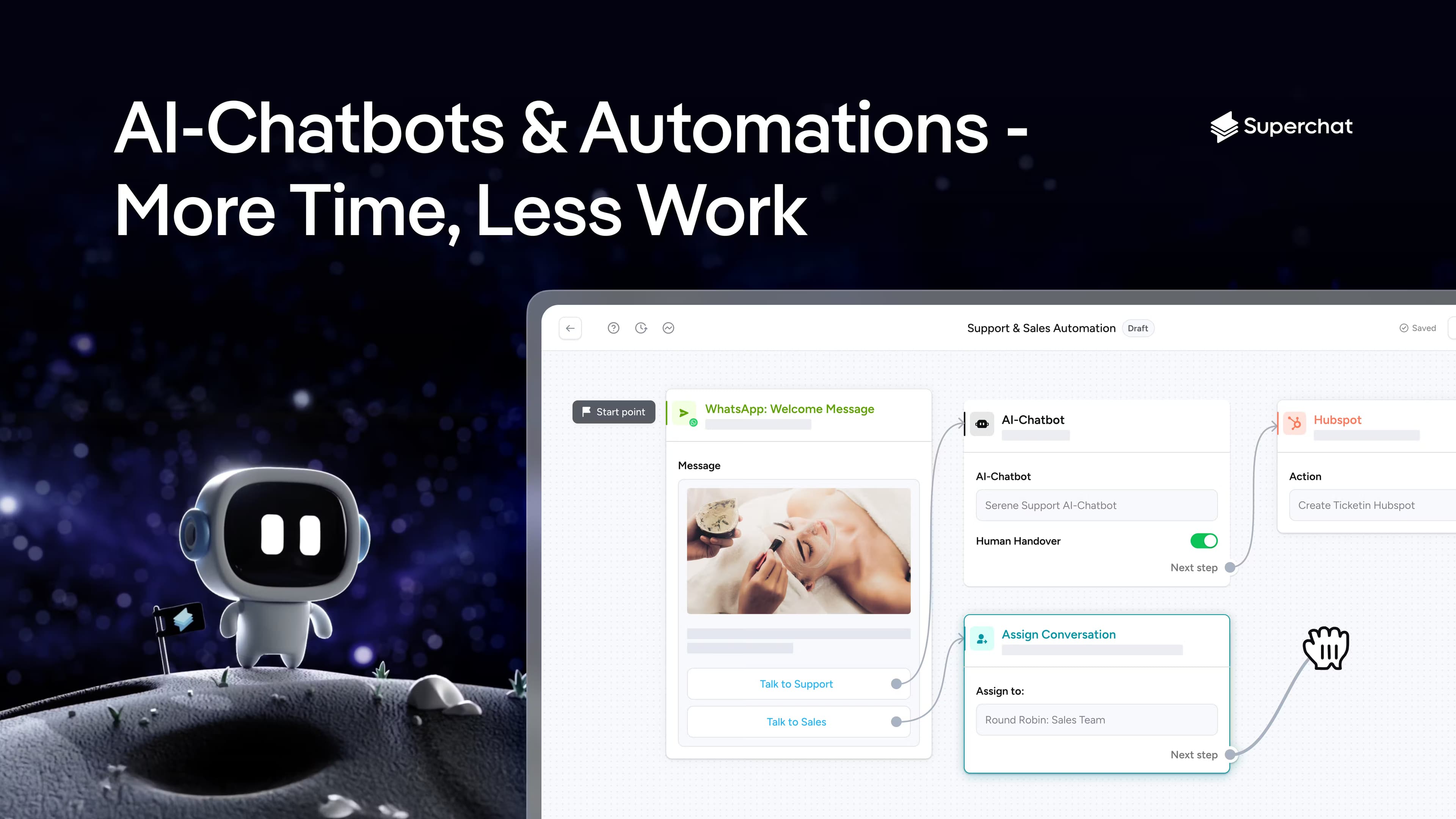
Automations handle the repetitive work: welcome messages, review requests, reminders, and follow-ups on quotes nobody answered. You set the trigger once and the platform runs it. That's the difference between a lead that goes cold and one that converts. Extra automations are sold as add-ons beyond your plan's included count.
WhatsApp Newsletter
The newsletter add-on sends broadcasts to as many as 10,000 recipients a month, so you can announce a sale or a new service to people who opted in. Open rates on email have been slipping for years. This feels lighter. Going past 10,000 recipients means talking to sales.
Reviews and Team Collaboration
Beyond customer chats, Superchat pulls in review management and gives teams a place to assign messages, leave private notes, and hand off without losing context. Managers can see who owns what and how quickly replies go out. It's the coordination layer that keeps a growing team from talking over each other. It works.
Integrations Library
Paid plans connect the platform to the tools a business already runs, so orders, tickets, and CRM records can flow alongside the conversation instead of living in a separate window that someone forgets to check. Rather than juggling a separate integration service, you wire things up inside Superchat. Advanced and Custom plans include more of these connections. Enterprise teams get the most out of it.
Pros and cons
Pros
- One inbox for WhatsApp, live chat, social, and email cuts the tab-juggling that slows down replies.
- The AI agent covers multiple channels, including phone, which few competitors at this price offer.
- GDPR-compliant with servers in Germany and a clear promise not to train on client data.
- A genuinely usable free plan and a mobile app make it easy to start before committing.
- WhatsApp templates and interactive messages are tuned for shops that sell through chat.
Cons
- The 12-month minimum contract on paid plans means there's no low-commitment monthly option, which hurts teams that want to test first.
- AI agents and integrations sit behind the Professional tier and up, so a small business wanting automation pays more than the entry price suggests.
- Contacts and employee seats are capped per tier, and add-ons like extra logins (€19/mo) add up fast.
- Pricing is in euros, so businesses outside the eurozone deal with conversion and card fees.
Frequently asked questions
Superchat is used to manage customer conversations across WhatsApp, live chat, email, and social media from a single inbox. Teams also use it to send newsletters, run automated follow-ups, and let an AI agent handle common questions. Setup takes an afternoon.
Related content
Explore related tools, skills, and articles for Superchat.
Superchat Alternatives

Tractionwave
TractionWave · Image · MarketingTractionWave is an AI attention heatmap tool for static ads. Upload a PNG or JPG and it returns predicted attention, ranked hotspots, and fixes before you spend budget.

OpenSEO - AI Visibility
EveryApp · Coding · Marketing · BusinessOpenSEO is an open source SEO platform for keyword research, backlinks, rank tracking, site audits, and AI visibility, with usage-based pricing and MCP access for AI agents.

Plugins Radar
Plugins Radar · Marketing · BusinessPlugins Radar tracks where your ChatGPT plugin ranks in directory and in-chat search, which competitors outrank it and what changed, with hourly checks on 9,885 listings.