

Supernova.io
Supernova.io Inc. · Image
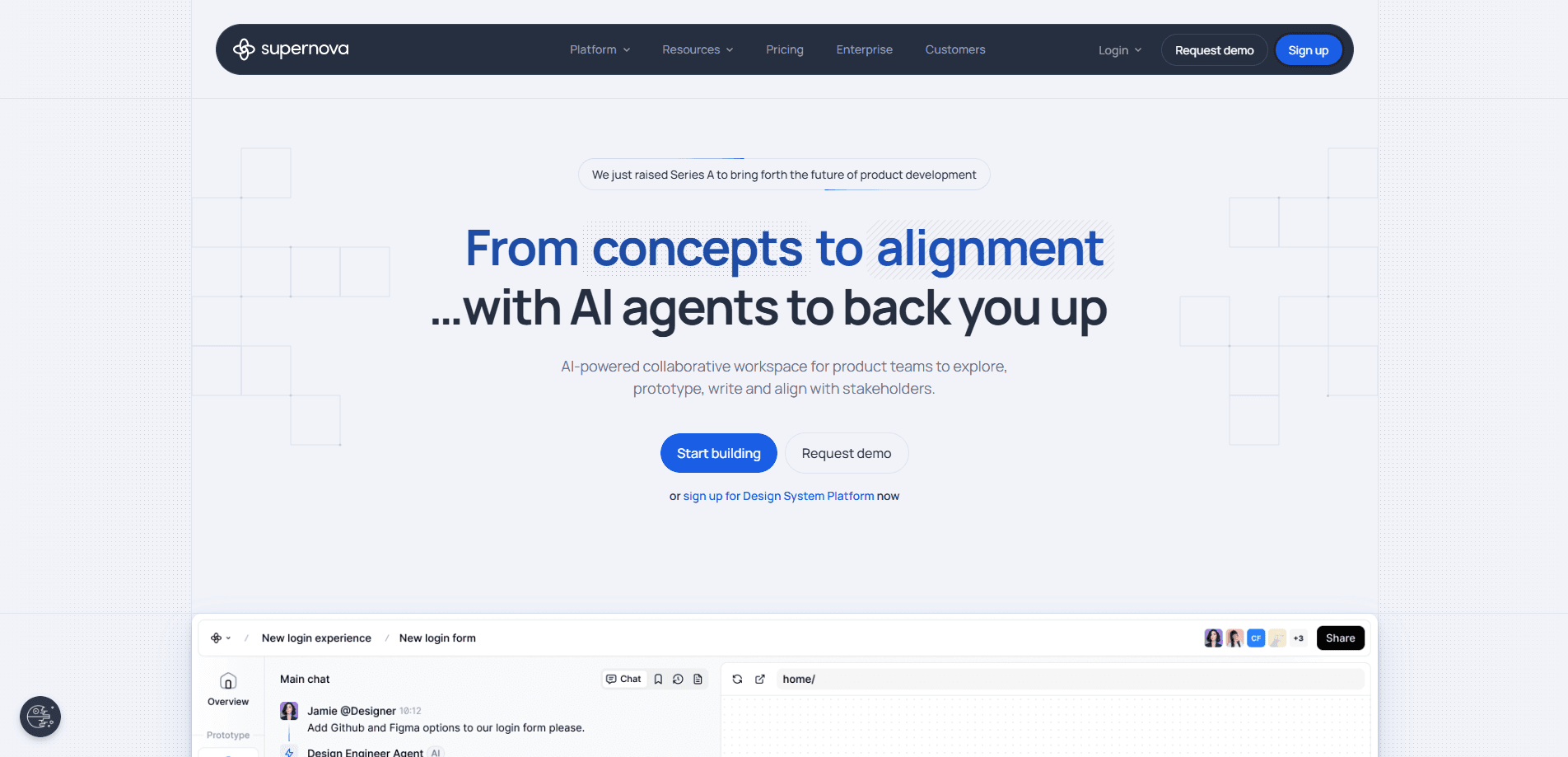
Supernova.io is a design system platform that connects design and code data in one place. Product teams use it to track design tokens and component health, publish documentation, and hand that knowledge to both people and AI agents. It fits teams that already run a design system in Figma and want a single source of truth their developers and agents can actually query, rather than a scattered set of files nobody trusts. Useful? Yes, if your team is big enough to need it.
About Supernova.io
What Is Supernova.io
Supernova.io is a collaborative platform for managing design systems end to end. It pulls data from Figma files, variables, Storybook, and code components, then keeps tokens and components in sync between design and development. The point is simple. Stop design decisions from getting lost between the file and the codebase.
The product covers four jobs. Teams manage the source of truth, document it, deliver it to code and agents, and collect feedback to improve it. A changelog, page history, and realtime collaboration sit underneath, so every edit is snapshotted and reversible. Nothing gets lost.
The biggest limitation is scope. Supernova.io is built for teams that already have, or are serious about building, a design system. A solo developer or a small app project with no shared component library gets little from it, and the deeper automation features sit behind the Pro and Enterprise tiers. Pricing above the Free plan isn't published as a fixed number, so you'll need a demo or sales conversation to get real figures. Annoying, but not unusual for enterprise software.
Getting Started
- Create an account on the Supernova.io site and set up a workspace, choosing either a Full seat or a Build seat depending on whether you design, build, or do both.
- Connect your design sources by linking Figma files and variables, plus Storybook and code components if you want the code side tracked too.
- Import your design tokens and components, then check component health so you know what's healthy, deprecated, or flagged as a known issue.
- Write or generate documentation pages for your components and tokens, using page history to track and restore changes.
- Publish the documentation and, if you're on a paid tier, set up code automations, filtered MCP servers, or the Slack agent so teams and agents can query the source of truth.
Product Information
A quick look at Supernova.io's pricing, supported platforms, and performance.
Best for
The users, tasks, and scenarios where this tool fits best.
Users
- Design system managers
- Product designers and engineers
- Platform and DevOps teams
Tasks
- Keeping design tokens in sync
- Documenting components
- Feeding AI agents
- Reviewing design system adoption
Scenarios
- A design system refresh
- Onboarding a new engineer
- Multi-brand product lines
- Handing off to code
Key features
Token and component management
Supernova.io tracks component health and keeps tokens in sync between Figma and code, so a color or spacing change made in design actually reaches the codebase instead of drifting apart over a few sprints. Components carry states like healthy, known issue, or deprecated. You see the status of your library at a glance. This is the core of the product: one place where design and code agree on what a token actually is.
Figma, Storybook, and code connections
The platform connects to Figma files and variables, Storybook, and codebase scans. You can link multiple files and connections per workspace, with extended Figma collections support on every plan. That breadth matters. Most design systems don't live in a single file.
Multi-brand design systems
You can manage several brands under one roof, and each keeps its own look. Instead of maintaining separate systems for each brand, teams switch context inside one workspace, which saves the kind of duplicated governance work that quietly eats a design ops team's week. It's aimed at organizations where one product family runs several visual identities. Few tools handle this well.
Documentation and page history
Teams write and publish documentation that guides both people and agents. Every edit is snapshotted, so you can see who changed what and restore any version. Realtime collaboration means designers, engineers, and agents can edit together, backed by a change log. Lost work is a real problem. This is the feature that earns its keep.
Filtered MCP servers for agents
Supernova.io exposes a filtered MCP server for design systems, giving each team exactly the knowledge it needs, not the whole system. You build a connection per team or per surface, so an agent answering questions about buttons doesn't also get your entire token library. Free includes two connections. Pro gets ten. Enterprise goes unlimited. That filtering matters. Without it, every agent drowns in context it'll never use.
Code automations
When tokens change, code automations export them and open a pull request. The change doesn't sit in a design file waiting for manual pickup. No more copy-paste handoff. Teams that wire this up spend less time translating design decisions into code by hand.
Slack agent and adoption analytics
A Supernova agent in Slack answers questions about tokens and guidelines from the source of truth. Separate analytics show which tokens and components teams actually use and where adoption is slipping. Ever wondered if anyone uses that component you built? Now you know. Together they cover the two questions design system owners field constantly.
Self-healing source of truth
The platform collects feedback from teams and turns gaps into suggested fixes rather than a backlog, an idea that sounds appealing until you remember that most systems fail because nobody maintains them in the first place. The goal is a system that improves over time. Sounds good on paper. It's the most ambitious part of the pitch and, honestly, the one to pressure-test hardest in a demo.
Pros and cons
Pros
- Centralizes design tokens and components so Figma and code stop drifting apart.
- Filtered MCP servers make it straightforward to feed specific knowledge to AI agents.
- Page history and change logs make documentation edits reversible and auditable.
- Multi-brand support fits organizations running more than one visual identity.
- Adoption analytics show real usage of tokens and components, not guesswork.
Cons
- Paid pricing isn't published as fixed numbers, so you can't compare plans without contacting sales.
- The Free plan caps seats at five and pages at twenty, which is tight for any real system.
- It's overkill for solo developers or small projects with no shared component library.
Frequently asked questions
Supernova.io is a platform for managing design systems. It keeps design tokens and components in sync between Figma and code, hosts the documentation for them, and lets teams hand that knowledge to AI agents, so a developer or an agent answering a question pulls from the same source the designers update.
Related content
Explore related tools, skills, and articles for Supernova.io.
Supernova.io Alternatives

X Ray Interpreter
X-ray Interpreter · ImageX Ray Interpreter is a web-based AI radiology tool that turns X-rays, CT scans, MRI, ultrasound, and PET images into plain-language reports. You upload a scan, get a preliminary X-ray interpretation in moments, then ask follow-up questions if something needs explaining. It works as a second opinion and a learning aid, not as a medical diagnosis.

Aieasypic
AIEasyPic · ImageAIEasyPic is an AI image generator that turns plain text prompts into finished artwork in seconds. You can also train custom models on your own photos, swap faces in existing images, and create short video clips from text, all from a browser. It suits casual creators who want quick visuals and hobbyists who want to build a personal model without touching any code.

Chargen
Chargen · ImageChargen is an AI character generator and worldbuilding toolkit built for Dungeons & Dragons and other tabletop RPGs. It turns a one-line idea into a painted character portrait, spins up NPCs, monsters, maps and encounters from the same session, and keeps every creature's details close at hand. The tabletop RPG art side runs on a credit system called Gold, while the text generators stay free for everyone.