

Superpowers AI
SuperPowers AI · Coding
SuperPowers AI is a personal AI assistant platform whose assistant, Super, turns a message or a spoken request into a finished task. You text or talk to Super and she orders food, books rides, builds websites, browses the web, runs cloud code, and edits files using her own apps, browsers, phone, and cloud sandboxes. People looking for a ChatGPT alternative that acts instead of only answering often land here. That's the draw. It works from iMessage, iPhone, web, Mac, Windows, Android, Chrome, and Meta Display glasses, so the same AI assistant follows you across devices instead of living in one chat box. Fewer tabs. One assistant.
About Superpowers AI
What Is SuperPowers AI
SuperPowers AI is the company behind Super, an AI assistant with apps of her own, built for people who want tasks done rather than answers explained. Instead of asking you to wire up every integration by hand, Super works through her own cloud apps, browser, phone, email, and sandboxes. Connected third-party services plug into that setup only when a workflow needs them. The result is an assistant that acts on a request and reports back, which is the core idea the product is sold on.
The main problem it solves is the gap between advice and execution. Most chat assistants stop at a good plan. Super carries it through instead. She places the order, finishes the site, runs the script, and keeps you updated until the job is closed. That makes her an AI agent for real tasks, not just a place to talk. The pay-as-you-go wallet model means you don't have to commit to a subscription before you know whether that workflow fits your life.
The most important limit is scope and cost control. Super leans on connected services and optional premium models, and those run against wallet funds you authorize. If a task needs a service you haven't connected or funded, it can stall. This is a capable assistant, not a magic one. Set limits first. It works best when you cap what it may spend and touch. So what does getting started actually look like?
Getting Started
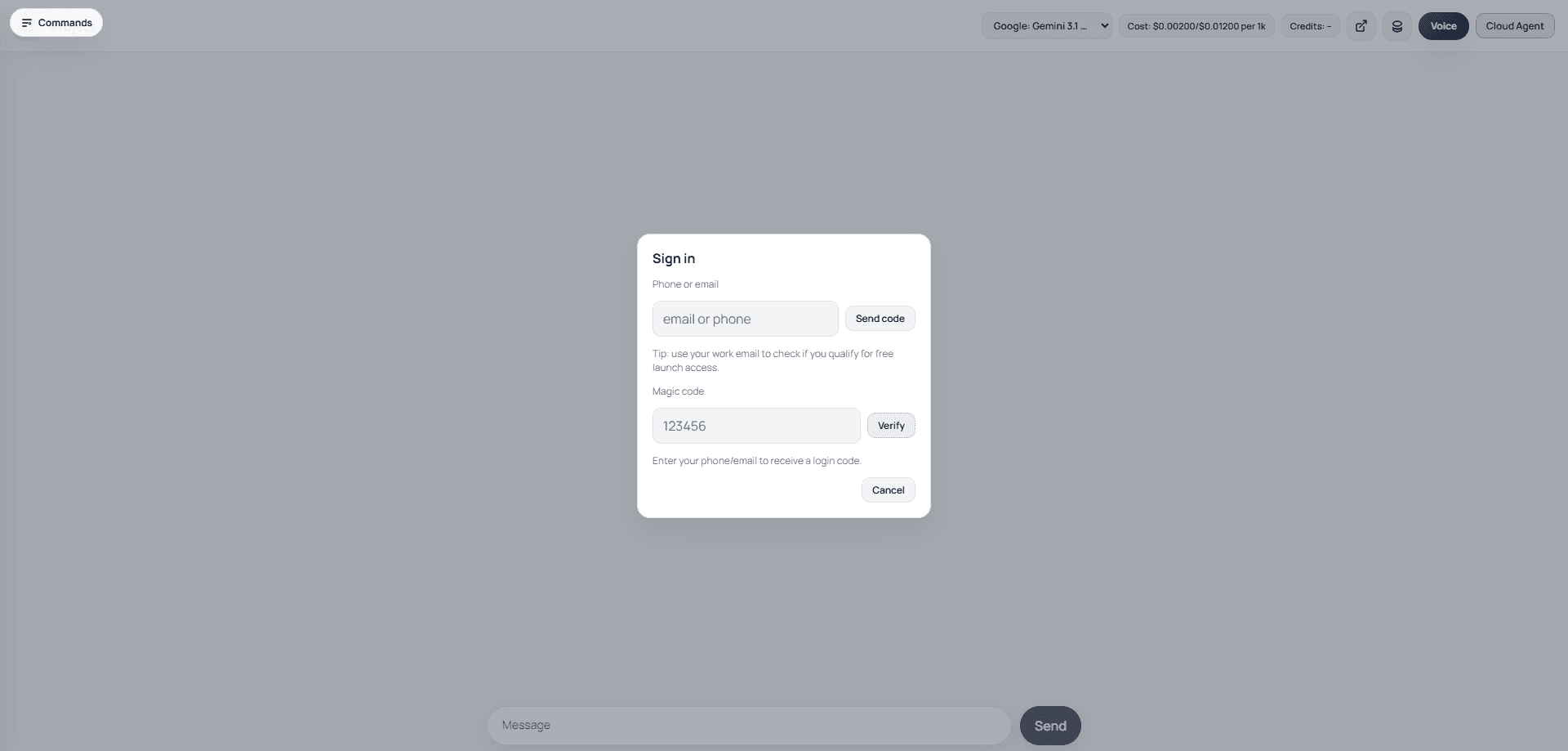
- Open the web client or text Super on your phone, then sign in when prompted.
- Top up the pay-as-you-go wallet, and decide whether you also want the Super Powers AI Pro plan for higher device and computer-use limits.
- Connect the third-party services you rely on, such as food delivery, ride booking, or email, so Super can act through them.
- Send a concrete request the way you would to a person, and let Super break it into steps and carry them out.
- Review the result. Adjust your spending or connection settings, then reuse the workflow next time.
Product Information
A quick look at Superpowers AI's pricing, supported platforms, and performance.
Best for
The users, tasks, and scenarios where this tool fits best.
Users
- Busy professionals who want to delegate errands and small projects without learning a new tool, as long as the relevant services are connected and the wallet is funded.
- Non-technical users who think in plain requests, since Super takes messages and voice rather than configuration screens.
- Developers testing agent workflows, who can use the Super API and the free Android tier to prototype without a sales call.
Tasks
- Ordering food, booking rides, and handling everyday errands through chat or voice, so you finish them from anywhere. A voice-first AI assistant shines here.
- Building and publishing interactive websites, like the carrier pigeon simulator or festival setlist sequencer the team shows off on the site.
- Running cloud code, editing files, and browsing the web when a request goes beyond a simple reply.
Scenarios
- Keeping the same personal AI assistant across your phone, desktop, and glasses, so a task can start on one device and finish on another.
- Recurring automation where the Computer-Use Cache reuses compatible work to keep repeated agent runs faster and cheaper.
- Early project research and drafting, then handing the action steps to Super to carry through.
Key features
Apps Without Manual Integration
Super comes with her own cloud apps, browsers, phone, email, and sandboxes, so you don't have to set up every integration before getting value. Connected third-party services extend those abilities when a specific workflow calls for them. That's the point. For a new user, it means fewer setup screens and more tasks you can hand off on day one.
Message and Voice-First Interface
You reach Super through the web, iPhone, SMS or iMessage-style chat, Meta Display glasses, Mac, Windows, Android, and Chrome. Requests read like normal messages, and Super turns them into completed steps rather than a list of suggestions. It's built for people who'd rather text a request than open a dashboard. No menus. No setup wizard.
Pay-As-You-Go Wallet
Super uses a wallet that funds products, services, and optional premium models you authorize it to use. You can start without a subscription, which keeps the cost tied to what you actually run. The optional $199 monthly Super Powers AI Pro plan raises device and computer-use limits for heavier users. That's the whole model.
Computer-Use Cache
The Computer-Use Cache is designed to reuse compatible automation work across runs. That cuts the cost of repeating the same workflow and makes recurring tasks come back faster. If your assistant handles the same kind of job often, this is where the savings show up. It adds up fast.
Interactive Website Builder
Super can generate interactive websites from a request, and the team publishes examples like a carrier pigeon message simulator and a festival setlist sequencer. You get a working page rather than a mockup, which is handy for quick tests and personal projects. It's one of the clearest demonstrations that this assistant acts instead of just advising. Feedback is immediate.
Super API for Developers
The Super API covers OpenAI-compatible model discovery, chat completions, and legacy text completions. It uses a Super account with either a bearer API key or a resource-bound OAuth token. The base URL is app.getsupers.com/v1, and the current stable surface is v1 with no sunset scheduled. Onboarding is self-serve, so a signed-in user can create and revoke keys or register an OAuth client without a sales call.
Free Android MCP Tier
The free Android tier includes one owner-scoped Android device and charges zero Super credits for setup, listing, and Android commands. Model completions and premium services still depend on the credits in your account. It's a low-risk way to see how the Super API and agent automation behave before you spend. Give it a try.
Pros and cons
Pros
- Handles real tasks across apps and devices instead of stopping at a chat reply.
- Pay-as-you-go wallet lets you try it without a monthly commitment.
- Works from many clients, including iMessage, web, desktop, Android, and Meta Display glasses.
- OpenAI-compatible Super API plus a free Android tier make developer testing cheap.
- Computer-Use Cache can cut the cost of repeated automation work.
Cons
- Tasks depend on connected services and funded wallet credits, so an unfunded or unconnected service can stall a job.
- The $199 monthly Pro plan is a steep jump for casual users who only need occasional help.
- Handing an assistant your accounts and spending access raises a real trust and privacy question you have to weigh first.
Frequently asked questions
SuperPowers AI is a personal AI assistant platform built around Super, an assistant that completes tasks like ordering food, booking rides, building websites, browsing, and running cloud code from a message or voice request.
Related content
Explore related tools, skills, and articles for Superpowers AI.
Superpowers AI Alternatives
Forefront
Forefront · CodingForefront is a web platform for building with open-source AI. It lets you fine-tune leading open-source language models on your own data, evaluate how they perform, and run them through an API or export them to host yourself. Developers who want the convenience of a closed-source platform but insist on owning their models and data are the target audience here.

Startkit
StartKit.AI · CodingStartkit is a boilerplate for building AI SaaS and AI wrapper products. Think of it as an AI startup boilerplate with the boring parts already wired up: authentication, Stripe and Lemon Squeezy payments, usage limits, transactional email, and an AI API starter that talks to OpenAI, Anthropic, Groq, or Llama. You clone the repo, set your price, and start on the part of your product that people actually pay for. It's Next.js under React and Tailwind, so most of the boilerplate code already feels familiar.
Testim
Tricentis · CodingTestim is an AI-powered test automation platform for building and running end-to-end tests across web, mobile, and Salesforce applications. It leans on machine learning to keep tests stable when an interface changes, so teams spend less time fixing broken selectors. Not bad for an automated testing tool you can start using today. You create tests by recording actions in a browser, then optionally add JavaScript when you need more control. It's a solid pick for busy QA teams.