

Enhancer App
SwapMe · Image
Enhancer App is an AI image enhancer that sharpens photos, artwork, and logos in one click for creators who want cleaner visuals.
About Enhancer App
What Is Enhancer App
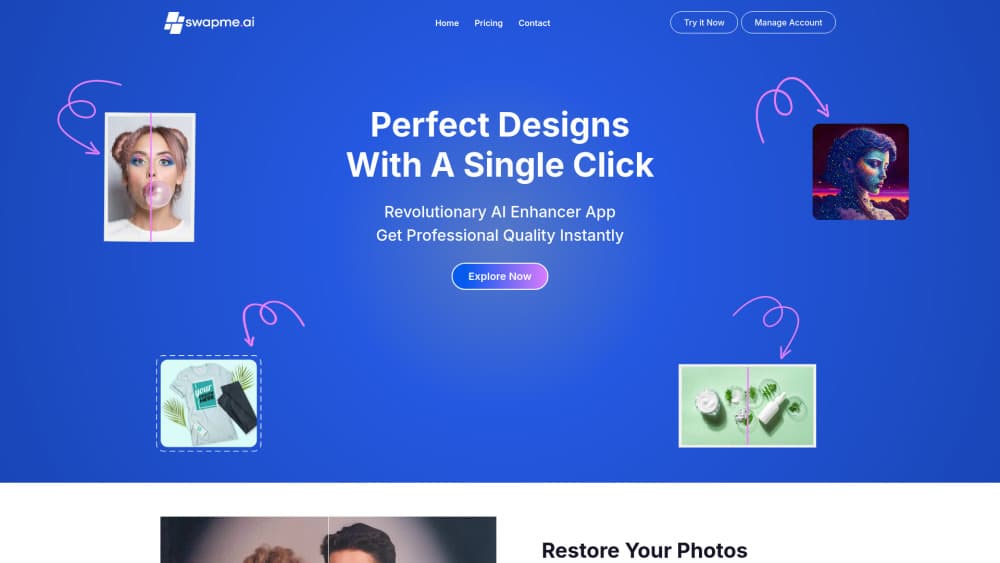
Enhancer App is a browser-based photo enhancement tool built by the team behind SwapMe. You upload an image, pick a model, and the app returns a sharper version. It handles artwork, illustrations, logos, icons, and AI-generated content rather than limiting itself to camera photos. That range matters if your folder mixes screenshots with commissioned art.
Most people reach for it when an image looks soft but the source is gone. An image upscaler like this is aimed at small logos, compressed product shots, and flat AI renders. Results depend on your original file, so a heavily blurred image still comes back limited.
The catch is the credit system. Every enhancement spends credits, and the sharper "Latest" model can burn several per image. From what I can tell, there's no unlimited tier, so heavy users should watch their balance before a big batch.
Getting Started
- Create an account on swapme.ai and open the web app.
- Pick a plan or start with the credits already on your account.
- Upload the image you want to improve and choose the Classic or Latest model.
- Review the credit cost shown before you confirm, then run the enhancement.
- Download the finished file or send it into the Canva enhancer app.
Product Information
A quick look at Enhancer App's pricing, supported platforms, and performance.
Best for
The users, tasks, and scenarios where this tool fits best.
Users
- Graphic designers
- Content creators
- Canva users
Tasks
- Upscaling small logos and icons
- Cleaning AI-generated art
- Preparing product photos
Scenarios
- Reviving old client files
- Quick social prep
- Pre-print checks
Key features
Two Enhancement Models
Enhancer App gives you a choice between Classic and Latest. Classic produces a polished look with smoother details and costs one credit per image. Latest chases a natural look with sharper details, and its cost scales with image size, running from 2 up to 7 credits. Being able to trade credits for fidelity is useful when you only need a light touch.
Sharpness and Clarity Boost
The core promise is sharper edges, clearer detail, and stronger overall quality in a single pass. You don't paint masks or adjust sliders. That suits anyone who wants a quick result without learning a photo editor. It also means fine control is limited.
Credit Transparency Before You Commit
The app shows the exact credit cost before an enhancement runs, so you aren't guessing after the fact. For the Latest model, the price depends on how large your original image is. Knowing the number up front helps you budget a batch instead of discovering the damage later.
Credit Rollover on Higher Plans
Subscription credits renew monthly, and on Pro and Premium plans unused credits roll into the next month while your subscription stays active. The Lite plan doesn't include rollover. If your workload is uneven, that difference can decide whether spare credits go to waste.
Built for Non-Photo Images
Artwork, illustrations, logos, icons, and AI-generated content all sit inside its intended range. Plenty of upscalers assume you're fixing a photograph. This one treats a flat vector-style logo or a stylized illustration as a normal input, which broadens where you can use it.
Canva Enhancer App
The app also ships as a companion Canva app, so your images get better without leaving your design flow. For teams that already build everything in Canva, that skips the loop of exporting, editing elsewhere, and importing back.
Pros and cons
Pros
- One-click enhancement suits users who don't want to learn a full editor
- Two models let you pick between a polished look and a natural one
- Handles logos, icons, artwork, and AI art, not just photos
- Credit cost is shown before you run an enhancement
- Pro and Premium plans roll unused credits to the next month
Cons
- No free plan, so you'll pay before you can test the output quality
- The Latest model can cost up to 7 credits per image, which adds up on big batches
- Lite plan credits don't roll over, so unused balance is lost each month
- Results still depend on the source file, so badly degraded images stay limited
Frequently asked questions
It enhances and upscales images with AI. You upload a file, choose a model, and get back a sharper, clearer version in one pass. It works on photos, artwork, illustrations, logos, and AI-generated images, and you can use it as a general image upscaler or AI photo upscaling tool.
Related content
Explore related tools, skills, and articles for Enhancer App.
Enhancer App Alternatives

X Ray Interpreter
X-ray Interpreter · ImageX Ray Interpreter is a web-based AI radiology tool that turns X-rays, CT scans, MRI, ultrasound, and PET images into plain-language reports. You upload a scan, get a preliminary X-ray interpretation in moments, then ask follow-up questions if something needs explaining. It works as a second opinion and a learning aid, not as a medical diagnosis.

Aieasypic
AIEasyPic · ImageAIEasyPic is an AI image generator that turns plain text prompts into finished artwork in seconds. You can also train custom models on your own photos, swap faces in existing images, and create short video clips from text, all from a browser. It suits casual creators who want quick visuals and hobbyists who want to build a personal model without touching any code.

Chargen
Chargen · ImageChargen is an AI character generator and worldbuilding toolkit built for Dungeons & Dragons and other tabletop RPGs. It turns a one-line idea into a painted character portrait, spins up NPCs, monsters, maps and encounters from the same session, and keeps every creature's details close at hand. The tabletop RPG art side runs on a credit system called Gold, while the text generators stay free for everyone.