

Symvol
Symvol · Video
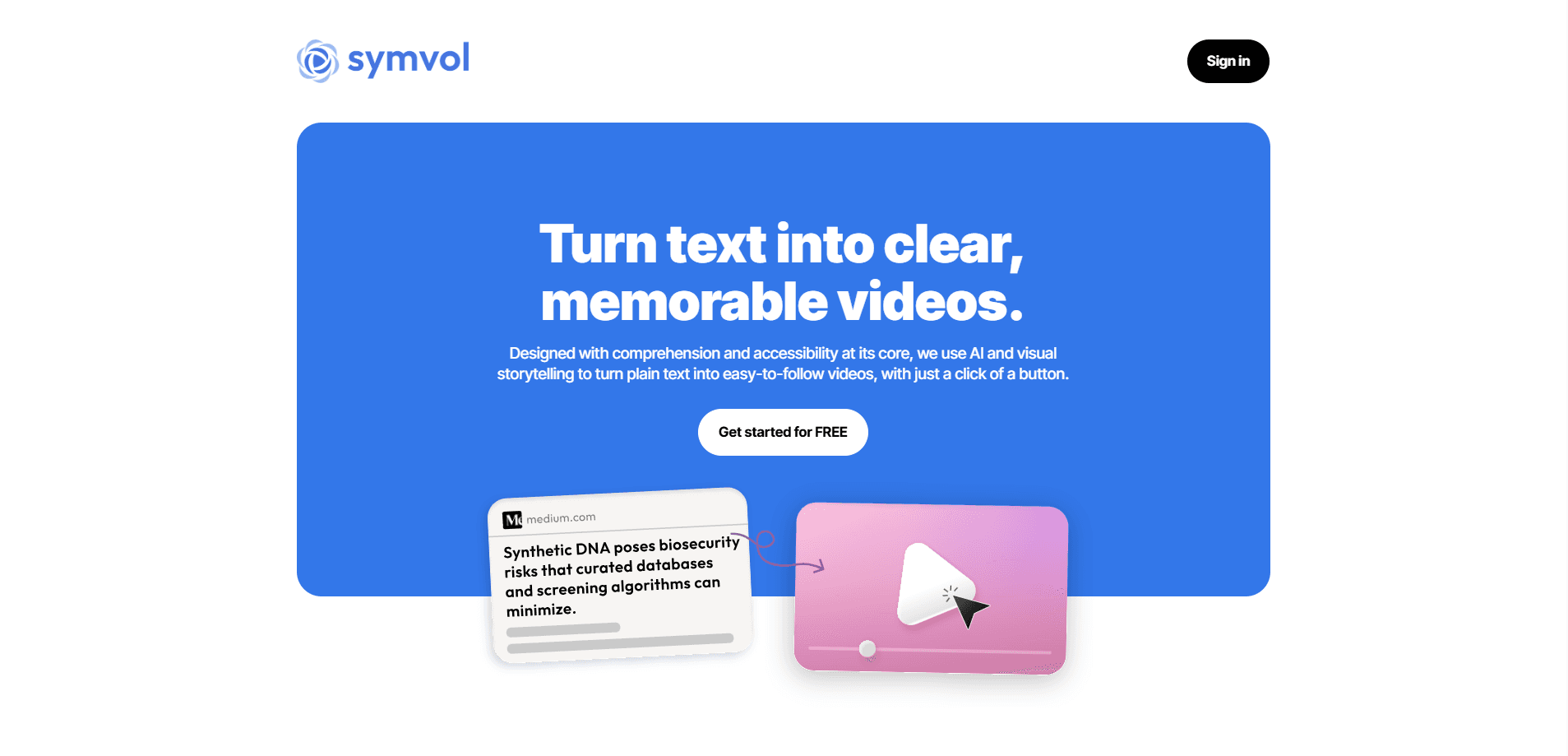
Symvol is an AI educational video generator that turns documents and web pages into teaching-quality videos in your brand and 25+ languages, built for schools, universities, and creators.
About Symvol
What Is Symvol
Symvol is an AI research lab and video platform focused on one job: producing educational video that actually teaches. Instead of generic stock-and-slides output, it generates visuals, narration, and motion aimed at explaining a concept clearly. Schools, universities, foundations, and independent educators use it to convert the material they already have into watchable lessons.
The problem it targets is cost. Teaching-quality video has traditionally needed a studio, an editor, and weeks of production time, which is why so much course material stays locked in text and PDFs. Symvol compresses that pipeline into a self-serve app: point it at a document or a web page, pick a voice, and get a video in minutes.
The main limit is scope. Symvol is built around explanation and communication, not cinematic storytelling or viral short-form clips. It leans on human review for quality, and the most advanced customization sits behind the Business plan, so solo hobbyists get a capable but more standard set of tools.
Getting Started
- Create an account at app.symvol.io and sign in, or add the Chrome extension to capture web pages as you browse.
- Paste text, upload a document, or point Symvol at a page you want turned into a lesson.
- Choose a video model and a voice from the premium voice library, then set the aspect ratio and branding.
- Generate the video, review the result, and fine-tune the script or visuals before exporting.
- Download the finished file, embed it on your site, or share a link with your learners.
Product Information
A quick look at Symvol's pricing, supported platforms, and performance.
Best for
The users, tasks, and scenarios where this tool fits best.
Users
- Teachers and instructors
- University lecturers and school leaders
- Independent educators and newsletter writers
- Foundations and training teams
Tasks
- Converting a PDF or article into a narrated explainer
- Translating existing lessons into 25+ languages
- Summarizing long research reports
- Producing teacher training
Scenarios
- Preparing classroom material the night before a lesson
- Supporting neurodiverse learners
- School communication and safety notices
- Scaling a paid content business
Key features
Text to Teaching Video
Text to video for education is Symvol's core function: it takes a document or web page and builds a narrated video around it. You paste content or capture a page with the Chrome extension, and the platform generates visuals, motion, and a voiceover that walks through the material. For educators, that means existing notes can become a lesson without any filming.
Lumina Video Models
The platform runs on its own family of Lumina models, currently v1, v2.5, and v3.5 on the pricing page, with Lumina v4 announced as the smartest generation so far. Each generation targets richer visuals and stronger motion, and the newest adds built-in sound effects with deeper branding. You pick the model that fits the balance of quality and speed you need.
Premium and Cloned Voices
Symvol works as an AI video maker for schools in part because of its voice library: 200+ premium voices that read in 25+ languages, and it supports cloned voices on top of that. Institutions can keep a consistent narrator across a whole library, or match a voice to the tone of each subject. Multilingual output comes from the same source text, so one lesson can serve several audiences.
Branding and White-Labeling
Branded AI video is the point of this feature: every video can carry your institution's colors, logo, and style. On paid tiers you can remove the Symvol watermark and apply your own branding, which matters for schools and publishers that want videos to look like an extension of their own materials rather than a third-party tool.
Embedding and Distribution
Finished videos can be embedded directly into a site or learning platform, or shared by link. This fits the common workflow of publishing a video lesson next to the written material it came from, so learners get both formats in one place.
API Access
Business customers get API access, an AI video API that lets a publisher or platform push Symvol video generation into their own pipeline. The team lists it as a way to produce video at scale without a manual upload per file, useful when a library runs to hundreds of lessons.
Human-Reviewed Quality
Symvol describes its output as human-reviewed rather than purely generated: videos are checked and fine-tuned before delivery. For institutions, that reduces the risk of an error slipping into published teaching material.
Pros and cons
Pros
- Turns documents and web pages into narrated video quickly, no filming or editing skills needed.
- 200+ premium voices across 25+ languages make multilingual lessons practical from one source.
- Branding controls and watermark removal let institutions keep their own visual identity.
- Multiple Lumina models give a choice between faster and higher-quality output.
- API access on the Business plan supports large-scale publishing pipelines.
Cons
- The best customization, including API access and deepest branding, sits behind the Business plan with custom pricing.
- Video downloads are limited on lower tiers (32 on Starter, 80 on Creator Pro), so heavy volume needs the Business plan.
- It's built for explanation, not cinematic or entertainment video, so it won't suit creators chasing viral short-form content.
- Monthly character limits (from 50,000 on the free tier) can bind once you scale past occasional use.
Frequently asked questions
Symvol turns text, documents, and web pages into teaching-quality videos. It's aimed at schools, universities, foundations, and independent educators who want to publish video lessons without a production studio.
Related content
Explore related tools, skills, and articles for Symvol.
Symvol Alternatives

ngram 2.0
ngram · Video · Marketingngram 2.0 is an AI video generator for teams. It turns a prompt, a screen recording, or a product URL into a narrated explainer, product demo, or AI avatar video, and every scene stays editable.

OpenScreen 2
OpenScreen (open-source project) · Video · ProductivityOpenScreen 2 is a free, open-source screen recorder and demo video editor for Windows, macOS, and Linux, with automatic zooms, styled frames, local captions, and agent edits.

Skreno
Skreno · Video · ProductivitySkreno is a browser screen recorder that captures a tab, a window or your whole display, then attaches AI transcripts, summaries and console logs to one share link.