

sync-3
sync. labs (Synchronicity Labs Inc.) · Video
sync-3 is an AI lipsync model from sync. labs that redraws mouth movement so any video matches any audio track. It builds a wide spatial context around a scene, so it can handle sharp side angles, multiple speakers, and low lighting that used to break older tools. The output runs up to 4K at 60FPS, and you can reach it through one API, a web studio, or editing plugins.
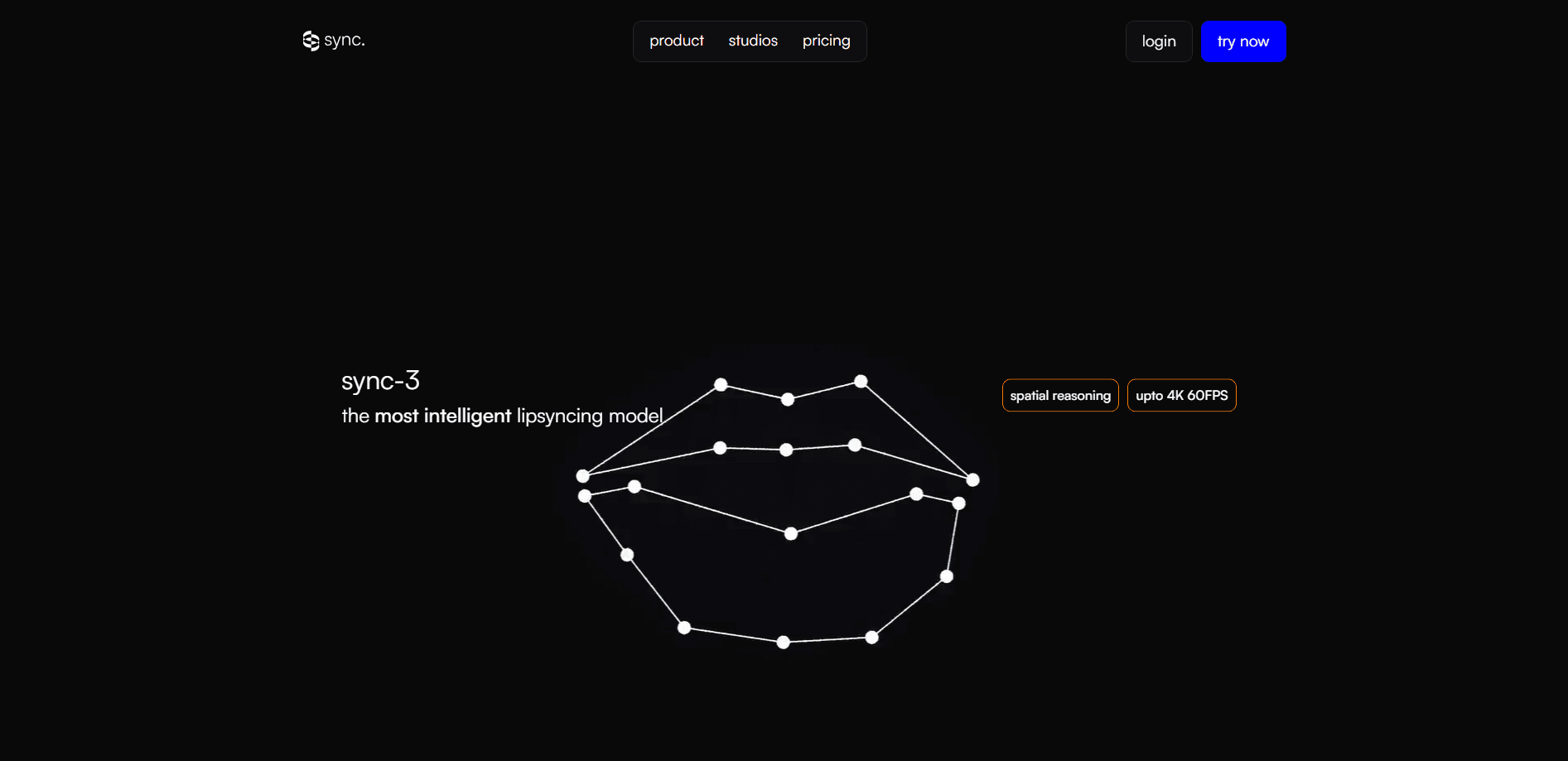
About sync-3
What Is sync-3
sync-3 is a lipsyncing model built for visual dubbing. You feed it a video and an audio track, and it rewrites the speaker's mouth so the performance lines up with the new voice. That matters for anyone translating content: instead of a flat voiceover, the actor's face actually moves with the words.
The model builds a broad spatial map of each shot before it touches the mouth. That's the difference from earlier lipsync tools. Instead of tracking just the lips, it reads the whole frame. Sharp side faces, partial faces, and several speakers in one shot stop being automatic failure cases. According to sync. labs, sync-3 processes the full shot at once and includes built-in obstruction detection, so a hand or mic passing in front of the mouth no longer ruins a take.
The catch is cost and volume. sync-3 is the most expensive model in the family, priced from $0.107 to $0.133 per second of video at 25fps depending on your plan, and it's a premium tier, not a free default. If you're generating a lot of footage on a tight budget, the cheaper lipsync-2 model may fit better for simple, front-facing shots.
Getting Started
- Create an account at sync.so and pick a plan, or start with the free tier to test short clips.
- Upload your source video and the audio track you want the speaker to match.
- Choose sync-3 as the model for the job, since lower tiers default to other models.
- Generate the clip, then download the result or pull it from your job history.
- For repeat work, wire the same flow into your own app with the REST API.
Product Information
A quick look at sync-3's pricing, supported platforms, and performance.
Best for
The users, tasks, and scenarios where this tool fits best.
Users
- Video editors dubbing films or shows into other languages
- Content teams localizing social videos
- Developers building dubbing features into an app
Tasks
- Visual dubbing a movie or podcast clip
- Fixing mouths in tricky footage
- Batch-processing a content library
Scenarios
- Translating a YouTube channel into several languages without reshooting
- Games and animations where characters don't match a clean front-facing reference
- A studio pipeline that already edits in Premiere or ComfyUI
Key features
Spatial reasoning across the whole shot
sync-3 reads the entire frame instead of isolating the lips. It maps where the head sits, which way it's turned, and what's in front of the face, then plans the mouth movement against that context. That's why extreme angle changes and partially hidden faces don't fall apart the way they do with older lipsync tools. Simple idea, big payoff.
Up to 4K at 60FPS output
The model generates native 4K video at 60 frames per second. For anyone finishing a project for a large screen or a high-refresh platform, that means the synced footage holds up without a separate upscale pass. No blur, no soft edges. Lower models top out well below this, so detail-heavy work is where sync-3 earns its price.
Obstruction detection
Hands, microphones, and other objects cross faces all the time. sync-3 detects obstructions and keeps the mouth believable even when part of it's blocked mid-sentence. Fewer ruined takes means fewer manual retouches and less time re-running jobs.
Multiple speakers and hard lighting
Group scenes, podcasts with several people, and dim or backlit rooms are handled in one pass. The model tells speakers apart and keeps each mouth tied to the right voice. That removes a common step where you'd cut a clip into single-speaker pieces first. Less prep work.
One lipsync API for any video
A single REST API covers movies, podcasts, games, and animations. You send a video plus an audio track and get back a synced result, with SDKs and partner integrations like text-to-speech and dubbing into 29 languages. It's a lipsync API that works the same way across every source type. For developers, that's the shortest path from an idea to a working feature.
Studio and plugin access
You don't have to touch code. sync-3 runs in the sync. web studio, and there are official plugins for Adobe Premiere and a ComfyUI node. Editors keep their existing pipeline; the model slots in where they already work. Nice, if you don't want to build a front end.
Pros and cons
Pros
- Handles hard cases that break earlier lipsync models, including sharp side angles and multiple speakers in one shot
- Outputs up to 4K at 60FPS, so synced footage fits high-resolution and high-frame-rate projects
- Usable without code through the web studio, Premiere plugin, and ComfyUI node
- One API spans movies, podcasts, games, and animations, with 29-language dubbing and TTS integrations
- Batch API on higher plans lets teams process large libraries in a single call
Cons
- The priciest model in the family, from $0.107/sec at 25fps, so long videos add up fast
- You need a paid plan for clips beyond a minute, and sync-3 access sits on upper tiers
- No Google Play or standalone mobile app, so mobile-only creators can't run it on a phone
- Quality still depends on clean input; heavily compressed or badly lit source footage can limit how good the result looks
Frequently asked questions
It's an AI lipsync model for visual dubbing. You give it a video and an audio track, and it redraws the speaker's mouth so the face matches the new voice. The usual use is translating content while keeping the original actor's performance. Think of it as lip sync video that survives a language swap.
Related content
Explore related tools, skills, and articles for sync-3.
sync-3 Alternatives

ngram 2.0
ngram · Video · Marketingngram 2.0 is an AI video generator for teams. It turns a prompt, a screen recording, or a product URL into a narrated explainer, product demo, or AI avatar video, and every scene stays editable.

OpenScreen 2
OpenScreen (open-source project) · Video · ProductivityOpenScreen 2 is a free, open-source screen recorder and demo video editor for Windows, macOS, and Linux, with automatic zooms, styled frames, local captions, and agent edits.

Skreno
Skreno · Video · ProductivitySkreno is a browser screen recorder that captures a tab, a window or your whole display, then attaches AI transcripts, summaries and console logs to one share link.