

sync labs
Synchronicity Labs Inc. · Video
Sync Labs is an AI lipsync and video dubbing platform. Its API and Studio re-time a speaker's mouth to any audio track, so one recording can ship in dozens of languages.
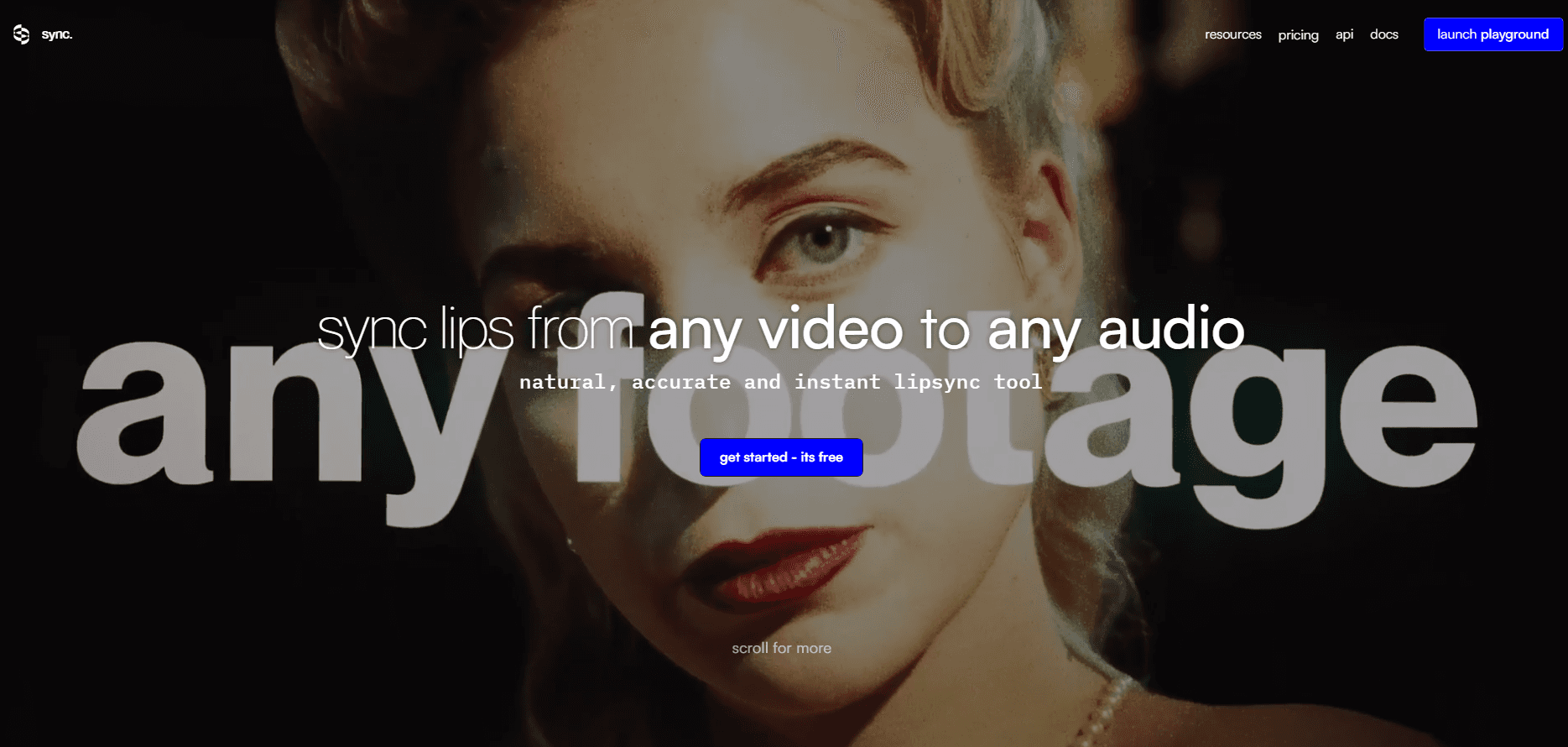
About sync labs
What Is Sync Labs
Sync Labs is a research company that builds lip sync models and sells access to them two ways: a browser Studio and a developer API. You bring a video of someone talking plus an audio file, and the service returns a new video where the mouth movements match the new speech. The company is behind the lipsync-2 and sync-3 model families, and it also runs a verification tool that checks whether a clip was altered with its technology.
The job it handles is localization on a budget. Re-shooting a video for each market means a presenter, a studio, and weeks of scheduling. Feeding the same footage through Sync Labs gives you a version in another language in minutes, with the original performance intact. Podcasters, ad agencies, and course creators are the usual customers.
The main catch is scope. This is a lip sync tool, not an editor. It won't cut your timeline, grade color, or fix a bad take. Quality also depends on which model you pick, and the cheapest ones smooth over fine detail like teeth and beards. Expect to review output before it goes live.
Getting Started
- Sign up at sync.so with email or Google, then open the Studio or generate an API key from the dashboard.
- Upload a video and an audio track, or pick a voice and let the built-in text to speech read your script.
- Choose a model: lipsync-2 for speed, lipsync-2-pro for detail, sync-3 for 4K and hard angles.
- Review the render, then download it or pull the result URL from the API response.
Product Information
A quick look at sync labs's pricing, supported platforms, and performance.
Best for
The users, tasks, and scenarios where this tool fits best.
Users
- Content localizers
- Solo creators and podcasters
- App and platform developers
- Agencies and post houses
Tasks
- Dubbing a talking-head video into another language
- Fixing a mismatched take
- Cloning a voice for text to speech
- Verifying a suspect clip
Scenarios
- Launching one ad campaign across five markets
- Keeping a training library current
- Running a faceless YouTube channel in several languages
- Prototyping an avatar feature inside a product
Key features
Three Lipsync Models With Different Tradeoffs
Sync Labs splits quality across models instead of one setting. Lipsync-2 is the general pick and holds each speaker's own mouth style. Lipsync-2-pro adds diffusion-based super resolution for beards, teeth, and skin detail. Sync-3 processes the whole shot at once, outputs up to 4K at 60 fps, and keeps working when a hand covers the face or the camera swings to a side profile.
One API for Any Footage
The REST API takes a video URL and an audio URL and returns a job you poll or receive by webhook. Official SDKs cover Python and TypeScript, so a team can wire it into an existing render farm without writing HTTP by hand. It handles movies, podcasts, game capture, and animation, not just clean studio footage.
Studio for People Who Don't Code
The web app is deliberately small: drop a video, add audio, hit generate. There's no timeline to learn and no layer stack. Voice cloning, text to speech, and model selection all sit on the same screen, which makes it the fastest route for a one-off clip.
Voice Cloning and Text to Speech
You can clone a voice and have Sync Labs read a script, or bring your own text to speech key from a partner service. Hobbyist allows 3 clones, Creator 5, Growth 15, and Scale 50. For dubbing work, this means you can keep the original speaker's timbre even when the script changes.
Visual Dubbing in 29 Languages
Beyond swapping audio, the dubbing pipeline adapts the performance to the target language, keeping timing and expression close to the source. It covers 29 languages, with English, Spanish, Hindi, French, German, and Korean called out by the company as strong performers.
Plugins and Batch Workflows
An Adobe Premiere plugin and a ComfyUI node put the models inside tools editors already use. Scale adds a Batch API for launching hundreds of videos in one call, plus active speaker detection so multi-person footage picks the right face. Watermark removal, team seats, and higher concurrency follow the same tier ladder.
Pros and cons
Pros
- Output quality on sync-3 is high enough that casual viewers miss the edit, even on side profiles and partial faces.
- Usage pricing is granular: $0.04 to $0.133 per second depending on model, so a short clip costs cents.
- The API, SDKs, and webhooks make it a real production tool, not just a demo page.
- A $5 Hobbyist plan includes API access, which is rare for video models.
- Premiere and ComfyUI integrations save a round trip through exports.
Cons
- Everything is metered by the second, so a 10-minute video on sync-3 lands near $80, and long-form work adds up fast.
- Lower tiers cap video length at 1 to 10 minutes and limit concurrency, which stalls batch jobs.
- It only changes mouths. Any cut, color, or sound mix still happens in your editor.
- Results on heavy occlusion or very low light can still need a manual pass, so budget review time.
Frequently asked questions
Sync Labs changes the lip movements in a video so they match a different audio track. Teams use it for video dubbing, AI video translation, and fixing takes where the sound and picture drifted apart.
Related content
Explore related tools, skills, and articles for sync labs.
sync labs Alternatives

ngram 2.0
ngram · Video · Marketingngram 2.0 is an AI video generator for teams. It turns a prompt, a screen recording, or a product URL into a narrated explainer, product demo, or AI avatar video, and every scene stays editable.

OpenScreen 2
OpenScreen (open-source project) · Video · ProductivityOpenScreen 2 is a free, open-source screen recorder and demo video editor for Windows, macOS, and Linux, with automatic zooms, styled frames, local captions, and agent edits.

Skreno
Skreno · Video · ProductivitySkreno is a browser screen recorder that captures a tab, a window or your whole display, then attaches AI transcripts, summaries and console logs to one share link.