

sync.so
Sync Labs (Synchronicity Labs Inc.) · Video
Sync Labs is an AI lip sync and visual dubbing platform. Drop in a video and new audio, and it regenerates natural lip movements that match, through a web studio or one API.
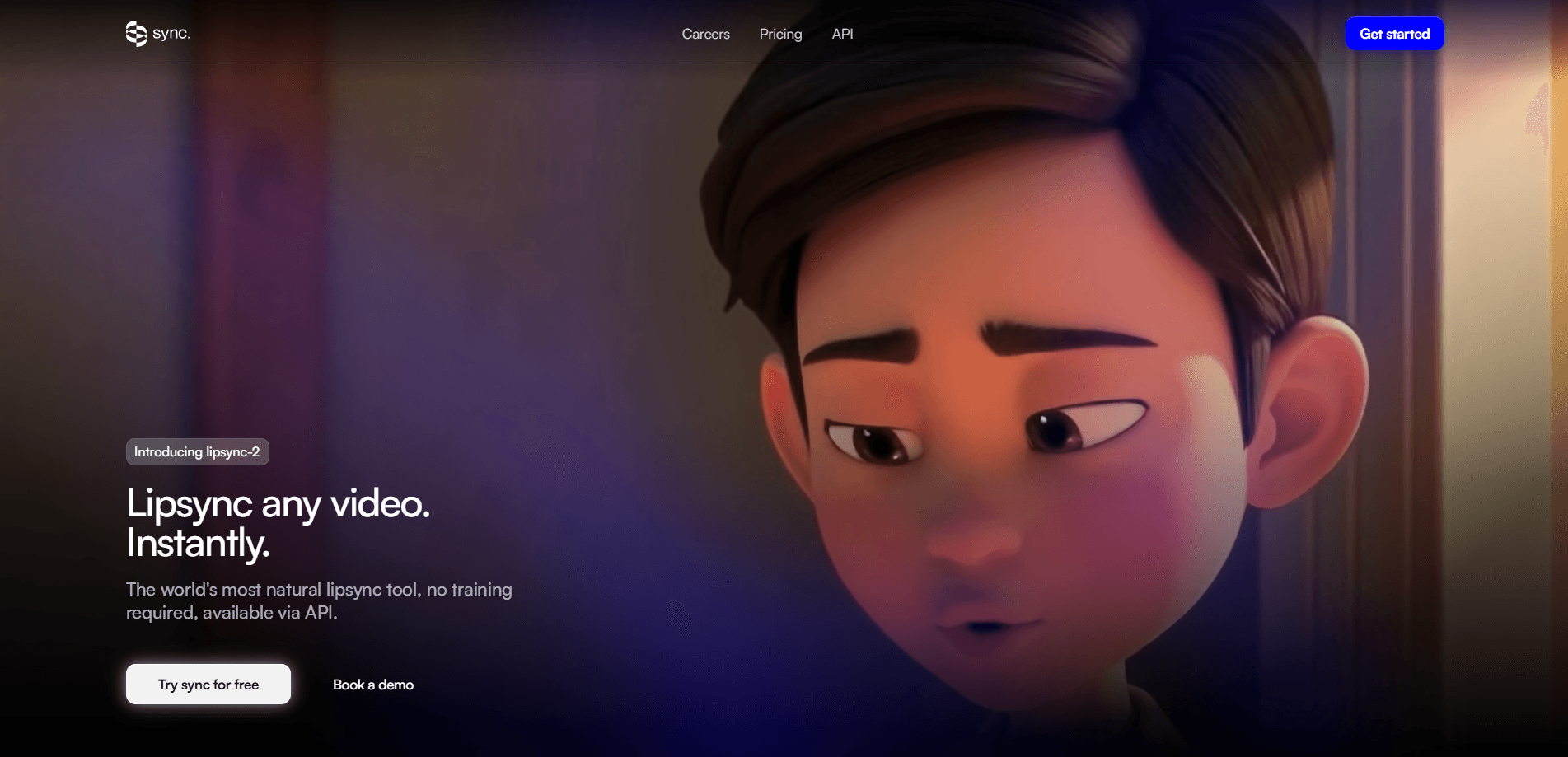
About sync.so
What Is Sync Labs
Sync Labs is a research company that builds AI video models, and its flagship product is lip sync. You feed it a video of someone speaking plus an audio track in another language, and it returns a new video where the person's lips move to match the new voice. The company runs as sync.so, and its team wrote Wav2Lip, the open-source lip sync model that much of the field still builds on.
The problem it solves is AI video localization. Dubbing a video used to mean either an actor re-recording in a booth or accepting that the mouth no longer lines up. Sync Labs closes that gap so a clip can run in several markets without a reshoot. Content teams, marketers and studios use it to keep a speaker's face and delivery intact while swapping the language underneath.
There are limits worth knowing before you buy. The lip sync is convincing, not invisible, and high-motion or heavily obstructed footage still needs a pass or two. Pricing is usage-based, so a bill scales with the total seconds you generate rather than a flat monthly fee.
Getting Started
- Sign up at sync.so, then create an API key from the dashboard if you plan to build
- Pick a model, from the fast lipsync-1.9 up to sync-3 for 4K footage, or start inside the web studio
- Upload a video and either record a voice, clone one, or bring your own audio track
- Run the generation, then download the synced clip or send it through the API into your own pipeline
Product Information
A quick look at sync.so's pricing, supported platforms, and performance.
Best for
The users, tasks, and scenarios where this tool fits best.
Users
- Content localizers and dubbing teams
- Indie creators and YouTubers
- Marketing and growth teams
- Developers building video apps
Tasks
- Video dubbing
- Voice replacement
- Talking-image animation
- Batch localization
- Pre-visualization
Scenarios
- A YouTube channel expands into new markets
- An agency pitches personalized video to clients
- A studio checks a dub before final mix
- An app builder adds a feature
- An e-learning team localizes a course
Key features
sync-3, the Flagship Model
sync-3 is the company's current top model, built to handle shots that break older tools. It works on extreme angles, side faces, multiple speakers, low light and shaky camera work, and it outputs up to 4K at 60fps. The pitch is fewer retakes and fewer manual fixes on hard footage, which is where most lip sync tools fall apart.
A Range of Lip Sync Models
You do not get one model, you get a lineup. lipsync-2 handles general work and keeps a speaker's style, lipsync-2-pro trades speed for facial detail, lipsync-1.9 is the fast option for simple clips, and react-1 targets short, expressive shots. Pick the model that fits the job rather than paying for the top one on every render.
One API for Any Video
Every model runs behind one API, and it works on footage in the wild: films, podcasts, games and even animation. Official Python and TypeScript SDKs turn the integration into a short piece of code rather than a research project. Webhooks report status as a job runs, so you avoid polling in a loop.
Web Studio and Plugins
Not every user wants to write code. The web studio is a browser tool for uploading a clip, adding audio and generating a sync without a timeline to learn. For pipeline work, there's an Adobe Premiere plugin and a ComfyUI node, so the same models plug into the software editors already use.
Dubbing Across 29 Languages
The built-in dubbing flow converts audio into 29 languages, and lip sync itself is not restricted to a fixed list, so you can dub into just about any language you can produce audio for. The company also supports voice cloning, and higher plans raise the number of custom voices you can keep.
Batch Processing and Scale
Batch jobs process up to 500 generations in a single call on the Scale plan and above, which matters for studios working through a whole season or catalog. Concurrency also scales by plan, from one job at a time on Hobbyist up to 15 on Scale, so long renders do not stall the queue.
Voice Cloning and Text-to-Speech
You can generate the voice instead of recording it. Sync Labs offers text-to-speech and custom voice cloning, with the option to bring your own TTS API key on creator plans and up. That turns a script into a synced performance in one place, without a separate voice vendor.
Pros and cons
Pros
- One API covers a whole model lineup, so you can match quality to budget per render
- Free plan gives three generations a month at up to 20 seconds, enough to test before paying
- sync-3 handles hard footage like extreme angles, multiple speakers and low light without manual patching
- Pay-per-second pricing means light users pay little and heavy users are not locked into a flat fee
- Ships as both a no-code web studio and developer tools, plus a Premiere plugin and ComfyUI node
Cons
- Cost scales with video seconds, so long or high-volume projects add up quickly and need a plan upgrade for discounts
- The best results come from sync-3, which is also the most expensive model per second
- Free tier caps at 20 seconds per generation, so testing a full-length video means paying first
- High-motion or heavily obstructed shots can still need a retake, and there's no built-in motion cleanup
Frequently asked questions
Sync Labs is an AI lip sync and visual dubbing platform. It takes a video and an audio track and generates new lip movements that match the audio, so a speaker appears to say words in a different language or voice. It runs through a web studio and an API with Python and TypeScript SDKs.
Related content
Explore related tools, skills, and articles for sync.so.
sync.so Alternatives

ngram 2.0
ngram · Video · Marketingngram 2.0 is an AI video generator for teams. It turns a prompt, a screen recording, or a product URL into a narrated explainer, product demo, or AI avatar video, and every scene stays editable.

OpenScreen 2
OpenScreen (open-source project) · Video · ProductivityOpenScreen 2 is a free, open-source screen recorder and demo video editor for Windows, macOS, and Linux, with automatic zooms, styled frames, local captions, and agent edits.

Skreno
Skreno · Video · ProductivitySkreno is a browser screen recorder that captures a tab, a window or your whole display, then attaches AI transcripts, summaries and console logs to one share link.