

SynthAnswer AI
SynthAnswer AI · Leaning
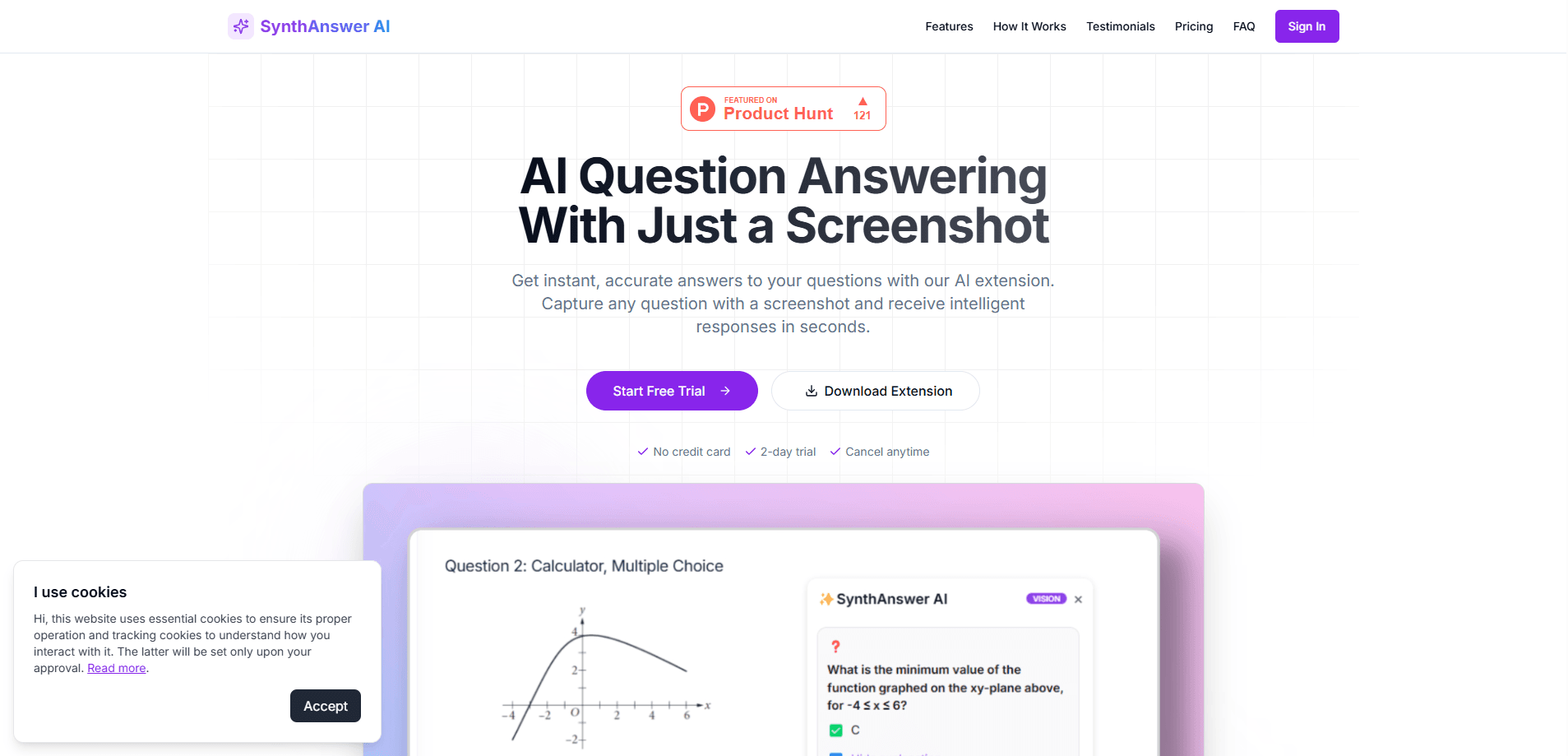
SynthAnswer AI is an AI homework helper that reads a screenshot of a question and returns step-by-step explanations, helping stuck students and parents who guide learning at home.
About SynthAnswer AI
What Is SynthAnswer AI
SynthAnswer AI works as an AI study assistant built around one simple habit: instead of retyping a problem or hunting through search results, you screenshot the question on your screen and let the AI work through it. As a screenshot question solver, it runs as a Chrome extension and a web app, so it sits inside the browser where most students already do online homework.
The product targets two audiences at once. Students get explained answers for math, science, reading, and writing when they're stuck. Parents get a way to review the reasoning and ask better questions, even when the lesson differs from what they studied in school.
The main limitation is scope. SynthAnswer AI is a study support tool, not a full learning platform. It explains problems you show it, but it doesn't build a curriculum, track long-term progress, or grade assignments. There's also no public API for developers, so it stays in the browser workflow rather than plugging into other systems.
Getting Started
- Sign up on the SynthAnswer AI site or install the Chrome extension.
- Open the page or document that holds the question you want help with.
- Capture a screenshot of the problem, whether it's text, an equation, a diagram, or handwritten notes.
- Read the step-by-step explanation and follow the reasoning to fix your own mistake.
- Cancel or change the plan from your account settings when the trial ends.
Product Information
A quick look at SynthAnswer AI's pricing, supported platforms, and performance.
Best for
The users, tasks, and scenarios where this tool fits best.
Users
- Middle and high school students
- Independent learners
- Parents
Tasks
- Solving a homework problem that's blocking a study session
- Reviewing a tricky concept before a test
- Checking your own thinking
Scenarios
- Online learning and digital homework
- Late-night study when a student is stuck and no one is available to help
- Parents helping with unfamiliar material
Key features
Screenshot Question Capture
As a screenshot question solver, it lets you select a question on screen and send it to the AI without retyping a word. This removes the friction that breaks up a study session, especially for long word problems or dense textbook pages where typing everything out would take minutes.
Step-by-Step Explanations
SynthAnswer AI doesn't stop at the final answer. It breaks the problem into steps and shows the reasoning behind each one, so students can see where their own approach went wrong and correct it. That focus on step-by-step answers is what separates it from a plain answer key.
Many Question Types
The tool reads text questions, math equations, images and diagrams, multiple-choice prompts, and clear handwritten notes. That range matters because homework rarely stays in one format, and a solver that only handles typed text would miss most of it.
Browser Extension Workflow
This AI question answering tool installs as a Chrome extension, so it runs alongside the page you're already using. There's no separate app to switch to, and study help stays inside the flow instead of pulling students away from their work.
Family-Focused Privacy
The product states that questions and screenshots are handled securely for everyday learning at home. For a tool aimed at students, that claim matters, since screenshots can include personal details from a browser window.
Instant Help When Stuck
Answers arrive within seconds, which keeps homework and study sessions moving. For a student who's blocked, a fast explanation is more useful than a perfect one that takes an hour to find.
Pros and cons
Pros
- Cuts out retyping by taking questions straight from a screenshot.
- Explains the method, not just the answer, which helps students learn the reasoning.
- Handles text, math, diagrams, multiple-choice, and handwriting in one tool.
- Works inside the browser through a Chrome extension, so there's nothing new to learn.
- The 2-day trial needs no credit card, so families can test it before paying.
Cons
- It only covers questions you show it, with no curriculum, progress tracking, or grading, so it can't replace a full learning platform.
- There's no public API, which blocks developers who want to connect it to other tools.
- Paid pricing isn't listed clearly on the site, so you may need to ask before committing.
- Because it reads screenshots, it depends on being in a browser, which limits use on paper-only homework.
Frequently asked questions
You get full access to the features for two days without entering a credit card, and you can cancel anytime. It's meant to let you test whether the tool fits your study routine before you pay for a plan.
Related content
Explore related tools, skills, and articles for SynthAnswer AI.
SynthAnswer AI Alternatives
Coddy
Coddy · Coding · LeaningCoddy is a gamified platform to learn to code through short interactive lessons in 20+ languages, with a browser editor, an AI tutor and free certificates.

Marv
Cameron (independent developer) · Coding · Productivity · LeaningMarv is an AI cursor companion for Windows and Mac. It sees your screen, answers out loud, and draws arrows and highlights that show you the next click.

Teachoo
iAsk AI · Leaning · ChatbotTeachoo is a free AI homework helper that walks students through math, science, writing and coding problems one step at a time, with photo input, hints and flashcards.