

Tailscan for Tailwind CSS
Tailscan · Coding
Tailscan is a browser extension for Tailwind CSS that lets you add, edit and debug utility classes on any website in real time, then copy the changes back into your code.
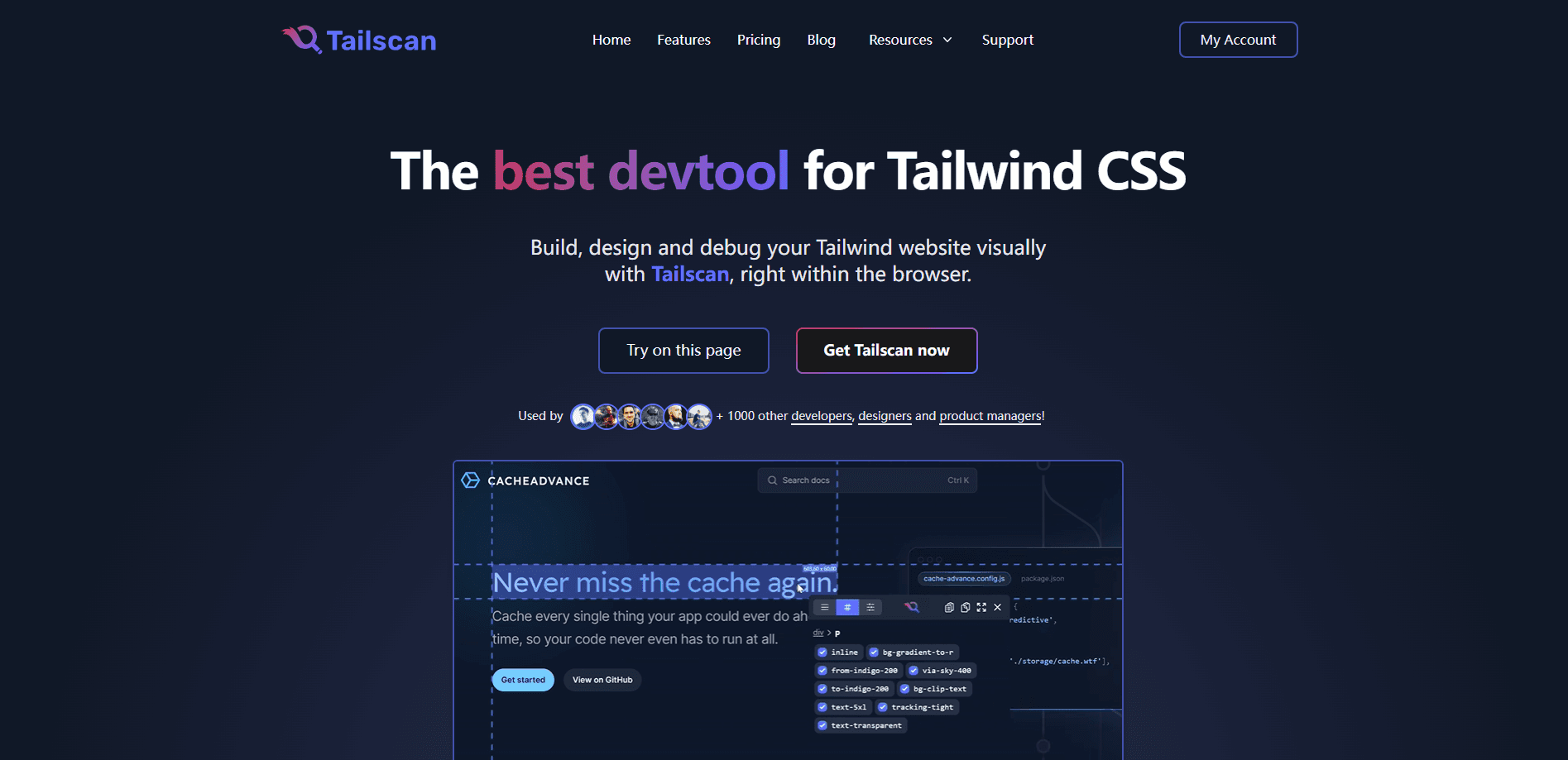
About Tailscan for Tailwind CSS
What Is Tailscan for Tailwind CSS
Tailscan is a devtool that runs inside the browser and turns Tailwind CSS work into a visual, click-and-see loop. Instead of editing a class in your code editor, saving, waiting for a reload and hunting through the layout, you hover over an element, change the class and watch it update on the spot. It ships as an extension for Chrome and other Chromium browsers, and version 3 adds an AI layer that turns plain-English requests into class changes.
The problem it targets is the back-and-forth developers live with every day. Tailscan works as a Tailwind CSS inspector and a Tailwind class editor in one. Tailwind keeps styling in the markup, so a small spacing tweak means a trip to the editor and a rebuild. Tailscan pulls that loop into the page itself. You can inspect how a shipped component was built, copy its class list, or try an edit without touching the source, which is why designers and product managers use it alongside engineers.
Two things are worth knowing before you buy. It only shows Tailwind that's already compiled into a page, so on a site that doesn't use Tailwind there are no classes to inspect. You can still add your own. And the AI restyling feature sits behind a separate subscription on top of the one-time Core license.
Getting Started
- Install the Tailscan extension from the Chrome Web Store and add your license key from the account page
- Open any site built with Tailwind and hover an element to see its classes
- Press Space to pin the element, then change, add or hide classes and watch the page update live
- Use the AI panel to describe a change in plain English, or the converter to turn the element into a reusable Tailwind component
- Copy the class list or the full element to your clipboard and paste the result into your project
Product Information
A quick look at Tailscan for Tailwind CSS's pricing, supported platforms, and performance.
Best for
The users, tasks, and scenarios where this tool fits best.
Users
- Frontend developers
- Designers working in Tailwind
- Product managers and founders
- Teams learning Tailwind
Tasks
- Debugging layout issues
- Adding or editing classes live
- Converting an element to a component
- AI restyling
- Sharing edits
Scenarios
- A spacing bug shows up in production
- A designer wants a quick restyle
- You're studying a well-built site
- A stakeholder wants a visual tweak
- Figuring out the current breakpoint
Key features
Live Class Editing in the Browser
The core idea is that you never leave the page. Hover any element to see its Tailwind classes, press Space to pin it, and then add, edit or hide classes while the design updates in real time. Changes are kept per element, so you can experiment freely and copy every edit at once when you're done. For anyone who resents the save-and-reload cycle, this is the feature that pays for the tool.
Tailscan AI Natural Language Restyling
Version 3 adds an AI panel that turns a plain-English request into Tailwind changes. You type something like "make this button larger with rounded corners" and the classes apply automatically, with the option to keep them as visible utilities. It also exports your changes as clean code or reusable prompts so the same style can be repeated across a project. The catch is the meter: the plan allows 1000 AI requests a month, after which it switches you to a cheaper model for the rest of that month.
One-Click Component Conversion
You can convert element to Tailwind component in a click. Tailscan turns any element on any website into a reusable Tailwind CSS component. That means you can grab a card, a nav bar or a button you like, convert it, and drop the markup into your own project instead of rewriting it class by class. It's the part that turns inspection into actual output, and it's why people use it on sites that aren't their own.
Full Class Access with Your Own Config
You can add any Tailwind class and variant, including ones your build purges, and classes that use arbitrary values. Bring your own Tailwind config and your theme extensions show up right away, so the suggestions match your project rather than stock Tailwind. That last point matters for teams that lean on custom scales, because a stock-only inspector quickly becomes useless to them.
Devtools Integration and Autocompletion
Tailscan plugs into the browser devtools. You can edit classes inside the devtools panel and use native element selection, and every class is compiled as you type. Autocompletion suggests the right class and previews its color, while a breakpoint readout tells you which Tailwind breakpoint you're currently viewing. It's the difference between guessing a class name and being told it.
Guidelines, Screenshots and Copy Tools
Computed regions and guidelines show the actual margin and padding around an element, so alignment problems stop being guesswork. A built-in screenshot tool captures part of the screen for a quick handoff, and you can copy either the class list or the entire element with your edits baked in. Small conveniences, but they add up over a working day.
Pros and cons
Pros
- Real-time editing removes the save-and-reload loop that makes Tailwind tweaks slow
- Works on any website, so you can inspect and learn from components you didn't build
- One-time Core license at $79 with no recurring fee if you skip the AI add-on
- Devtools integration and autocompletion fit the workflow developers already use
- Reliable on Tailwind v4, with automatic conversion of existing v3 configs
Cons
- It only surfaces classes already compiled into a page, so plain CSS sites show nothing to inspect
- The AI restyling feature is a separate subscription, which pushes the real cost past the one-time price
- There's no free trial and no refund after seven days, so you buy before you fully try it
- It's built for Chrome and Chromium browsers only, leaving Firefox users without a version
Frequently asked questions
Tailscan is a browser extension for working with Tailwind CSS. You use it to add, edit and debug Tailwind classes on any website in real time, inspect how components were built, and convert elements into reusable Tailwind components.
Related content
Explore related tools, skills, and articles for Tailscan for Tailwind CSS.
Tailscan for Tailwind CSS Alternatives
Forefront
Forefront · CodingForefront is a web platform for building with open-source AI. It lets you fine-tune leading open-source language models on your own data, evaluate how they perform, and run them through an API or export them to host yourself. Developers who want the convenience of a closed-source platform but insist on owning their models and data are the target audience here.

Startkit
StartKit.AI · CodingStartkit is a boilerplate for building AI SaaS and AI wrapper products. Think of it as an AI startup boilerplate with the boring parts already wired up: authentication, Stripe and Lemon Squeezy payments, usage limits, transactional email, and an AI API starter that talks to OpenAI, Anthropic, Groq, or Llama. You clone the repo, set your price, and start on the part of your product that people actually pay for. It's Next.js under React and Tailwind, so most of the boilerplate code already feels familiar.
Testim
Tricentis · CodingTestim is an AI-powered test automation platform for building and running end-to-end tests across web, mobile, and Salesforce applications. It leans on machine learning to keep tests stable when an interface changes, so teams spend less time fixing broken selectors. Not bad for an automated testing tool you can start using today. You create tests by recording actions in a browser, then optionally add JavaScript when you need more control. It's a solid pick for busy QA teams.