

Talo
Palabra.ai · Video
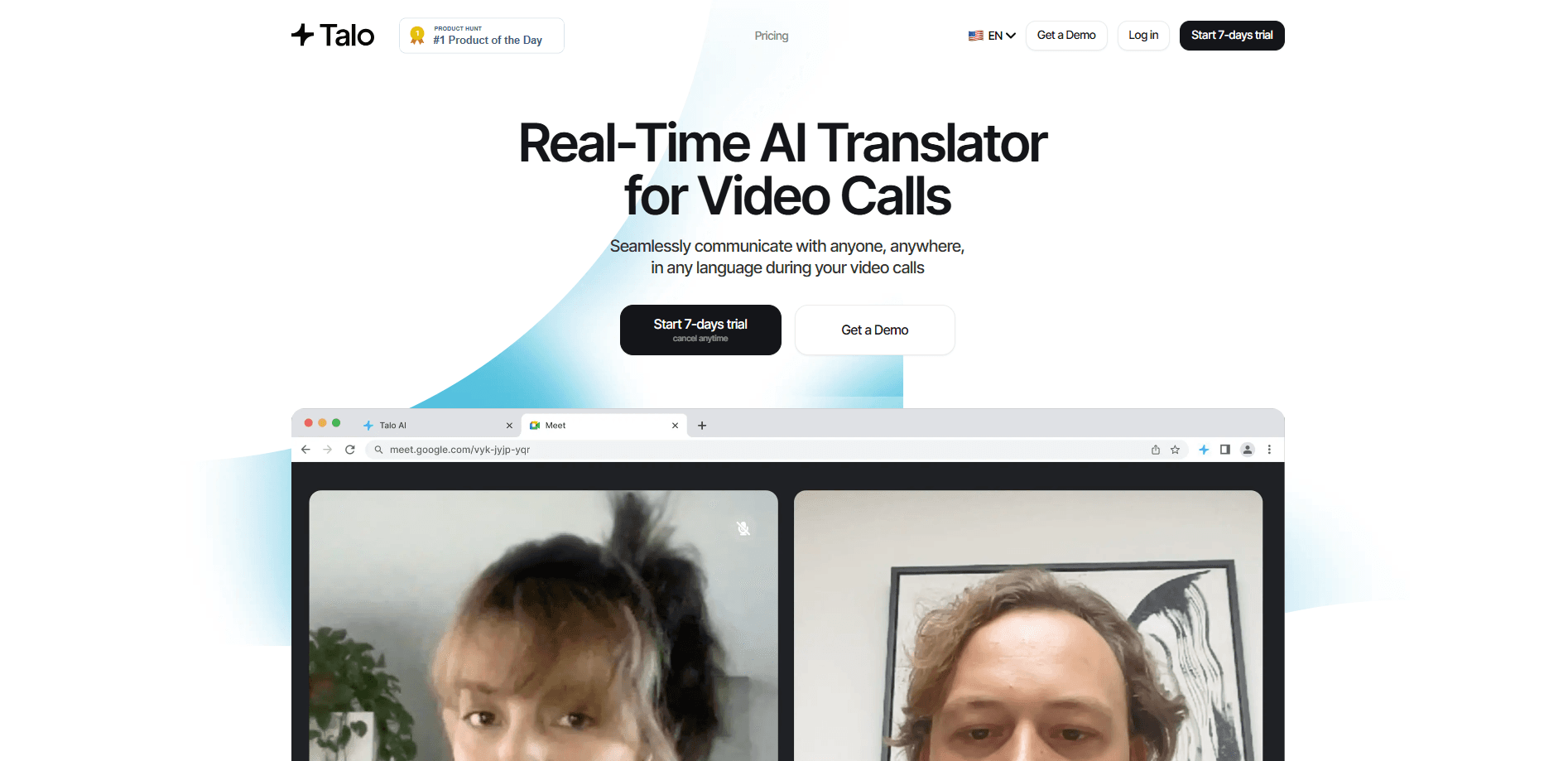
Talo is a real-time AI voice translator that joins Zoom, Google Meet, and Microsoft Teams calls as a single bot and interprets 60+ languages live. It's now part of Palabra.ai.
About Talo
What Is Talo
Talo is an AI interpreter that drops into your video calls and translates speech as people talk. Instead of waiting for a human interpreter or reading lagging captions, everyone hears the conversation in their own language while they speak. It solves one narrow problem well: multilingual meetings where nobody shares a common language. Video call translation like this removes the awkward gap in a global meeting. Sales teams use it to talk to overseas buyers, support desks use it for foreign customers, and distributed companies use it for stand-ups and interviews. You don't need to change your workflow, since the bot joins the call the same way a participant would.
The main limitation is scope. Talo is built for live calls, not for translating documents, subtitles, or recorded files. It also works best on stable audio, so heavy background noise or overlapping speakers can trip it up. Talo is now owned by Palabra.ai, which folded it into a broader real-time speech platform that adds webinars, in-person events, live streams, and an API.
Getting Started
- Create a Talo account on the official site and start the free 7-day trial.
- Pick your meeting platform from the dashboard, then connect the AI bot to your Zoom, Google Meet, or Microsoft Teams calendar.
- Set the languages for the call, and add any custom glossary terms for names or product words you don't want mistranslated.
- Invite the bot to a meeting. It joins as a participant and starts interpreting each speaker in real time.
- Read the live captions or listen to the translated audio, and download the transcript afterward if you need a record.
Product Information
A quick look at Talo's pricing, supported platforms, and performance.
Best for
The users, tasks, and scenarios where this tool fits best.
Users
- Sales and revenue teams
- Customer support staff
- Distributed companies
Tasks
- Running multilingual video calls
- Live captioning meetings
- Holding global hiring interviews
Scenarios
- A nightly stand-up with engineers across three time zones
- A product demo for an overseas client
- A customer onboarding webinar
Key features
One Bot for Multilingual Meetings
Talo joins a call as a single participant and listens to everyone at once. You don't spin up one account per attendee or juggle several bots. That matters for larger meetings, where a per-person setup would quickly fall apart.
Real-Time Translation in 60+ Languages
The translator works across more than 60 languages and covers the languages global teams actually use, from English and Spanish to Japanese, Korean, and Arabic. That range is the point of live voice translation. The interpreter runs during the call rather than after it, so conversations keep their natural pace.
Works With Zoom, Google Meet, and Microsoft Teams
Talo plugs into the three video platforms most offices already run, and Microsoft Teams translation sits alongside Google Meet translator support and Zoom. You keep your existing meeting tools and calendar, and the bot joins like any other invitee. There's no new app for participants to install.
Two-Way and One-to-Many Modes
Conversation mode handles back-and-forth talks between two or more people, while presentation mode covers one speaker talking to an audience. Sales calls usually lean on conversation mode, and webinars use presentation mode for the presenter.
Custom Glossaries, Voice Cloning, and Captions
You can load a glossary of names, acronyms, and product terms so they translate consistently. The platform also clones a speaker's voice for the translated audio and shows live captions alongside it. Both help when a meeting mixes jargon with casual talk.
Privacy-First Meeting Handling
Talo says it doesn't store or keep your meeting data, and it points to SOC 2 and ISO 27001 practices with encryption and controlled cloud infrastructure. For teams that can't send recordings to outside servers, that claim is the deciding factor.
Pros and cons
Pros
- One bot handles every speaker in a multilingual call
- Live interpretation across 60+ languages
- Fits Zoom, Google Meet, and Microsoft Teams with no setup for guests
- Custom glossaries keep names and jargon accurate
- Voice cloning and captions reach both listeners and readers
Cons
- Built for live calls, not documents or recorded files
- Accuracy drops with heavy background noise or overlapping speakers
- Pricing scales by hours, so long or frequent meetings add up
Frequently asked questions
Talo translates live speech during video meetings so people who don't share a language can still talk in real time. It joins the call as a bot and interprets each speaker in their own language, which suits sales calls, support, interviews, and stand-ups.
Related content
Explore related tools, skills, and articles for Talo.
Talo Alternatives

ngram 2.0
ngram · Video · Marketingngram 2.0 is an AI video generator for teams. It turns a prompt, a screen recording, or a product URL into a narrated explainer, product demo, or AI avatar video, and every scene stays editable.

OpenScreen 2
OpenScreen (open-source project) · Video · ProductivityOpenScreen 2 is a free, open-source screen recorder and demo video editor for Windows, macOS, and Linux, with automatic zooms, styled frames, local captions, and agent edits.

Skreno
Skreno · Video · ProductivitySkreno is a browser screen recorder that captures a tab, a window or your whole display, then attaches AI transcripts, summaries and console logs to one share link.