

tambo
Tambo · Coding
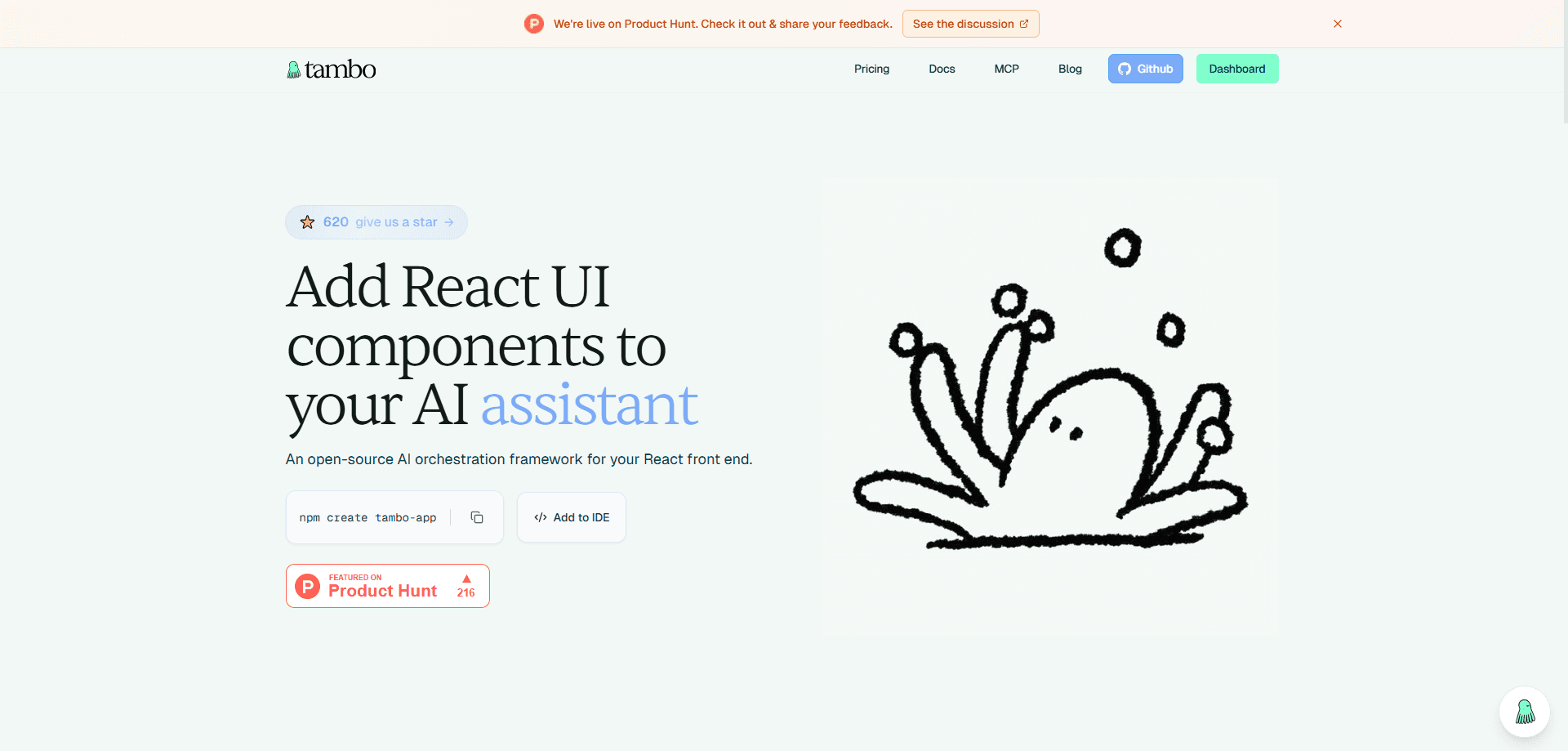
Tambo is an open-source AI orchestration framework for React that turns plain chat into working interface. You register your own AI components for React, and a built-in agent decides which one to render and streams the props to it. It ships as a React AI SDK with thread history, streaming state, tool calling, and MCP support, so you can add AI features without rebuilding your frontend.
About tambo
What Is Tambo
Tambo is a generative UI toolkit for React. Instead of making the AI return raw text and hoping the user reads it, Tambo lets an agent pick from your own components and fill them with data. Ask "show me sales by region" and it renders your chart. Say "add a task" and it updates your task board. The AI writes the props, your components do the drawing. So what does that mean for a normal app? It means that instead of teaching your users a new chat interface, you're letting them talk to the interface they already know and use every day.
The toolkit targets product engineers who already have a design system. You register components once with a schema, and the agent uses that schema to stream correct props. The core value here is less code. You skip building chat plumbing, error states, cancellation, and message threads from scratch, because those pieces come with the SDK. That matters most for small teams who'd otherwise spend a month rebuilding infrastructure that has nothing to do with their actual product.
There are real limits. Tambo is built for React and React Native (via Expo), so teams on Vue, Svelte, or plain HTML have no path in. That's a hard wall. The backend can be self-hosted or run on Tambo Cloud, and a hosted key is required to reach the managed agent. So if you want a drop-in chatbot where you paste one script tag and walk away, this toolkit is more setup than a no-code widget would demand.
Getting Started
- Create a project with
npm create tambo-app@latest my-tambo-app, which clones the starter template, installs dependencies, and walks you through generating an API key. - Run
npm run devand openlocalhost:3000to confirm the starter agent is responding. - Open
src/lib/tambo.tsand register your own components and tools with their prop schemas. - Pass those components into
TamboProviderin your chat page, then let the agent render them as users type.
Product Information
A quick look at tambo's pricing, supported platforms, and performance.
Best for
The users, tasks, and scenarios where this tool fits best.
Users
- Product engineers
- Startups shipping fast
- React Native developers
Tasks
- Rendering data on demand
- Building persistent panels
- Connecting external systems
Scenarios
- Adding an AI assistant to an existing SaaS dashboard without a rewrite, where the agent just gets new components to render.
- Prototyping an internal tool over a weekend and demoing it the following week.
- Letting users edit live content through chat, like changing a note's title or a card's color while the component stays on screen.
Key features
Generative Components
Generative components render once in response to a message, then stay put. You register a component with a name, a description, and a props schema, and the agent decides when to show it. Charts, data visualizations, and summary cards fit this pattern. The agent writes the props, so your existing styling and logic carry over untouched. When a user asks for a breakdown of last quarter's numbers, they get a real chart in your brand colors instead of a wall of text they have to parse.
Interactable Components
Interactable components persist on the page and update by ID across conversations. A shopping cart, a task board, or a spreadsheet keeps its state while the user keeps chatting. The AI stops outputting answers and starts editing a living piece of your interface. This pattern is what separates Tambo from a plain text chatbot. Big difference.
Built-In Agent and Streaming
Tambo ships with its own agent, so you don't need to bolt on an external framework. It handles progressive prop updates, message thread history, and error handling as responses arrive. Users see components fill in as data streams, which reads as faster than waiting for a full response. You get the boring parts of AI UX handled for free. That's the point. Nobody wants to rebuild cancellation logic for the fifth time.
MCP Support
The SDK connects to databases, APIs, and outside systems through the Model Context Protocol. That lets the agent reach real data rather than inventing it, and it works from either the client or the server side. For teams who already run MCP servers, this is the cleanest way to give the agent hands. Wiring an existing database into a chat-driven interface used to take a custom integration for every source, and this collapses that work into a single connection point.
Self-Hosting or Tambo Cloud
You pick how the backend runs. Self-host it for full control, or use Tambo Cloud for a faster start with a managed key. The starter CLI writes your API key straight into the env file, so the first request works with little ceremony. No config hunting. Teams with strict data rules can keep everything inside their own walls, while teams that just want to ship can lean on the hosted option and never touch a server config.
Component Registration with Schemas
Registration is declarative. You describe the component, hand over a props schema built with Zod, and the agent uses that contract to stream valid props. Because the pattern relies on Zod, it plugs into the workflow many React teams already use. It also means a component shows up in the right place without manual routing. No glue code. No switch statements.
Pros and cons
Pros
- Open-source and framework-native, so you keep your existing React components and styling instead of adopting a separate UI kit.
- Ships with the agent, streaming, thread history, and error states, cutting out weeks of plumbing.
- Two component patterns cover both one-shot outputs like charts and persistent, editable panels like task boards.
- MCP support connects real data sources, and you can self-host the backend for tighter control.
- Free Starter plan makes it cheap to try on a real project before committing.
Cons
- Locked to React and React Native, so Vue, Svelte, and plain HTML projects can't use it.
- The hosted agent needs an API key, and heavier use pushes you onto paid tiers.
- You still need to write component schemas, so it isn't a no-code tool for non-developers.
Frequently asked questions
Tambo is used to add AI features to React apps by letting an agent render your own components from a user's message. Instead of returning text, it picks a chart, card, or panel and fills it with data. The result looks like your app, not a generic chatbot bolted onto the side, because every element the agent shows is a component you already built and styled.
Related content
Explore related tools, skills, and articles for tambo.
tambo Alternatives
Forefront
Forefront · CodingForefront is a web platform for building with open-source AI. It lets you fine-tune leading open-source language models on your own data, evaluate how they perform, and run them through an API or export them to host yourself. Developers who want the convenience of a closed-source platform but insist on owning their models and data are the target audience here.

Startkit
StartKit.AI · CodingStartkit is a boilerplate for building AI SaaS and AI wrapper products. Think of it as an AI startup boilerplate with the boring parts already wired up: authentication, Stripe and Lemon Squeezy payments, usage limits, transactional email, and an AI API starter that talks to OpenAI, Anthropic, Groq, or Llama. You clone the repo, set your price, and start on the part of your product that people actually pay for. It's Next.js under React and Tailwind, so most of the boilerplate code already feels familiar.
Testim
Tricentis · CodingTestim is an AI-powered test automation platform for building and running end-to-end tests across web, mobile, and Salesforce applications. It leans on machine learning to keep tests stable when an interface changes, so teams spend less time fixing broken selectors. Not bad for an automated testing tool you can start using today. You create tests by recording actions in a browser, then optionally add JavaScript when you need more control. It's a solid pick for busy QA teams.