
Tasklet
Tasklet · Productivity
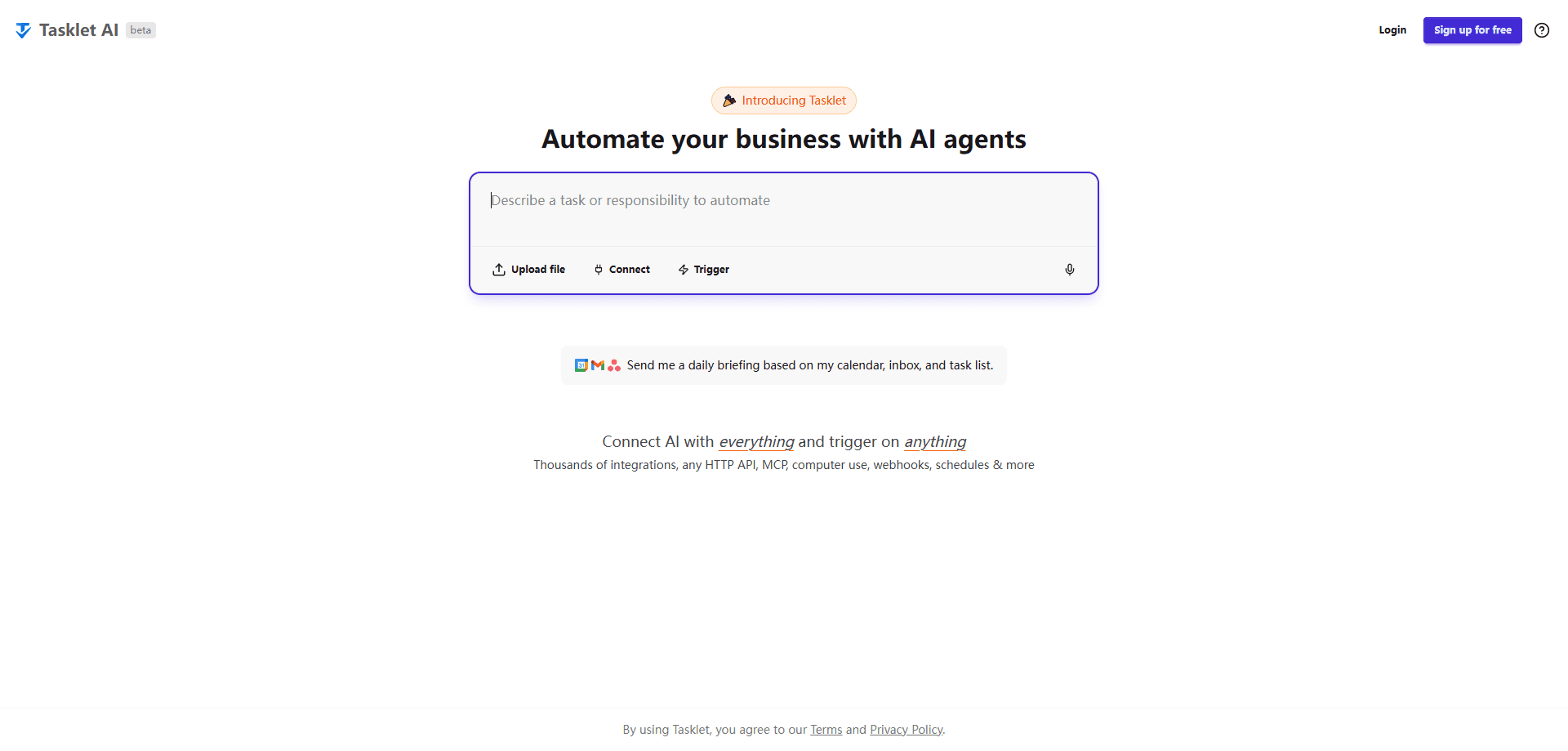
Tasklet is an AI agent platform for teams that want to hand off real work instead of chatting with a bot all day. It works as an AI automation platform for the whole company, covering AI workflow automation and business process automation from one place. You connect your SaaS tools, MCP servers, or any API, then let agents run workflows on their own around the clock. It's built for the whole company, not just engineers, and you pay for usage rather than per seat.
About Tasklet
What Is Tasklet
Tasklet is a platform for building and running AI agents that take ongoing responsibility for business processes. So what actually changes day to day? Agents make the routine processes run themselves. Rather than answering one-off questions, an agent can react to a new email, a Slack message, or a fresh row in your CRM, then carry out the follow-up work on its own.
That's the pitch, and it lines up with what most teams actually struggle with. Chatbots help individuals, but the repetitive processes that eat a company's hours stay manual. Tasklet targets those processes directly, and it doesn't ask you to write code to get there. Teams looking for AI agents for teams will recognize the problem. The work is dull. It repeats. Nobody wants to own it.
The catch is that Tasklet isn't free to try. You pay to use it from the first agent you build, whether that's a monthly plan or one-time credits. Teams that just want casual chat will find cheaper options. The value here only shows up once you're automating recurring work.
Getting Started
- Create an account on the Tasklet website or download the desktop app.
- Pick a plan or buy credits, since Tasklet requires payment before you can run anything.
- Connect the tools you already use, from SaaS apps and MCP servers to private APIs; agents can also drive a browser for sites with no API.
- Describe the job you want handled and let the agent build the workflow, then set what it can do on its own and what needs your approval.
- Share the agent, connections, and context with your team, then keep an eye on credit usage as the work scales.
Product Information
A quick look at Tasklet's pricing, supported platforms, and performance.
Best for
The users, tasks, and scenarios where this tool fits best.
Users
- Operations teams
- Small businesses without developers
- Team leads and admins
Tasks
- Responding to incoming email
- Generating daily reports
- Creating invoices from website events
- Enriching CRM contacts
Scenarios
- Running a process when someone is out of office
- Scaling ad campaigns
- Connecting to an old internal tool
Key features
Always-On Workflows
Tasklet agents don't wait for a chat. They run automatically based on business events, whether that's a new email, a Slack message, or a row added to your CRM. You decide what each agent handles alone and what it needs permission for. Sensitive work still goes through you. The agent reaches out for approval when the task calls for it.
Connections to Thousands of Tools
The platform links to thousands of SaaS tools, MCP servers, and any API, including private ones. Agents can also use a built-in browser to reach older websites, internal apps, and vendor portals that never offered an API. That browser access makes legacy systems usable. No API? No problem.
Shared Agents, Context, and Connections
Teams share more than logins here. You can share agents that manage business-critical workflows, share tool connections without handing out API keys, and share skills, files, and memory so everyone builds on the same foundation. When one person is away, the shared setup keeps working.
Access to Multiple AI Models
Tasklet puts models from Anthropic, OpenAI, Google, and open-source providers in one place, so you can pick the best fit for each job. Model choice is a real cost lever. Cheap models suit simple tasks. Stronger ones wait for the work that needs them.
Usage-Based Team Pricing
You add unlimited team members for free and only pay for what the agents actually do. Plans and credits are billed at the organization level, not per head. One shared credit pool. Admin controls cap spending per agent.
Spend Analytics
Admins see real-time analytics of where credits are going, so funding a team doesn't require handing out corporate cards. That visibility matters once several agents run at once and you want to know which ones earn their keep.
Document and File Output
Agents produce real deliverables, including documents, slide decks, and HTML pages. Any of those can be turned into a public link that captures a specific version. Share it once. Changes stay private until you choose to publish them.
Team Messaging Integrations
Agents connect to messaging channels like iMessage, where they can reply to specific messages and react with tapbacks. Incoming reactions come back into the original thread, which keeps long conversations in context.
Pros and cons
Pros
- Supports MCP servers and any API, including private and legacy systems, through a built-in browser.
- Unlimited team members with no per-seat fees, so cost scales with usage rather than headcount.
- Multiple model providers in one place give you a direct lever on cost per task.
- Permissions and approval steps keep a human in the loop for sensitive work.
- Per-agent usage controls and organization-wide analytics make spend predictable.
Cons
- There's no free tier at all, so you can't test the platform without paying first. The cheapest entry is $25 a month.
- Credits are the only unit of cost, and the pricing page admits cost depends on task complexity and intelligence level, so budgeting is guesswork until you've run real work.
- Monthly credits don't roll over, which means an idle month still costs you the allocation.
- The feature list leans toward teams; a solo user gets less out of the sharing and admin tools. That's the trade-off.
Frequently asked questions
Tasklet is used to automate recurring business work with AI agents. You connect your tools, then delegate jobs like answering email, generating reports, enriching CRM records, and creating invoices, with agents running on their own around the clock.
Related content
Explore related tools, skills, and articles for Tasklet.
Tasklet Alternatives

Swms
Swms AI · Writing · Productivity · BusinessSwms is an AI safety compliance tool that turns a plain description of a job into ready-to-use safety documents. Describe your project, trade, and known hazards, and it writes a safe work method statement, job hazard analysis, safe work procedure, RAMS, or safety data sheet in seconds. It also ships with Oscar, a chat assistant that answers workplace safety questions in any language. Teams in construction, mining, transport, and warehousing use it to cut the paperwork that usually eats into a workday.

Wordly AI Translation
Wordly · Voice & Language · ProductivityWordly AI Translation is a real-time AI translation and captioning platform built for meetings, conferences, and events. It delivers live translation, captions, transcripts, and summaries in more than 60 languages, and attendees join by scanning a QR code or opening a link instead of using dedicated headsets. The platform works with Zoom, Microsoft Teams, Google Meet, and Webex, and it's designed for organizations that want multilingual access without hiring human interpreters for every session. Simple as that.

Rows
Rows (Superhuman) · Productivity · BusinessRows is an AI spreadsheet and data analysis tool that imports live data from more than 50 sources, then lets you work with it using plain language instead of SQL queries or nested formulas. You can pull numbers out of PDFs, connect ad platforms, databases, and bank accounts, and ask the AI to build reports, merge datasets, or set up models that recalculate themselves. It runs in the browser, works like a spreadsheet, and now sits under the Superhuman umbrella.