

Teachmint
Teachmint Technologies Pvt. Ltd. · Leaning
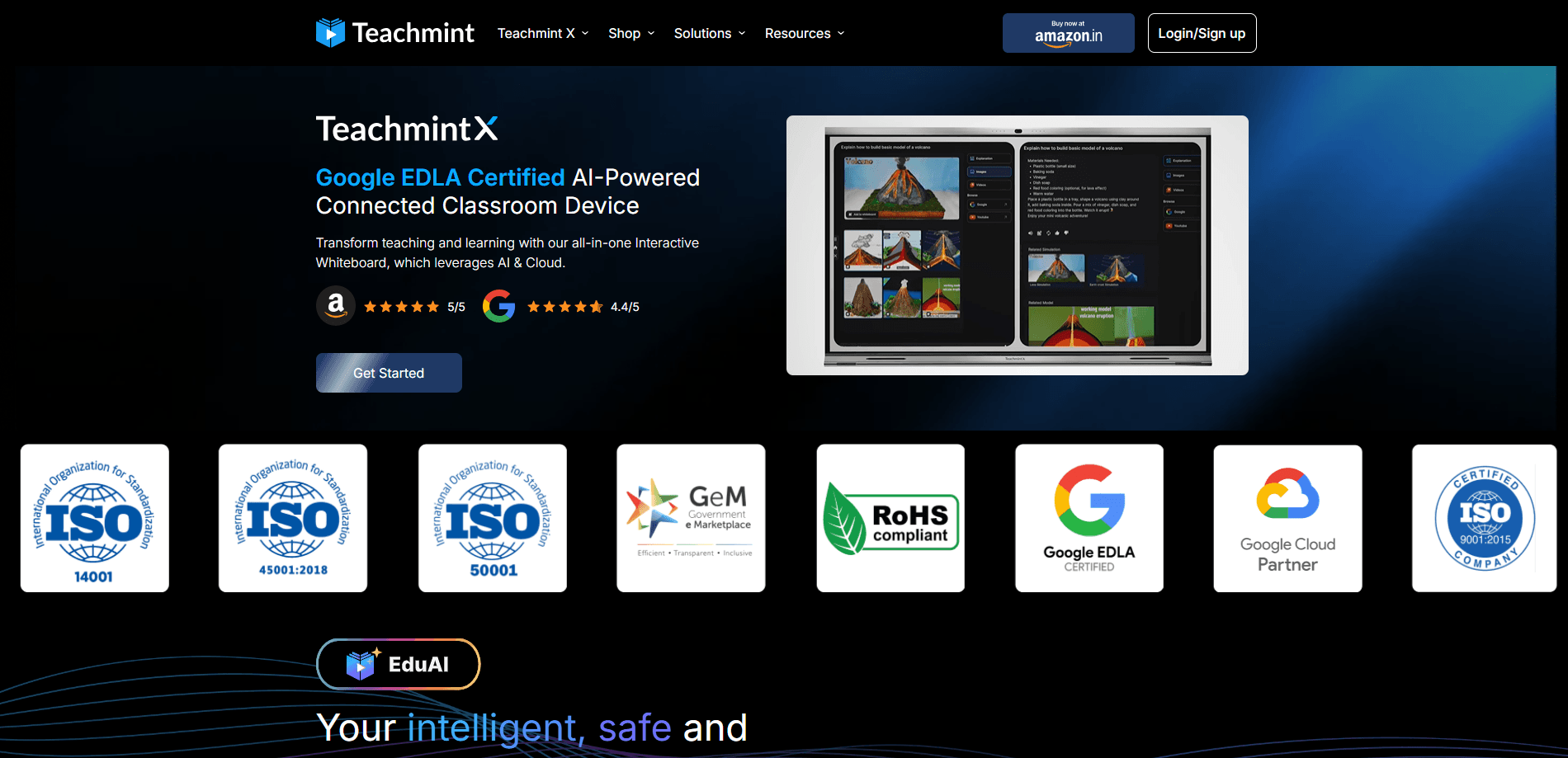
Teachmint X is a connected classroom platform that pairs AI teaching software with interactive flat panels. Teachers get lesson prep, live engagement and automated grading in one system.
About Teachmint
What Is Teachmint
Teachmint is an education technology company built around a connected classroom. It sells two halves that work together: an AI teaching app and a line of interactive flat panels that schools mount at the front of a room. The software piece, branded Teachmint X, runs the lesson from planning to follow-up, while the hardware runs it on a big touchscreen with a dedicated AI chip.
The problem it targets is app sprawl in the classroom. A teacher typically juggles a whiteboard, a projector, a separate attendance tool, another app to send homework, and a third to grade it. Teachmint folds that into one piece of classroom management software that stays synced to the panel, so a lesson written on a laptop shows up on the board without a cable.
The catch is that Teachmint isn't something you download and try on a Sunday afternoon. It's sold to institutions, the digital board for classroom use starts around ₹1.2 lakh per panel, and pricing for the software is quoted through a demo. A single independent tutor can use the app, but the value shows up at the school and coaching-center level.
Getting Started
- Book a demo with the Teachmint team and tell them your setting, whether that's K-12, coaching or higher education
- Get the interactive flat panels installed and connected to your network, with onboarding support included
- Set up classes, student rosters and subjects in the classroom app, then sync them to the boards
- Run lessons with the AI tools, let attendance and grading happen in the flow, and review progress reports after class
Product Information
A quick look at Teachmint's pricing, supported platforms, and performance.
Best for
The users, tasks, and scenarios where this tool fits best.
Users
- K-12 schools
- Coaching centers
- Higher education lecturers
- School administrators
Tasks
- Lesson planning
- Live class engagement
- Automated grading and reports
- Multilingual teaching
- Device and admin management
Scenarios
- A teacher has no time to prep
- A large lecture hall needs to share one screen
- A school runs multiple branches
- A coaching batch mixes languages
- Parents want updates
Key features
EduAI Teaching Assistant
EduAI is the assistant that carries the prep work. It builds lesson plans, generates assessments and answers questions as they come up in class, so a teacher can start from a topic instead of a blank page. The pitch is zero-prep planning, and it's the feature that most separates Teachmint from a plain interactive display. It runs on the panel's dedicated AI chip, which keeps responses coming without a noticeable wait.
AI Whiteboard With Subject Tools
The whiteboard is where the class actually happens. It ships with AI pens, 3D tools and an OCR solver, so a handwritten equation gets read, expanded and explained on the spot. A teacher can sketch on the board and let the OCR tool turn handwriting into clean text or step-by-step solutions. For subjects like math and science, that turns a static surface into something closer to an interactive tutor.
Connected Classroom App
The app ties the three stages of a lesson into one flow. Before class it handles preparation and cloud sync, during class it runs live AI assistance, automated attendance and one-click lesson sharing, and after class it takes over grading, progress reports and shared recordings. The point is not switching between apps mid-lesson, which is where most classroom tech breaks down.
Multilingual Support
The platform supports more than 90 global languages across its AI tools and lessons. For schools in regions where students come from different language backgrounds, that means one board can serve a mixed classroom without separate materials. It also helps institutions expand into new markets without rebuilding every lesson in a local language from scratch.
Google EDLA Certified Displays
The panels carry Google EDLA certification, which means they run licensed Google services out of the box. Schools get the full Google workspace, built-in enterprise security and a future-ready operating system in one device. For IT teams, that certification is usually the deciding factor, since it keeps the board on the same update path as the rest of their Google roster.
AI-Ready Classroom Hardware
The hardware is built around an octa-core processor, a dedicated NPU for AI tasks, a 4K AI camera and an eight-array microphone. That combination is what lets the AI features run in real time rather than queuing behind a server call. The panels come in three sizes, 65, 75 and 86 inch, so a small coaching room and a large lecture hall can both run the same setup.
Device and Admin Management
Administrators monitor, manage and protect every device across every campus from one dashboard. That covers panel health, usage and security policy in a single view instead of a per-site checklist. For a school group with several branches, it's the difference between managing one system and managing a fleet.
Pros and cons
Pros
- Bundles AI lesson prep, live engagement and automated grading into one synced system, so teachers stop hopping between apps
- Runs AI features on a dedicated NPU and an octa-core chip, which keeps classroom tools responsive without a server round-trip
- Google EDLA certification puts the panels on the same update and security path as the school's other Google devices
- Supports 90+ languages, which fits mixed-language classrooms and institutions expanding into new regions
- Onboarding, 365-day support and a three-year on-site warranty come with the hardware
Cons
- The hardware starts around ₹1,20,000 per panel, which rules out small schools and solo tutors buying at scale
- There's no public self-serve pricing for the full platform, so you have to sit through a demo to get a real number
- The biggest gains depend on installing panels, so schools that only want software miss much of what Teachmint does
- API access isn't documented publicly, which makes custom integration planning harder for IT teams
Frequently asked questions
Teachmint is a connected classroom platform for schools, coaching centers and universities. The smart board for schools handles lesson preparation, live class engagement, attendance, automated grading and progress reports, and it runs on interactive flat panels as well as web, Android and iOS apps.
Related content
Explore related tools, skills, and articles for Teachmint.
Teachmint Alternatives
Coddy
Coddy · Coding · LeaningCoddy is a gamified platform to learn to code through short interactive lessons in 20+ languages, with a browser editor, an AI tutor and free certificates.

Marv
Cameron (independent developer) · Coding · Productivity · LeaningMarv is an AI cursor companion for Windows and Mac. It sees your screen, answers out loud, and draws arrows and highlights that show you the next click.

Teachoo
iAsk AI · Leaning · ChatbotTeachoo is a free AI homework helper that walks students through math, science, writing and coding problems one step at a time, with photo input, hints and flashcards.