
Tearline
Tearline · Leaning · Business
Tearline is a Web3 AI platform pairing a no-code chatbot builder with a multi-chain AI assistant and developer APIs for teams across BNB Chain, SUI, and TON.
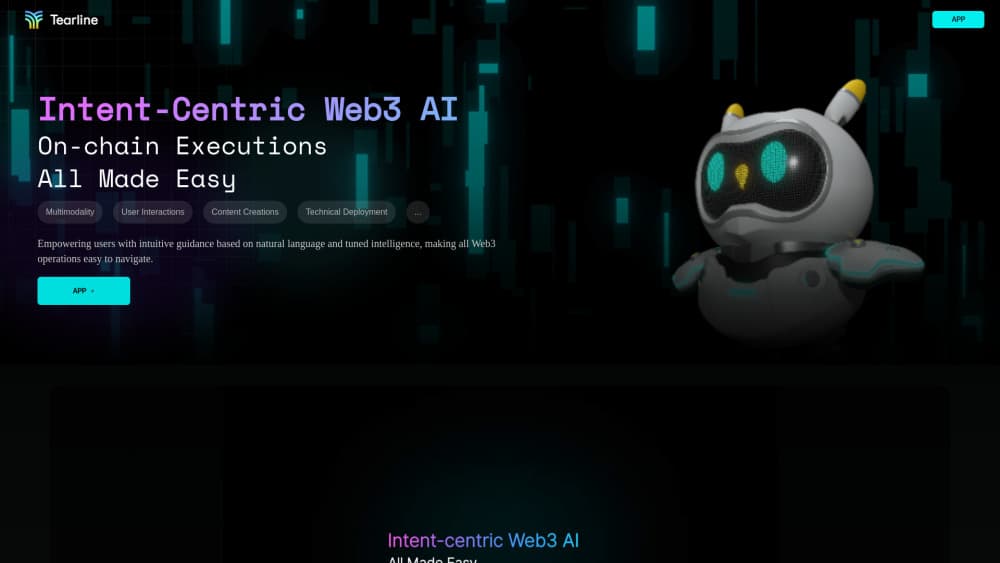
About Tearline
What Is Tearline
Tearline sits where AI chatbots and Web3 data meet. It gives crypto teams one chat interface to ask questions about on-chain activity, build a customer-facing bot, and pull recommendations from wallet behavior. The pitch is simple: instead of stitching together an analytics dashboard, a chatbot vendor, and a data API, you work inside a single tool that already speaks the language of blockchains.
The platform processes on-chain interactions across multiple chains and turns them into something a non-technical operator can read. That matters because most Web3 growth work happens in small teams that don't have an in-house data engineer. Tearline lets a community manager or founder ask a plain question and get an answer drawn from real chain activity, not a spreadsheet someone forgot to update.
The catch is maturity. Tearline is an early-stage project, and it is aimed at Web3 teams rather than general AI users. If your work has nothing to do with wallets, tokens, or dApps, the on-chain half of the product won't help you, and the chatbot builder competes with far more established no-code tools.
Getting Started
- Create an account on the Tearline site and open the chat interface.
- Ask your first question about a chain, a token, or a community to see how the assistant responds.
- To build a bot, connect your own data source and train the chatbot on it.
- Expose the finished bot through the supplied embed or route it into your site.
- For custom builds, grab an API key and call the developer endpoints from your own dApp.
Product Information
A quick look at Tearline's pricing, supported platforms, and performance.
Best for
The users, tasks, and scenarios where this tool fits best.
Users
- Web3 community managers
- Crypto founders and small teams
- Bot builders and indie developers
Tasks
- Training a support bot on your own project data
- Reading on-chain behavior
- Recommending content or communities
- Embedding Web3 interaction into a product
Scenarios
- A new holder asks why a token moved
- You're preparing a community update and need recent on-chain numbers
- You're prototyping a dApp and want a working assistant before you write backend code
Key features
No-Code AI Chatbot Builder
Tearline lets you train a chatbot on your own data and ship it without writing code. You point it at your project docs or knowledge, and the resulting bot answers customer questions about your token, roadmap, or community. It is aimed at teams that want a support presence but don't have engineering time to spare.
On-Chain Insights in a Chat Interface
The platform reads activity across BNB Chain, SUI, and TON and answers questions about it in plain language. Instead of opening a block explorer or writing a query, you ask about trade volume, holders, or activity and get a summary. This is the feature that sets Tearline apart from generic chatbot tools.
Intelligent Recommendation Engine
Tearline's AI recommendation engine connects users to communities, content, and opportunities based on their on-chain behavior. For a Web3 project, that translates into more relevant onboarding and messaging. It is a growth tool as much as an analytics one, and the results depend on how much activity your project already has.
Developer APIs
The developer APIs let you build AI-powered dApps on top of Tearline's data and models. You can add on-chain question answering or recommendations inside your own product rather than sending users to a separate site. It suits teams that have backend developers and want to embed the capability instead of reselling it.
Multi-Chain Coverage
Tearline works across BNB Chain, SUI, and TON rather than locking into a single network. For multi-chain projects, that means one tool instead of separate dashboards per chain. Coverage is narrower than general analytics platforms, so check that your chain is supported before you commit.
One Chat Interface for Web3
The product frames a single chat interface as the front door to on-chain tasks like checking activity or instant swaps. The idea is to lower the barrier for people who find wallets and explorers intimidating. It works best as a companion to your existing tools, not a full replacement for them.
Pros and cons
Pros
- Combines a chatbot builder, on-chain analytics, and developer APIs in one place, which cuts down on tool sprawl for small Web3 teams.
- The chat interface makes on-chain data readable for people who don't write queries.
- Multi-chain support across BNB Chain, SUI, and TON covers several active ecosystems at once.
- Developer APIs let you embed AI-driven features into your own dApp rather than sending users elsewhere.
Cons
- It is an early-stage product, so expects gaps in polish and documentation that a mature platform wouldn't have.
- The no-code chatbot side competes with established tools that have deeper integrations and bigger communities.
- Chain coverage stops at BNB Chain, SUI, and TON, so teams on Ethereum or Solana won't find support.
- Public information on pricing and free usage is thin, which makes budgeting hard before you sign up.
Frequently asked questions
Tearline combines a no-code chatbot builder with on-chain analytics and developer APIs. You use it to train a support bot, ask questions about blockchain activity, and embed AI features into Web3 products.
Related content
Explore related tools, skills, and articles for Tearline.
Tearline Alternatives

Lune
Retrograde Labs · Productivity · LeaningLune is a research search engine for scientific AI agents. It runs as an MCP server that lets Claude, ChatGPT and Cursor search peer-reviewed computer science papers and cite them.
Coddy
Coddy · Coding · LeaningCoddy is a gamified platform to learn to code through short interactive lessons in 20+ languages, with a browser editor, an AI tutor and free certificates.

Marv
Cameron (independent developer) · Coding · Productivity · LeaningMarv is an AI cursor companion for Windows and Mac. It sees your screen, answers out loud, and draws arrows and highlights that show you the next click.