

Templater for Adobe After Effects
Dataclay, LLC · Video
Templater is an After Effects plugin that turns one template into thousands of personalized, localized videos from spreadsheet or JSON data.
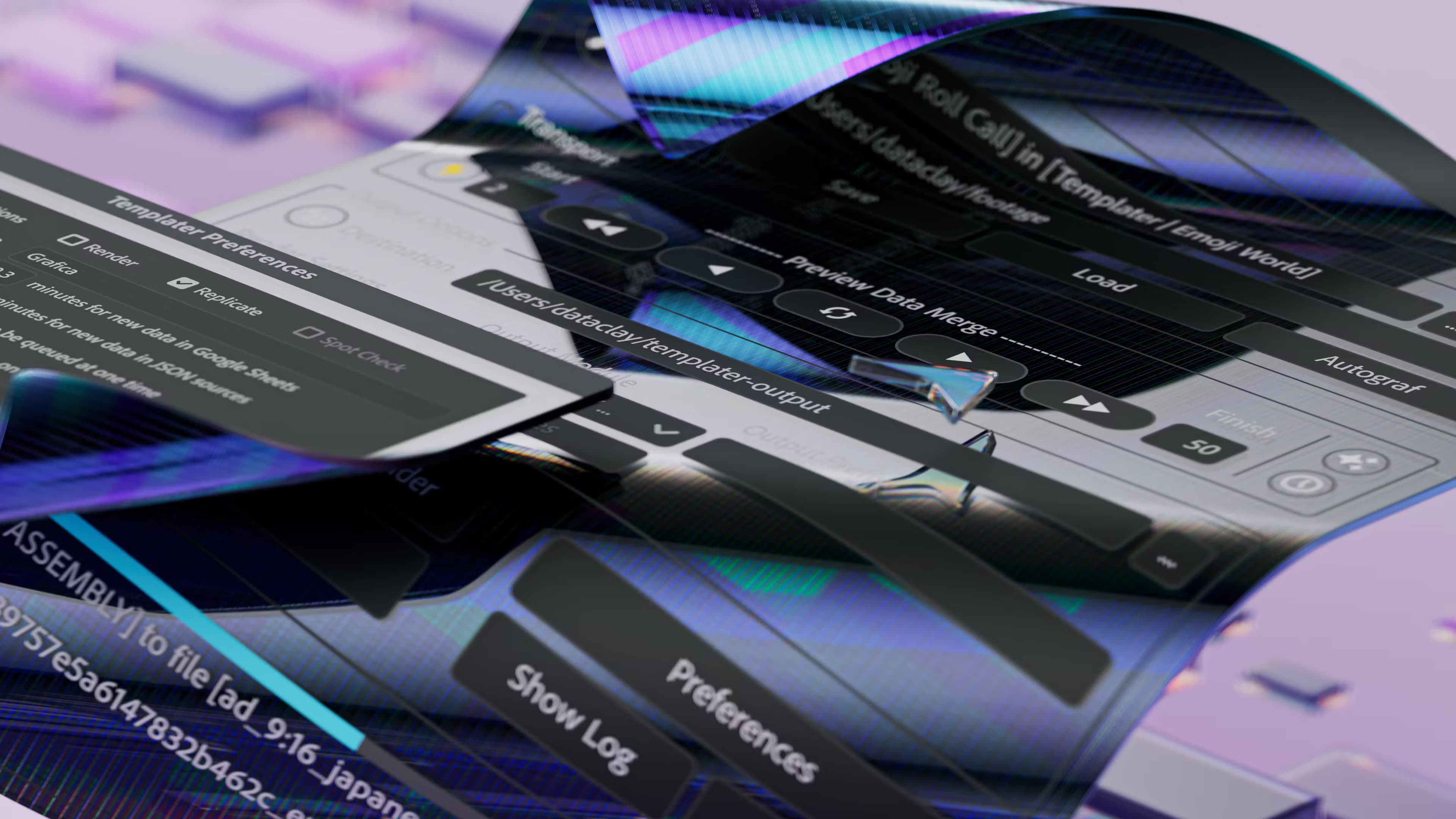
About Templater for Adobe After Effects
What Is Templater for Adobe After Effects
Templater is a plugin that runs inside Adobe After Effects and connects a video template to a data source. Instead of opening a project and swapping text, images, and footage by hand, you map those layers once, then let the data fill them in. One master composition becomes hundreds or thousands of unique videos.
It's built for the tedious side of video work. Agencies making personalized ad variants, studios localizing the same spot into twenty languages, and teams producing end-card videos for every customer all hit the same wall. Sound familiar? The creative part is fine. The repetition isn't. Templater targets that repetition directly, and it also handles variations in footage length so a shorter clip doesn't break the layout.
The tradeoff is that Templater assumes you already know After Effects. It's a plugin, not a standalone editor, so you need a working AE project, an installed copy of After Effects, and a data source you can format correctly. Setup takes real planning the first time. After that, the same rigged template keeps paying off.
Why bother? Because data-driven video gets a template past the one-off stage. You build it once, and it keeps producing.
Templater suits teams that repeat themselves. If you render the same design once a month with new names or new languages, a rigged template earns its keep fast.
Getting Started
- Install the Templater plugin and open it from the After Effects panel menu.
- Build or open a composition, then mark the layers you want to drive with data.
- Connect a data source: a Google Sheet, a tab-separated file, or a JSON array.
- Map each data column to a layer property, such as text, image, or color.
- Preview the composition against your data, then render or replicate every version in a batch.
Product Information
A quick look at Templater for Adobe After Effects's pricing, supported platforms, and performance.
Best for
The users, tasks, and scenarios where this tool fits best.
Users
- Video editors who already work in After Effects and want to stop rebuilding the same composition
- Marketing and localization teams producing many variants of one spot
- Small studios taking on large-volume client work
- Template creators who sell After Effects projects
Tasks
- Personalizing video at scale
- Localizing one video into many languages
- Automating end-card or thank-you videos
- Preparing reusable templates
- On-demand video generation
Scenarios
- A campaign needs 500 ad variants by Friday
- A product launch spans eight markets
- A client sends footage in mixed lengths
- A template shop needs customer-ready files
Key features
Data-Driven Templates
The core idea is mapping a data source onto composition layers. Spreadsheets from Google Sheets, tab-separated files exported from Excel, and JSON arrays all work, and each column drives a layer property. Change the data, and every dependent video updates on the next run. It's the difference between editing videos and generating them. One template, many outputs. That scales.
Batch Replicate and Render
Once a master composition is rigged, Templater can replicate it for every row in your data and keep the results in an organized folder structure. You can send those comps to After Effects' own render queue or push the whole batch to Adobe Media Encoder. What used to be an afternoon of clicking becomes a single run. Press go, walk away.
Time Sculpting
Footage rarely arrives in the exact length a template needs. Time Sculpting uses time-based rules to crop, trim, shift, and stretch layers, so clips of different durations still fit the design. Dataclay calls the feature patented, and it's the reason a single template can absorb messy source footage without manual fixes. No relinking. No rescaling by hand. It just fits.
Spatial Layout Rules
When data changes the size of a text block or image, things shift. Templater adjusts the layers it controls relative to their composition and sibling layers automatically, so you don't realign and rescale by hand after every update. It's the behind-the-scenes work that keeps a template looking intentional. Miss it, and every render needs a manual pass.
Multilingual and RTL Support
Templater reads text exactly as it appears in your spreadsheet, including commas, quotes, apostrophes, and line breaks. You can insert characters from any language, and right-to-left scripts are supported out of the box, as long as your installed fonts carry the needed glyphs. That makes one template viable across markets.
Three Editions for Different Workflows
Rig prepares a project to accept data and previews how it looks. Pro adds batch rendering and replication. Bot layers automation on top, watching for incoming data or accepting pushed data through the command line to kick off renders with no human in the loop. You pick the edition that matches how hands-off you want to be. Not sure which one you need? Start with the volume.
Scripting, API, and CLI Access
Templater broadcasts events that your own scripts can listen for, so you can run shell scripts or ExtendScripts to extend its automation. Combined with CLI support, that opens the door to building web or mobile apps that generate videos from direct user input, rather than a fixed spreadsheet.
Pros and cons
Pros
- Turns manual After Effects repetition into a repeatable, data-driven process.
- Handles footage of different lengths through Time Sculpting, which saves constant re-editing.
- Reads multiple data formats, including Google Sheets, TSV files, and JSON.
- Batch rendering and replication make large volumes realistic for small teams.
- Automation and API access let you push rendering toward fully unattended systems.
Cons
- It's an After Effects plugin, so you need AE and prior familiarity with it; there's no standalone version.
- Pricing isn't published as a fixed number on the site, so you have to check the current license terms before budgeting.
- The first setup takes planning: mapping columns to layers correctly is the whole game, and a rushed rig shows up later.
- No free plan means you can't fully test at scale without committing to a license.
Frequently asked questions
It connects a data source to an After Effects composition so one template can produce many personalized or localized videos. You map data columns to layers, then render every version in a batch instead of editing each one. No manual swapping.
Related content
Explore related tools, skills, and articles for Templater for Adobe After Effects.
Templater for Adobe After Effects Alternatives

ngram 2.0
ngram · Video · Marketingngram 2.0 is an AI video generator for teams. It turns a prompt, a screen recording, or a product URL into a narrated explainer, product demo, or AI avatar video, and every scene stays editable.

OpenScreen 2
OpenScreen (open-source project) · Video · ProductivityOpenScreen 2 is a free, open-source screen recorder and demo video editor for Windows, macOS, and Linux, with automatic zooms, styled frames, local captions, and agent edits.

Skreno
Skreno · Video · ProductivitySkreno is a browser screen recorder that captures a tab, a window or your whole display, then attaches AI transcripts, summaries and console logs to one share link.